
@1-/format
v0.1.0
Published
Lightweight modular code formatter for JavaScript, Stylus, and SVG with language-specific processors
Downloads
44

Maintainers
 i18n-now
Readme
@1-/format : Lightweight modular code formatter for JavaScript, Stylus, and SVG
Functionality
Format code consistently across multiple languages using language-specific processors. Supports:
- JavaScript: AST-based formatting with custom rules (read, readAsync, sleep, constMerge, while, utf8e, env)
- Stylus: Parser-driven formatting using @1-/stylus
- SVG: SVGO-based minification with custom plugin configuration
Usage demonstration
Install globally:
npm install -g @1-/formatFormat files:
format file.js file.styl image.svgOr use as a module:
import format from '@1-/format';

const formatted = await format('path/to/file.js');
Design philosophy
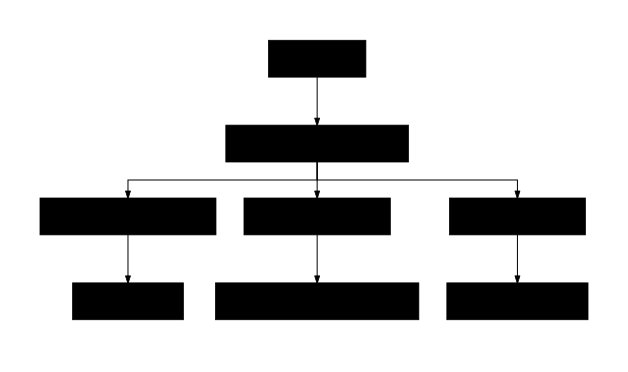
The formatter follows a strict dispatcher architecture where file extension determines processor selection. Each processor operates independently with language-specific tooling, enabling precise control without cross-language interference.
Technology stack
- Runtime: Node.js with ES modules
- JavaScript: yuku-parser + oxfmt + custom rules
- Stylus: @1-/stylus parser and formatter
- SVG: SVGO with custom preset configuration
- CLI: yargs
- Utilities: @3-/read, @3-/write, @3-/log
Code structure
src/
├── _.js          # Main dispatcher routing by file extension
├── bin.js        # CLI executable with yargs integration
├── js.js         # JavaScript formatter delegating to @1-/fix
├── styl.js       # Stylus formatter using @1-/stylus
└── svg.js        # SVG formatter using @3-/svgo
Historical context
Code formatting evolved from simple text transformations to AST-based tools. @1-/format represents the modern micro-architecture approach: small, focused libraries composed together rather than monolithic solutions. This enables targeted improvements and avoids the complexity bloat of universal formatters.
About
This library is developed by WebC.site.
WebC.site: A new paradigm of web development for AI
@1-/format : 轻量级模块化代码格式化工具,支持 JavaScript、Stylus 和 SVG
功能介绍
使用语言特定处理器一致地格式化多种语言代码。支持:
- JavaScript:基于 AST 的格式化,包含自定义规则(read、readAsync、sleep、constMerge、while、utf8e、env)
- Stylus:解析器驱动的格式化,使用 @1-/stylus
- SVG:基于 SVGO 的压缩,采用自定义插件配置
使用演示
全局安装:
npm install -g @1-/format格式化文件:
format file.js file.styl image.svg或作为模块使用:
import format from '@1-/format';

const formatted = await format('path/to/file.js');
设计思路
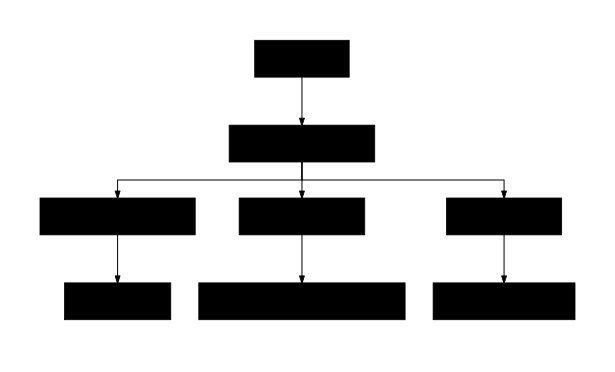
格式化器采用严格的分发器架构,文件扩展名决定处理器选择。每个处理器独立运行,使用语言特定工具,实现精确控制且避免跨语言干扰。
技术栈
- 运行时:Node.js ES 模块
- JavaScript:yuku-parser + oxfmt + 自定义规则
- Stylus:@1-/stylus 解析器和格式化器
- SVG:SVGO 与自定义预设配置
- CLI:yargs
- 工具库:@3-/read、@3-/write、@3-/log
代码结构
src/
├── _.js          # 主分发器,按文件扩展名路由
├── bin.js        # CLI 可执行文件,集成 yargs
├── js.js         # JavaScript 格式化器,委托给 @1-/fix
├── styl.js       # Stylus 格式化器,使用 @1-/stylus
└── svg.js        # SVG 格式化器,使用 @3-/svgo
历史故事
代码格式化从简单的文本转换发展为基于 AST 的工具。@1-/format 代表现代微架构方法:小型、专注的库组合使用,而非单体解决方案。这种方法支持针对性改进,避免通用格式化器的复杂性膨胀。
关于
本库由 WebC.site 开发。
WebC.site : 面向人工智能的网站开发新范式