@abernier/create-sandbox
v1.0.5
Published
[](https://www.npmjs.com/package/@abernier/create-sandbox)


Readme

It's codesandox but as a local command-line!
Command to create a standard CRA, but:
- with a random project-name (if no-one given)
- launch VScode automatically on
src/App.js - choose a random port between
[3000..4000]to launch the localhost hot-reload server
Usage
The following command will create a new random-name-2345 project into .
$ npm init @abernier/sandboxor
$ yarn create @abernier/sandboxAlternative usage
Specify a existing folder
$ npm init @abernier/sandbox ~/tmpA random-name-2345 will be created inside ~/tmp and your CRA created into.
Specify a non-existing folder
$ npm init @abernier/sandbox ~/code/rosieA rosie folder will be created and your CRA created into.
NB: no random name here as you specify a non-existing folder name
npx
Alternatively to you could just:
$ npx @abernier/create-sandboxbut this is less cool
Publish to NPM
Ready to publish a new version to NPM registry?
Manually
- bump the
package.jsonversion npm loginif not alreadynpm publish
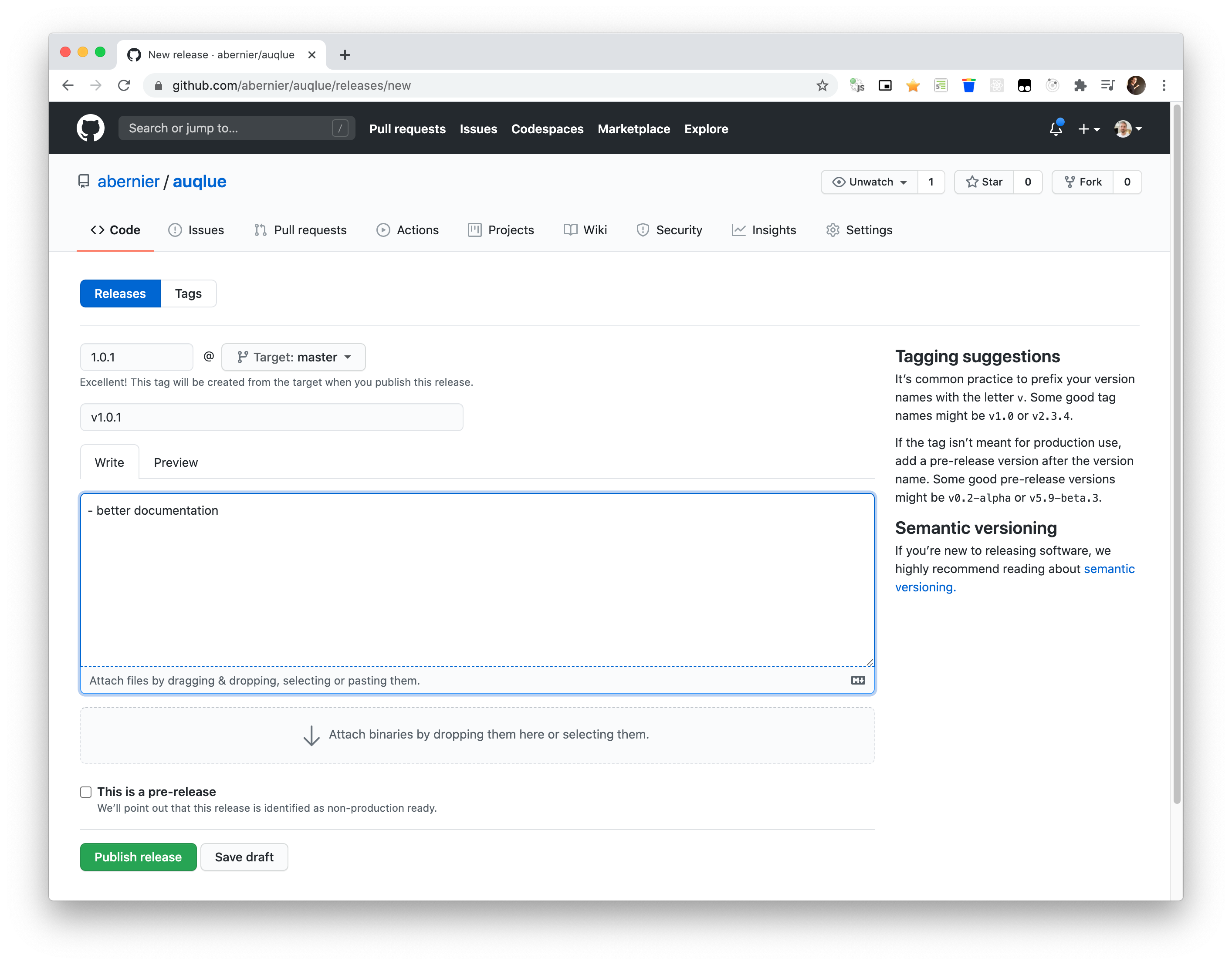
If successful, you should want to tag the version:
$ git add package.json
$ git commit -m "bump version"
$ git tag v1.0.1
$ git push --tags
Using CI workflow
Pre-requisite:
- Generate a new NPM access token on npmjs.com (you need a NPM account and be logged-in)
- Set it as
NPM_TOKENsecret (inSettings > Secretsand as referenced intoci.ymlfile)
Then, to release a new version on npm:
- bump the
package.jsonversion - then, create a new realese and wait for the ci publish it :)