@acristoffers/tree-sitter-matlab
v1.3.0
Published
MATLAB tree-sitter parser
Downloads
8,214

Maintainers
 acristoffers
Readme
MATLAB grammar for tree-sitter.
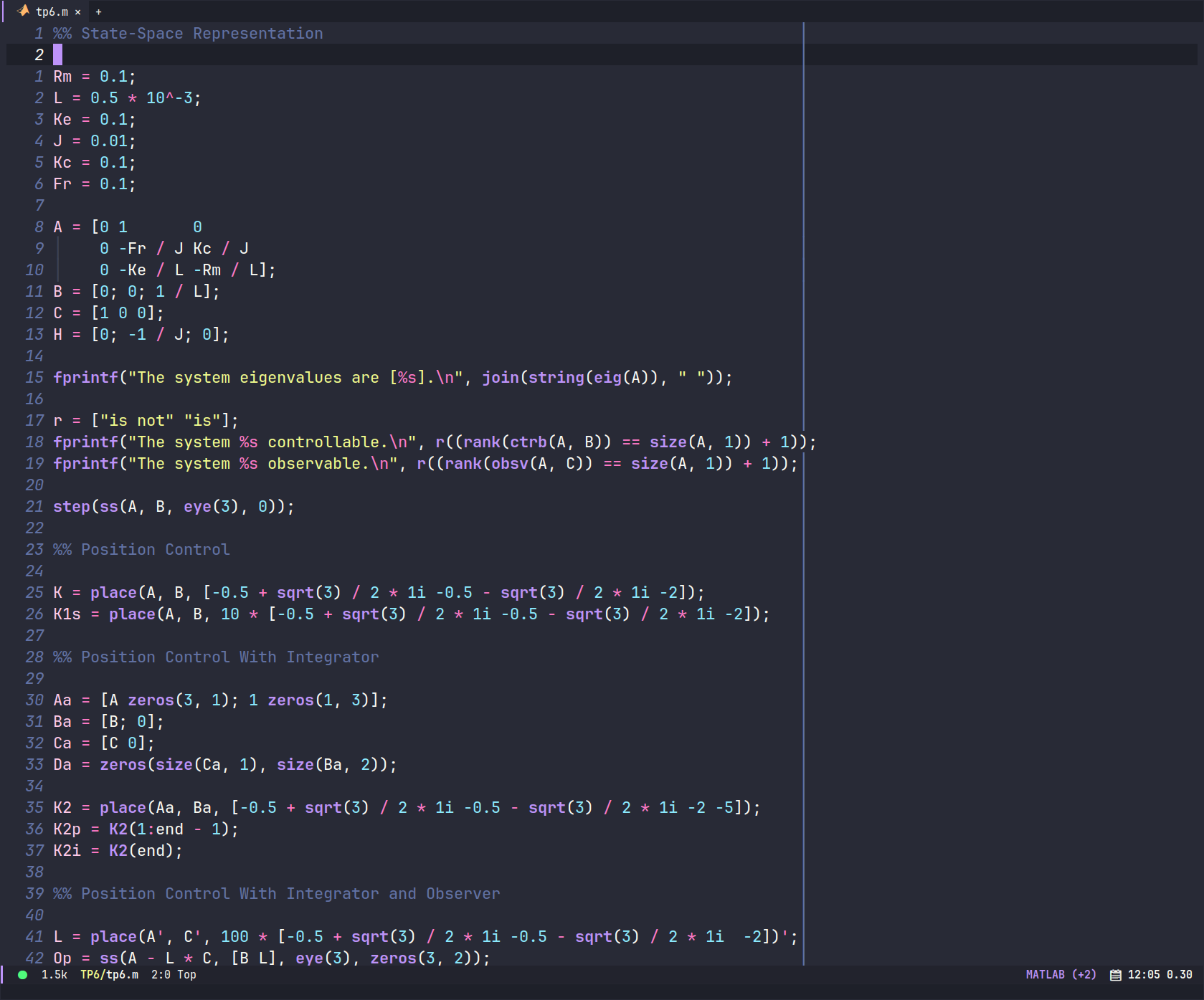
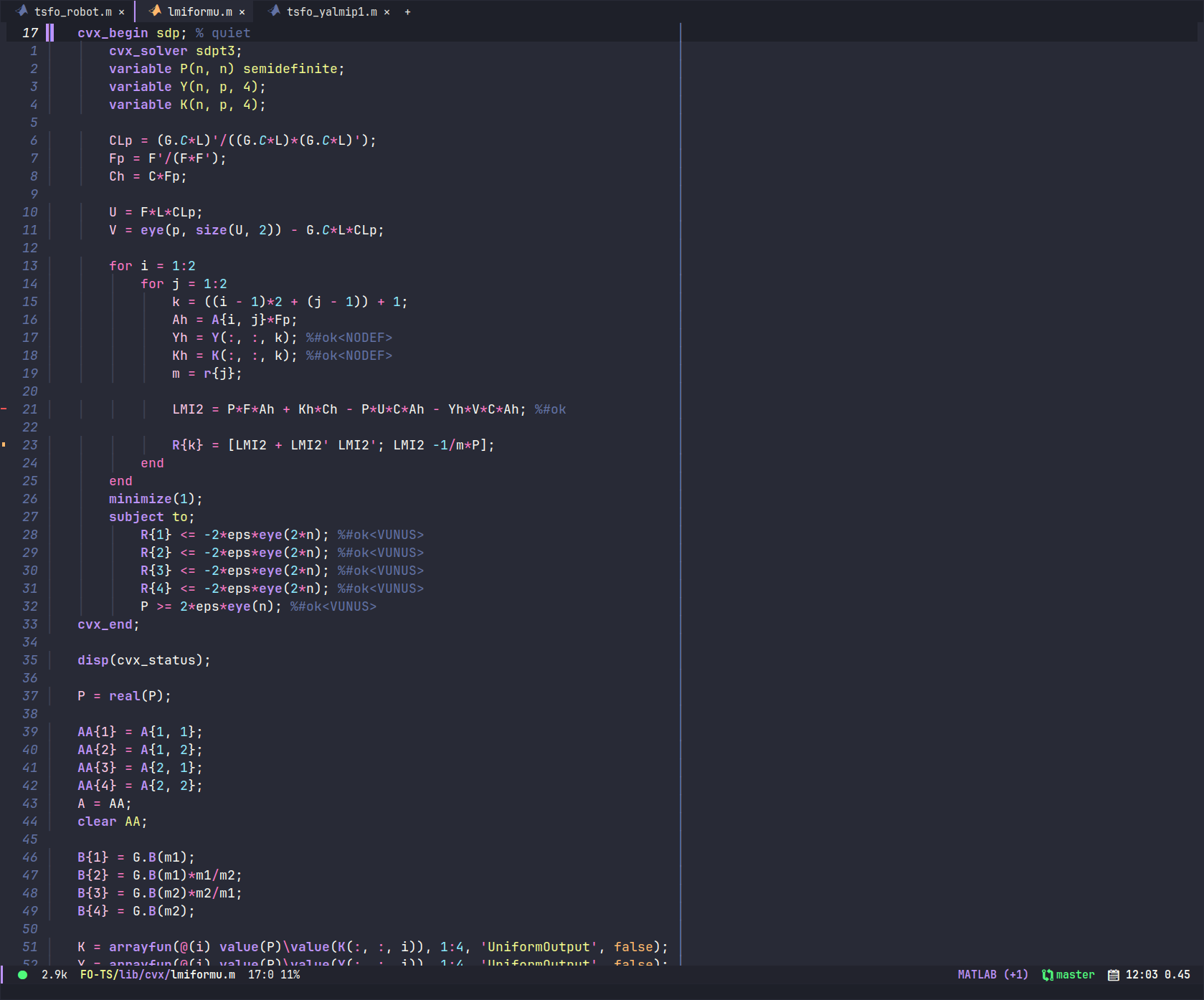
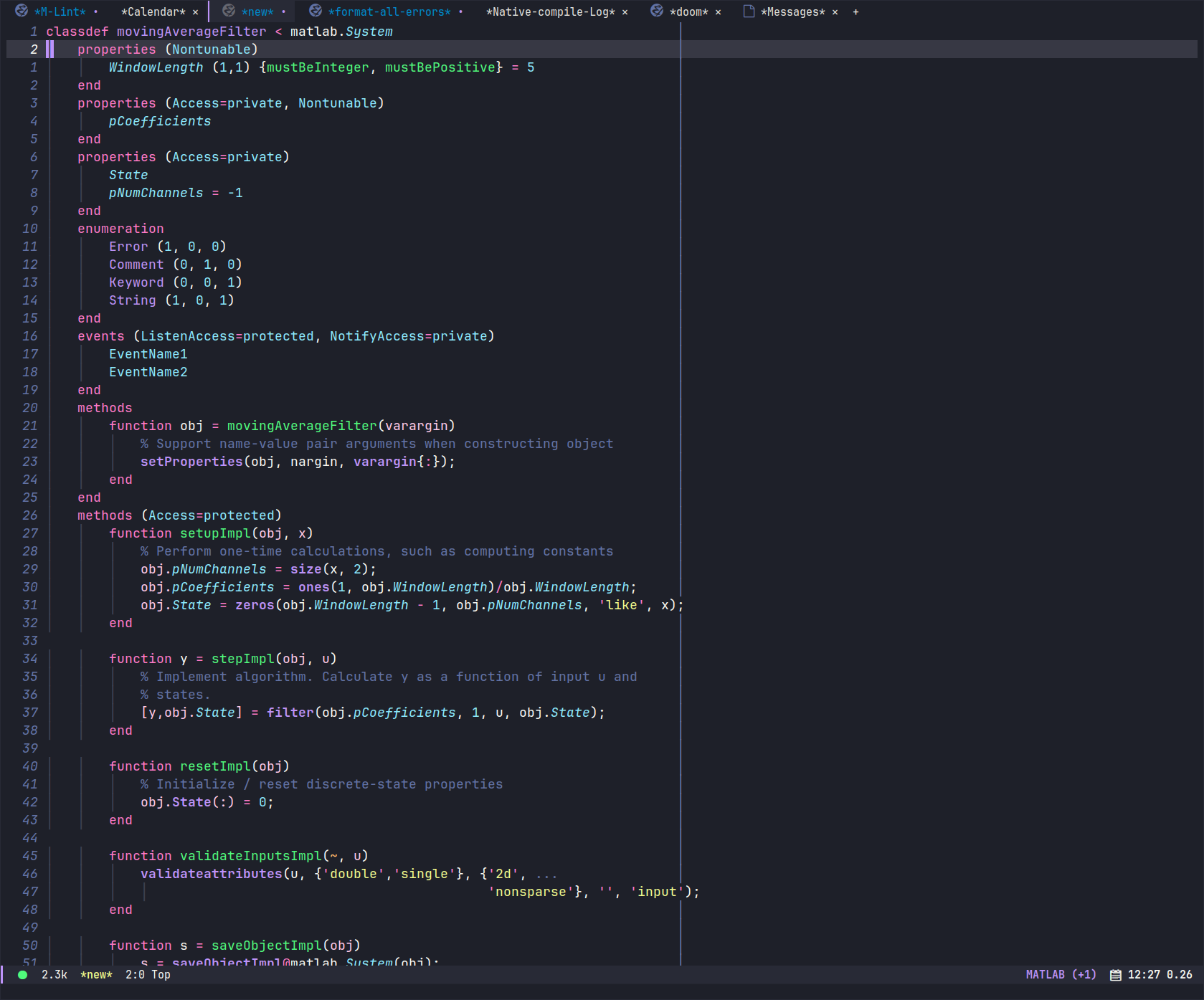
There are screenshots at the end of this README :)
This parser has the objective of generating a tree that is as correct as possible (but sometimes just convenient) with what MATLAB itself executes. It is not intended only for syntax highlight, but also to be used by scripts to whatever it may be needed. In fact, I wrote it because I'm a Neovim/Doom Emacs user and love having text-objects, and was really missing a text object for matrices rows/cells.
Being as correct as possible means that some things are done correctly, for example:
Commands are parsed the same way MATLAB does it, by treating arguments as literals, grouping them correctly and only starting comments when allowed. It should perfectly match what MATLAB does.
Assignment has its own token, and multiple-variable assignment is NOT an assignment to a matrix (and returning an error is the correct thing to do, as it allows the user to see that something is off with the highlight, meaning something is probably off with the code):
% (assignment (multioutput_variable (identifier) (identifier)) (identifier))
[a,b] = d

% this is WRONG:
[a;b] = d- Inside a matrix,
1 + 1and1 +1are different things:
a = 1 + 1 % 2
a = 1 +1 %2
[1 + 1] == [2]
[1 +1]  == [1 1]
Being convenient means that sometimes the difference between what is acceptable and what is not acceptable lives in the semantics, so we can't know. In such cases I just accept semantically wrong but syntax correct things and group them in the same token (first example). I do the same when the overhead of generating a specific token would not really pay off (second example).
Function calls and Matrix Indexing are the same in MATLAB:
A(1)can be any of them and you cannot tell them apart unless you know for sure whatAis referring to. So for convenience I just generate afunction_callfor them and also for cell indexingA{1}. The "problem" with that is that this is a valid indexing but an invalid function call:A(:). However I don't distinguish at all and say that all of them arefunction_call.Function definitions, when inside a class, accepts a special syntax for the name of the function, allowing it to be preceded by either
get.orset., likefunction get.name(). I could have amethod_definitionthat would allow that to only be valid in the class context, but I doubt that would be worth it. So any function anywhere can have those and be recognize as correct still. Given the existence of external method definition, maybe that is even the correct thing to do, since we don't know if the current file is inside a special class folder.
Installation
This parser is available in the following editors:
| Editor | Plugin | Highlights | Folds | Indents | Code Format | Injections | Locals | | :--- | :--- | :--- | :--- | :--- | :--- | :--- | :--- | | Emacs | Emacs-MATLAB-Mode | ✔ | ✘ | ✔ | ✔ | ✔ | ✘ | | Helix | Builtin | ✔ | ✘ | ✔ | ✘ | ✘ | ✘ | | NeoVim | nvim-treesitter | ✔ | ✔ | ✔ | ✘ | ✔ | ✔ |
The columns have the following meaning:
- Highlights: supports syntax highlight
- Folds: supports code folding
- Indents: supports code indenting, which adjusts the leftmost whitespace on each line.
- Code Format: indent includes code formatting that standardizes the spacing of language elements within code lines, aligns matrix columns, adds missing commas within cells and matrices, etc.
- Injections: supports embedding the language into another language (i.e.: MATLAB code blocks inside Markdown or org-mode)
- Locals: supports identifying variables/functions/etc scope
Known issues
- There is a conflict between numbers and element-wise operators that will
cause a wrong parse if there is no space between the number and the operator.
For example,
1./awill be interpreted as1. / ainstead of the correct1 ./ a. This problem does not happen if there is a space between the number and the operator.
Screenshots