
@adaptive-sm/email-generator
v0.7.0
Published
A lightweight, self-hostable service for rendering HTML emails with React Email
Downloads
93

Maintainers
 adaptive.shield.matrix
Readme
📧 Email Generator Microservice
A lightweight, self-hostable service for rendering HTML emails with React Email.
- Hassle-free & maintenance-free – runs entirely on the free tier of Cloudflare Workers.
- Simple to use – perfect for login codes, registration flows, and other transactional emails.
- Flexible – develop locally with a Bun server, then deploy serverlessly with zero configuration.
- Clean separation – does not pollute your project with
reactorreact-emailimports or dependencies.
Whether you need a quick drop-in solution or a fully open-source foundation for your project, this microservice makes email generation easy and reliable.
Quick Links
- code - https://github.com/adaptive-shield-matrix/email-generator
- npm - https://www.npmjs.com/package/@adaptive-sm/email-generator
- react email docs - https://react.email/docs/getting-started/manual-setup
Features
- Renders HTML and plain text email templates.
- Supports internationalization (English and German).
- Validates input using Valibot schemas.
- Includes server timing headers for performance monitoring.
- Endpoints:
/renderEmailTemplate/signUpV1,/renderEmailTemplate/signInV1, and/renderEmailTemplate/orgInvitationV1.
Templates
| Name | Description | Image |
| ---------------- | --------------------------------- | -------------------------------------------------------------------------------------------------- |
| signUpV1 | Sign-up / Registration | 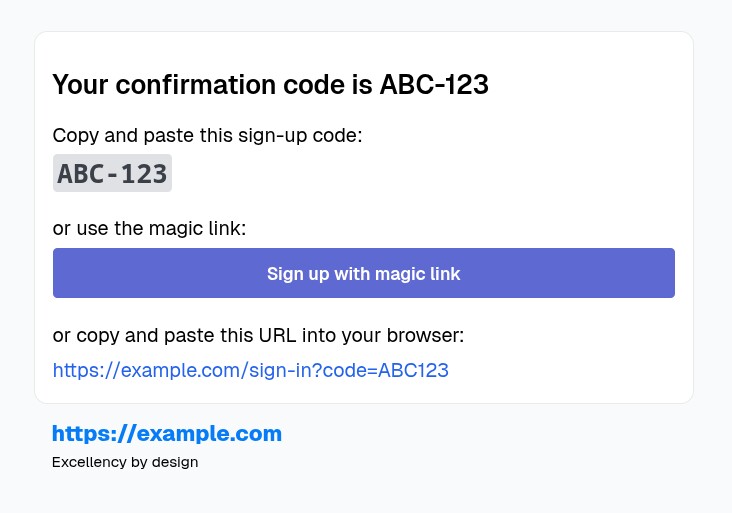 |
| signInV1 | Sign-in / Login / Forgot password |
|
| signInV1 | Sign-in / Login / Forgot password | 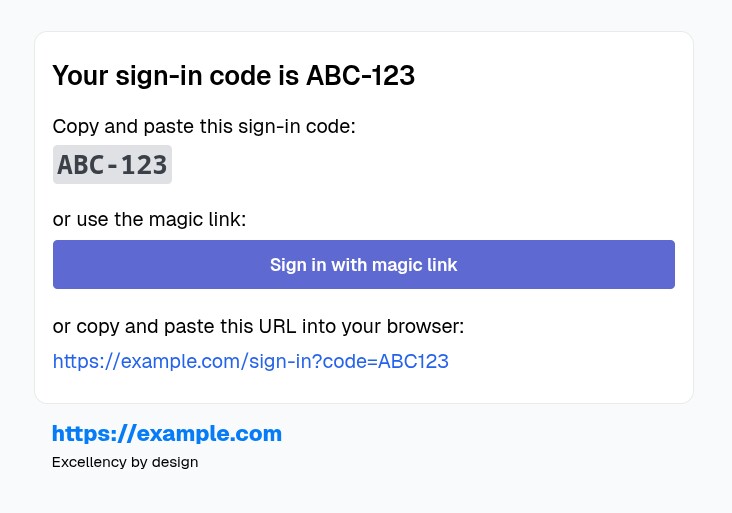 |
| orgInvitationV1 | Organization invitation |
|
| orgInvitationV1 | Organization invitation | 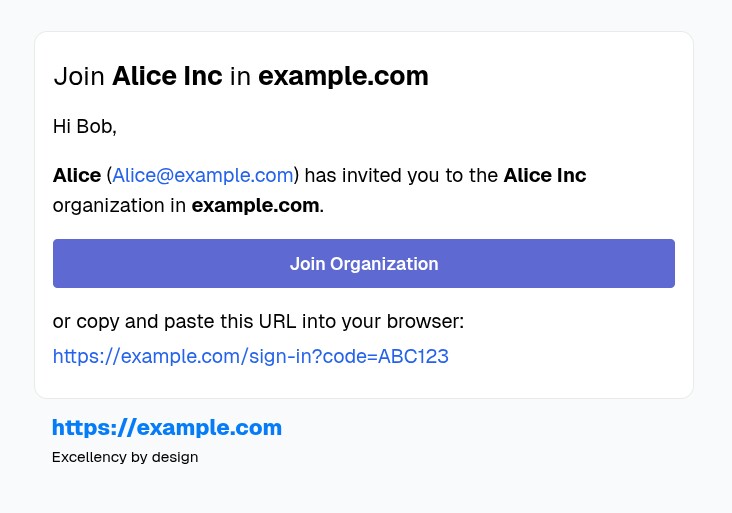 |
| passwordChangeV1 | Change/Reset Password |
|
| passwordChangeV1 | Change/Reset Password | 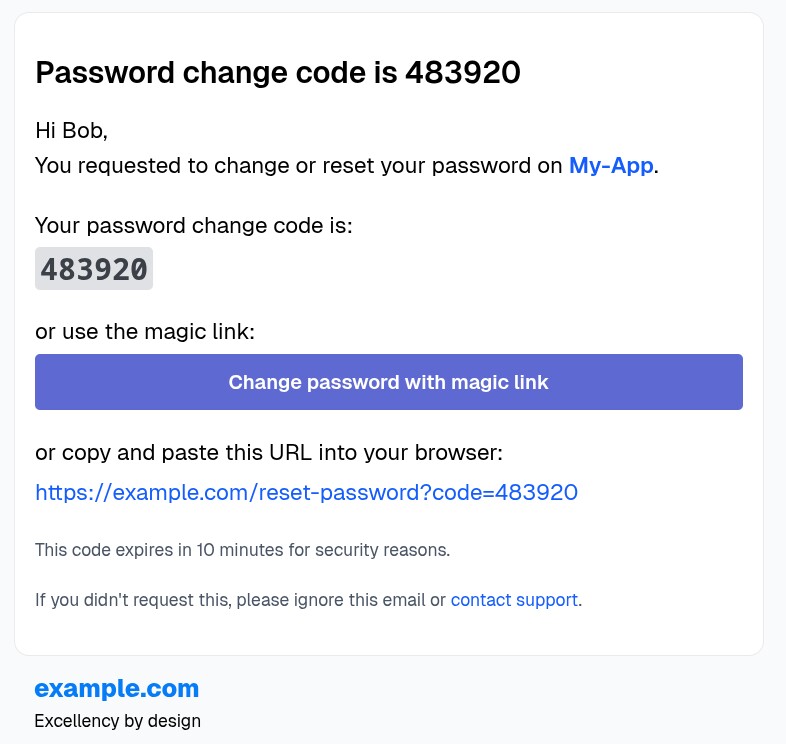 |
| emailChangeV1 | Change Email |
|
| emailChangeV1 | Change Email | 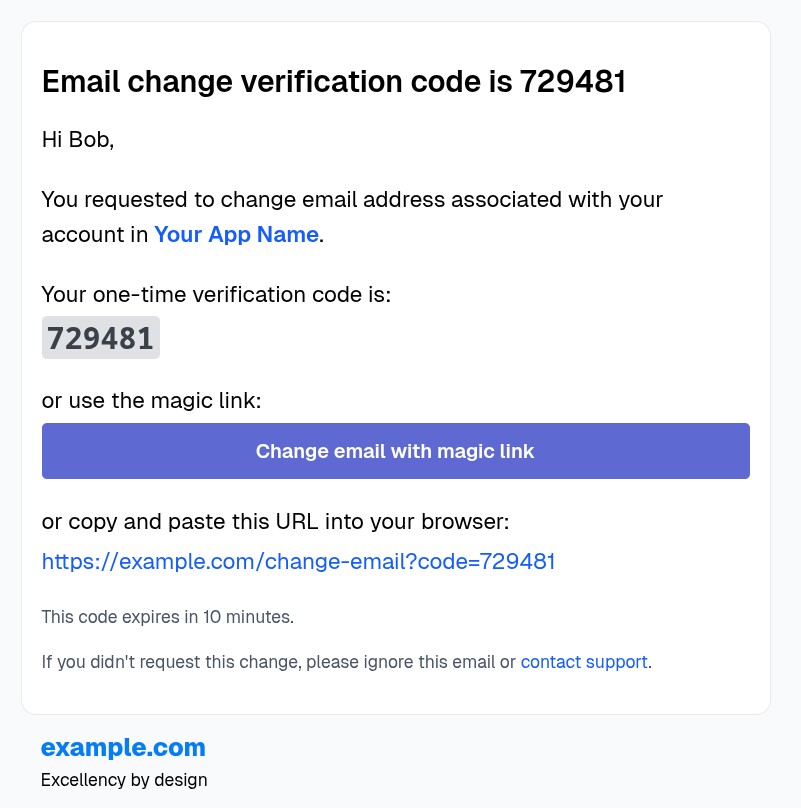 |
|
Prerequisites
- Node.js (for package management) or Bun.
- Cloudflare account (for Workers deployment).
Local Development
- Clone the repository.
- Install dependencies:
bun install
With Bun Server
Start the development server:
bun run startThe server runs on
http://localhost:3055(port configurable viasrc/server/serverPortBun.ts).For React Email preview (optional):
bun run devThis starts the preview server at
http://localhost:3055for template development.
With Cloudflare Workers
Start the local Worker development server:
bun run dev:workerThe Worker runs on
http://localhost:8787(default Wrangler port).To test endpoints, send POST requests to:
http://localhost:8787/renderEmailTemplate/signUpV1http://localhost:8787/renderEmailTemplate/signInV1http://localhost:8787/renderEmailTemplate/orgInvitationV1
Testing
Run tests with Bun:
bun run testOr in watch mode:
bun run test:wTests cover API rendering for login codes (extend for registration as needed).
Deployment to Cloudflare Workers
Login to Cloudflare:
wrangler loginConfigure Account ID (if needed, add to
wrangler.toml):wrangler whoamiThen update
wrangler.tomlwithaccount_id = "your-account-id".Deploy:
bun run deploy(Or
npx wrangler deploy.)Monitor:
wrangler tail email-generator-worker