
@adapttable/core
v3.2.2
Published
Framework-neutral AdaptTable engine — models, state, URL sync, and a unified client/server TableSource. Zero UI-kit or React imports.
Downloads
1,748

Maintainers
 orwa.mahmoud
Readme
@adapttable/core
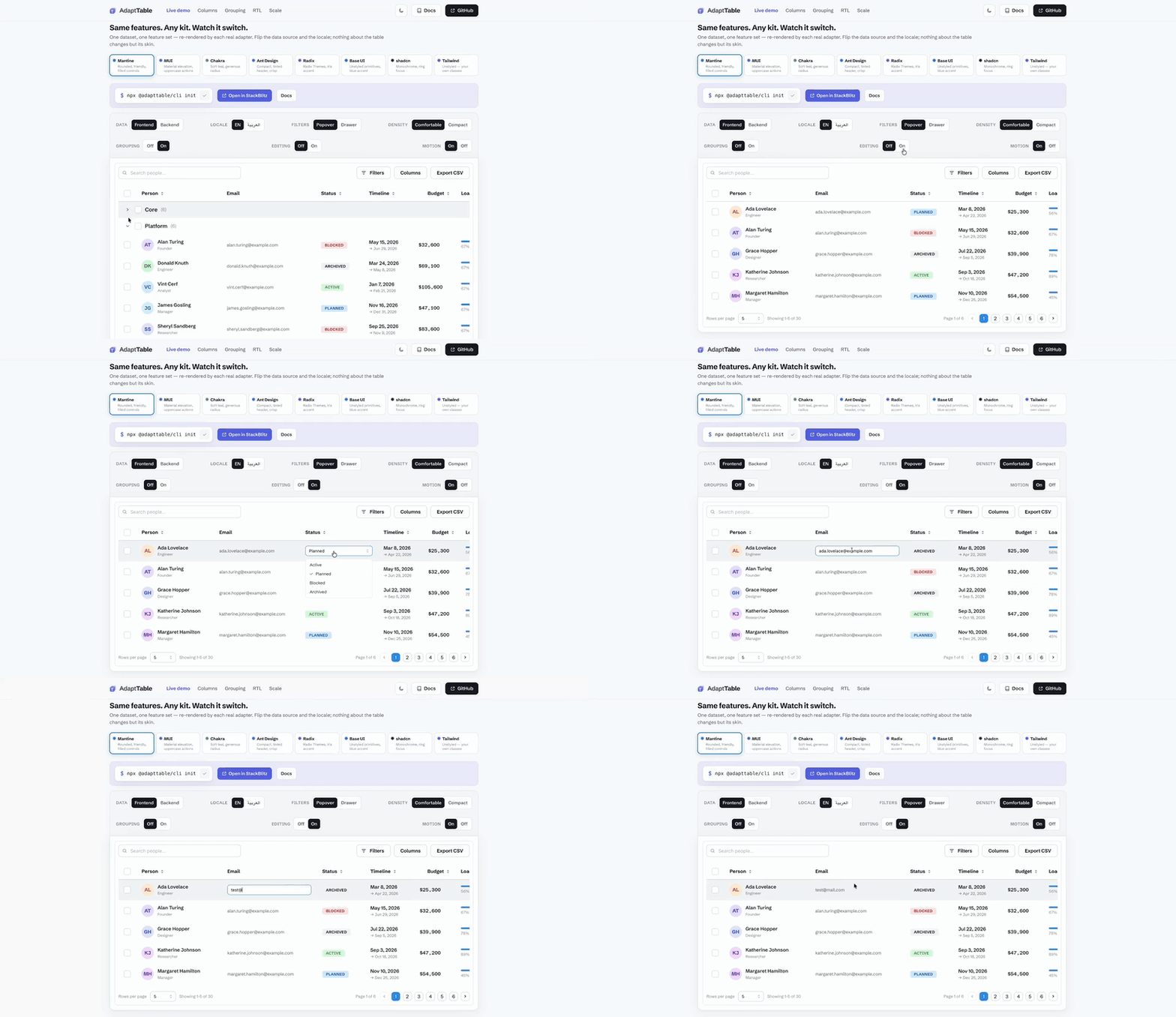
📖 Documentation · 🚀 Live demo · Get started · ⚡ Try in StackBlitz
Migrating from TanStack Table? See the migration guide.
The framework-neutral engine behind AdaptTable —
state, models, query codecs and the unified client/server TableSource
contract, with no React or UI-kit imports in its graph.
pnpm add @adapttable/coreYou usually want a styled adapter on top (@adapttable/mantine,
@adapttable/mui, @adapttable/chakra, @adapttable/unstyled). Reach for
@adapttable/react when you want hooks and prop-getters to render your own
markup.
Requires Node.js 22.12.0 or newer; packed releases are tested on Node 22.12 and Node 24.
Features
Core supplies the state, data transforms and contracts behind the complete
table surface below. React hooks, keyboard wiring and rendered controls live
in @adapttable/react and the kit adapters.
- Automatic mobile cards — core preserves one row/state model while the React and adapter layers render cards below the mobile breakpoint. Docs.
- Client or server data through one
TableSourcecontract — same props either way. - Global search — the committed term, its
qURL param and the default searchable-text projection (engineSearchText); adapters render the search box. - URL-synced search / sort / filters / page — shareable, deep-linkable links.
- Pagination — paged or infinite scroll via
paginationMode; server sources report their own totals, client sources derive them. - SSR & server components — the engine has no DOM dependency; the React binding supplies the client boundary for the Next.js App Router. Docs.
- A React-free half (
@adapttable/core/query) — the filter-tree and pivot URL codecs on their own, so a route handler can decode a shared link in a process with no React installed. - Sorting — comparator resolution and multi-key
sortValue; React turns the result into accessible header state. - Filtering — filter model, operators and counts, including a nested AND/OR filter tree; adapters render the forms and chips.
- Header filters — the filter chrome model behind
headerFilters(); adapters draw the header funnel. - Custom filter types — the
FilterTypeSpecregistry behindFILTER_TYPES: widget, operators, predicate, chips and URL params per type. - Selection + bulk actions — selected ids and the bulk-action contract; adapters render tri-state controls and dialogs.
- Row actions — contracts for visibility, disabled state and confirmation; adapters own the controls.
- Row expansion — state behind the React binding's
rowDetail(...)feature. - Nested tables — the React layer's
nestedTable(...)renders a full kitDataTableinside an expanded row. - Inline cell editing — state behind
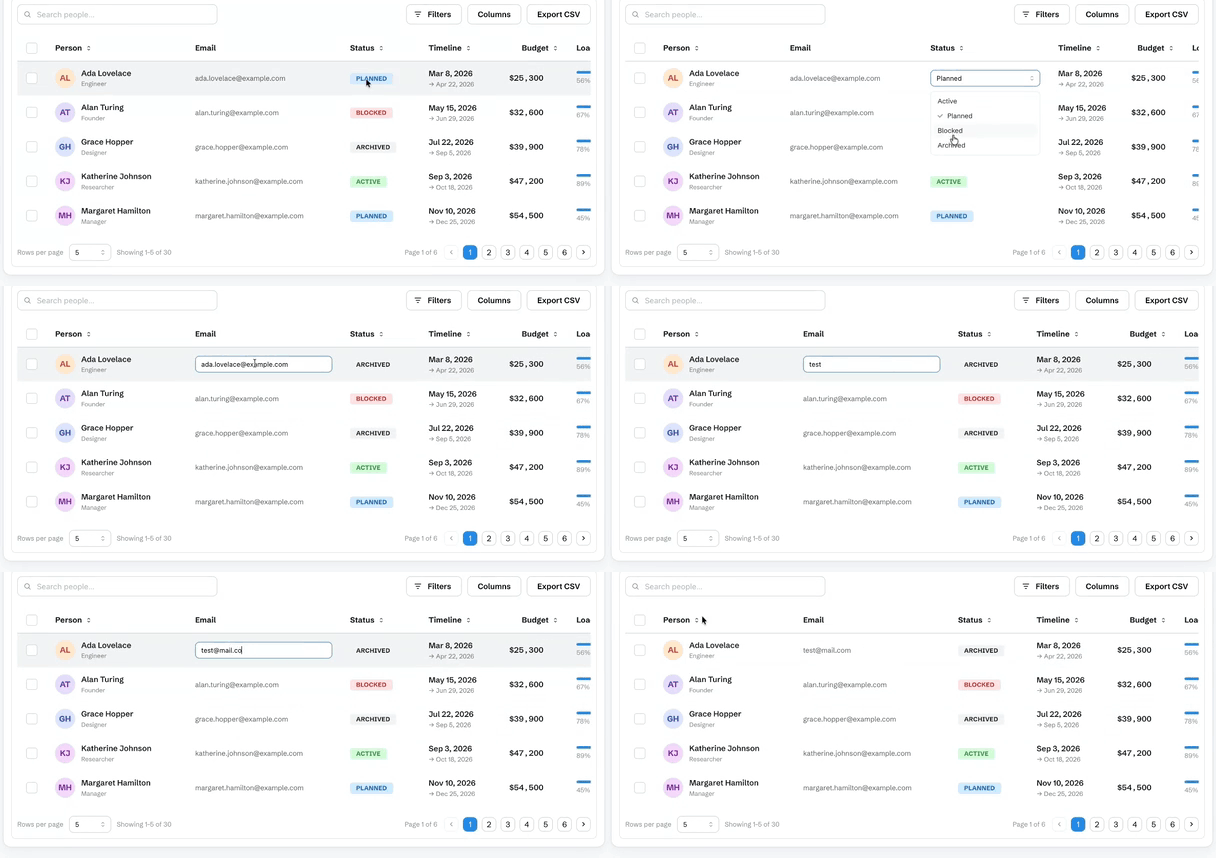
editing(handler)andeditablecolumns; text, number and select editors, keyboard commit/cancel, Tab advance. Omit the handler and no cell opens. - Row reordering —
rowReorder(handler); Space-lift keyboard, dataset-relative indices. - Row pinning —
rowPinning(...); sticky top and bottom rows. - Pinned summary rows —
pinnedSummaryRows({ top, bottom }); host-owned totals outside the row model. - Row and column spanning — the model behind
cellSpan(...). - Full-width and separator rows —
extraRows. - Row styling and heights — the model behind
rowAppearance(...). - Keyboard cell navigation — core state supports the React layer's
cellNavigation()feature, which adds ARIA grid semantics, arrow-key movement and screen-reader announcements. - Row grouping — model support for
grouping(...)andgroupingPanel(...). - Aggregation —
aggregate(),aggregatablecolumn operations and the aggregation model behind footer and group totals, including custom operations. - Pivot tables — rows, columns and measures with subtotals and collapsible
groups, from the optional
@adapttable/core/pivotentry. - Tree data — the hierarchy model behind
tree(...). - Column management — show/hide, reorder, pin (sticky) and resize state, plus collapsible column groups.
- Sparkline columns — the React layer's
@adapttable/react/sparklinerenders bar, line and area charts as inline SVG. - PDF export and print layout (
@adapttable/core/pdf) — optional entry;pdfWriter()onexportCsv,printTablefor the browser dialog. - Formula engine (
@adapttable/core/formula) — spreadsheet formulas over rows and aggregates; circular refs report#CYCLE!. - Live row patches (
@adapttable/core/stream) — wire parsing and socket connection without React;useRowPatchStreamlives at@adapttable/react/stream. - Saved views — name a filter/sort/column arrangement and switch between them.
- Feature composition foundations — framework-neutral state and contracts power the
factories exposed by
@adapttable/react/featuresand each kit subpath. Host plugins use the sameTableFeature/setup(host)surface. - CSV export (
exportCsv(...)) — current page, the full filtered set, or the selected rows; choose the columns, or hand the whole thing to your backend. - XLSX export (
@adapttable/core/xlsx) — optional entry;xlsxWriter()onexportCsvwrites a real.xlsxworkbook with no extra dependency. - Command palette and context menus — the
Command/ContextMenuItemmodel and the built-intableCommands/filterCommands; adapters rendercommandPalette()andcontextMenu(). - View controls — localized labels for density, fullscreen, print, status bar and side panel; the React layer and adapters own the toolbar controls.
- Virtualization (
virtualize(...)) — row/card windowing for very large lists. - RTL and i18n-agnostic labels — pass
labelsor atfunction. - Framework-neutral — no components, styling, React or UI-kit imports.
See it work
One dataset, re-rendered by each adapter — these clips are the cross-kit tour.
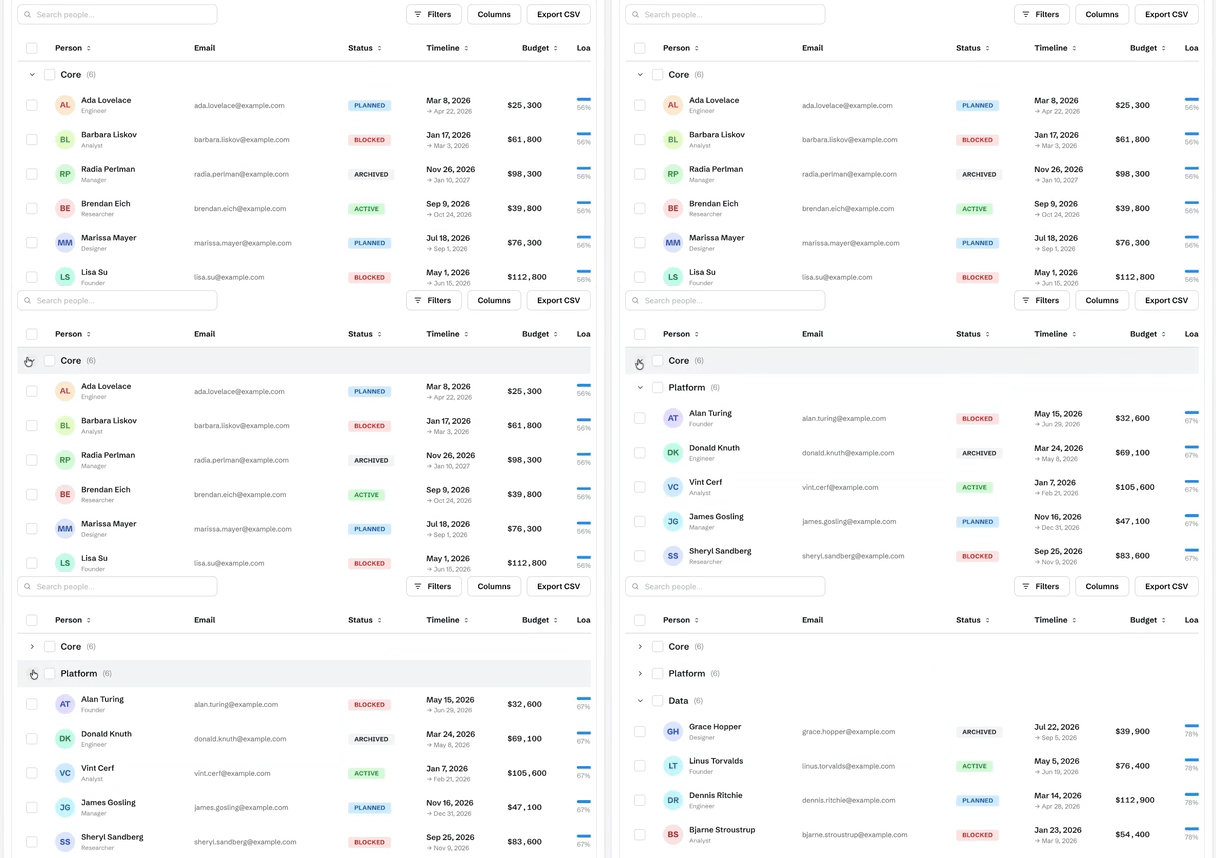
Row grouping — group rows by a column with per-group subtotals
Inline cell editing — double-click a cell; text, number and select editors
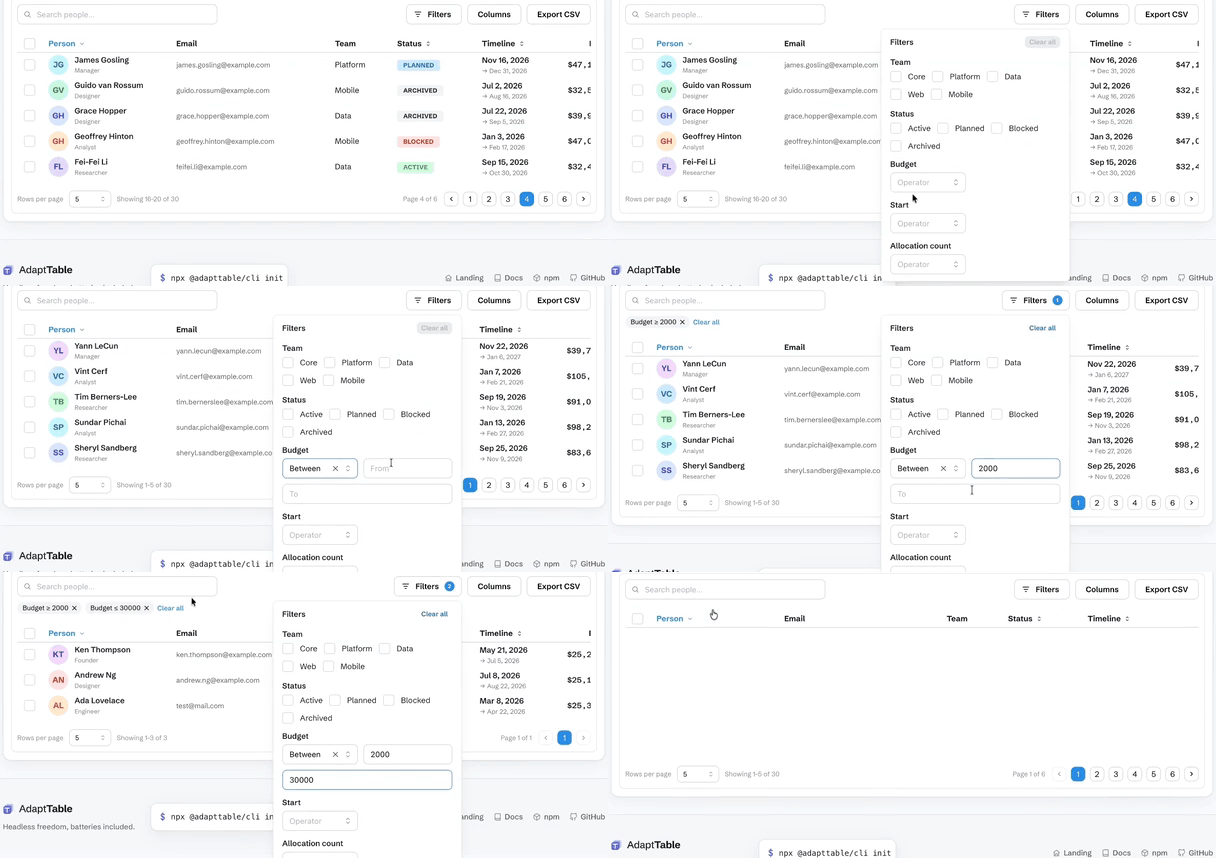
Filtering — type a bound and the table answers as you type
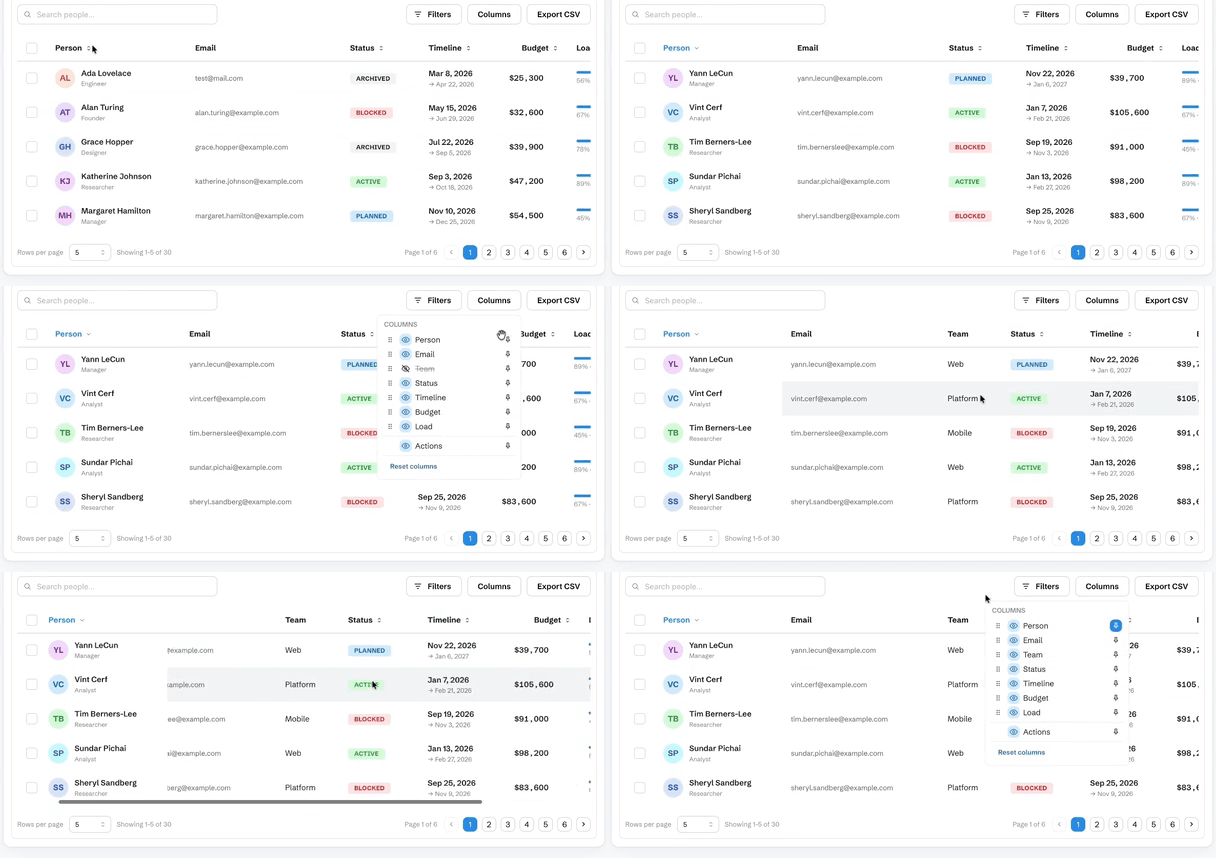
Column management — show, hide, reorder, pin and resize
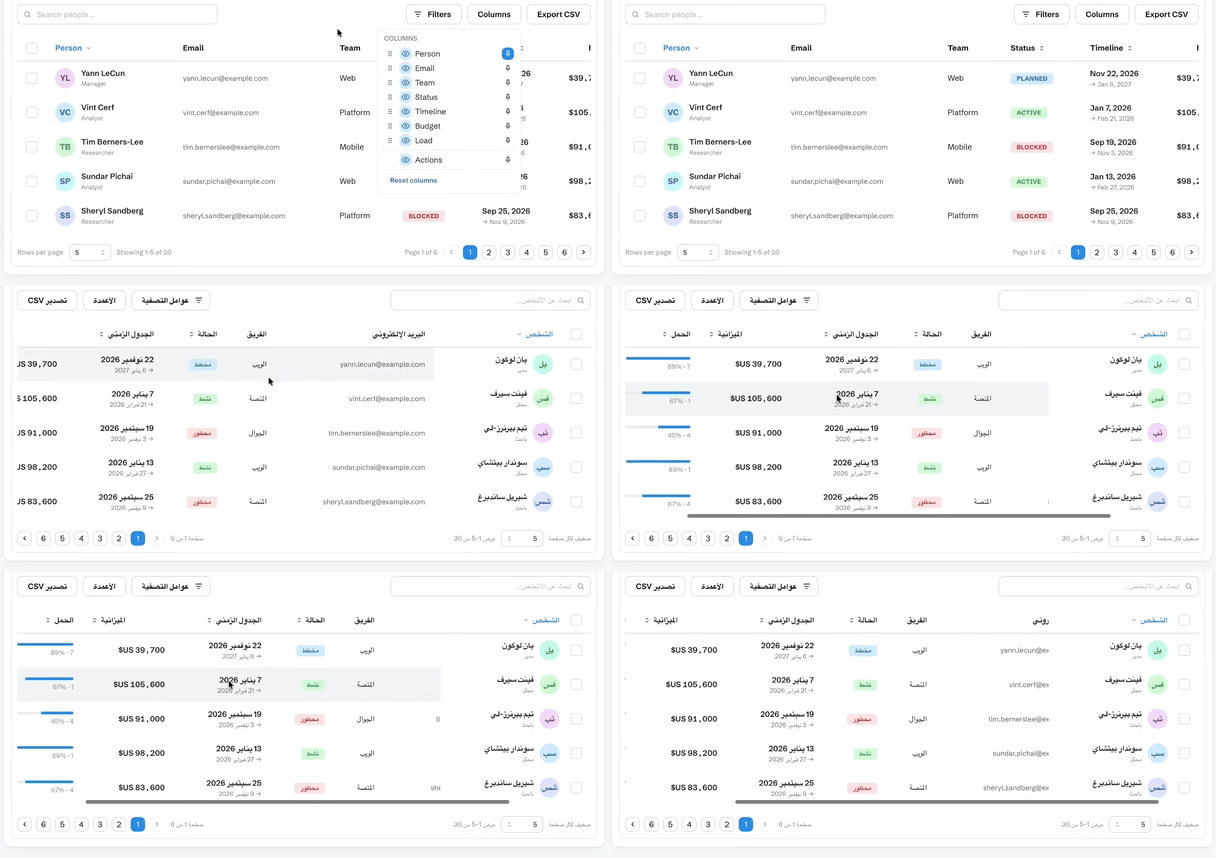
RTL — the whole table mirrors, not just the text
Documentation
Getting started · Live demo · Comparison vs ag-Grid · MUI X · TanStack
- Data — client vs server tiers · pagination & infinite scroll · URL-synced state
- Interaction — filtering · sorting · selection & bulk actions · row expansion · inline cell editing · row reordering · row pinning · pinned summary rows · row and column spanning · full-width and separator rows · row styling and heights
- Columns — show/hide · reorder · pin · resize · sparkline columns · row grouping & aggregates · CSV export
- More — i18n & RTL · virtualization · customization · API · FAQ