
@adi-prasetyo/react-joyride
v2.9.3-adp.1
Published
Create guided tours for your apps (fork with additional fixes)

Maintainers
 adi-prasetyo
Readme
React Joyride


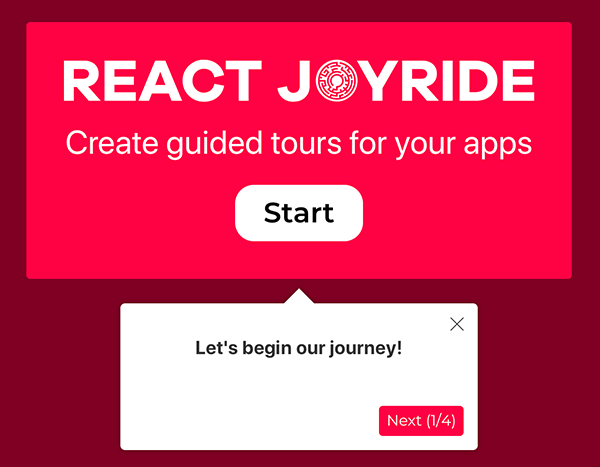
Create awesome tours for your app!
Showcase your app to new users or explain functionality of new features.
It uses react-floater for positioning and styling.
And you can use your own components too!
View the demo here (or the codesandbox examples)
Read the docs
Talk about it on the Discussions board.
🔀 About This Fork
Note: This is a maintained fork of the original react-joyride with modern dependency updates and React 19 compatibility.
Fork Repository: adi-prasetyo/react-joyride
Branch: adp-maintained
Original: gilbarbara/react-joyride
Key Differences from Original:
- ✅ React 19 Support - Full compatibility with React 19
- ✅ Modern Dependencies - Updated to latest secure versions
- ✅ Security Fixes - Eliminated critical vulnerabilities
- ✅ Updated Tooling - Vitest 3.x, TypeScript 5.9, modern build tools
- ✅ Backward Compatible - Same API, no breaking changes for consumers
Installation for this fork:
npm install github:adi-prasetyo/react-joyride#adp-maintainedFor detailed differences, see Fork Documentation.
Setup
npm i react-joyrideGetting Started
import Joyride from 'react-joyride';

export class App extends React.Component {
  state = {
    steps: [
      {
        target: '.my-first-step',
        content: 'This is my awesome feature!',
      },
      {
        target: '.my-other-step',
        content: 'This another awesome feature!',
      },
      ...
    ]
  };

  render () {
    const { steps } = this.state;

    return (
      <div className="app">
        <Joyride
          steps={steps}
          ...
        />
        ...
      </div>
    );
  }
}
If you need to support legacy browsers you need to include the scrollingelement polyfill.
Sponsored by

React Joyride is proud to be sponsored by Frigade, a developer tool for building better product onboarding: guided tours, getting started checklists, announcements, etc.
Development
Setting up a local development environment is easy!
Clone (or fork) this repo on your machine, navigate to its location in the terminal and run:
npm install
npm link # link your local repo to your global packages
npm run watch # build the files and watch for changes
Now clone https://github.com/gilbarbara/react-joyride-demo and run:
npm install
npm link react-joyride # just link your local copy into this project's node_modules
npm start
Start coding! 🎉