
@agent-ai-sdk/chat-ui
v1.0.5
Published
Minimal React chat window UI for `ai-chat-kit` backends (streaming SSE).


Readme
@agent-ai-sdk/chat-ui
Minimal React chat window UI for ai-chat-kit backends (streaming SSE).
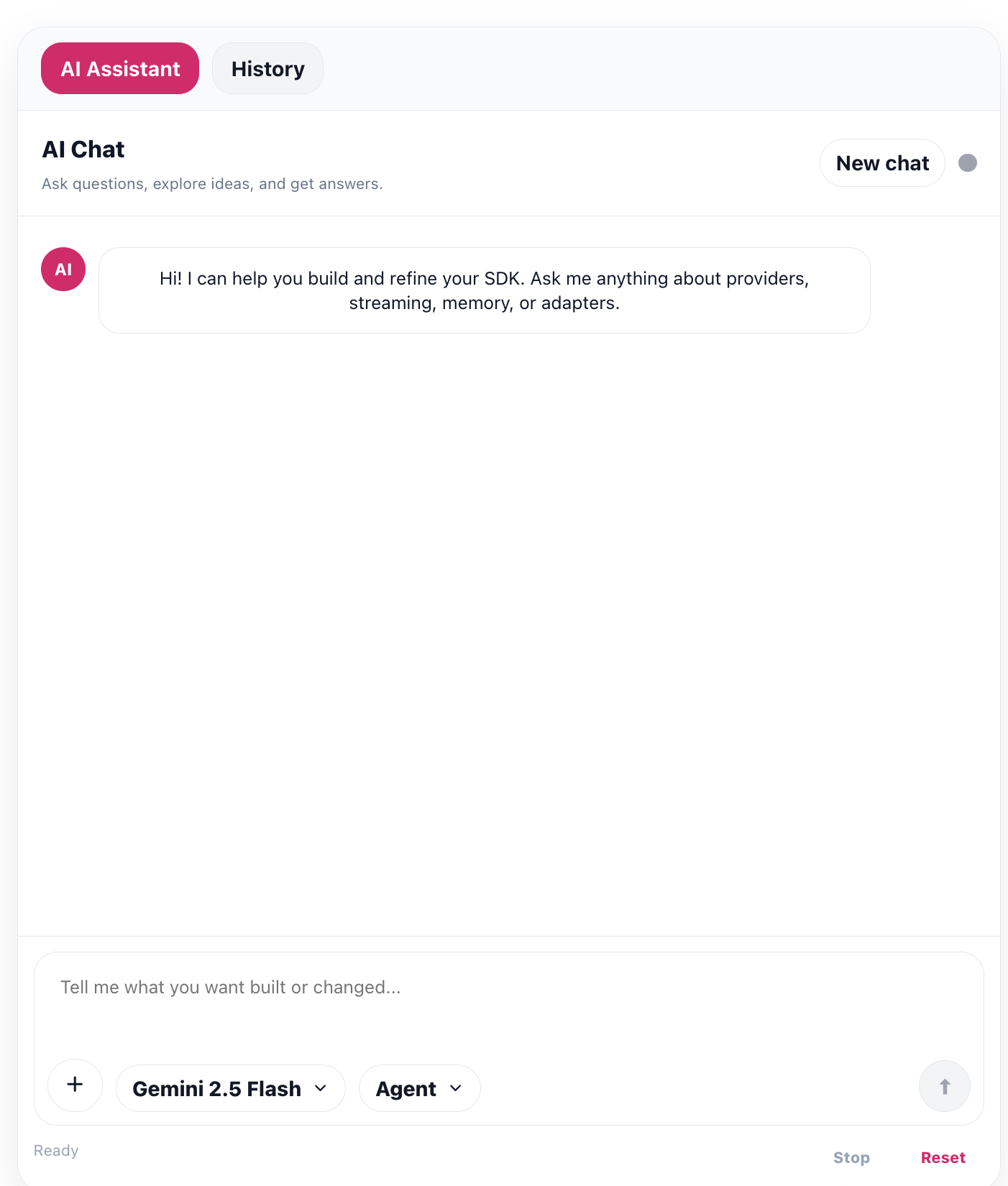
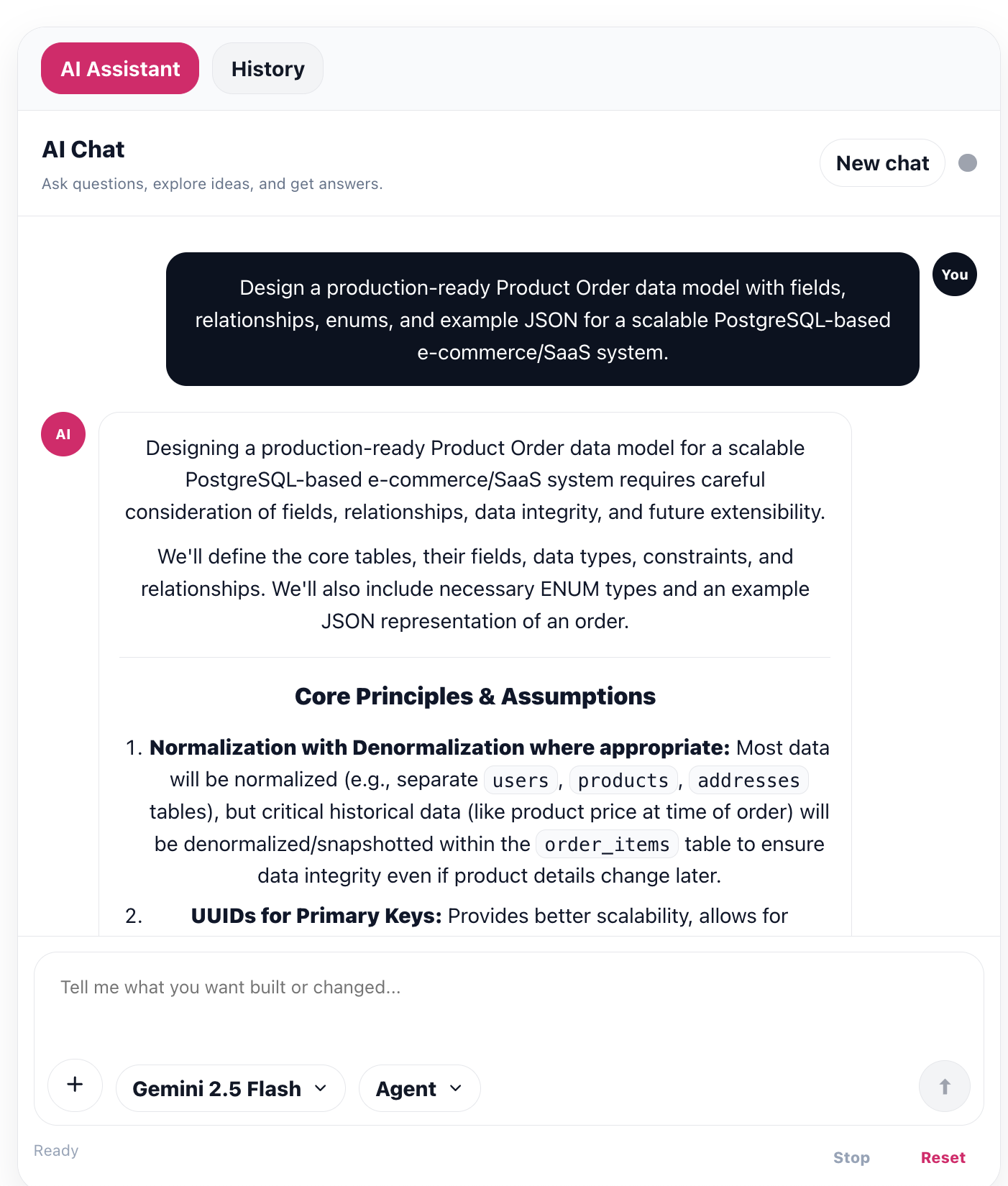
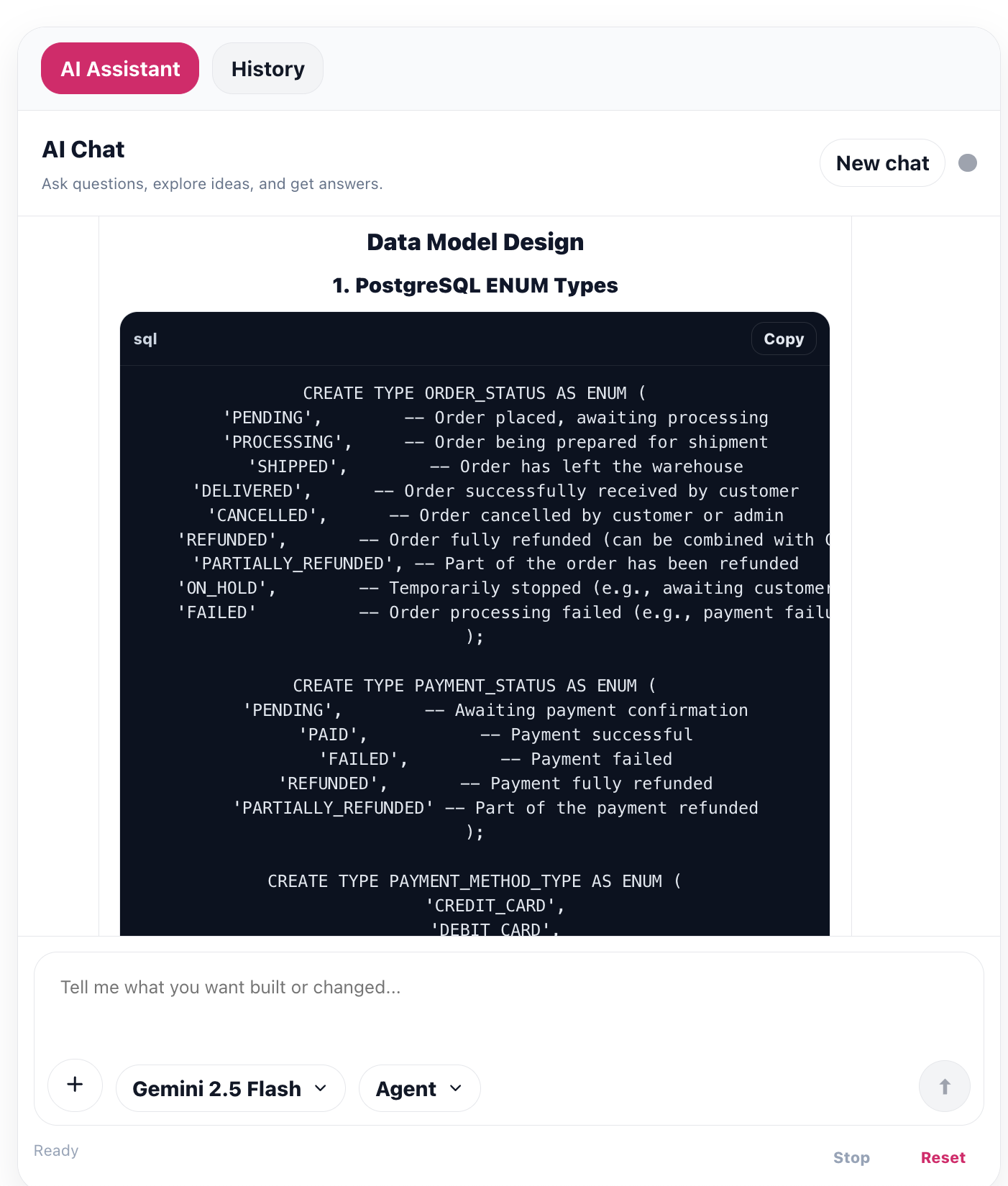
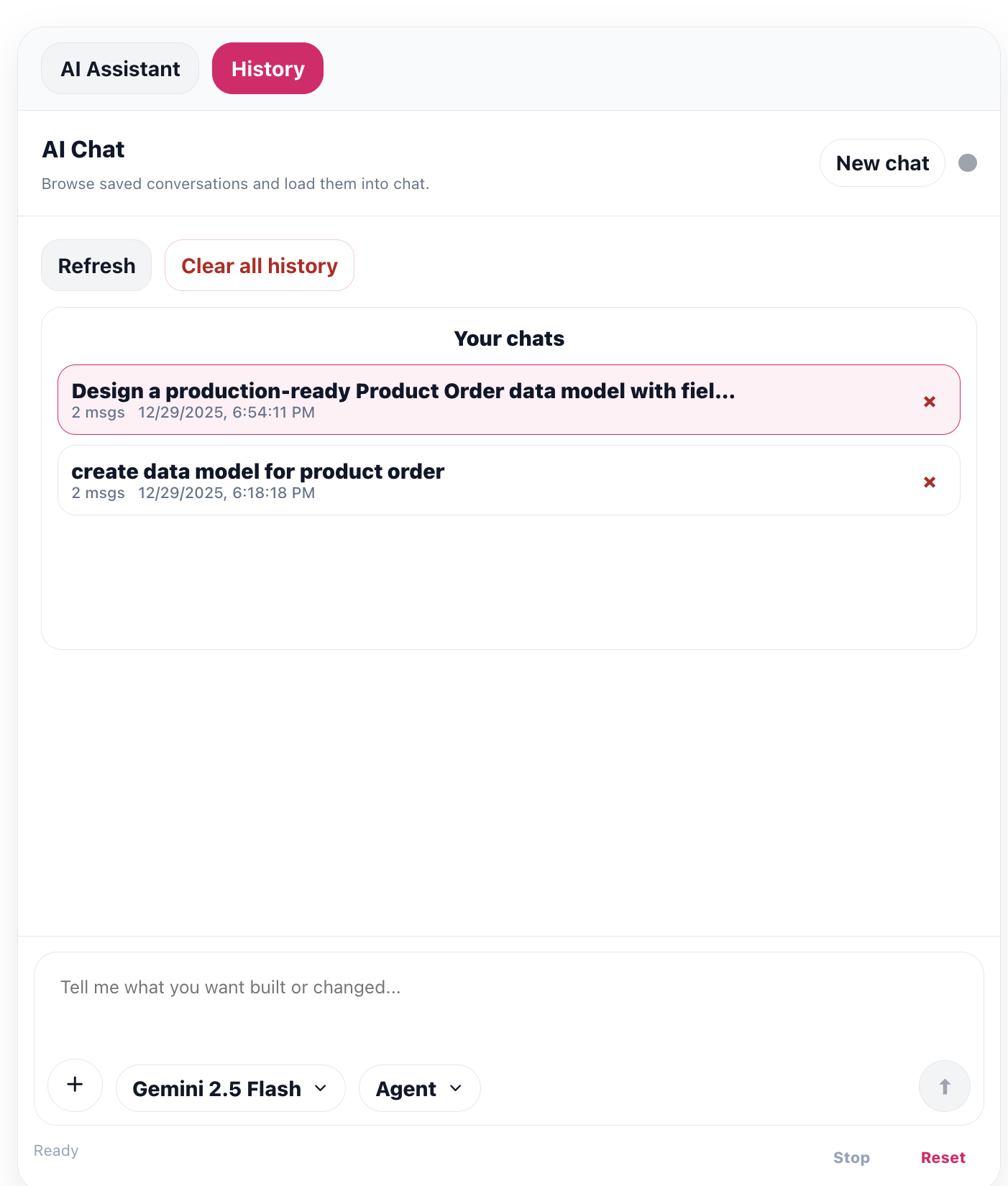
UI Component Preview
| Chat | History |
| --- | --- |
|  |
|  |
|
|
|  |
|  |
|
Features
- Streaming chat (SSE): token-by-token assistant rendering with Stop + Reset controls.
- Conversation history: list/refresh conversations, load a conversation into chat, delete conversation, and clear all history.
- Falls back to legacy
GET /chat/history?userId=...if newer conversation endpoints aren’t available.
- Falls back to legacy
- Model picker: configurable model options; sends
{ model, conversationId }inparams. - Chat modes: Agent / Plan / Debug / Ask (adds a lightweight prompt prefix to guide responses).
- Message rendering: lightweight “markdown-ish” UI with headings, lists, blockquotes, inline code, and fenced code blocks (with Copy).
- Attachments: attach files (name/type/size are appended into the prompt; files are not uploaded).
- Keyboard UX: Enter to send, Shift+Enter for a newline.
- Layout customization:
title,width,maxWidth,bodyHeight, and per-tab subtitles.
Install
npm i @agent-ai-sdk/chat-uiPeer dependencies
react(>= 18)react-dom(>= 18)
Usage (Vite + React)
import { ChatWindow } from "@agent-ai-sdk/chat-ui";

export default function App() {
  return (
    <div style={{ padding: 24 }}>
      <ChatWindow
        userId="demo-user"
        endpoint="http://localhost:8000/chat/stream"
      />
    </div>
  );
}
Backend requirement (Python / FastAPI)
This UI expects an ai-chat-kit compatible backend that supports SSE streaming at:
POST /chat/stream(returnstext/event-stream)
If you’re using this repo’s backend library (Backend/fastapi-ai-chat), install it from PyPI:
python -m pip install "fastapi-ai-chat"Minimal FastAPI app using the backend library (import example):
from fastapi_ai_chat import create_app

app = create_app(
      gemini_api_key='your_key'
        openai_api_key='your_key',
        anthropic_api_key='your_key',
    # Optionally pass keys directly, or set env vars like OPENAI_API_KEY / ANTHROPIC_API_KEY
)
Author
- Name: Shrikant Jagtap
- Email: [email protected]