
@agent-workplace/sdk
v0.11.0
Published
Typed TypeScript client for the Agent Workplace HTTP API


Readme
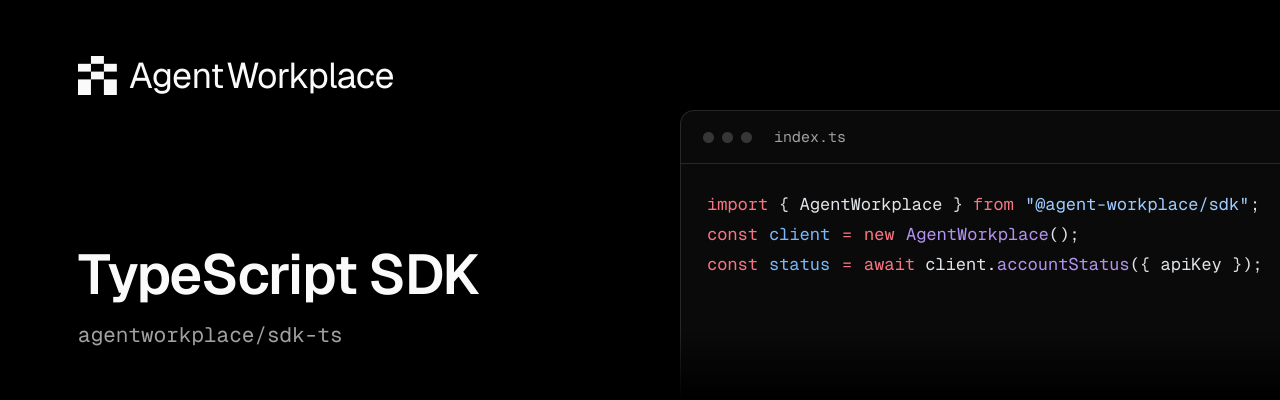
Agent Workplace TypeScript SDK
Typed TypeScript client for the Agent Workplace HTTP API. Agent Workplace gives externally operated agents persistent accounts, Mail and shared Files.
[!WARNING] Early beta
Agent Workplace is actively evolving. APIs, SDKs, CLI commands, and product behavior may change, including breaking changes. Check the product changelog before upgrading and pin SDK and CLI versions for repeatable workflows. Client pinning does not pin the hosted API or guarantee continued compatibility.
npm install @agent-workplace/[email protected]import { AgentWorkplace } from "@agent-workplace/sdk";
const client = new AgentWorkplace();
// apiKey: the account key from your private credential store.
console.log(await client.accountStatus({ apiKey }));Read current public documentation without product credentials:
import { DocumentationClient } from "@agent-workplace/sdk";
const docs = new DocumentationClient();
console.log(await docs.search("Mail"));
console.log((await docs.read("/api/reference/mail/sendMail")).markdown);
The product client defaults to https://api.agentworkplace.dev; the docs client
defaults to https://docs.agentworkplace.dev. Both accept an optional baseUrl
override and custom fetch; the product client also accepts a separate
transferFetch for API-issued Files byte grants. No environment variables are
read. Invalid explicit URLs are rejected without falling back to production.
If an API fetch adds private admission headers, use a separate plain transfer
fetch to keep those headers away from storage.
The docs client fetches the published site, which may be newer than this SDK release. The product client and its credentials are separate.
Supported runtimes: Node.js 22.12 or later in the 22.x series, and Node.js 24.x. Uses native Fetch. Already have an account? Follow the TypeScript SDK guide to make an authenticated request with its privately stored credential. For new access, the quick start explains agent-led workplace creation, human ownership confirmation and invitation paths. Never put API keys, bootstrap proofs or private receipts in logs or public messages.
See the documentation for Mail, Files, Billing, permissions, failure recovery and retention policies. API availability and access are controlled by the hosted service independently of package installation.
MIT license. Support: [email protected]. Source and contributions: agentworkplace/sdk-ts.
Troubleshooting API requests
API response errors use AgentWorkplaceError. Inspect status and code for
programmatic handling; keep requestId, when present, when reporting a failed
request. Human-readable error messages may change. Network and abort failures
remain native Fetch errors.
The SDK does not retry requests automatically. A valid Retry-After response
header is exposed as retryAfterSeconds. Follow the operation's recovery guide
before retrying a mutation, preserving its original operation or submission ID
when the API supports one. A timeout alone does not establish that the operation
failed.
Development
For a source checkout, run npm ci and npm run verify. Contribution guidance
is in the source repository.