
@aharness/core
v0.1.3
Published
Codex (codex-rs) substrate for aharness FSMs: headless sole-WS-client runtime with dynamic_tools submit, owner input, rollback, and per-state hooks.


Readme
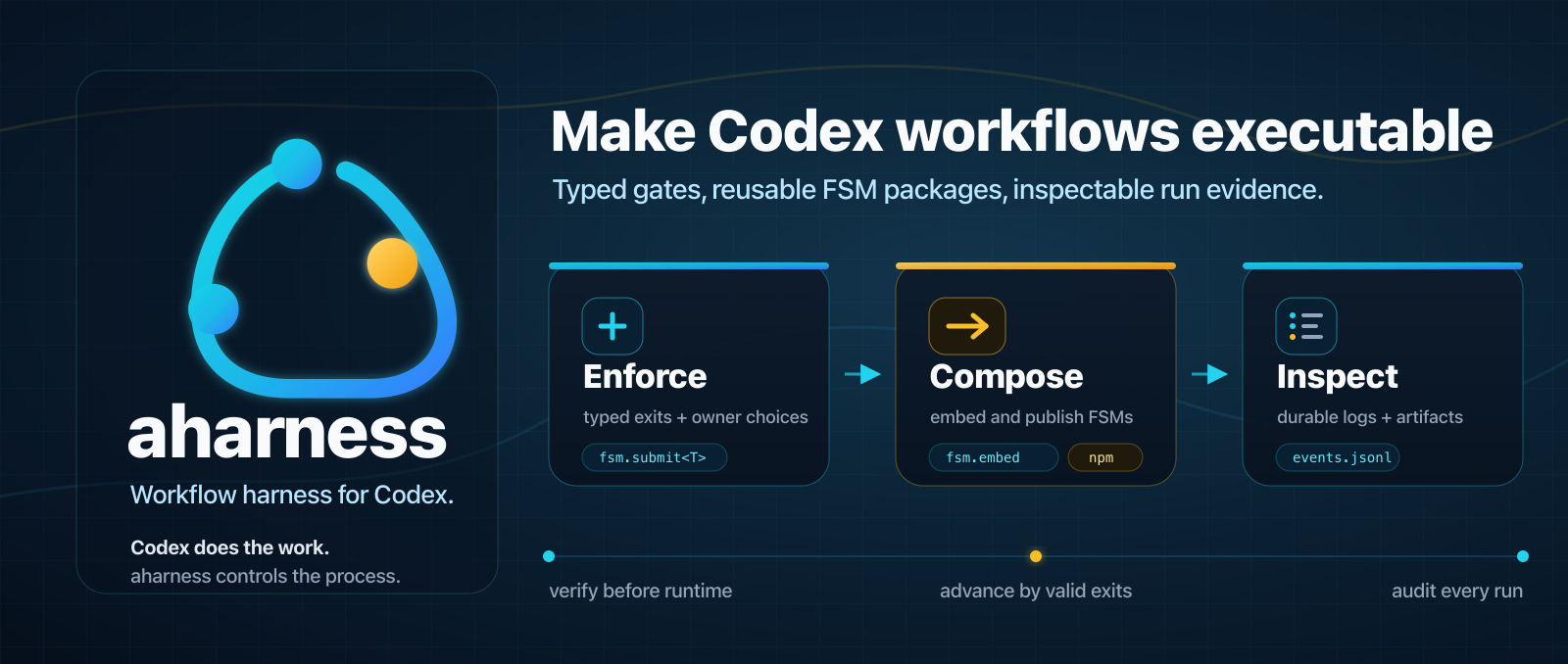
aharness
Make agent workflows executable.
The workflow harness for Codex: typed gates, validated evidence, controlled transitions, repair paths, and inspectable run logs for any workflow.



Hypothesis
Agents are now capable enough for long, multi-step work, but the main failure mode has shifted from task ability to process drift: skipping approval, forgetting recovery rules, claiming evidence that was not produced, or continuing from stale context.
Prompts and skills can describe the process, but they cannot enforce it. aharness turns the process into a runtime: states define what Codex may do next, typed submissions prove what happened, and transitions only occur through validated exits.
The bet is that useful workflows are reusable software. They should be authored, reviewed, versioned, composed from smaller FSMs, and published as npm packages instead of copied around as prompts.
What You Get
- Enforced workflow gates. Codex can only leave a state through exits the FSM exposes. If execution is not a valid next step, the model cannot transition there by narration.
- Typed transitions and evidence. Model submissions go through
fsm.submit<T>(), schema validation, reducers, guards, and effects before the workflow advances. - Fresh context and model control. Each state can choose the Codex model,
effort level, and whether to start in a fresh thread or working directory with
clearOnEntry. - Reusable workflow packages. FSMs can ship as npm packages with
aharness.package.commands, bundled skills, and package-relative assets, then run as installed aharness commands. - Hierarchical composition. Larger workflows can embed smaller FSMs with
fsm.embed(...), including reusable child workflows distributed through packages. - Owner and policy control. Owner choices, permission requests, pre-tool hooks, post-tool hooks, and prompt-submission events can become explicit FSM transitions.
- State-scoped skills. Skills guide Codex inside a state, while the FSM owns process control, valid exits, recovery paths, and terminal outcomes.
- Inspectable runs. Every run writes durable event logs, state history, artifacts, and recorded browser views so the workflow can be audited after the fact.
- Advanced runtime surfaces. Node hosts can drive live runs directly, and
advanced FSMs can coordinate scoped Codex sidecar threads; see
docs/advanced-runtime-surfaces.md.
Install
Prerequisites:
- Node.js
>=20 - Codex CLI on
PATH; seepackages/core/SUPPORTED_CODEX.mdfor the current compatibility gate
npm install -g @aharness/coreThe global install puts the aharness command on PATH. Scaffolded projects
still get local authoring dependencies so editors and tsc can typecheck FSM
source.
If setup fails, run:
aharness doctordoctor checks the Codex CLI version gate and reports active run health.
Quickstart
Start with Codeflow to turn a large implementation roadmap into reviewed, verified, committed slices. It is the packaged aharness workflow for changes that are too broad or risky for one implementation plan.
Install the @aharness/codeflow
workflow package through aharness:
aharness install @aharness/codeflowThen run its recipe-driven development command against an implementation roadmap in your repository:
aharness run recipe-driven-development --roadmap-path docs/plans/my-roadmap.mdThe Codeflow package also ships process skills for preparing the roadmap:
writing-ideas, grill-me, writing-specs, reviewing-specs, and
writing-implementation-roadmaps. See the
Alfredvc/codeflow repository for docs
and more information.
Contents
- Writing Workflows
- Installing FSM Packages
- Try The Demo
- How It Works
- When To Use It
- Common Commands
- Packages
- Documentation
- FAQ
Writing Workflows
Author workflows with the bundled aharness FSM authoring skill, not from a
blank TypeScript file. The skill guides Codex through state design, typed exits,
owner choices, recovery paths, verification, and current @aharness/core API
rules.
Install the authoring skill with npx skills:
npx skills add Alfredvc/aharnessThen ask Codex to use it:
Use $aharness-fsm-authoring to design and author an aharness FSM for this workflow.The skill lives at
skills/aharness-fsm-authoring. Under
the hood, generated workflows are TypeScript files built with createFsm,
fsm.state, fsm.submit, fsm.choice, and fsm.final; see
docs/authoring.md when you need the API details.
A small FSM looks like this:
import { createFsm } from '@aharness/core';

interface Data {
  plan: string | null;
}

const fsm = createFsm<Data>();

export default fsm.machine({
  id: 'tiny-approval-workflow',
  initial: 'plan',
  data: () => ({ plan: null }),
  states: {
    plan: fsm.state({
      prompt:
        'Inspect the requested work, write a short plan, ' +
        'then submit it as { "plan": "..." }. Do not edit files yet.',
      on: {
        submitPlan: fsm.submit<{ plan: string }>({
          to: 'ownerApproval',
          reduce: (draft, payload) => {
            draft.plan = payload.plan;
          },
        }),
      },
    }),
    ownerApproval: fsm.choice({
      question: (data) => `Approve this plan before continuing?\n\n${data.plan}`,
      options: [{ label: 'Approve', to: 'done' }],
    }),
    done: fsm.final({ outcome: 'success' }),
  },
});
Installing FSM Packages
Published workflows are normal npm packages with aharness command metadata. Install them through the global CLI:
aharness install workflow-package
aharness list
aharness verify build
aharness run build --project ./app
aharness install <source> accepts package specs npm accepts: registry
packages, versions or dist-tags, GitHub repos, git URLs, local directories, and
tarballs.
aharness install workflow-package@latest
aharness install github:owner/workflows
aharness install git+https://github.com/owner/workflows.git
aharness install ../workflows
aharness install ./workflows-1.0.0.tgz
During install, aharness lets npm materialize the package in its managed npm project, then validates package command metadata, package-relative assets, bundled skill declarations, and every declared FSM before writing trusted command records. Installs may run npm lifecycle scripts, so install packages from sources you trust. Unverified commands are not runnable.
Installed commands can be run or verified by fully qualified command identity, or by bare command name when there is no collision. Package names by themselves are not accepted verification targets:
aharness run workflow-package/build
aharness run build
aharness verify workflow-package/build
aharness verify build
Remove a package by package identity, not by command name:
aharness uninstall workflow-packageRe-run aharness install <same-source> to refresh a package after a new npm
version, Git ref, tarball, or local snapshot is available.
Try The Demo
After installing the global CLI, clone this repository so the demo FSM and fixture files are available:
git clone https://github.com/Alfredvc/aharness.git
cd aharness
aharness verify examples/coding-smoke.fsm.ts
aharness run examples/coding-smoke.fsm.ts
The demo files are:
examples/coding-smoke.fsm.ts- the FSM.examples/coding-smoke/fixture- the tiny broken TypeScript fixture the agent repairs.examples/coding-smoke/README.md- what to watch during the run.
After that, use examples/DEMOS.md as a catalog of focused
mechanism demos for awaits, approvals, hooks, composition, skills, branching,
and final artifacts.
How It Works
flowchart LR
Codex["Codex CLI<br/>agent worker"]
Aharness["aharness CLI<br/>FSM actor + verifier"]
Browser["Loopback browser UI<br/>input + approvals + graph"]
Runs[".aharness/runs/<runId><br/>events.jsonl + reports + artifacts"]
Aharness <--> Codex
Aharness <--> Browser
Aharness --> RunsAn aharness run has three jobs:
- Verify the workflow before Codex starts. Invalid FSMs fail early, before the model can begin work.
- Keep Codex inside the active state. aharness tells Codex the current state, valid exits, and required submit schema. Codex does the work; aharness validates submitted evidence and decides the next state.
- Record the run. Every run writes canonical artifacts under
.aharness/runs/<runId>/, including the event log, state history, final artifacts, and data used by the browser view.
The browser UI is the live operator surface. It shows the current state, graph,
compact transcript, approvals, and owner-input controls. Use --no-open when
you want aharness to serve and print the URL without opening a browser window.
Recorded inspection uses aharness view [run-id]. It reopens a completed run
from .aharness/runs without starting Codex or resuming the workflow. Omit the
run id to inspect the newest recorded run.
Run directories are sensitive. They can contain raw owner input, browser
replies, tool arguments and results, command output, file diffs, approvals,
token usage, and workflow context snapshots. Treat .aharness/runs as private
runtime evidence, not as a sanitized transcript.
When To Use It
aharness is the middle layer for workflows that need more enforcement than a prompt and less infrastructure than a custom agent platform.
| Use | Better fit | | --- | --- | | Ordered phases: plan, approve, execute, verify, repair, report | One-shot prompts and tiny edits | | Typed submissions and required evidence | Manual sessions where the owner steers every turn | | Owner approvals and policy hooks | General unconstrained agent orchestration | | Reusable workflows packaged as commands | Teams ready to build and own a full custom runtime |
The core package provides mechanisms, not one team's process. Workflow opinions belong in your FSMs, examples, or installable FSM packages.
Common Commands
aharness init --dir <path>
aharness verify <file.fsm.ts|command>
aharness visualize <file.fsm.ts|command>
aharness run <file.fsm.ts|command> --help
aharness run [--ask|--yolo] [--no-open] <file.fsm.ts|command> [--<input-flag> <value>]...
aharness view [run-id]
aharness doctor
aharness install <source>
When the standard CI environment variable is set to a truthy value,
aharness verify skips Codex-backed model catalog validation so structural FSM
verification can run in environments without a Codex app-server. All other
static verifier checks still run.
See docs/reference.md for the full CLI, authoring API,
state options, hooks, installable package commands, completions, default Codex
auto-review behavior, --ask, --yolo, and --no-open. See
docs/advanced-runtime-surfaces.md for
programmatic live runs and Codex sidecar threads.
Packages
@aharness/coreprovides the SDK, theaharnessCLI binary, and theaharness-completionshell-completion helper binary.@aharness/test-supportprovides integration-test fixtures for aharness runs.packages/web-uiis the private React/Vite browser UI bundled into the core CLI build.
Documentation
docs/authoring.mdteaches the workflow authoring mental model.docs/fsm-packages.mdexplains how to publish, install, run, and compose reusable FSM packages.docs/reference.mddocuments the public SDK and CLI.docs/advanced-runtime-surfaces.mddocuments programmatic live runs and Codex sidecar threads.docs/architecture.mdexplains the Codex/aharness runtime boundary.docs/troubleshooting.mdcovers prerequisite and runtime failures.packages/core/SUPPORTED_CODEX.mddocuments the Codex CLI compatibility gate.CONTRIBUTING.md,CHANGELOG.md, andSECURITY.mdcover project maintenance, release notes, and vulnerability reporting.
FAQ
How is this different from Claude Code Dynamic Workflows: Both try to solve the same issue: agents lack determinism. The approach is different. Dynamic workflows are generated on the fly by Claude Code itself. Aharness FSMs are long-lived workflows that are iterated on and improved over time. Aharness also supports single-use FSMs, but that is not the main use case.
Why Codex: This project was originally based on Claude Code, but Claude Code is closed source and changes often. That made it difficult to develop aharness while keeping up with upstream changes. Codex is open source, and its app-server split makes building on top of it much easier.
When should I use aharness instead of a normal Codex session: Use aharness when the process matters enough to enforce states, approvals, typed evidence, recovery paths, and terminal outcomes. For tiny one-shot edits or fully owner-steered sessions, a normal Codex session is usually simpler.
Does aharness replace Codex: No. Codex still does the language, code, and tool work. Aharness owns the workflow boundary around that work: active states, valid exits, schema validation, owner choices, approval routing, hooks, transitions, and durable run evidence.
Will you ever support Claude Code or PI: It depends on traction. This is currently an experiment, and it is already useful to me in its current form.
Can I run many FSMs simultaneously from one single UI: Not yet. This also depends on traction. The long-term idea is to support
aharness submit Xtogether with a daemon that executes FSMs in the background. All UI <-> aharness communication is HTTP-based, so a local daemon could talk to a remote UI, or vice versa.Can I share workflows with a team: Yes. Workflows can be shipped as npm packages with aharness command metadata, bundled skills, and package-relative assets. Install packages only from sources you trust, because npm lifecycle scripts may run during
aharness install.Do I have to hand-write FSMs: No. The intended authoring path is to use the bundled aharness FSM authoring skill with Codex, then use the docs as API reference when you need exact details.
License
Apache-2.0. See LICENSE.