
@ai297.com/ai297-ai-code-agent-editor
v0.4.1
Published
ai297: free AI code agent and editor. npm i -g @ai297.com/ai297-ai-code-agent-editor, then type ai297 in any folder. VS Code-style desktop editor with project-aware AI chat, diff-reviewed AI agent, Ctrl+K edits, Claude Code and Codex terminal, debugger an
Downloads
345

Maintainers
 sametuo
Readme
ai297 — AI code agent and code editor (npm i -g @ai297.com/ai297-ai-code-agent-editor)



ai297 is a free AI code agent and VS Code-style code editor that knows your project. Install it from npm,
type ai297 in any folder and the editor opens right there, with project-aware AI chat,
inline Ctrl+K edits, an AI agent that shows every change as a diff before applying it,
an integrated terminal with Claude Code and Codex, a Node.js/TypeScript debugger and
optional cloud sync with the browser IDE at ai297.com.
npm i -g @ai297.com/ai297-ai-code-agent-editor
cd my-project
ai297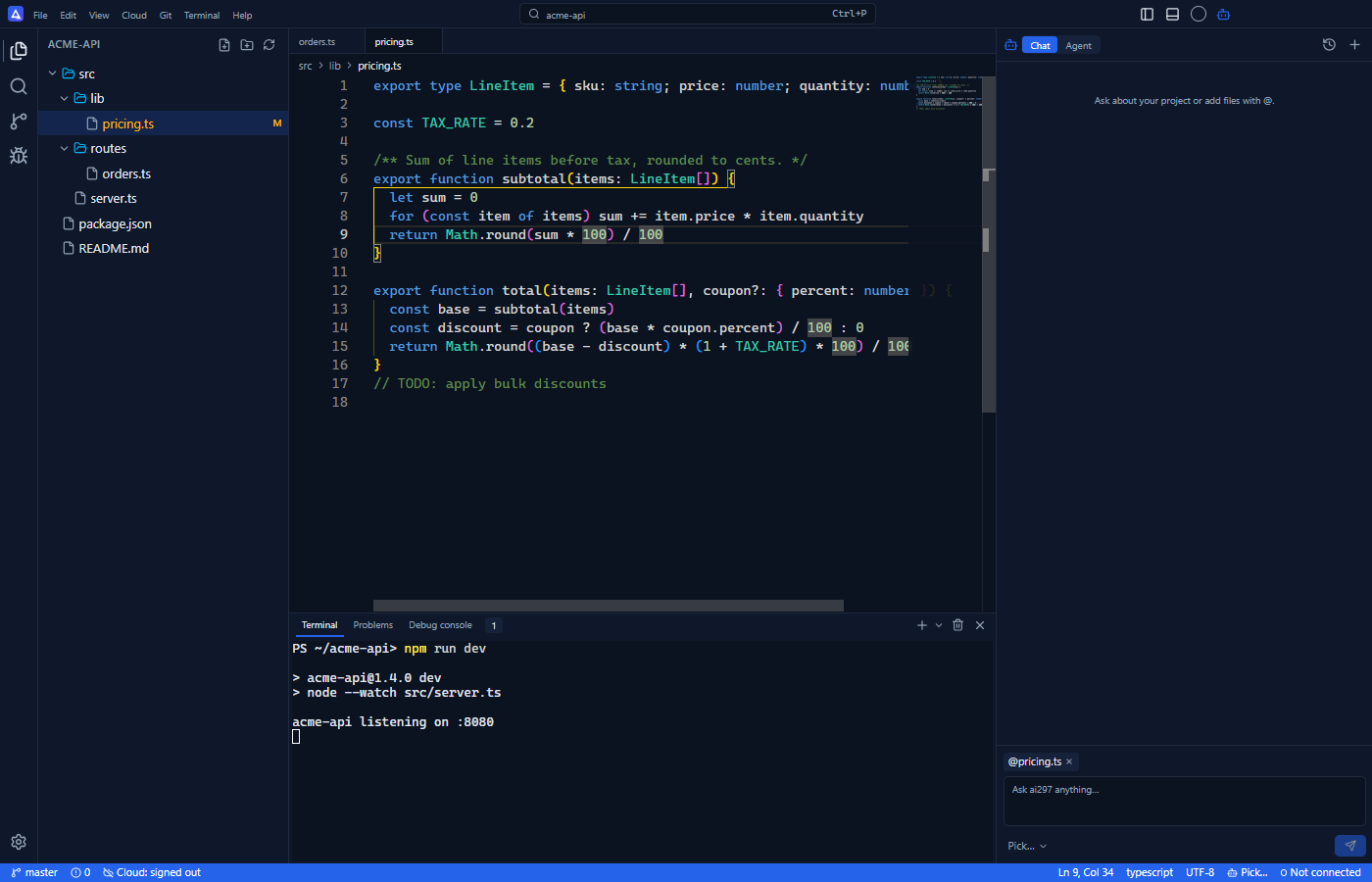
Install
npm i -g @ai297.com/ai297-ai-code-agent-editor- Requires Node.js 20 or later. Works on Windows 10/11 (x64), macOS (Apple Silicon and Intel) and Linux (x64).
- The package is a tiny launcher. On install (or on the first
ai297) it downloads the right desktop app for your device from GitHub Releases (about 140 MB, once) and installs it for your user: Windows →%LOCALAPPDATA%\Programs\ai297, macOS →~/Applications/ai297.app, Linux →~/.local/share/ai297/ai297.AppImage. No admin rights needed. - No security prompts: files downloaded through npm do not trigger the Windows SmartScreen or macOS Gatekeeper warnings.
- The desktop app keeps itself up to date.
Prefer a regular installer with a desktop shortcut and Right-click → Open with ai297? Download it for Windows, macOS or Linux.
Usage
ai297                  # open the current folder
ai297 ~/code/my-app    # open a folder
ai297 src/app.ts:42    # open a file at a line
ai297 --version
ai297 --help
ai-code-editor works as the same command too. The command starts the editor and gives your terminal back, like VS Code's code.
While ai297 is running, another ai297 <folder> opens that folder in a new window.
Features
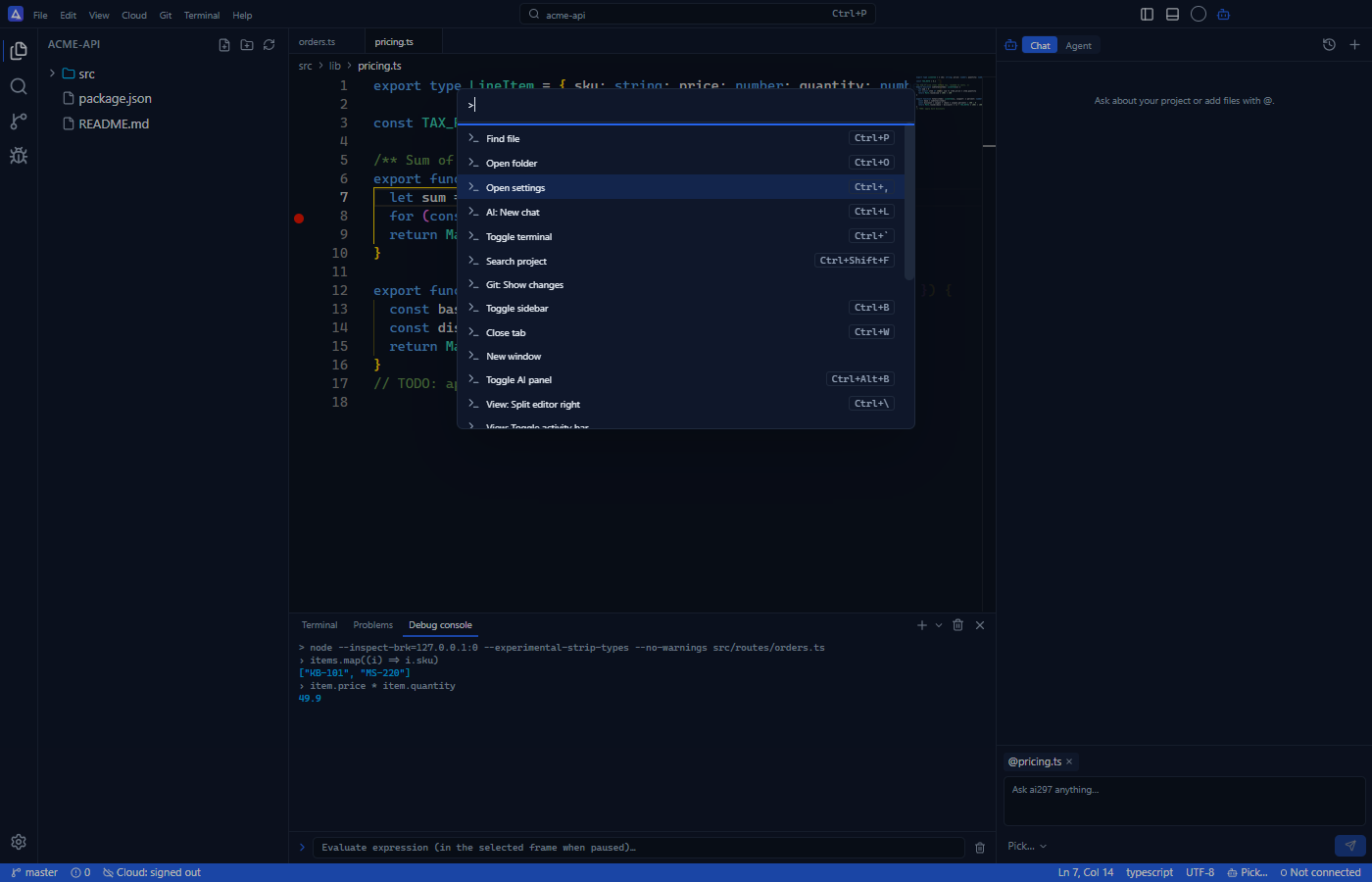
- VS Code-style editor: Monaco, file explorer, project search (ripgrep), Git changes, tabs, split editor and a command palette (
Ctrl+Shift+P). - AI chat that knows your project: ask about your codebase and add files or folders as context with
@. - AI agent with diff review: multi-step tasks that edit files and run commands, each change waiting for your approval.
- Inline AI edits: select code, press
Ctrl+K, describe the change and get it back as a diff. - Bring your own models: api14, OpenAI, Anthropic Claude or any OpenAI-compatible endpoint. Keys stay on your machine, encrypted.
- Claude Code and Codex in the terminal: start sessions from the integrated terminal and drive them from a prompt bar.
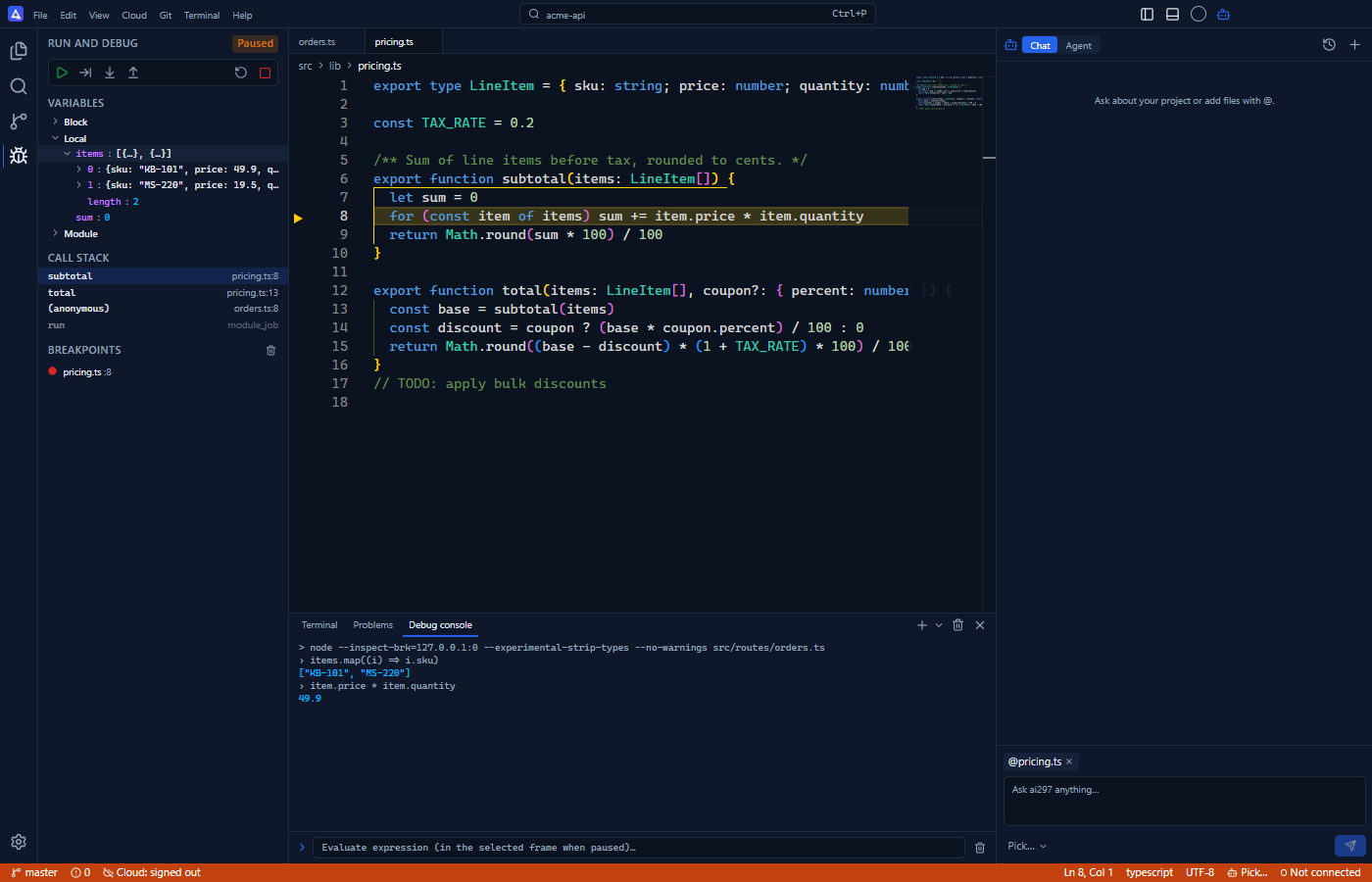
- Node.js and TypeScript debugger: breakpoints, step over/into/out, call stack, variables and a debug console.
- Cloud sync and browser IDE (Pro): folders you open appear in your ai297.com account; edit them from any browser.
- 15 languages: English, Bahasa Indonesia, Deutsch, Español, Français, Italiano, Nederlands, Polski, Português, Svenska, Türkçe, العربية, हिन्दी, 한국어, 日本語.
Update
The desktop app updates itself. To force a fresh install of the latest version:
ai297 --reinstallUninstall
npm rm -g @ai297.com/ai297-ai-code-agent-editorFAQ
Is ai297 free? Yes. The editor, AI chat, agent mode, debugger and terminal are free. You pay your AI provider for model usage. Pro adds unlimited cloud workspaces, the browser IDE and remote workers.
How is ai297 different from VS Code or Cursor? ai297 is built around the AI from the start: chat and agent mode read your project, every file change is a reviewable diff, and you choose the model provider. It installs with a single npm command and opens from the terminal.
Which AI models does it support? Any model from api14, OpenAI or Anthropic, plus any OpenAI-compatible endpoint (local models included).
Does it work with pnpm or yarn?
Yes. If install scripts are disabled, the app is installed on the first ai297 instead.
Where are my settings? The npm command and the downloadable installers run the same desktop app, so settings, keys and sign-in are shared.
Links
- Website: ai297.com
- Download installers: ai297.com/download · GitHub releases
- Docs: ai297.com/docs
- Pricing: ai297.com/pricing
- npm launcher source (this repo): github.com/ai297-com/ai297-ai-code-agent-editor
- Issues: github.com/ai297-com/ai297-ai-code-agent-editor/issues