
@akhil9tiet/jitter-charts
v0.1.3
Published
Animated React charts with fixed styles and built-in motion.

Maintainers
 akhil9tiet
Readme
@akhil9tiet/jitter-charts
Animated React chart components with fixed visual styles and built-in motion.
Live demo
Open Jitter Charts · View the source on GitHub
Purpose and third-party rights
This codebase aims to make it easier to use Jitter templates with real data and to build beautiful React charts with D3. It is an independent project and is not affiliated with or endorsed by Jitter.
I do not claim any rights over Jitter charts, templates, or the Jitter name. Those rights belong to their respective owners. I do not intend to infringe copyright, and I do not accept liability for third-party material that users add or use with this codebase. Users are responsible for checking permissions for that material. This notice does not override applicable law or determine legal liability.
Chart previews
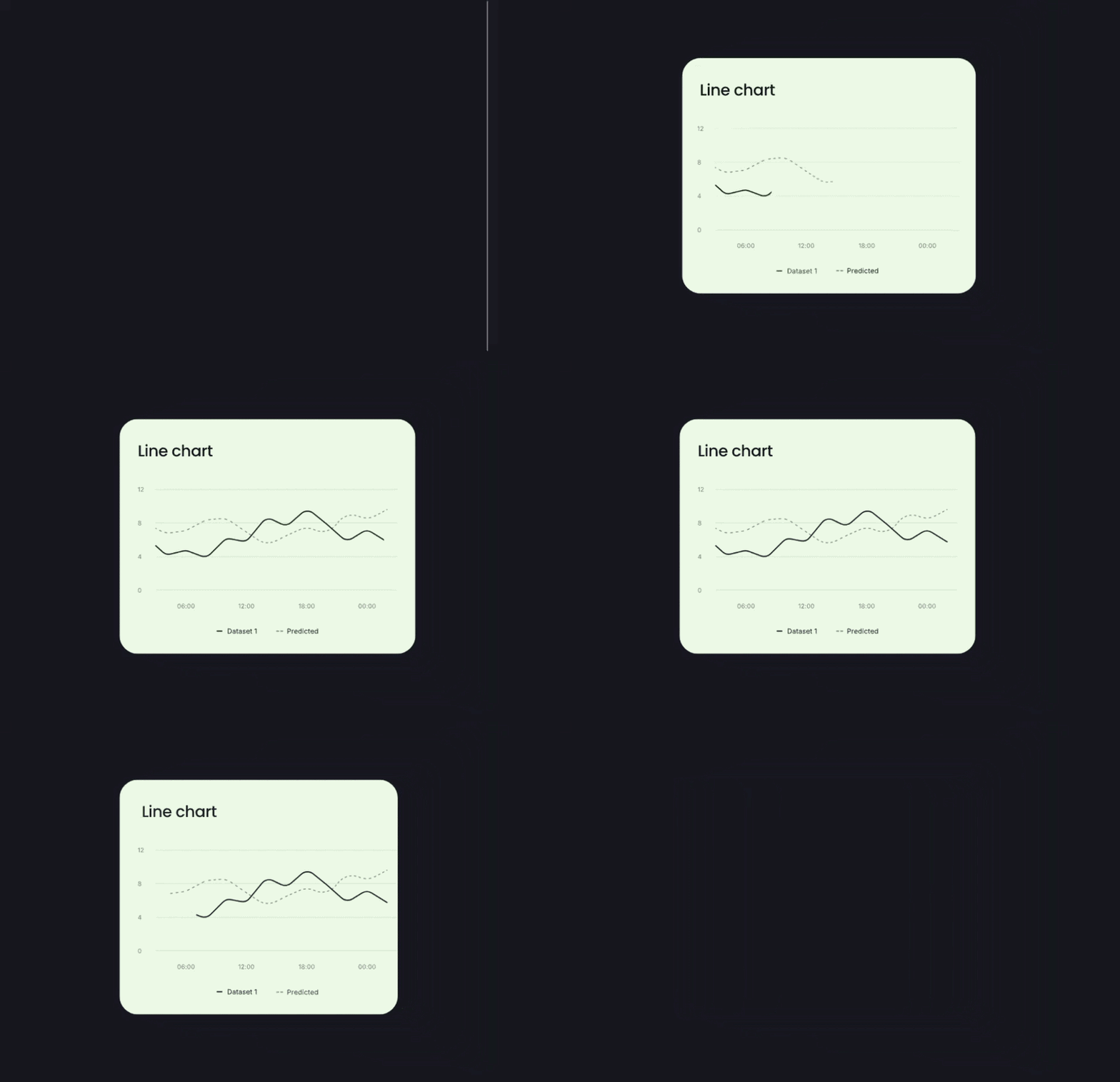
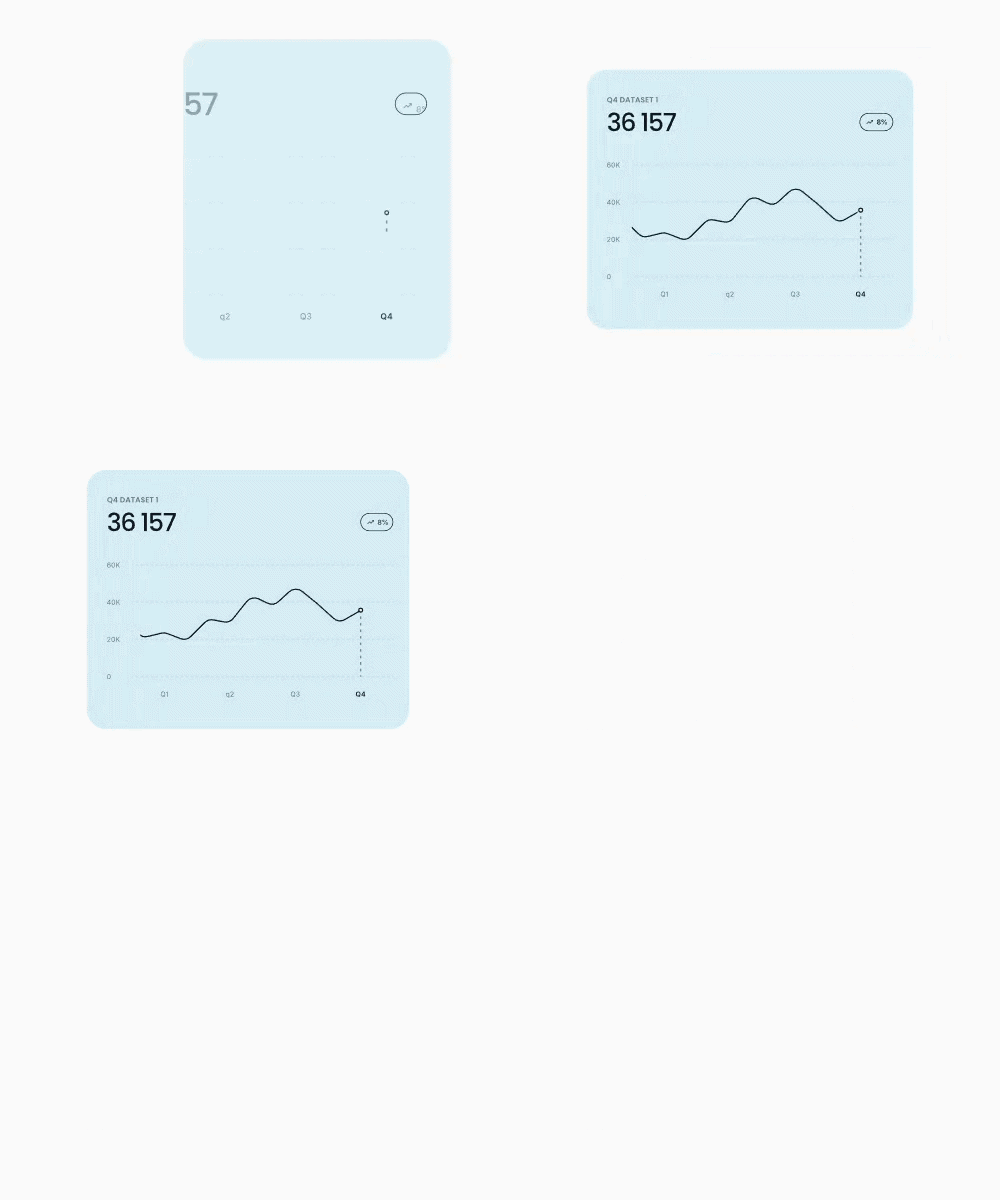
These previews show the three animated charts included in the package. Each chart animates when it renders in a React app.
Animated line chart
View all charts in the live demo
Related Jitter template: Multiple Line Chart Green
Annotated line chart
View all charts in the live demo
Related Jitter template: Animated Line Chart Blue
Bar chart

View all charts in the live demo
Related Jitter template: Stacked Bar Chart
Install
npm install @akhil9tiet/jitter-chartsImport the chart stylesheet once in your app entry:
import '@akhil9tiet/jitter-charts/style.css';React and React DOM are peer dependencies. The charts use D3 internally.
Use a chart
Each chart takes one required data prop. The exported TypeScript types describe the accepted data shapes.
import '@akhil9tiet/jitter-charts/style.css';
import { BarChart, type BarChartPoint } from '@akhil9tiet/jitter-charts';

const data: BarChartPoint[] = [
  { day: 'Mon', dataset1: 25, dataset2: 50 },
  { day: 'Tue', dataset1: 15, dataset2: 60 },
];

export function App() {
  return <BarChart data={data} />;
}
Components and data
AnimatedLineChart
type StoryArcSeries = {
  name: string;
  data: { x: number; value: number; label: string }[];
  color: string;
  strokeDasharray?: string;
};
Pass an array of series. Each point needs numeric x and value, and a label string.
AnimatedChartAnnotated
type AnnotatedLinePoint = {
  quarter: string;
  value: number;
};
Pass an array of points in display order. Quarter names ending in _mid are shown on the line and omitted from the main x-axis labels.
BarChart
type BarChartPoint = {
  day: string;
  dataset1: number;
  dataset2: number;
};
Pass an array of categories and two numeric series. The summary values are calculated from the rows.
Build
npm run dev
npm run build
npm run build:package
npm run build:package writes the publishable ESM, CommonJS, stylesheet, and declaration files to dist-package/.
License
MIT. You can use, modify, and distribute this package for commercial or non-commercial purposes. Keep the copyright and license notice with copies. See LICENSE.