
@aliou/pi-toolchain
v0.9.1
Published

Maintainers
 aliou
aliouReadme

Toolchain
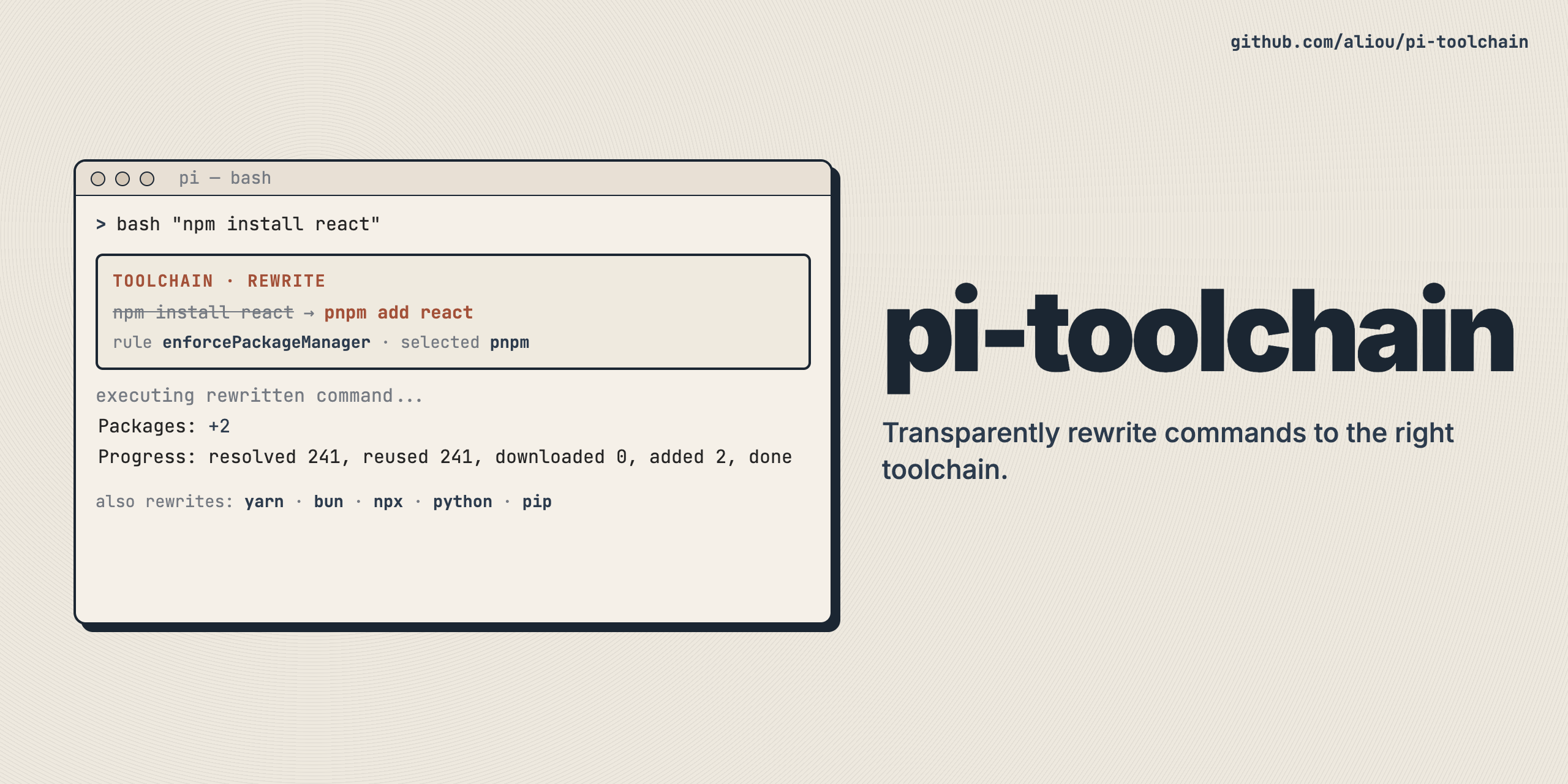
Opinionated toolchain enforcement for pi. Transparently mutates commands to use preferred tools or blocks mismatched commands.
Installation
pi install npm:@aliou/pi-toolchainOr from git:
pi install git:github.com/aliou/pi-toolchainFeatures
Each feature is independently set to one of three modes:
"disabled": no action taken"mutate": transparently mutate matching commands before shell execution"block": block matching commands via tool_call hook
nodePackageManager
Mutates or blocks npm/yarn/bun commands to use the selected package manager. Also handles npx -> pnpm dlx/bunx.
pythonToUv
Mutates or blocks python/python3 to uv run python and pip/pip3 to uv pip.
nonInteractiveGitRebase
Injects GIT_EDITOR=true and GIT_SEQUENCE_EDITOR=: env vars for git rebase commands so they run non-interactively. Only supports "disabled" and "mutate" modes (block is not applicable).
Settings Command
Run /toolchain:settings to open an interactive settings UI with two tabs:
- Local: edit project-scoped config (
.pi/extensions/toolchain.json) - Global: edit global config (
~/.pi/agent/extensions/toolchain.json)
Use Tab / Shift+Tab to switch tabs. Feature modes and the package manager can be changed directly. Configure mutation notification visibility in JSON for now.
Configuration
Configuration is loaded from two optional JSON files, merged in order (project overrides global):
- Global:
~/.pi/agent/extensions/toolchain.json - Project:
.pi/extensions/toolchain.json
Configuration Schema
{
  "enabled": true,
  "features": {
    "nodePackageManager": "disabled",
    "pythonToUv": "disabled",
    "nonInteractiveGitRebase": "mutate"
  },
  "nodePackageManager": {
    "selected": "pnpm"
  },
  "ui": {
    "showMutationNotifications": false
  }
}
All fields are optional. Missing fields use the defaults shown above.
Feature Defaults
| Feature | Default | Description |
|---|---|---|
| nodePackageManager | "disabled" | Opt-in. Mutates or blocks package-manager commands. |
| pythonToUv | "disabled" | Opt-in. Mutates or blocks python/pip commands to uv equivalents. |
| nonInteractiveGitRebase | "mutate" | On by default. Injects non-interactive env vars for git rebase. |
| ui.showMutationNotifications | false | Show a Pi notification each time a mutation happens. |
Examples
Enforce pnpm, mutate python commands, and show mutation notifications:
{
  "features": {
    "nodePackageManager": "mutate",
    "pythonToUv": "mutate"
  },
  "nodePackageManager": {
    "selected": "pnpm"
  },
  "ui": {
    "showMutationNotifications": true
  }
}
Block package-manager mismatches instead of mutating them:
{
  "features": {
    "nodePackageManager": "block"
  },
  "nodePackageManager": {
    "selected": "pnpm"
  }
}
How It Works
Mutations vs Blockers
The extension uses pi's tool_call event hook:
- Blockers: Commands that match a feature set to
"block"are rejected with a reason. The agent sees the block reason and retries with the correct command. - Mutations: Commands that match a feature set to
"mutate"are transparently rewritten before shell execution. The agent sees the original command in the tool call UI but gets the output of the mutated command. - Mutation notifications: When
ui.showMutationNotificationsis enabled, a warning-level Pi notification is shown for each mutation.
AST-Based Rewriting
All rewriters use structural shell parsing via @aliou/sh to identify command names in the AST. This avoids false positives where tool names appear in URLs, file paths, or strings. If the parser fails, the command passes through unchanged -- a missed mutation is safe, a false positive mutation corrupts the command.
Migration from Guardrails
If you were using preventBrew, preventPython, or enforcePackageManager in your guardrails config:
- Install
@aliou/pi-toolchain - Create
.pi/extensions/toolchain.jsonwith the equivalent config - Remove the deprecated features from your guardrails config
The guardrails extension will continue to honor these features with a deprecation warning until they are removed in a future version.