
@amyths/guru-react-icons
v1.0.2
Published
A production-ready React icon library featuring a cartoon guru.


Readme
guru-react-icons
A production-ready React icon library featuring a cartoon guru character. Inspired by Lucide React, built for performance and developer experience.

Features
- Iconic Design: Unique cartoon guru character for every use case.
- Tree-Shakable: Import only the icons you need.
- TypeScript Ready: Full type definitions included.
- Customizable: Control size, color, and stroke width with ease.
- SVGR Driven: Optimized SVG to React conversion.
Installation
pnpm add guru-react-icons
# or
npm install guru-react-icons
# or
yarn add guru-react-icons
Usage
import { GuruMeditate, GuruTeach } from 'guru-react-icons';

function App() {
  return (
    <div>
      <GuruMeditate size={48} color="#f97316" strokeWidth={1.5} />
      <GuruTeach size={32} />
    </div>
  );
}
Icons Preview
| Icon | Name | Import |
| :--- | :--- | :--- |
| Icon | Name | Import |
| :--- | :--- | :--- |
|  | GuruSimple | `import { GuruSimple } from '@amyths/guru-react-icons'` |
|
| GuruSimple | `import { GuruSimple } from '@amyths/guru-react-icons'` |
| 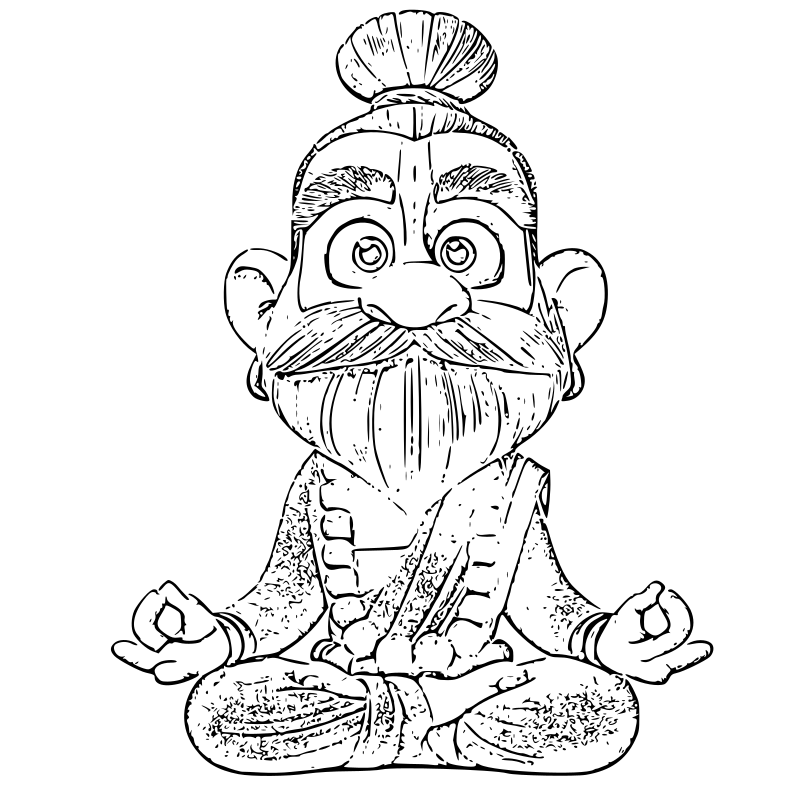 | GuruDetailed | `import { GuruDetailed } from '@amyths/guru-react-icons'` |
| | GuruMaster | `import { GuruMaster } from '@amyths/guru-react-icons'` |
| GuruDetailed | `import { GuruDetailed } from '@amyths/guru-react-icons'` |
| | GuruMaster | `import { GuruMaster } from '@amyths/guru-react-icons'` |
Development
Setup
- Clone the repository
- Install dependencies:
pnpm install
Scripts
pnpm generate-icons: Converts SVG files insrc/iconsto React components.pnpm build: Bundles the library intodist/.pnpm clean: Removes generated files and build artifacts.
Adding New Icons
- Place your
.svgfile insrc/icons. - Run
pnpm generate-icons. - The component will be available for export and use.
Publishing
To publish to NPM:
- Ensure you have an account and are logged in.
- Run
pnpm build. - Run
npm publish --access public.
License
MIT © [Guru React Icons Team]