
@anthonyjdella/jsonresume-theme-anthonyjdella-elegant
v1.0.10
Published
Elegant theme for jsonresume
Downloads
47

Maintainers
 anthonyjdella
Readme
Customized JSON Resume Theme: Elegant
🖼️ This is a tweaked version of the Elegant theme. Tweaked to fit my design preferences.
Notable Changes
- 2 Page version in PDF/printable mode
- Added sections for speaking and articles
- Style changes
Prerequisites
To build and start the local server, it needs to use the cli command, which is custom cli I tweaked.
npm i @anthonyjdella/customized-resume-cli
How to Start
To re-build HTML changes, execute: grunt exec:compile_pug
To re-build CSS changes, execute: grunt less
Then to start,
npm run start for localhost:4000
or grunt exec:run_server for localhost:8080
How to Change
index.jsis the order of the resume. Also make changes tobackground-card.pugpug/are the html files for each section. To re-build HTML changes, execute:grunt exec:compile_pugassets/lessis the styling. To re-build CSS changes, execute:grunt less- To make changes to the PDF/printable version, make changes in the
@printsection ofassets/less/print.less - Change version number in
package.json - Deploy the changes via
npm publish --access public - To see changes from
resume.anthonydellavecchia.comyou need to go to the registry project, then cd intofunctions, runnpm iandnpm update, thenfirebase deploy.
Elegant Theme 
Responsive theme for JsonResume inspired by card layouts.
Markdown Supported
Supported in the following properties resume.basics.summary, work[0].summary, work[0].highlights, projects[0].summary, projects[0].highlights, education[0].courses, volunteer[0].summary, volunteer[0].highlights, awards[0].summary, publications[0].summary, references[0].reference, skills[0].keywords. If you have any other use case, please raise an issue
Social Profiles
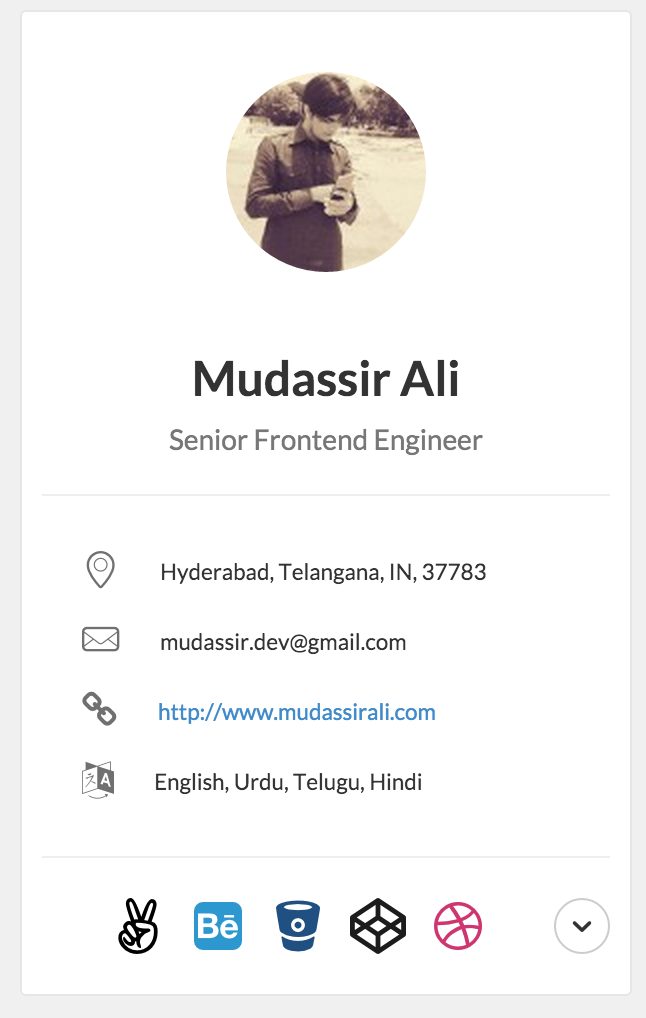
The profiles are shown in the order in which they are specified in the basics.profiles array. By default, only 5 profiles are shown & others are revealed on demand.
Supported Profiles
- angellist
- behance
- bitbucket
- blogger
- codepen
- dribbble
- dribble
- exercism
- flickr
- foursquare
- github
- gitlab
- googleplus
- gratipay
- hackernews
- lastfm
- medium
- meetup
- skype
- soundcloud
- spotify
- stackexchange
- stackoverflow
- telegram
- tumblr
- vimeo
- youtube
Credits
- Thank you contributors for your pull requests
- Floating Menu: inspired by Smart Fixed Navigation
Contributing
$ npm install -g grunt
$ npm install -g pug-cli
$ git clone https://github.com/mudassir0909/jsonresume-theme-elegant.git
$ cd jsonresume-theme-elegant
$ npm install
$ grunt watch // watches for file changes in *.pug & *.less
$ grunt exec:run_server // Do this in a new terminal tab to run node server
Visit http://localhost:8888 to see the theme in action.

Testing JSON changes
You can test your changes by updating resume.json file inside node_modules/resume-schema/ folder. You might want to rerun grunt exec:run_server whenever you make any changes to resume.json
Updating Styles
All the LESS files are organized under the folder assets/less/. Please go through the comments inside theme.less to find out which file to put your LESS changes. Grunt compiles assets/less/theme.less to assets/css/theme.css which is used eventually in the theme.
Please Do not make any changes inside assets/css/theme.css
Updating Javascript
All the javascript changes go into index.js which is responsible for rendering the theme.
Adding a new icon
Visit this wiki page
Roadmap
https://github.com/mudassir0909/jsonresume-theme-elegant/labels/enhancement