
@apvee/spfx-m365-actionable-provisioning
v1.0.0
Published
Reusable SPFx UI, hooks, and property pane controls for M365 actionable provisioning.

Maintainers
 fabiofranzini
Readme
@apvee/spfx-m365-actionable-provisioning
Reusable SPFx UI, hooks, property pane fields, theme bridge, localization, and activity utilities for @apvee/m365-actionable-provisioning.
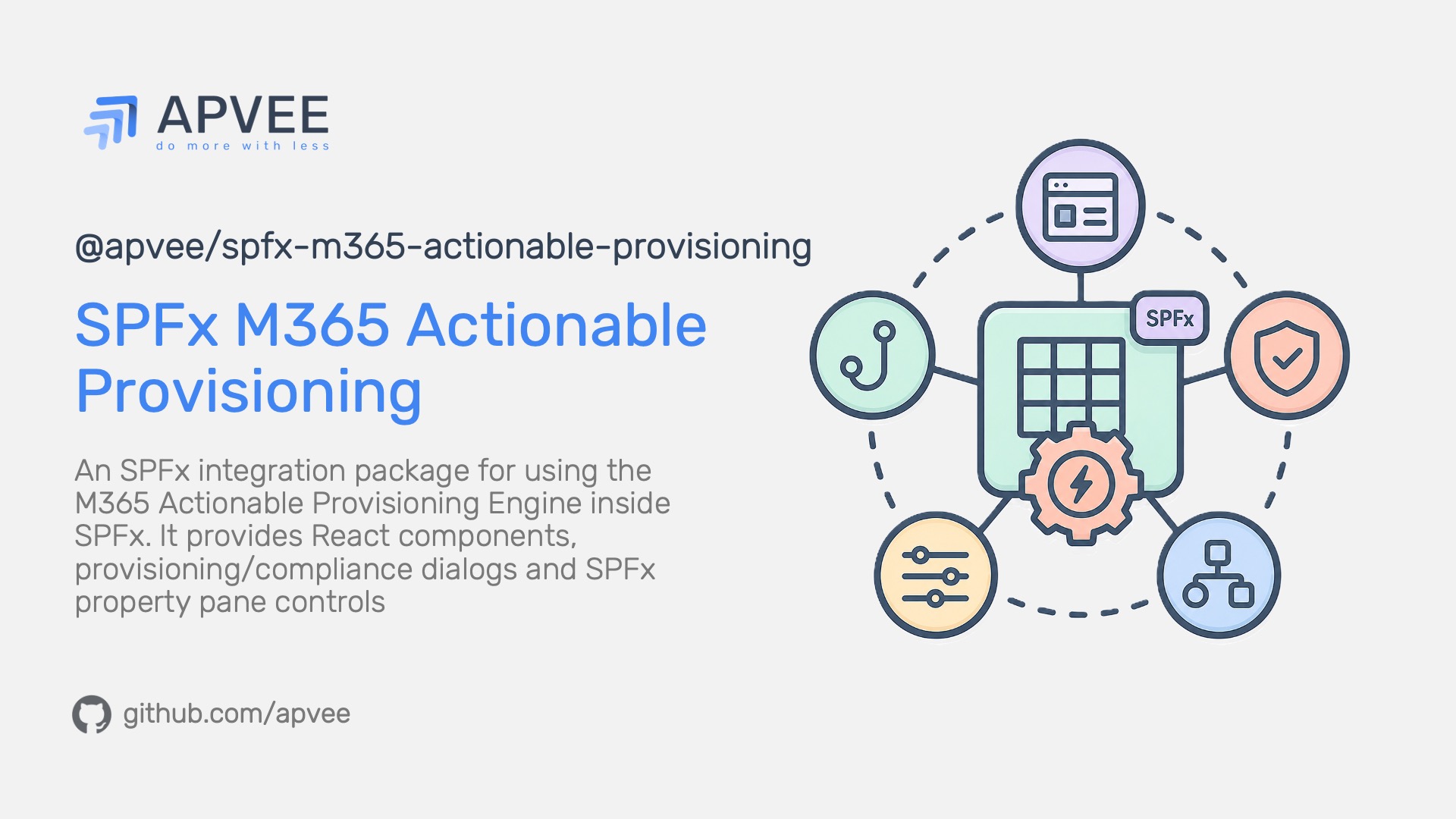
This package does not implement provisioning actions. It adapts the core M365 provisioning engine to SharePoint Framework applications.
Installation
npm install @apvee/spfx-m365-actionable-provisioning @apvee/m365-actionable-provisioningSPFx applications must also provide the package peer dependencies, including SPFx 1.21, React 17, Fluent UI 8/9, @apvee/react-layout-kit, @pnp/sp, and @pnp/graph.
Public API
ProvisioningDialog: Fluent UI dialog for provisioning and compliance checks.SPFxFluentProvider: SPFx theme-aware Fluent UI 9 provider.useSPFxProvisioningEngine: hook that creates authenticated PnPjsspfiandgraphClientclients from SPFx context and runs the core engine.useProvisioningDerivedState: derives UI state from engine snapshots.PropertyPaneProvisioningField: property pane command field for provision, deprovision, compliance check, and state persistence.PropertyPaneSiteSelectorField: property pane site selection field.- Utility builders for provisioning/compliance activity entries and SPFx-to-Fluent theme conversion.
Localization
The package uses the SPFx localized resource name SPFxProvisioningUIStrings.
The npm package exposes only the package root (@apvee/spfx-m365-actionable-provisioning) and ./package.json. Import public APIs from the package root; deep import paths are not part of the package export contract.
The postinstall script adds this entry automatically when it can locate an SPFx config/config.json and the resource name is not already mapped:
{
  "localizedResources": {
    "SPFxProvisioningUIStrings": "node_modules/@apvee/spfx-m365-actionable-provisioning/lib/loc/{locale}.js"
  }
}
If your build process skips package lifecycle scripts, add the mapping manually. If the resource name already exists with a different path, the script leaves it unchanged and reports the conflict instead of overwriting your SPFx config.
Graph Permissions
useSPFxProvisioningEngine creates both SharePoint and Graph PnPjs clients:
clients: { spfi, graphClient }SharePoint-only actions run with the current user's SharePoint permissions. Content type actions use Microsoft Graph and require Sites.Manage.All or a higher Graph permission such as Sites.FullControl.All.
SPFx solutions that use content type actions should include:
"webApiPermissionRequests": [
  {
    "resource": "Microsoft Graph",
    "scope": "Sites.Manage.All"
  }
]
React Usage
Wrap SPFx React content with SPFxFluentProvider so Fluent UI 9 components receive the current SPFx theme:
import * as React from 'react';
import type { WebPartContext } from '@microsoft/sp-webpart-base';
import { Button } from '@fluentui/react-components';
import {
  ProvisioningDialog,
  SPFxFluentProvider,
} from '@apvee/spfx-m365-actionable-provisioning';
import { createLogger, consoleSink } from '@apvee/m365-actionable-provisioning';
import { provisioningPlan } from './provisioning-plan';

export const MyWebPart: React.FC<{ context: WebPartContext }> = ({ context }) => {
  const [open, setOpen] = React.useState(false);
  const logger = React.useMemo(
    () => createLogger({ level: 'info', sink: consoleSink }),
    []
  );

  return (
    <SPFxFluentProvider context={context}>
      <Button onClick={() => setOpen(true)}>Configure site</Button>

      <ProvisioningDialog
        open={open}
        onClose={() => setOpen(false)}
        context={context}
        planTemplate={provisioningPlan}
        logger={logger}
        targetSiteUrl={context.pageContext.web.absoluteUrl}
        enableComplianceCheck={true}
      />
    </SPFxFluentProvider>
  );
};
Hook Usage
Use useSPFxProvisioningEngine when you need custom UI around the engine:
const { snapshot, run, cancel, checkCompliance } = useSPFxProvisioningEngine({
  context,
  targetSiteUrl,
  planTemplate,
  logger,
  initialScope,
  engineOptions,
});
When targetSiteUrl is provided, the hook seeds siteUrl, webUrl, and web in the initial scope unless the caller-provided initialScope overrides them.
Property Pane Usage
import {
  PropertyPaneProvisioningField,
  PropertyPaneSiteSelectorField,
  type TemplateAppliedState,
} from '@apvee/spfx-m365-actionable-provisioning';

export interface IMyWebPartProps {
  targetSiteUrl?: string;
  provisioningState?: TemplateAppliedState;
}

PropertyPaneSiteSelectorField('targetSiteUrl', {
  label: 'Target site',
  context: this.context,
  value: this.properties.targetSiteUrl,
});

PropertyPaneProvisioningField('provisioningState', {
  context: this.context,
  label: 'Site configuration',
  provisioningActionPlan,
  deprovisioningActionPlan,
  targetSiteUrl: this.properties.targetSiteUrl,
  effectiveState: this.properties.provisioningState,
  enableComplianceCheck: true,
});
TemplateAppliedState is:
type TemplateAppliedState = 'applied' | 'notApplied' | 'unknown';The bound targetProperty stores the next effective state when the field changes. Pass the persisted value back through effectiveState.
Package Scripts
npm run build -w @apvee/spfx-m365-actionable-provisioning