
@arach/lattices
v0.11.1
Published
Tile windows, search your screen, keep tmux sessions alive, and let AI agents control your Mac — CLI + daemon API

Maintainers
 arach
arachReadme
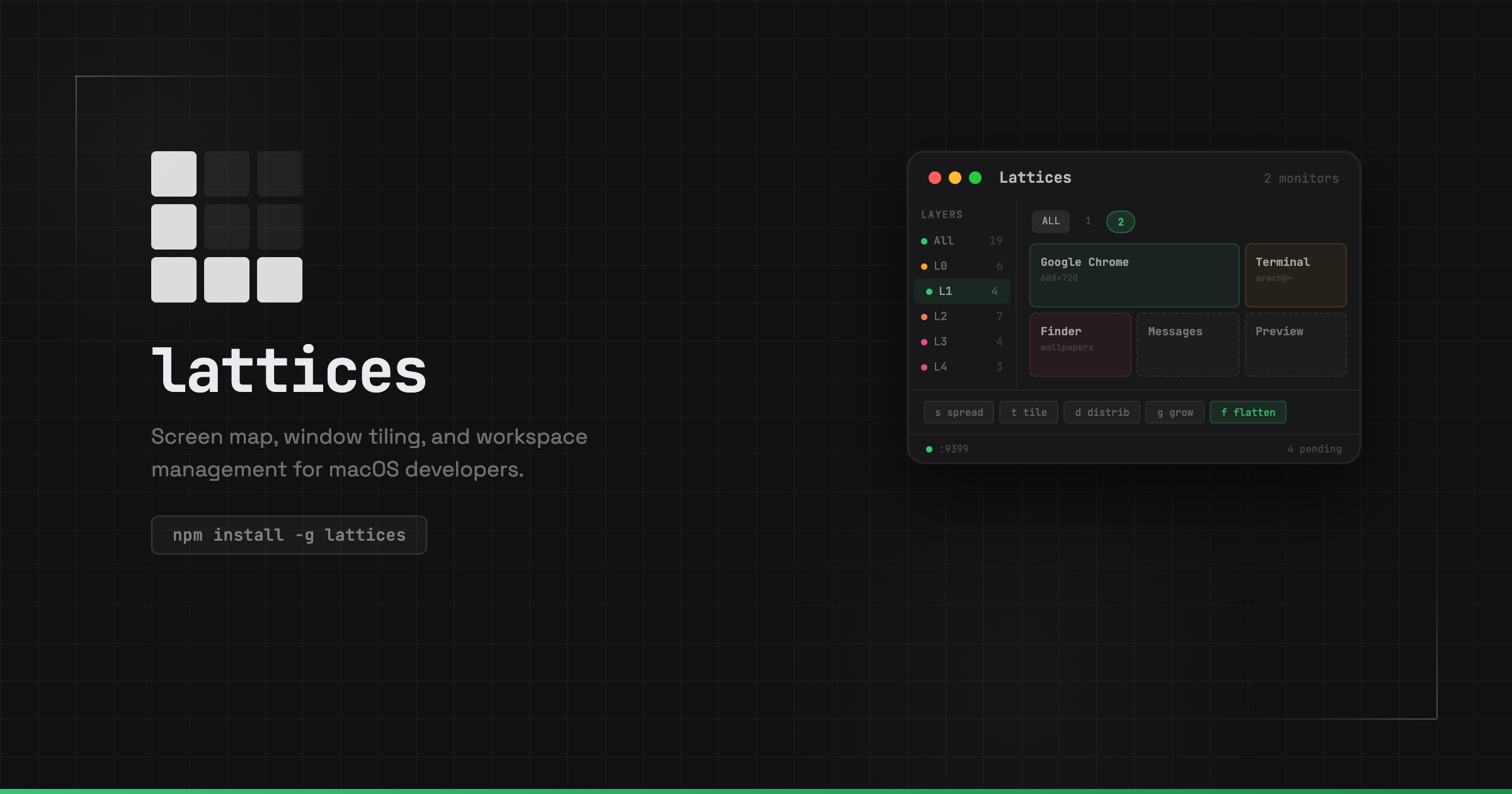
lattices
Turn your Mac into a workspace you can drive — by hand, by voice, or by agent.
Menu bar app + CLI + local WebSocket daemon. Tile windows, keep terminal sessions alive, search what's on screen, and switch whole project contexts in one keystroke.
lattices.dev · Docs · Download app
What you can do
Spin up a project in seconds — lattices start opens a tmux layout from
.lattices.json (or auto-detects your dev server). Sessions survive reboots.
Tile anything, instantly — snap windows to halves, quarters, and grids from
the command palette (Cmd+Shift+M), hotkeys, or lattices place myapp left.
Find windows by what they contain — search titles, apps, terminal cwd, tmux
session tags, and OCR text: lattices search vox --deep.
Switch whole workspaces — layers tile multiple projects at once
(Cmd+Option+1/2/3). Tab groups bundle related repos into one session.
Read the screen — continuous UI text + periodic Vision OCR, searchable from
CLI or API: lattices scan search "error".
Talk to your desktop — voice commands for tile, focus, search, and launch (beta, via the menu bar app).
Give agents the keys — 35+ daemon RPC methods on ws://127.0.0.1:9399.
Launch sessions, tile windows, switch layers, subscribe to live events.
Install
npm install -g @arach/latticesAlso on npm as @lattices/cli. macOS only. Optional: brew install tmux for
persistent sessions; download the app
for palette, layers, and voice.
Try it
lattices app          # menu bar companion (daemon + palette)
lattices start        # tmux workspace for this repo
lattices search api --deep
lattices place frontend left
For agents & scripts
import { daemonCall } from '@arach/lattices/daemon-client'

await daemonCall('session.launch', { path: '/Users/you/dev/api' })
await daemonCall('window.tile', { session: 'api-a1b2c3', position: 'right' })
const hits = await daemonCall('windows.search', { query: 'myproject' })
Full API: lattices.dev/docs/api
More
lattices help for the full CLI · layers & groups · voice
MIT