
@atomazing-org/vite-config
v0.2.11
Published
A library providing a vite configuration with including PWA and MF supports.


Readme
@atomazing-org/vite-config
@atomazing-org/vite-config is a Vite configuration toolkit for React applications.
It provides a single createViteConfig entry point with practical defaults and optional integrations.
Features
- React setup (
@vitejs/plugin-react) with Emotion support - TypeScript diagnostics in dev (
vite-plugin-checker) - Module Federation support (
@module-federation/vite) - PWA support (
vite-plugin-pwa) with optional QR in dev - Optional HTTPS in dev (
@vitejs/plugin-basic-ssl) - Optional i18n integration (
@lingui/vite-plugin) - Shared TypeScript config export (
configs/tsconfig.json)
Installation
# npm
npm install @atomazing-org/vite-config

# yarn
yarn add @atomazing-org/vite-config

# pnpm
pnpm add @atomazing-org/vite-config
Install From Scratch
Requirements:
- Node.js
>=20 pnpm(recommended),npm, oryarn
Option A: Use the library in a brand new app
- Create a Vite React app:
pnpm create vite my-app --template react-ts
cd my-app- Install project dependencies:
pnpm install- Add
@atomazing-org/vite-config:
pnpm add @atomazing-org/vite-config- Replace
vite.config.ts:
import { createViteConfig } from '@atomazing-org/vite-config'

export default createViteConfig({
	server: {
		port: 5173,
	},
})- Extend package TS config in
tsconfig.json:
{
	"extends": "@atomazing-org/vite-config/configs/tsconfig.json"
}- Run the app:
pnpm devOption B: Set up this repository for local development
- Clone and enter the repo:
git clone https://github.com/atomazing/vite-config.git
cd vite-config- Install dependencies:
pnpm install- Build the library:
pnpm build- Validate examples:
pnpm check:examples
pnpm check:examples:smoke- Run examples manually (optional):
pnpm --dir examples/basic dev
pnpm --dir examples/microfrontends/remote dev
pnpm --dir examples/microfrontends/host dev
Quick Start
Create vite.config.ts:
import { createViteConfig } from '@atomazing-org/vite-config'

export default createViteConfig({
	server: {
		port: 5173,
	},
})
Configuration API
createViteConfig accepts all regular Vite UserConfig options plus:
enableDevPwa?: boolean
Enable PWA dev mode and QR plugin behavior.enableHttps?: boolean
Enable self-signed HTTPS in development.enableI8n?: boolean
Enable Lingui integration.checkTypescript?: boolean
Enable/disable TypeScript checks in dev (trueby default).moduleFederationOptions?: Partial<ModuleFederationOptions> & Pick<ModuleFederationOptions, 'name'>
Module Federation setup for host/remote apps.reactPluginOptions?: ReactPluginOptions
Additional options forwarded to@vitejs/plugin-react.
Usage Examples
Basic
import { createViteConfig } from '@atomazing-org/vite-config'

export default createViteConfig({
	server: {
		port: 5173,
	},
})
Module Federation Host
import { createViteConfig } from '@atomazing-org/vite-config'

export default createViteConfig({
	moduleFederationOptions: {
		name: 'host',
		remotes: {
			remote: 'remote@https://example.com/remoteEntry.js',
		},
		shared: {
			react: { singleton: true },
			'react-dom': { singleton: true },
		},
	},
})
Module Federation Remote
import { createViteConfig } from '@atomazing-org/vite-config'

export default createViteConfig({
	moduleFederationOptions: {
		name: 'remote',
		exposes: {
			'./mount': './src/mount.tsx',
		},
	},
})
PWA Manifest and Workbox
Generate manifest.ts:
npx @atomazing-org/vite-config create-manifestYou can also provide your own workbox.config.ts.
If it is not found, the default Workbox config from this package is used.
TypeScript Setup
Extend the shared config in your project:
{
	"extends": "@atomazing-org/vite-config/configs/tsconfig.json"
}
Re-Exports
In addition to createViteConfig, the package re-exports:
workbox-buildworkbox-windowvite-plugin-pwa
Notes
- PWA QR output in dev appears only when
enableDevPwa: true. - HTTPS is enabled via
@vitejs/plugin-basic-sslwhenenableHttps: true. - Config initialization logs are grouped by feature to simplify diagnostics.
Examples
Interactive examples are available in examples/:
examples/basic- baselinecreateViteConfigusage and feature overview.examples/microfrontends/remote- Module Federation remote exposing./mount.examples/microfrontends/host- Module Federation host loadingremote/mount.
Start from:
pnpm --dir examples/basic devMicrofrontends run order:
pnpm --dir examples/microfrontends/remote dev
pnpm --dir examples/microfrontends/host dev
Detailed docs:
examples/README.mdexamples/basic/README.mdexamples/microfrontends/README.md
Gallery by example:
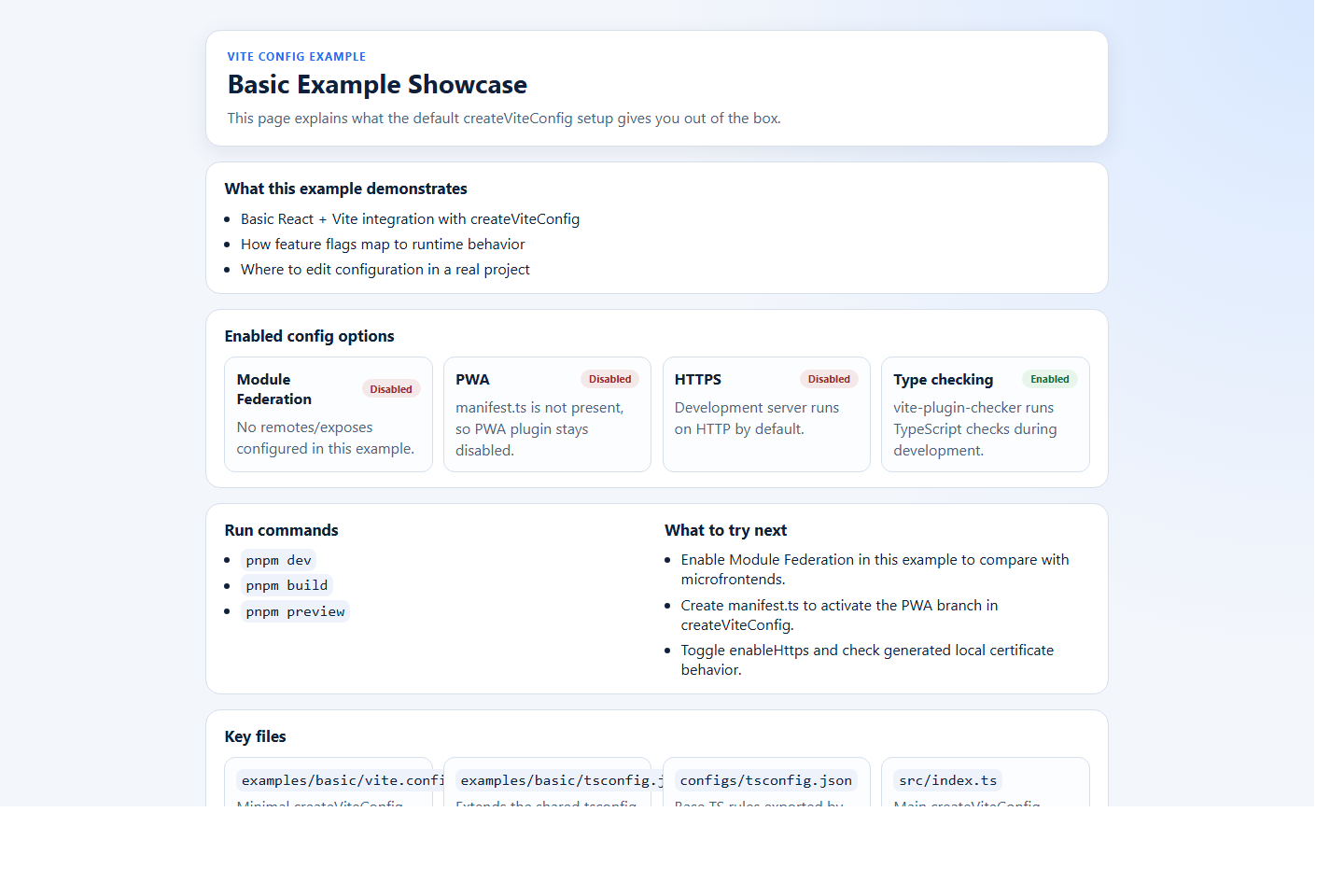
examples/basic - Base dashboard that shows enabled/disabled config features, key files, and next steps for a standard app setup.
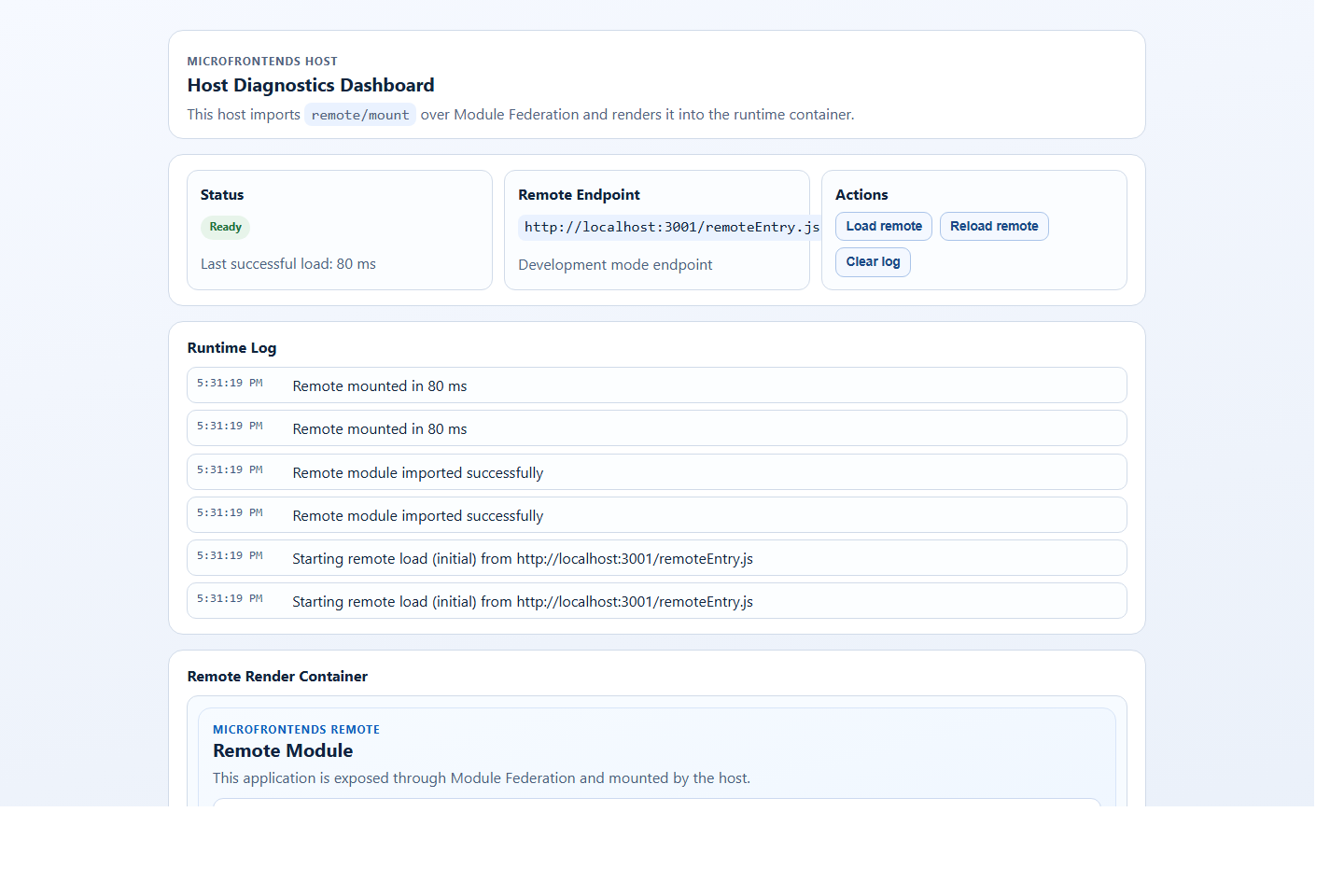
examples/microfrontends/host - Host runtime dashboard with remote loading states, endpoint info, and integration diagnostics.
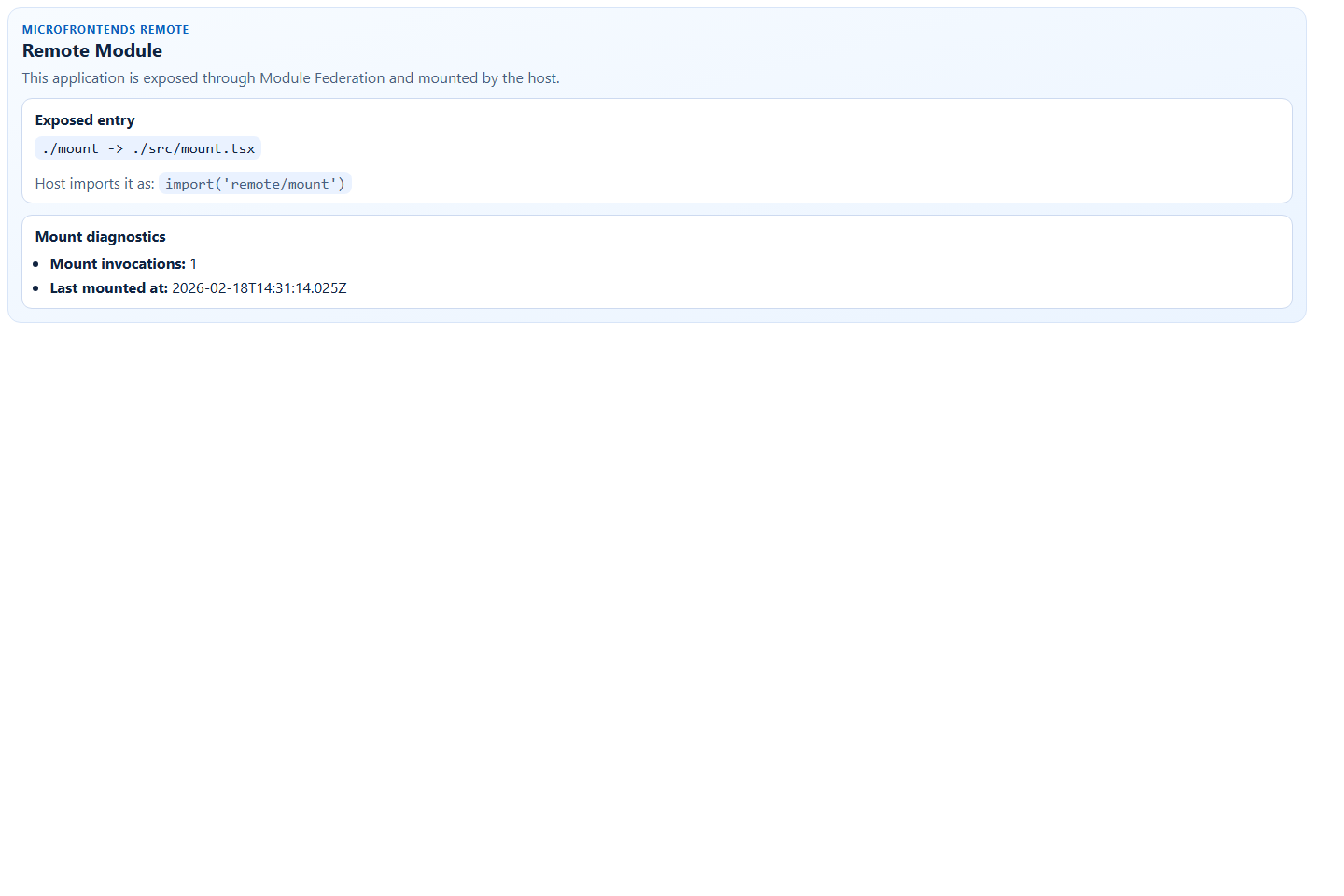
examples/microfrontends/remote - Remote module dashboard showing exposed entry details and mount diagnostics.
Regenerate screenshots:
pnpm capture:examples:screenshotsSetup Behavior
The postinstall setup script (bin/setup.mjs) scaffolds tsconfig.json and vite.config.ts only when:
INIT_CWDcontains a validpackage.json- target project is not the
@atomazing-org/vite-configpackage itself
This prevents accidental config generation in home directories and avoids parent-level tsconfig warnings.
Validation Scripts
pnpm check:examples:build
pnpm check:examples:types
pnpm check:examples:smoke
pnpm check:examples