
@auramaps/vue
v0.2.1
Published
Vue 3 components for AuraMap


Readme
@auramaps/vue
Vue 3 wrapper for @auramaps/core.
Explore the live AuraMap demo →
Screenshots
| Neon Night | Minimal Dark | Minimal Light |
| --- | --- | --- |
| 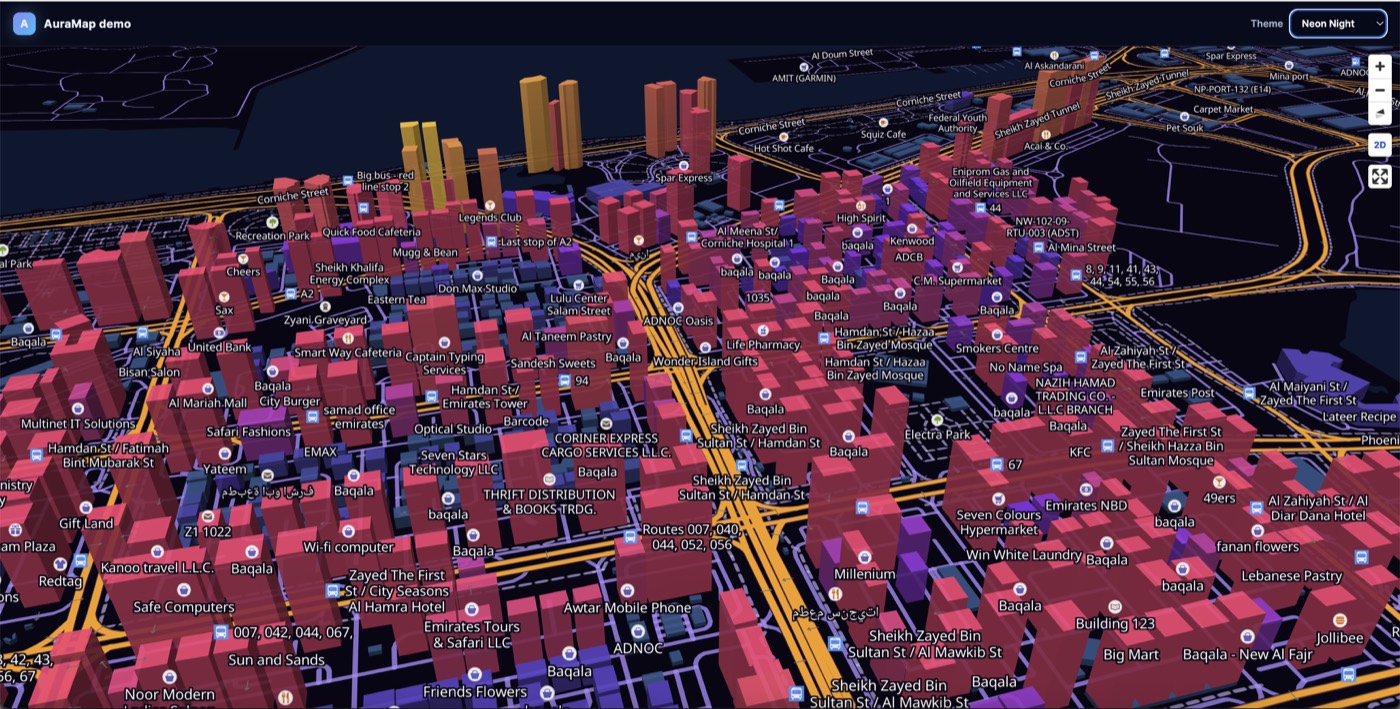 |
| 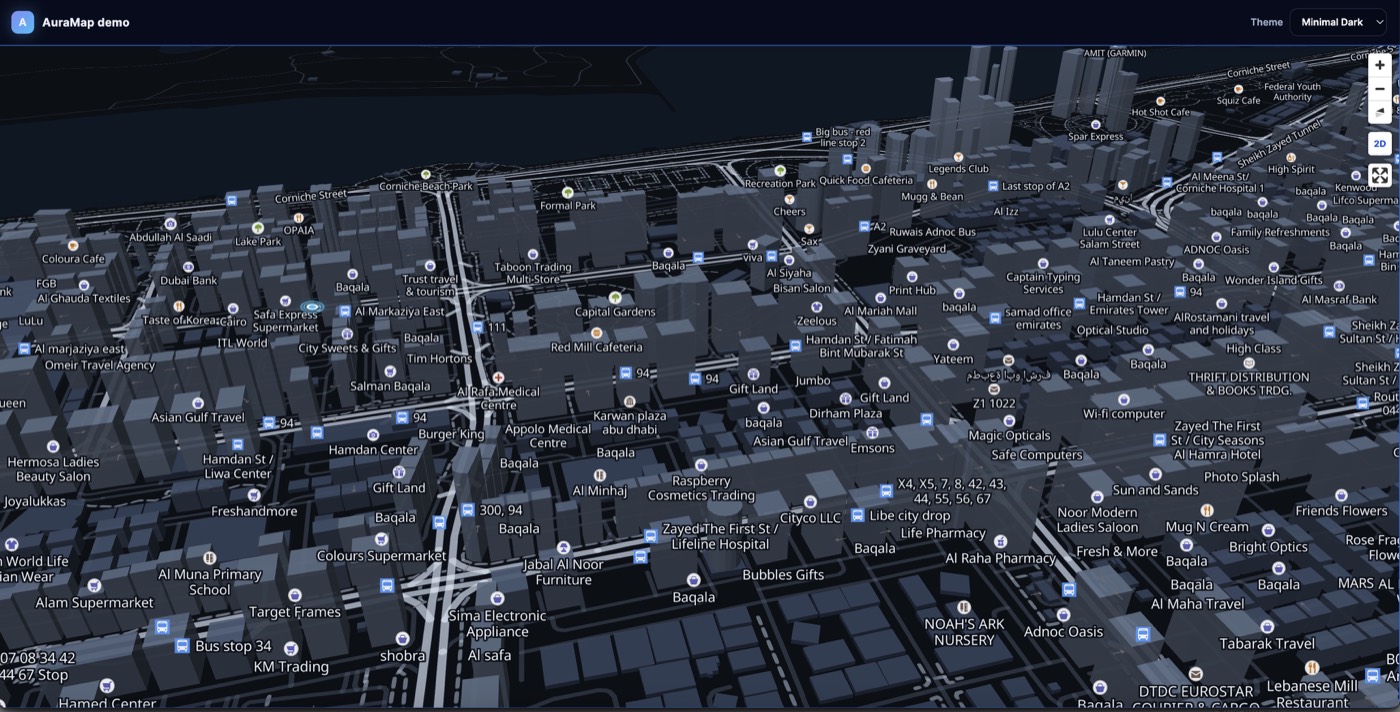 |
| 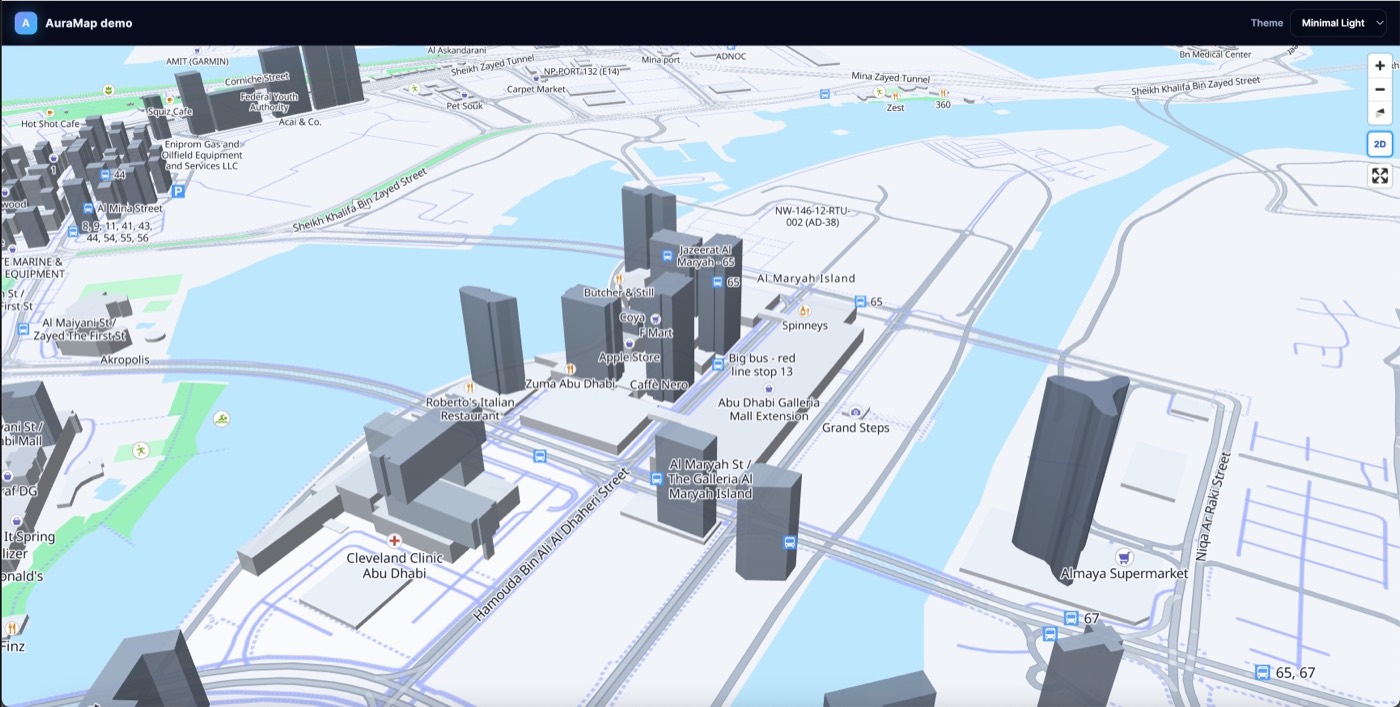 |
|
Install
npm install @auramaps/vueThis installs @auramaps/core and maplibre-gl for you.
You still need Vue 3 in your app (vue is a peer dependency).
Usage
<script setup lang="ts">
import { AuraMap } from "@auramaps/vue";
import "@auramaps/core/styles.css";
</script>

<template>
  <AuraMap
    theme="neon-night"
    :center="[54.39, 24.45]"
    :zoom="14"
    :pitch="60"
    buildings
    navigation-control
    @ready="(map) => console.log(map)"
  />
</template>
Props
Mirrors core options: theme, buildings, ambientLife, placePopup,
navigationControl, fullscreenControl, center, zoom, pitch, bearing, …
Default theme is neon-night.
Customization
The ready event provides the AuraMap engine:
<AuraMap
  touch-rotation
  @ready="(engine) => {
    const map = engine.getMapInstance();

    map.on('click', (event) => {
      engine.addMarker({
        longitude: event.lngLat.lng,
        latitude: event.lngLat.lat,
        label: 'Selected location'
      });
    });
  }"
/>
AuraMap supports markers, route lines, animated routes, themes, buildings, terrain, atmosphere, 3D Tiles, popups, camera controls, heatmaps, arcs, columns, pulse points, vehicles, extruded GeoJSON, clustered markers, and custom MapLibre sources/layers/events.
Read the complete customization guide.
touch-rotation enables the default two-finger twist gesture: users can rotate
the map by moving two fingers in a circular motion.
License
MIT