
@azimovlabs/mcp-shadow-pty
v0.6.0
Published
ShadowPTY - Headless TUI testing & session recording MCP server

Maintainers
 pplanel
Readme
@azimovlabs/mcp-shadow-pty



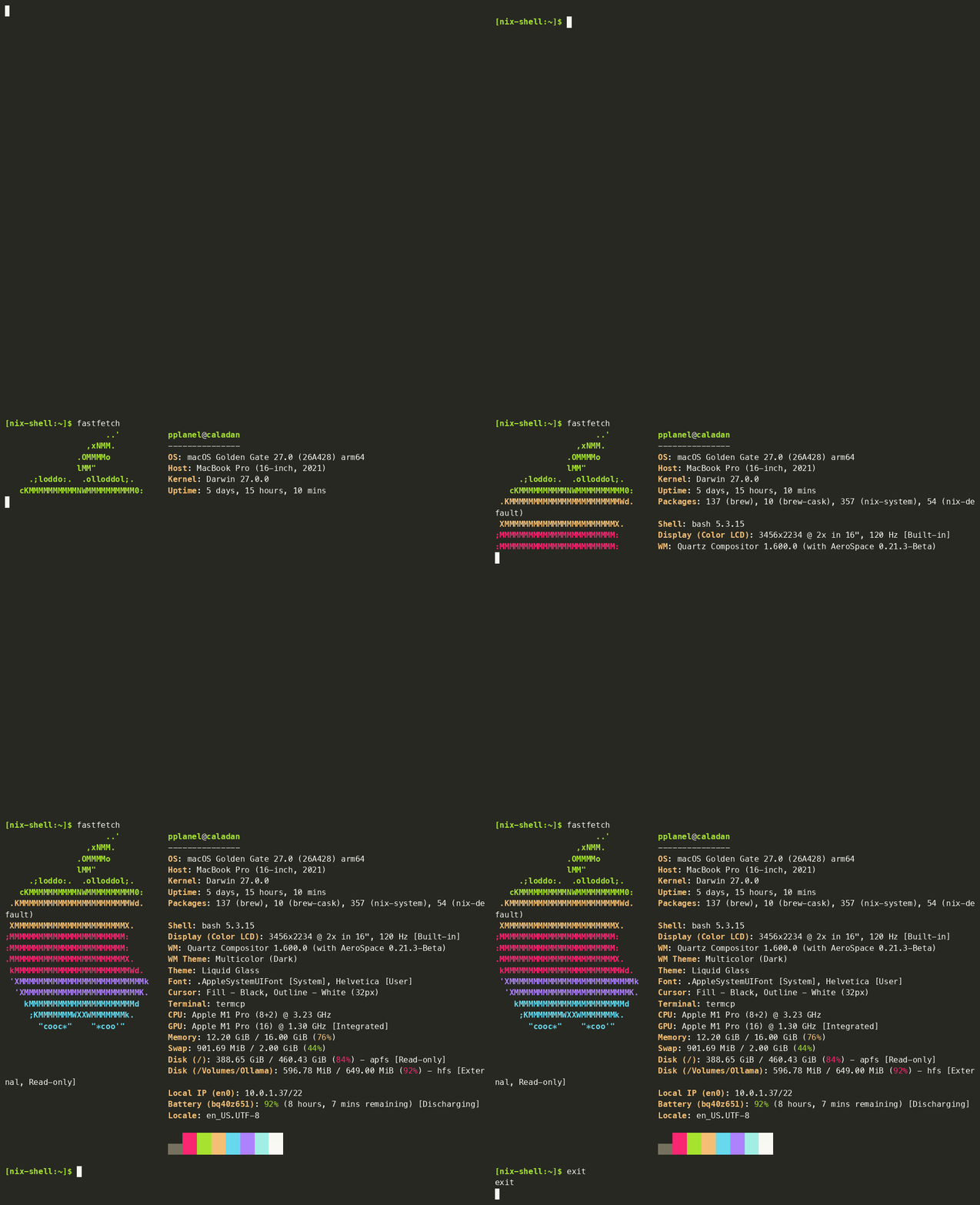
ShadowPTY lets your AI assistant use terminal apps the way a person does, and prove it works. It's an MCP server, written in Rust, that gives Claude, Gemini, Cursor and other assistants a real terminal: open an app, type, press keys, read the screen with its colors, wait for things to appear, take screenshots, and record everything.
This package runs the precompiled native binary for macOS and Linux through npx. Nothing else to install.
Connect it to your assistant
Claude Code
claude mcp add shadow-pty -- npx -y @azimovlabs/mcp-shadow-ptyClaude Desktop, Gemini CLI / Antigravity, Cursor and other MCP clients: add this to the client's MCP config (claude_desktop_config.json, ~/.gemini/config/mcp_config.json, Cursor's MCP settings, …):
{
  "mcpServers": {
    "shadow-pty": {
      "command": "npx",
      "args": ["-y", "@azimovlabs/mcp-shadow-pty"]
    }
  }
}
Then ask for something, e.g. "Open htop in ShadowPTY, sort by memory and show me a screenshot."
What it can do
| | |
| :--- | :--- |
| ⌨️ Type and press keys | Text, Enter, arrows, F-keys, Ctrl/Alt combos, pasted scripts |
| 👀 Read the screen | Text with colors and styles, exactly as laid out |
| ⏳ Wait for things | Until some text appears or disappears, the screen settles, or the app exits (with its exit code), with no fixed sleeps |
| 📸 Screenshots | PNG the assistant can see, or SVG for pixel-exact comparisons |
| 🎬 Recordings | Standard asciinema files with real timing |
| ✅ Test reports | A JSON Lines log of every check (passed or failed, and how long it took) and a summary, e.g. 5 checks, 4 passed, 1 failed |
| 🚦 Send signals | Interrupt, terminate, pause and resume the app (INT, TERM, STOP, CONT, …) without closing it |
| 📺 Watch live | A private local web page showing the screen and every input and check as the assistant works |
| 🙋 Asks you first | On the first session, a form asks whether you want a recording, a report or the live page (opened in your browser for you); your answer sticks for later sessions |
| 📐 Resize | Test how the app adapts to small and large windows |
| 🧩 Several apps at once | Each in its own named session |
| 🧹 Clean shutdown | Closing a session stops the app and anything it spawned |
Full-screen, colorful apps render like in a modern terminal: ShadowPTY uses Alacritty's terminal engine, and screen text and screenshots come from the same view, so they always agree.
Works on macOS (Apple Silicon) and Linux (x86_64, aarch64). Requires Node.js 18 or later to run through npx.
Learn more
- ShadowPTY on GitHub: overview, use cases, TDD workflow, FAQ.
- Technical reference: every tool and parameter, screen format, recording and report formats.
- Issues
Licensed under either of Apache License 2.0 or MIT, at your option.