
@baethon/udba-cli
v1.0.3
Published
Minimalistic CLI app framework

Maintainers
 radmen
Readme


@baethon/udba-cli
Minimalistic CLI interface built on top of yargs. It allows building CLI applications inside an existing app.
Installation
First, install the package:
npm i @baethon/udba-cliThen create your CLI binary (./cli; ideally, in the root folder):
#!/usr/bin/env node

const { Runtime } = require('@baethon/udba-cli')

const app = new Runtime()

app.load(`${__dirname}/commands/**/*.js`)
    .then(() => app.run(process.argv.slice(2)))
    .then(() => app.exit())
    .catch((error) => {
        console.warn(error.message)
        app.exit(1)
    })
Add executable permissions:
chmod +x ./cliCreating the first command
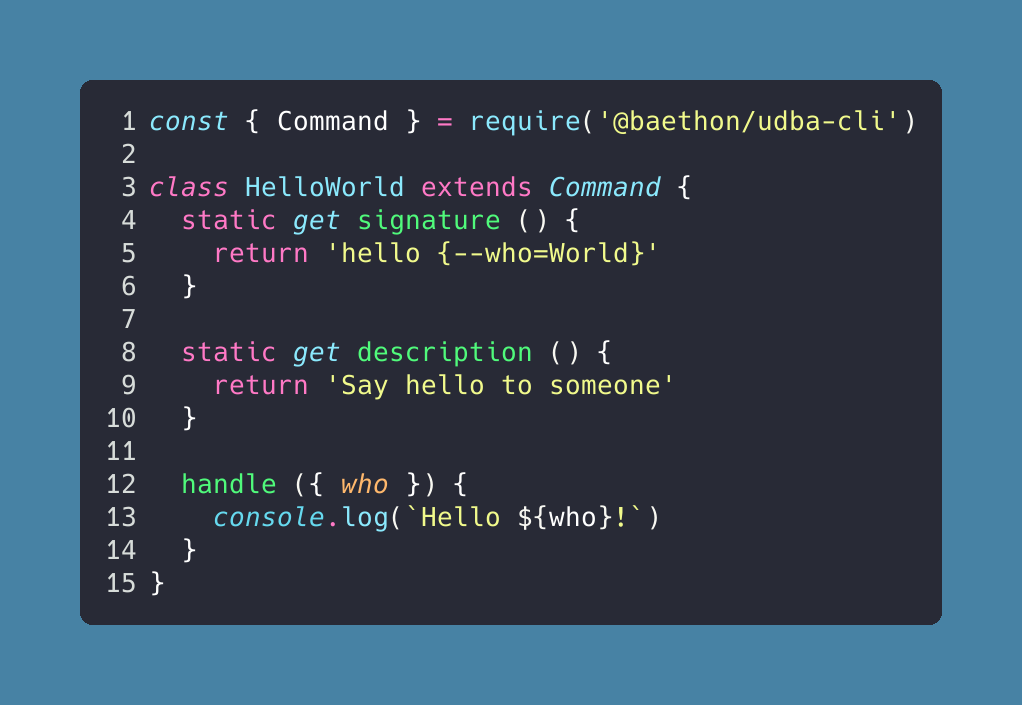
Create (commands/hello-world.command.js):
const { Command } = require('@baethon/udba-cli')

class HelloWorld extends Command {
    static get signature () {
        return 'hello {--who=World}'
    }

    static get description () {
        return 'Say hello to someone'
    }

    handle ({ who }) {
        console.log(`Hello ${who}!`)
    }
}
Execute it:
./cli hello --who=JonSignatures
The command declarations are very different as in yargs. The core of the command's definition is signature. The package parses it and creates a valid yargs command.
The signature syntax is based on the syntax of Laravel Artisan commands. All defined parameters can be: string, array (of string), or a boolean.
Positional parameters
required parameter:
{paramName}optional parameter:
{paramName?}optional parameter with default value:
{paramName="Some value"}array parameter:
{paramName*}
Flags
All flags are optional.
boolean parameter (default value:
false):{--paramName}string parameter (default value:
''[empty string]):{--paramName=}string parameter (default value:
'Some value'):{--paramName="Some value"}array parameter (default value:
[]):{--paramName=*}flag alias:
{--p|paramName}
Loading commands
You can add a single command using the add() method.
const HelloWorld = require('./commands/hello-world.command.js')

app.add(HelloWorld)
You can also load all commands using glob patterns.
app.load([`${__dirname}/commands/*.js`, `other/path/*.js`])The load() method returns a Promise. Make sure to wait until it resolves. load() is compatible with globby API.
The Runtime accepts only classes that extend the Command class.
Command handler
The handle() method is responsible for executing the command. As a first argument, it receives the parameters parsed by yargs (note, that there will be more values then defined in the signature). handle() can return a Promise. If this happens, the runtime waits for its fulfillment.
Calling commands programmatically
It's possible to run selected commands from your application. This requires having an additional step (in the application) which sets up the runtime:
const { Runtime } = require('@baethon/udba-cli')

const app = new Runtime()
app.load(`${__dirname}/commands/**/*.js`)

module.exports = app
Calling the command:
const cliApp = require('./cli-runtime.js')

cliApp.call('hello --who=Jon')
Please mind that the runtime setup example is simplified. The app should wait for the load() method to finish.
Acknowledgements
Testing
npm test