
@caipe/plugin-agent-forge
v0.3.47
Published
This plugin is part of the [**CAIPE (Community AI Platform Engineering)**](https://cnoe-io.github.io/ai-platform-engineering/) initiative, providing seamless integration between Backstage and the multi-agentic AI systems developed by the CNOE (Cloud Nativ


Readme
CAIPE AgentForge Backstage AI Chat Plugin
This plugin is part of the CAIPE (Community AI Platform Engineering) initiative, providing seamless integration between Backstage and the multi-agentic AI systems developed by the CNOE (Cloud Native Operational Excellence) community.
What is CAIPE?
CAIPE (Community AI Platform Engineering) (pronounced as cape) is an open-source, Multi-Agentic AI System (MAS) championed by the CNOE forum. CAIPE provides a secure, scalable, persona-driven reference implementation with built-in knowledge base retrieval that streamlines platform operations, accelerates workflows, and fosters innovation for modern engineering teams.
As Platform Engineering, SRE, and DevOps environments grow in complexity, traditional approaches often lead to delays, increased operational overhead, and developer frustration. By adopting Multi-Agentic Systems and Agentic AI, Platform Engineering teams can move from manual, task-driven processes to more adaptive and automated operations, better supporting development and business goals.
CAIPE Platform Agents
CAIPE is empowered by a set of specialized sub-agents that integrate seamlessly with essential engineering tools. This Backstage plugin enables you to interact with these agents through an intuitive chat interface:
- 🚀 ArgoCD Agent for continuous deployment
- 🚨 PagerDuty Agent for incident management
- 🐙 GitHub Agent for version control
- 🗂️ Jira/Confluence Agent for project management
- ☸ Kubernetes Agent for K8s operations
- 💬 Slack/Webex Agents for team communication
- ☁️ AWS Agent for cloud infrastructure management
...and many more platform agents are available for additional tools and use cases.
For detailed information on all available agents and their capabilities, visit: https://cnoe-io.github.io/ai-platform-engineering/
Key Features
- A curated prompt library: A carefully evaluated collection of prompts designed for high accuracy and optimal workflow performance in multi-agent systems
- Multiple End-user interfaces: Easily invoke agentic workflows programmatically using standard A2A protocol or through intuitive UIs
- End-to-end security: Secure agentic communication and task execution across all agents, ensuring API RBACs to meet enterprise requirements
- Enterprise-ready cloud deployment architecture: Reference deployment patterns for scalable, secure, and resilient multi-agent systems
Installation
To start using the Agent-Forge Plugin, follow these steps:
Install Dependencies:
# From your Backstage root directory
yarn --cwd packages/app add @caipe/plugin-agent-forge
Configure App.tsx (New Frontend System):
import agentForgePlugin from '@caipe/plugin-agent-forge/alpha';

const app = createApp({
  features: [
    // ... other features
    agentForgePlugin,
  ],
});
Add Navigation:
// In your Sidebar component
import ChatIcon from '@material-ui/icons/Chat';

<SidebarItem icon={ChatIcon} to="agent-forge" text="Agent Forge" />;
Configuration
CAIPE Agent Integration
To configure the plugin to connect to CAIPE agents, add the base URL of your running CAIPE system to your Backstage config:
The plugin can display pre-defined options based on the agent's available skills. To enable this feature, set the showOptions configuration to true:
agentForge:
  showOptions: true
  botName: Agent Forge # Optional: Customize the bot name
  botIcon: url goes here # Optional: Customize the bot icon
  initialSuggestions: # Optional: Customize initial suggestion prompts
    - 'What can you do?'
    - 'How do I configure agents?'
    - 'Help me with platform engineering tasks'
    - 'Show me the latest deployments'
CAIPE Setup
Before using this plugin, you need to have CAIPE running locally or have access to a deployed CAIPE instance. Follow these steps to get CAIPE up and running:
Prerequisites
- Docker or Podman installed on your system
- Access to LLM providers (OpenAI, Anthropic, etc.)
- Agent secrets configured
Quick Start with Docker
- Configure Agent Secrets and LLM Providers
- Set up your API keys and credentials for the agents you plan to use
- Configure your preferred LLM provider
Run CAIPE with Docker Compose
# Clone the CAIPE repository
git clone https://github.com/cnoe-io/ai-platform-engineering.git
cd ai-platform-engineering

# Run with Docker Compose
docker-compose up -d
Verify CAIPE is Running
- CAIPE will be available at
http://localhost:8000(or your configured port) - You can interact with agents using the Agent Chat CLI or this Backstage plugin
- CAIPE will be available at
Alternative Setup Options
- Kubernetes: Use Kind or EKS for Kubernetes-based deployment
- Local Development: Follow the Local Development guide for development setup
For detailed setup instructions, visit the CAIPE Quick Start Guide.
Usage
Getting Started with CAIPE
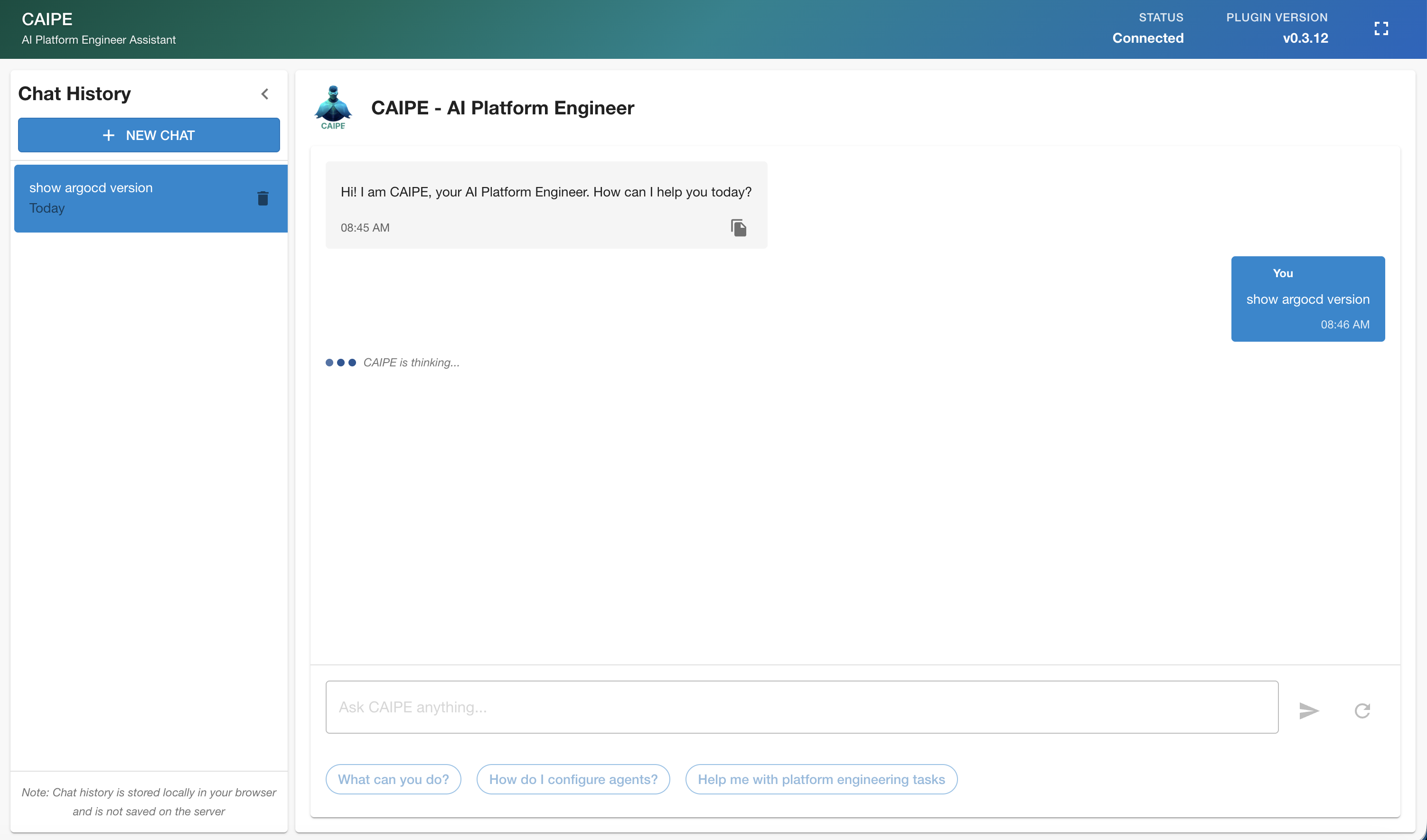
Once you have CAIPE running and the plugin configured, you can interact with the multi-agent system through the chat interface. The AI Platform Engineer will intelligently route your requests to the appropriate specialized agents.
For detailed information on agent capabilities, prompt examples, and advanced usage patterns, visit the CAIPE Documentation.
Chat Interface
Use the chat interface to ask questions or perform required tasks. The system supports a wide range of platform engineering operations including incident management, version control, project management, team communication, continuous deployment, and cloud infrastructure management.
Community and Resources
- Documentation: https://cnoe-io.github.io/ai-platform-engineering/
- GitHub Repository: https://github.com/cnoe-io/ai-platform-engineering
- Community: Join the CNOE Agentic AI SIG Community for meetings, discussions, and collaboration
- Slack Channel: Join #cnoe-sig-agentic-ai in CNCF Slack