
@cannyminds/pdf-viewer
v0.6.0
Published
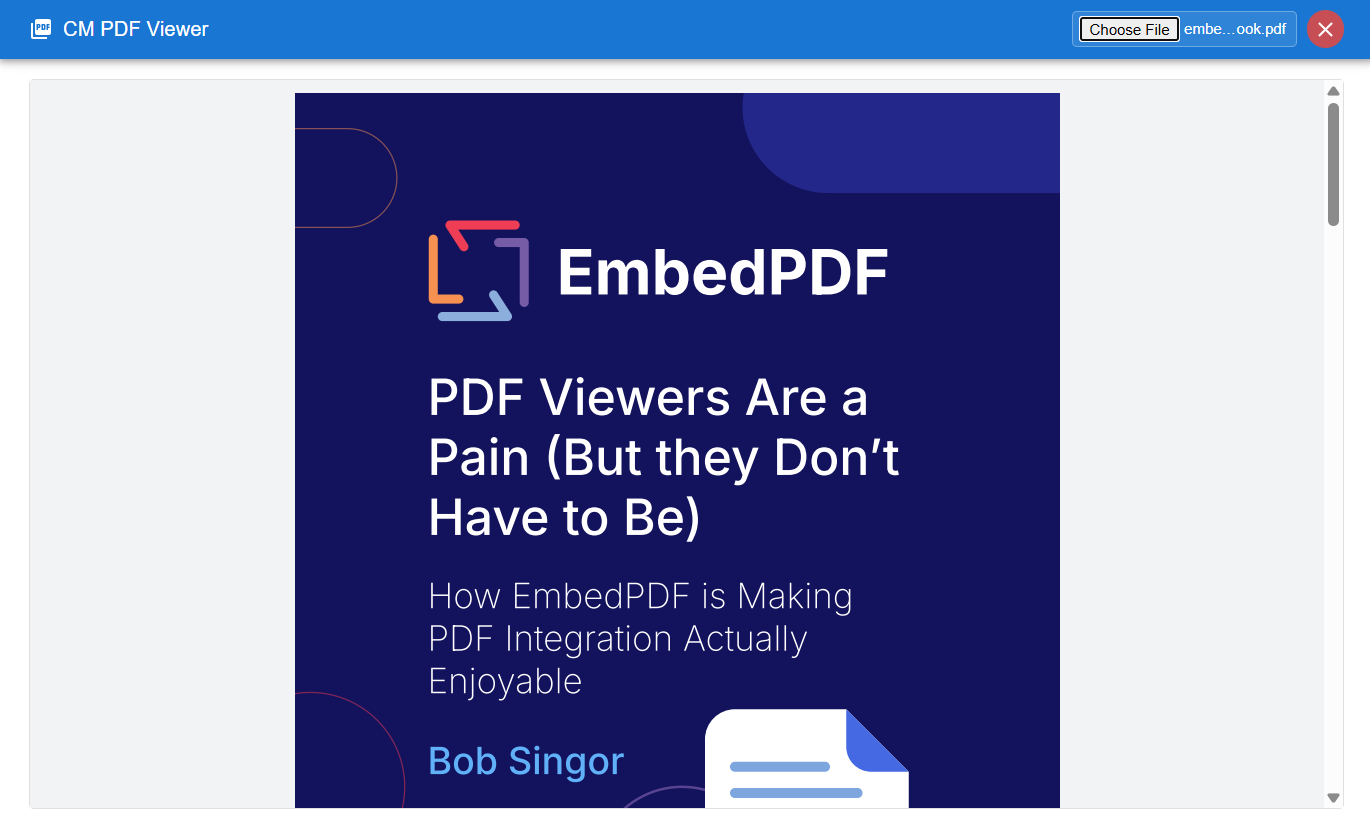
A React Headless PDF viewer component built with @embedpdf

Maintainers
 ganapathy-cm
Readme
@cannyminds/pdf-viewer
A React Headless PDF viewer component built with @embedpdf
Features
- ✅ Headless Design - Full control over UI and styling
- ✅ Password Protected PDFs - Built-in support for encrypted PDFs
- ✅ TypeScript Support - Full type definitions included
- ✅ Modern React - Uses hooks and modern React patterns
- ✅ Buffer-based - Works with ArrayBuffer for flexible data loading
- ✅ Error Handling - Comprehensive error reporting
Installation
npm install @cannyminds/pdf-viewer
# or
yarn add @cannyminds/pdf-viewer
# or
pnpm add @cannyminds/pdf-viewer
# or
bun add @cannyminds/pdf-viewer
The package will automatically install the required @embedpdf dependencies including the PDFium WASM engine.
Usage
Basic Usage
import { PDFViewer } from '@cannyminds/pdf-viewer';

function App() {
  const [pdfBuffer, setPdfBuffer] = useState(null);

  const handleFileUpload = (event) => {
    const file = event.target.files[0];
    if (file) {
      const reader = new FileReader();
      reader.onload = (e) => {
        setPdfBuffer(e.target.result);
      };
      reader.readAsArrayBuffer(file);
    }
  };

  return (
    <div style={{ height: '100vh' }}>
      <input type="file" accept=".pdf" onChange={handleFileUpload} />
      {pdfBuffer && <PDFViewer pdfBuffer={pdfBuffer} />}
    </div>
  );
}
With Password Support
import { PDFViewer } from '@cannyminds/pdf-viewer';

function App() {
  const [pdfBuffer, setPdfBuffer] = useState(null);

  const handlePasswordRequest = async (fileName) => {
    // You can show a modal, prompt, or any UI to get the password
    const password = prompt(`Enter password for ${fileName || 'PDF'}:`);
    return password;
  };

  return (
    <div style={{ height: '100vh' }}>
      <PDFViewer
        pdfBuffer={pdfBuffer}
        onPasswordRequest={handlePasswordRequest}
      />
    </div>
  );
}
Using the Hook (Advanced)
For more control, you can use the usePDFViewer hook directly:
import { usePDFViewer } from '@cannyminds/pdf-viewer';
import { EmbedPDF } from '@embedpdf/core/react';

function CustomPDFViewer({ pdfBuffer }) {
  const { engine, plugins, isLoading, error, isReady, instance } = usePDFViewer({
    pdfBuffer,
  });

  if (isLoading) return <div>Loading PDF...</div>;
  if (error) return <div>Error: {error.message}</div>;
  if (!isReady) return <div>Preparing PDF...</div>;

  return (
    <div style={{ height: '500px' }}>
      <EmbedPDF engine={engine} plugins={plugins}>
        {/* Your custom PDF rendering logic */}
      </EmbedPDF>
    </div>
  );
}
API Reference
PDFViewer Component
Props
| Prop | Type | Required | Description |
|------|------|----------|-------------|
| pdfBuffer | ArrayBuffer \| null \| undefined | No | The PDF file as an ArrayBuffer |
| onPasswordRequest | (fileName?: string) => Promise<string \| null> | No | Callback function to request password for encrypted PDFs |
usePDFViewer Hook
Parameters
interface PDFViewerOptions {
  pdfBuffer?: ArrayBuffer | null | undefined;
  password?: string;
}
Returns
interface PDFViewerHookReturn {
  engine: any;
  plugins: any[];
  isLoading: boolean;
  error: PDFError | null;
  isReady: boolean;
  instance: PDFViewerInstance;
}
Instance Methods
interface PDFViewerInstance {
  setPassword: (password: string) => void;
  setZoom: (scale: number) => void;
  getCurrentPage: () => number | null;
  setPage: (page: number) => void;
  getTotalPages: () => number | null;
  setPasswordChecked: (checked: boolean) => void;
  setIsPasswordChecked: (checked: boolean) => void;
}
Error Types
enum PDFErrorType {
  ENGINE = 'ENGINE',
  VALIDATION = 'VALIDATION',
  LOADING = 'LOADING'
}

interface PDFError {
  type: PDFErrorType;
  message: string;
  originalError?: any;
}
Styling
This is a headless component, so you have full control over styling. The default viewer includes basic styling, but you can completely customize the appearance by using the usePDFViewer hook and building your own UI.
Browser Support
- Chrome 60+
- Firefox 55+
- Safari 12+
- Edge 79+
License
MIT
Contributing
- Fork the repository
- Create your feature branch (
git checkout -b feature/amazing-feature) - Commit your changes (
git commit -m 'Add some amazing feature') - Push to the branch (
git push origin feature/amazing-feature) - Open a Pull Request
Support
If you encounter any issues or have questions, please file an issue on the GitHub repository.