
@carefully-built/cli
v0.1.5
Published
Add Carefully Built SaaS components to apps as editable source, with package imports when you want managed upgrades.

Maintainers
 alledodi
Readme
@carefully-built/cli
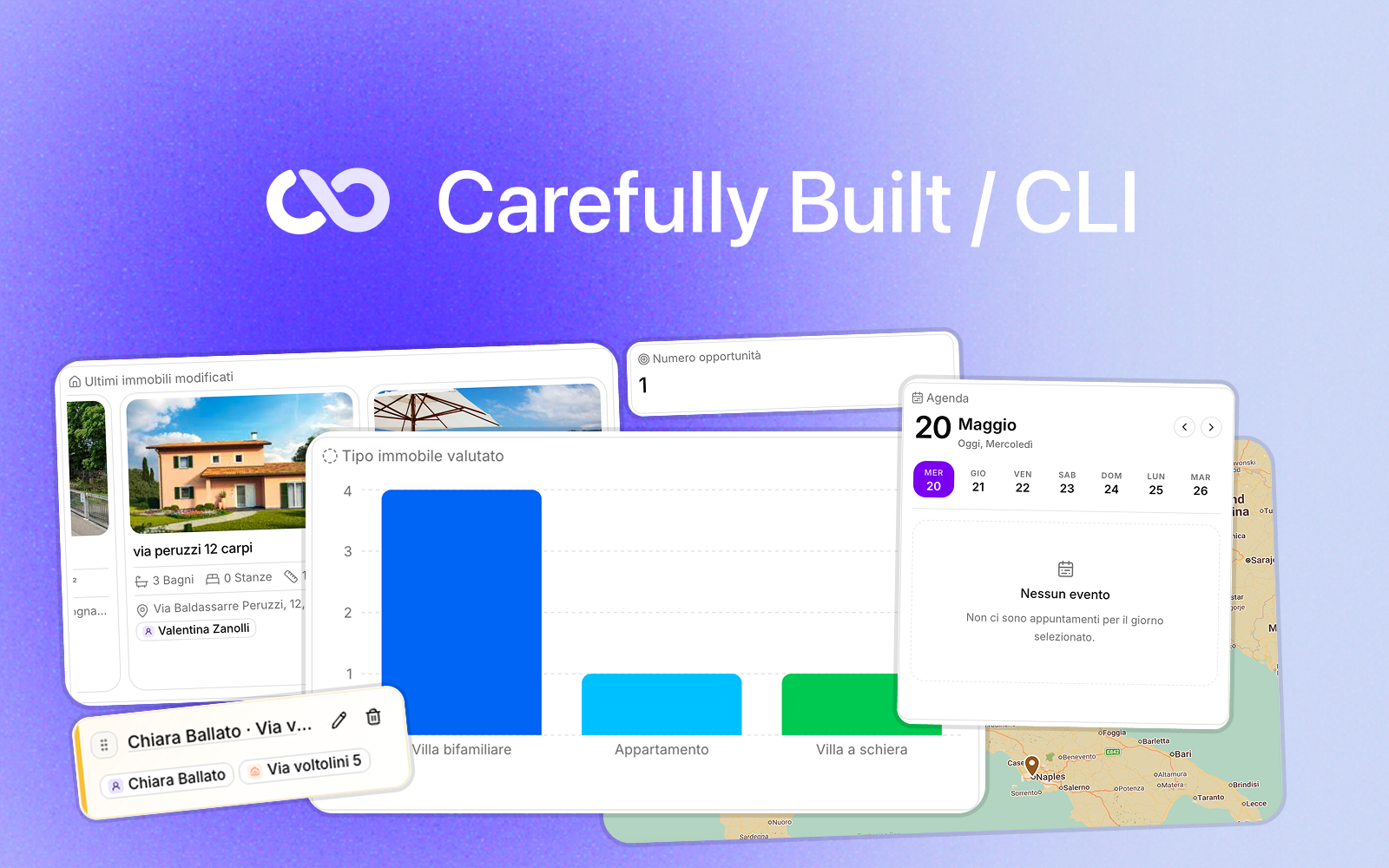
AI is great at writing code, but real product teams still need a shared foundation they can trust. Carefully Built SaaS Kit exists so every new B2B product does not have to reinvent the same tables, forms, filters, sheets, settings, files, notifications, calendars, and dashboard patterns from scratch.
Every component is carefully built: designed for real business software, refined in the small UX details, responsive by default, mobile friendly, accessible, and packaged consistently so the same high-quality building blocks can be reused across many projects. The goal is to give both humans and AI a reliable product vocabulary instead of asking every app to rediscover common SaaS patterns again and again.
Carefully Built SaaS Kit can be used in two complementary ways:
- Managed package imports from packages such as
@carefully-built/uiwhen you want shared, upgradeable components. - Editable source ejection with this CLI when a component needs to become local app code.
The CLI does not replace the package imports. It gives you the shadcn-style path for the same Carefully Built components.
Component Previews
Managed Package Imports
Use package imports when you want the kit to stay shared and receive fixes through npm updates.
bun add @carefully-built/uiimport { Button, SmartTable, TableToolbar, ResponsiveSheet } from "@carefully-built/ui";This mode is the default for stable primitives, CRUD surfaces, tables, overlays, hooks, and utilities that should remain consistent across apps.
Editable Source With The CLI
Use the CLI when a component should become local code that you can edit directly.
bunx @carefully-built/cli list
bunx @carefully-built/cli add button
bunx @carefully-built/cli add smart-table
bunx @carefully-built/cli add responsive-sheet
The CLI copies the component source and its local dependency closure into your app. It preserves normal app imports such as @/components/ui/button and @/lib/utils.
It reads common shadcn project conventions:
components.jsonaliases such asui: "@/components/ui"andutils: "@/lib/utils"tsconfig.jsonpaths such as@/* -> ./src/*
So a src app receives files under src/components/ui and src/lib; a root-style app receives files under components/ui and lib.
Use --overwrite only when replacing local files intentionally:
bunx @carefully-built/cli add button --overwriteFull Registry
Every public UI module exported by @carefully-built/ui is available through the CLI registry.
| Registry entry | Managed import | Editable source |
|---|---|---|
| avatar | import { Avatar, AvatarFallback, AvatarImage } from "@carefully-built/ui" | bunx @carefully-built/cli add avatar |
| button | import { Button, ButtonSize, ButtonVariant, buttonVariants } from "@carefully-built/ui" | bunx @carefully-built/cli add button |
| calendar | import { Calendar } from "@carefully-built/ui" | bunx @carefully-built/cli add calendar |
| card | import { Card, CardContent, CardDescription, CardFooter, CardHeader, CardTitle } from "@carefully-built/ui" | bunx @carefully-built/cli add card |
| chip | import { Chip, ChipButton } from "@carefully-built/ui" | bunx @carefully-built/cli add chip |
| chip-utils | import { CHIP_CLASS_NAMES, ChipSize, getChipClassName } from "@carefully-built/ui" | bunx @carefully-built/cli add chip-utils |
| date-display | import { DateDisplayValue, formatAbsoluteDate, formatDisplayDate } from "@carefully-built/ui" | bunx @carefully-built/cli add date-display |
| dialog | import { Dialog, DialogContent, DialogDescription, DialogFooter, DialogHeader, DialogOverlay } from "@carefully-built/ui" | bunx @carefully-built/cli add dialog |
| display-date | import { DisplayDate } from "@carefully-built/ui" | bunx @carefully-built/cli add display-date |
| drawer | import { Drawer, DrawerContent, DrawerDescription, DrawerHeader, DrawerOverlay, DrawerPortal } from "@carefully-built/ui" | bunx @carefully-built/cli add drawer |
| dropdown-menu | import { DropdownMenu, DropdownMenuCheckboxItem, DropdownMenuContent, DropdownMenuItem, DropdownMenuLabel, DropdownMenuSeparator } from "@carefully-built/ui" | bunx @carefully-built/cli add dropdown-menu |
| empty-state | import { CollectionEmptyState, EmptyStateCard, InitialEmptyState, NoResultsState, ResolveCollectionEmptyStateOptions, resolveCollectionEmptyState } from "@carefully-built/ui" | bunx @carefully-built/cli add empty-state |
| error-page | import { ErrorCode, ErrorPageContent, ErrorPageKind, PostHogErrorCapturePayload, ResolveErrorPageContentOptions, SaasErrorPage } from "@carefully-built/ui" | bunx @carefully-built/cli add error-page |
| field-detail-row | import { FieldDetailRow } from "@carefully-built/ui" | bunx @carefully-built/cli add field-detail-row |
| file-dropzone | import { FileDropzone } from "@carefully-built/ui" | bunx @carefully-built/cli add file-dropzone |
| help-info-button | import { HelpInfoButton } from "@carefully-built/ui" | bunx @carefully-built/cli add help-info-button |
| input | import { Input } from "@carefully-built/ui" | bunx @carefully-built/cli add input |
| keyboard-shortcut-hint | import { KeyboardKeycap, ShortcutModifierKeycap } from "@carefully-built/ui" | bunx @carefully-built/cli add keyboard-shortcut-hint |
| label | import { Label } from "@carefully-built/ui" | bunx @carefully-built/cli add label |
| pagination | import { Pagination } from "@carefully-built/ui" | bunx @carefully-built/cli add pagination |
| popover | import { Popover, PopoverContent, PopoverTrigger } from "@carefully-built/ui" | bunx @carefully-built/cli add popover |
| responsive-sheet | import { ResponsiveSheet, SheetOutsideInteractionGuard } from "@carefully-built/ui" | bunx @carefully-built/cli add responsive-sheet |
| responsive-sheet.footer | import { DesktopConfirmShortcutHint, SheetActionFooter } from "@carefully-built/ui" | bunx @carefully-built/cli add responsive-sheet.footer |
| responsive-sheet.shortcuts | import { getDesktopShortcutModifierLabel, isAllowedConfirmShortcutEvent, useDesktopConfirmShortcut, useDesktopShortcutModifierLabel } from "@carefully-built/ui" | bunx @carefully-built/cli add responsive-sheet.shortcuts |
| scroll-fade-area | import { ScrollFadeArea } from "@carefully-built/ui" | bunx @carefully-built/cli add scroll-fade-area |
| search | import { SearchTextPart, buildSearchText, filterAndRankBySearch, rankBySearch, scoreFuzzyMatch } from "@carefully-built/ui" | bunx @carefully-built/cli add search |
| searchable-select | import { AUTO_SEARCHABLE_SELECT_THRESHOLD, SearchableSelect, SearchableSelectOption, getSearchableSelectPortalContainer, isSearchableSelectPointerInside } from "@carefully-built/ui" | bunx @carefully-built/cli add searchable-select |
| searchable-select-position | import { SearchableSelectRect, resolveSearchableSelectDropdownPosition } from "@carefully-built/ui" | bunx @carefully-built/cli add searchable-select-position |
| segmented-toggle | import { SegmentedToggle, SegmentedToggleOption } from "@carefully-built/ui" | bunx @carefully-built/cli add segmented-toggle |
| select | import { Select, SelectContent, SelectItem, SelectScrollDownButton, SelectScrollUpButton, SelectTrigger } from "@carefully-built/ui" | bunx @carefully-built/cli add select |
| sheet | import { Sheet, SheetContent, SheetDescription, SheetHeader, SheetTitle } from "@carefully-built/ui" | bunx @carefully-built/cli add sheet |
| skeleton | import { Skeleton } from "@carefully-built/ui" | bunx @carefully-built/cli add skeleton |
| smart-table | import { ActionHandlers, ActionType, Column, ColumnAlign, PaginationConfig, SmartTable } from "@carefully-built/ui" | bunx @carefully-built/cli add smart-table |
| switch | import { Switch } from "@carefully-built/ui" | bunx @carefully-built/cli add switch |
| table | import { Table, TableBody, TableCaption, TableCell, TableFooter, TableHead } from "@carefully-built/ui" | bunx @carefully-built/cli add table |
| table-toolbar | import { CustomTableToolbarFilter, FilterConfig, FilterDropdown, FilterOption, SearchInput, TableToolbar } from "@carefully-built/ui" | bunx @carefully-built/cli add table-toolbar |
| tabs | import { Tabs, TabsContent, TabsList, TabsScrollArea, TabsTrigger, tabsListVariants } from "@carefully-built/ui" | bunx @carefully-built/cli add tabs |
| textarea | import { Textarea } from "@carefully-built/ui" | bunx @carefully-built/cli add textarea |
| tooltip | import { Tooltip, TooltipContent, TooltipProvider, TooltipTrigger } from "@carefully-built/ui" | bunx @carefully-built/cli add tooltip |
| use-media-query | import { useIsMobile, useMediaQuery } from "@carefully-built/ui" | bunx @carefully-built/cli add use-media-query |
| user-picker | import { UserPicker } from "@carefully-built/ui" | bunx @carefully-built/cli add user-picker |
| user-picker-utils | import { UserPickerCopy, UserPickerOption, buildUserInitials, filterSelectableUsers, filterUsersBySearch, formatSelectedUserSummary } from "@carefully-built/ui" | bunx @carefully-built/cli add user-picker-utils |
Some entries export several related components, hooks, helpers, and types from one module. The import column shows the main exported symbols; TypeScript autocomplete will show the full API after installing @carefully-built/ui.
Dependency Notes
The CLI prints dependency hints after copying. Depending on the component, your app may need packages such as:
class-variance-authorityclsxtailwind-mergereactreact-domradix-uilucide-reactreact-day-pickervaul
Most Carefully Built apps already have these through the shared kit stack.
Import vs Eject
Import from @carefully-built/ui when:
- you want package updates and bug fixes
- the component should stay shared across apps
- product-specific differences can be handled with props, slots,
className, orclasses
Use @carefully-built/cli add when:
- the component needs local product behavior
- design needs to diverge from the shared package
- you want to own and edit every line in the consuming app
- the component should follow the app's normal source-control workflow
Development
From the monorepo root:
bun install
bun run --cwd packages/cli registry:build
bun run --cwd packages/cli test
bun run --cwd packages/cli typecheck
bun run --cwd packages/cli build
Before publishing:
cd packages/cli
npm publish --dry-run --access public