
@chengxinsun26/editor
v0.3.18
Published
一个类似 Microsoft Word 的所见即所得 Markdown 编辑器,支持完整的 Markdown 语法。


Readme
WYSIWYG Markdown Editor
一个类似 Microsoft Word 的所见即所得 Markdown 编辑器,支持完整的 Markdown 语法。
🌐 在线示例:https://md.tech616.me
📖 English documentation: README.md
截图
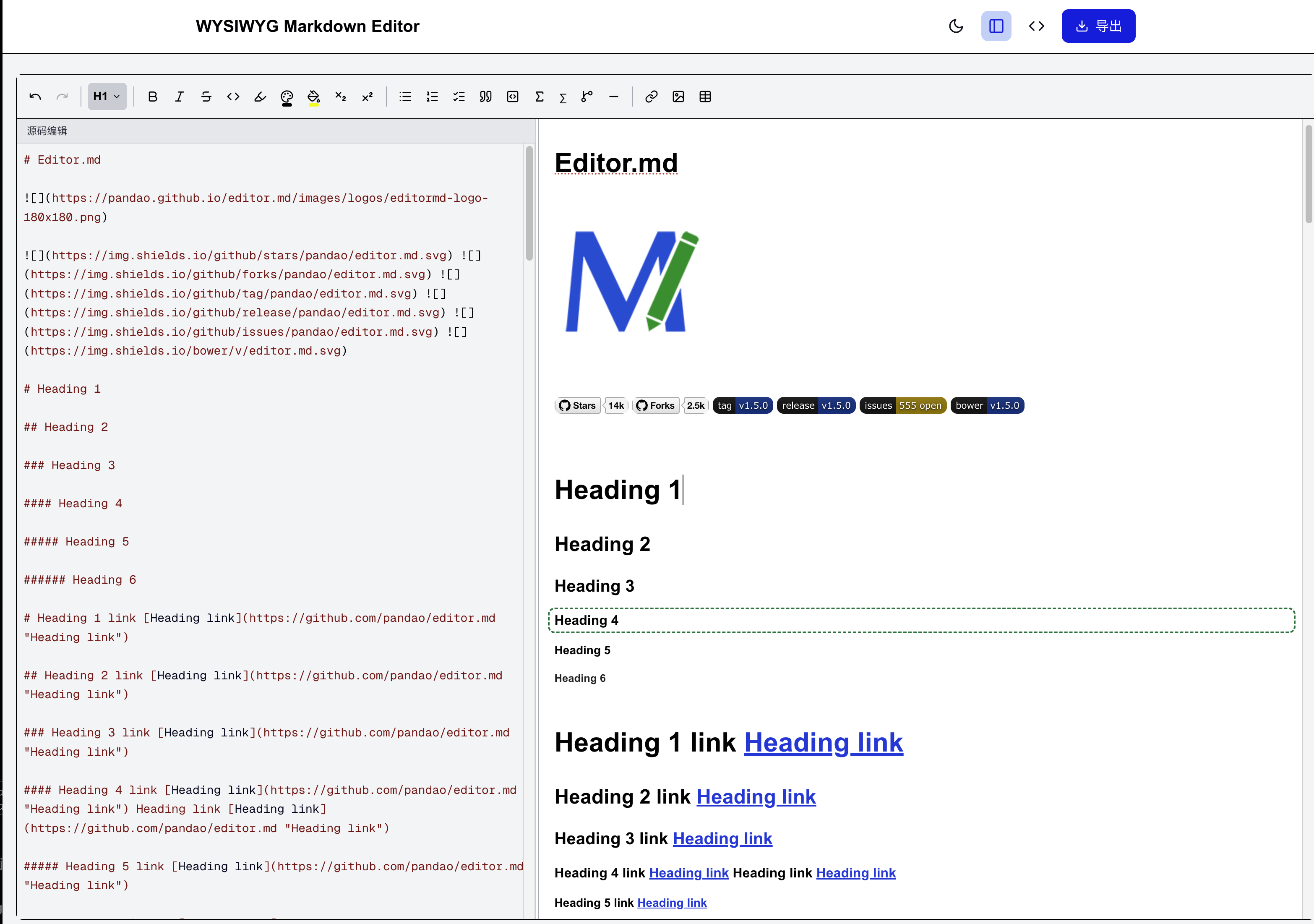
Light 模式
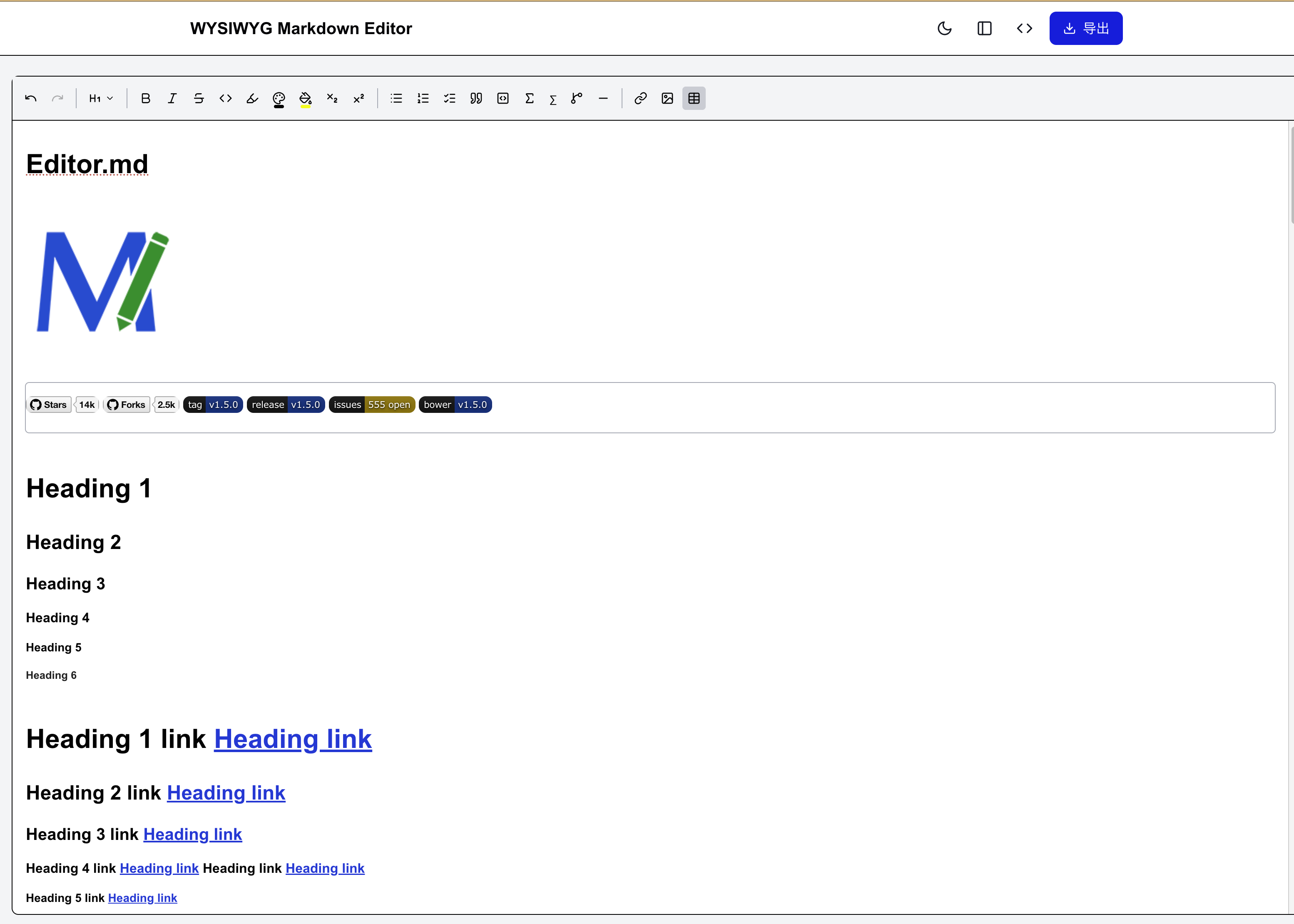
字体颜色选择器
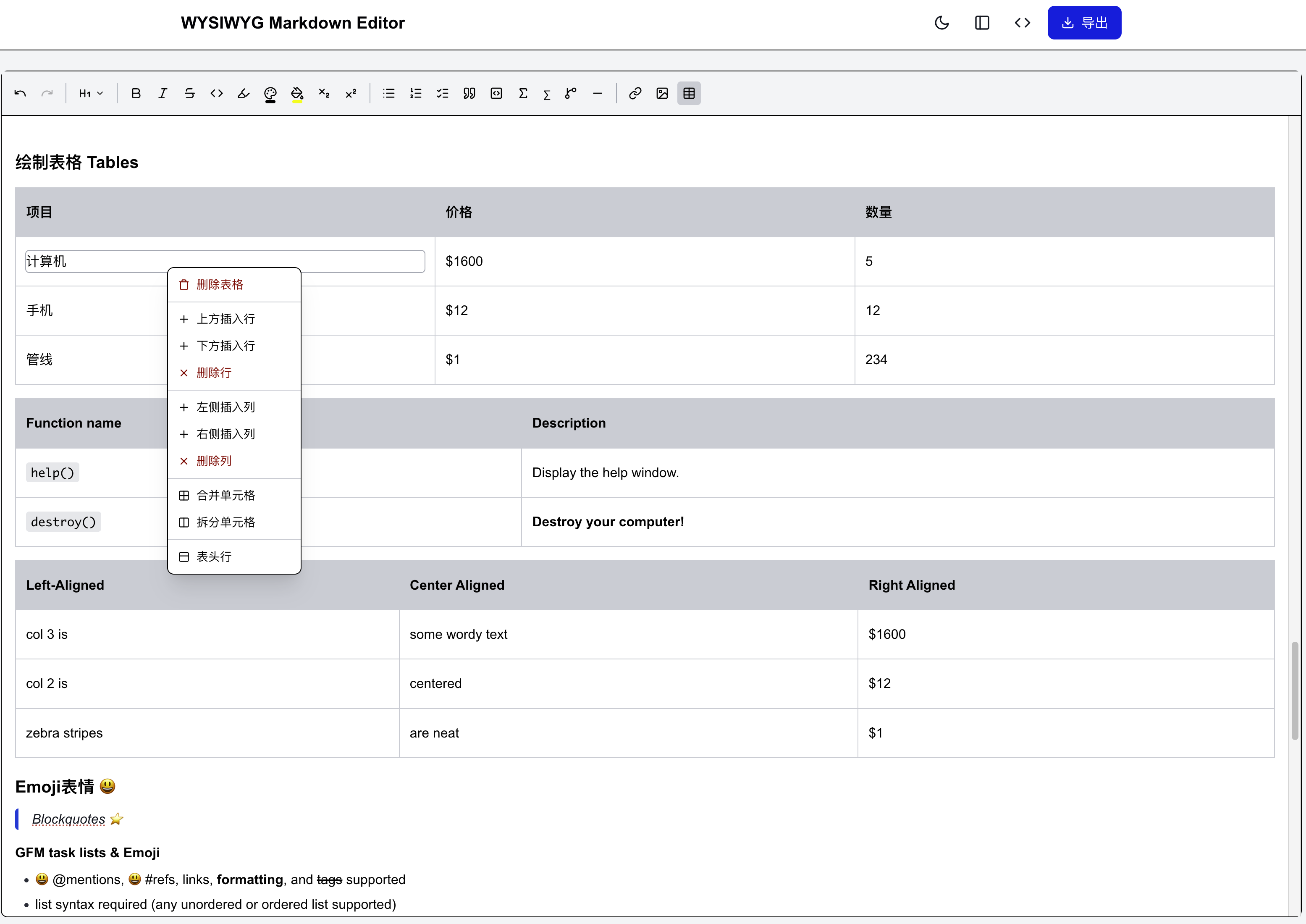
Dark 模式
功能特性
- ✅ 实时格式化预览:输入即所见,无需切换预览模式
- ✅ 完整 Markdown 支持:标题、列表、表格、代码块、引用等
- ✅ 工具栏快捷操作:粗体、斜体、删除线、链接、图片、表格等
- ✅ 右键上下文菜单:表格内右键可进行行列操作
- ✅ 颜色选择器:字体颜色/背景颜色选择器,支持自定义颜色
- ✅ 多格式导出:支持导出为 Markdown、HTML、DOCX 格式
- ✅ 快捷键支持:Ctrl+B 粗体、Ctrl+I 斜体、Ctrl+K 链接等
- ✅ 响应式设计:支持桌面端和移动端
- ✅ 暗色模式:支持亮色/暗色主题切换
- ✅ Emoji 支持:支持
:smiley:等 GFM 表情短码 - ✅ KaTeX 公式:支持行内和块级 LaTeX 公式
- ✅ Mermaid 图表:支持流程图、时序图等
- ✅ 国际化:英文(默认)与中文,通过
locale属性切换
技术栈
- 框架:Next.js 16 (App Router)
- 编辑器:Tiptap (基于 ProseMirror)
- 样式:Tailwind CSS v4
- 导出:html-to-docx, file-saver
- 语法高亮:lowlight + highlight.js
- 图表:Mermaid
- 公式:KaTeX
- Emoji:node-emoji
快速开始
本地开发
cd markdown_visual_editor
npm install
npm run dev生产构建
npm run build
npm run start
Docker 部署
docker compose up -d --build访问 http://localhost:3003。自定义端口请在 .env 中设置 PORT。
属性
| 属性 | 类型 | 默认值 | 说明 |
|------|------|--------|------|
| content | string | — | 初始 Markdown 内容 |
| onChange | (markdown: string) => void | — | 内容变化时回调 |
| showSource | boolean | — | 显示/隐藏源码面板 |
| onToggleSource | () => void | — | 切换源码面板 |
| locale | 'en' \| 'zh' | 'en' | 界面语言 |
| placeholder | string | — | 编辑器占位文本 |
| customTools | ToolbarCustomTool[] | — | 自定义工具栏按钮 |
| floatingToolbar | boolean | true | 已废弃,请使用 toolbarMode |
| toolbarMode | 'follow' \| 'fixed' | 'follow' | 'follow' — 工具栏跟随光标;'fixed' — 工具栏固定在顶部 |
import { WysiwygEditor } from '@chengxinsun26/editor';

<WysiwygEditor
  content={markdown}
  onChange={setMarkdown}
  showSource={showSource}
  onToggleSource={() => setShowSource(v => !v)}
  locale="zh"
  toolbarMode="fixed"   // 'follow'(默认)| 'fixed'
/>
国际化(i18n)
编辑器界面(工具栏、节点视图、提示框)已支持国际化。给 <WysiwygEditor> 传入 locale 属性,
可选值为 'en'(默认)与 'zh'。该值会通过 React Context 传递给所有内部节点视图。
演示页面(src/app/page.tsx)包含语言切换器,可实时体验两种语言。翻译字典位于
src/components/editor/i18n.ts,如需新增语言,在 SUPPORTED_LOCALES 与翻译对象中
各添加一项即可。
项目结构
markdown_visual_editor/
├── docker-compose.yml
├── .env.example
├── article_example.md
├── Dockerfile
├── public/
├── src/
│   ├── app/
│   │   ├── page.tsx             # 主页面(含语言切换器)
│   │   ├── layout.tsx
│   │   └── globals.css
│   ├── components/editor/
│   │   ├── i18n.ts              # 翻译字典(en/zh)
│   │   ├── locale-context.ts    # locale 的 React Context
│   │   ├── extensions.ts
│   │   ├── toolbar.tsx
│   │   ├── wysiwyg-editor.tsx
│   │   ├── color-picker-panel.tsx
│   │   ├── code-block-node-view.tsx
│   │   ├── mermaid-node-view.tsx
│   │   └── ...
│   ├── lib/
│   │   ├── export.ts
│   │   └── markdown-migrate.ts
│   └── styles/
│       └── editor.css
├── package.json
└── README.md
许可证
MIT License