
@chosh.dev/commiter
v0.1.2
Published
CLI that groups git hunks into semantic, reviewable commits using OpenAI or Bedrock.


Readme
Commiter
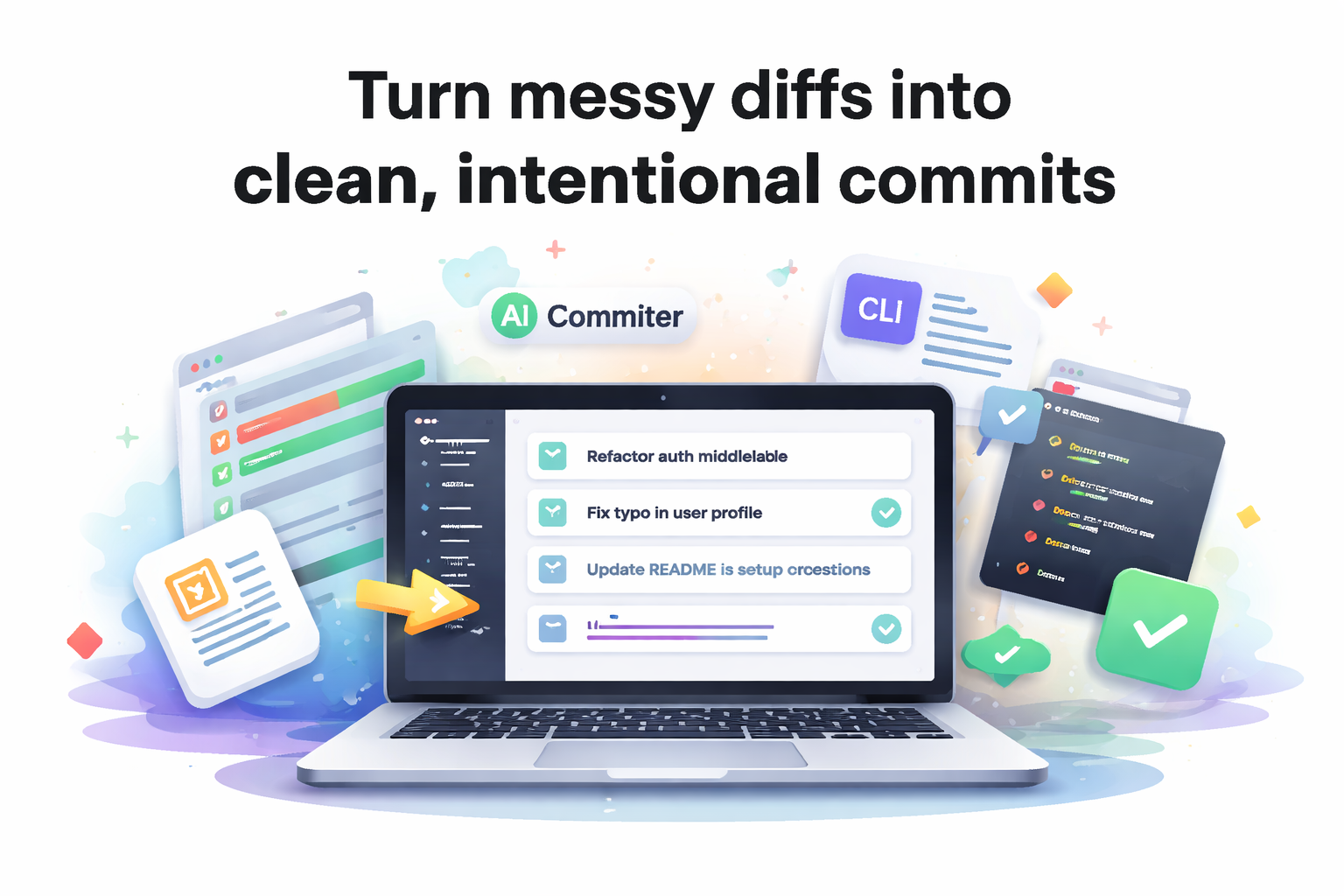
Turn messy diffs into clean, intentional commits — once, with confidence.
commiter is a CLI that analyzes your git diffs, plans semantic commit units, and applies them in order after a single confirmation.
It supports OpenAI and AWS Bedrock models, sends only locally collected diff context to the LLM, and anchors every plan to your existing commit history — so your style stays yours.
The problem commiter solves
Good commits are not about polish — they are about operability.
When commits are clear and scoped:
- intent survives long after context is gone
- reverts and cherry-picks are safe instead of stressful
- broken builds are traced faster
- automation (changelogs, audits, metrics) becomes reliable
But writing those commits by hand — especially from messy diffs — is slow, error-prone, and mentally expensive.
commiter exists to remove that friction without taking control away from you.
Why not an agent?
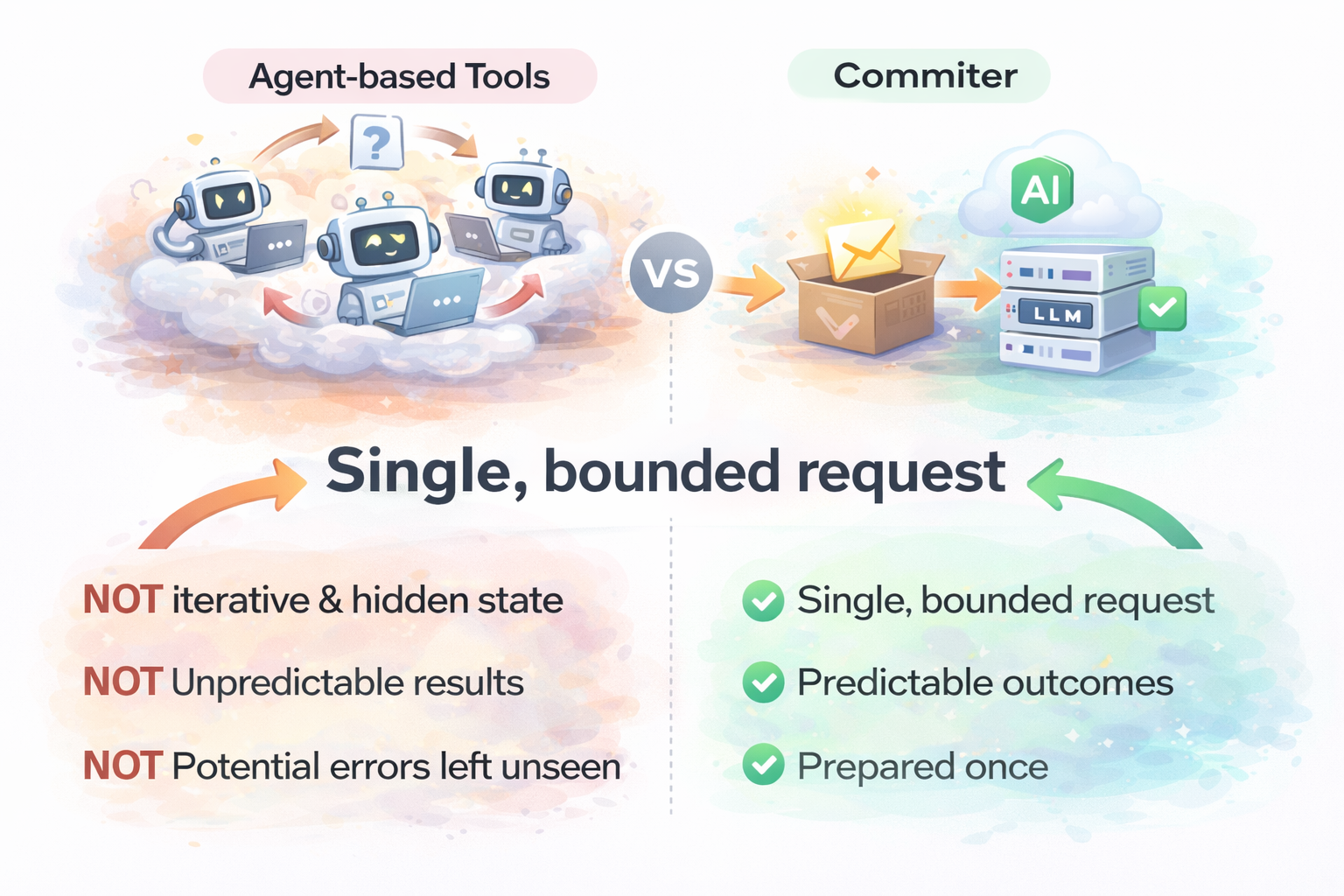
Most agent-based tools optimize for autonomy.
commiter optimizes for predictability.
Single, bounded request All diffs and metadata are prepared locally and sent once. No iterative prompting, no hidden state.
Commit plans are artifacts Generate a plan, save it as JSON, review it, regenerate it with another model, or apply it later. Nothing is ephemeral.
Your commit style, enforced Recent commit messages are passed as context so tone and structure stay consistent — no prompt tuning required.
Strict safety guarantees Every hunk ID is validated. Duplicates, missing assignments, or unknown hunks are detected and isolated instead of silently dropped.
You decide what happens. The LLM only helps decide how to group it.
Key features
Detects staged and unstaged changes and splits diffs into hunk-level units
Generates a commit plan via OpenAI or Bedrock and validates it against a strict JSON schema
Automatically repairs common LLM failures:
- duplicate hunk assignments
- missing or invalid references
- illegal groupings
Shows a per-commit summary (files, added/removed lines) before anything is applied
Saves commit plans as JSON (
--save-plan) for review, CI artifacts, or later reuseApplies only intended hunks via
git apply --cached, preventing accidental cross-file commits
Quick start
1) Requirements
- Node.js 20+
- pnpm
- A git repository
2) Install & build
pnpm install
pnpm build
3) Configure environment variables (.env recommended)
Create a .env in the repo where you run commiter (works the same for global installs):
# OpenAI
COMMITER_LLM_PROVIDER=openai
COMMITER_OPENAI_API_KEY=sk-...
COMMITER_OPENAI_MODEL=gpt-5.2               # optional (default provided)
COMMITER_OPENAI_BASE_URL=https://api.openai.com/v1 # optional

# Bedrock
COMMITER_LLM_PROVIDER=bedrock
COMMITER_BEDROCK_REGION=us-east-1           # optional (default provided)
COMMITER_BEDROCK_MODEL=claude-4.5-sonnet    # optional (default provided)
COMMITER_BEDROCK_BASE_URL=https://bedrock-runtime.us-east-1.amazonaws.com # optional
# Optional Bedrock credentials (use either a profile or access keys)
COMMITER_AWS_PROFILE=default
COMMITER_AWS_ACCESS_KEY_ID=YOUR_ACCESS_KEY
COMMITER_AWS_SECRET_ACCESS_KEY=YOUR_SECRET_ACCESS_KEY
COMMITER_AWS_SESSION_TOKEN=YOUR_SESSION_TOKEN
Global install? npm i -g @chosh.dev/commiter (or pnpm add -g @chosh.dev/commiter) and run commiter ... from your repo root.
The CLI loads configuration in the following order:
- Local
.env: Located in the current working directory (highest priority). - Global
.env: Located at~/.commiter/.env(fallback).
This allows you to set common keys (like COMMITER_OPENAI_API_KEY) globally while overriding them per project if needed.
4) Run
# Default commit flow (command name comes before flags)
pnpm start -- commit --save-plan --out plan.json

# Using installed binaries
commiter commit --save-plan
cm c --out plan.json

# Non-interactive (skip confirmation)
commiter commit --auto
5) What you’ll see
- A diff summary
- A generated commit plan
- A confirmation prompt
- Commits applied one by one, in order
How it works
Reads
git diffand builds structured metadata per file and hunk (including capped previews of changed lines for safety)Feeds recent commit messages to the model to anchor tone and format
Validates the response against a strict JSON schema
Repairs common failures:
- removes unknown hunks
- deduplicates assignments
- isolates unassigned hunks into a warning commit
Executes the final plan:
git apply --cached→git commit, sequentially
The outcome is reviewable, reproducible, and boring in the best way possible.
Scripts
pnpm build— Build TypeScript and resolve path aliasespnpm start -- <args>— Run the built CLIpnpm lint— Run lint checks