
@clement_chsn/pi-background-tasks
v0.1.0
Published
Non-interactive shell commands run in the background by Pi agents, tracked by ID.


Readme
Background tasks
Lets the agent run shell commands in the background, such as builds, test suites or dev servers,
and keep working while they run. /ps shows them with live logs. Tasks stop when the Pi session
ends.
pi install npm:@clement_chsn/pi-background-tasksmacOS or Linux. On Linux, the ps from procps is required to verify cleanup (procps-ng on
Alpine; slim Docker images lack it). Windows is not supported.
Following tasks with /ps
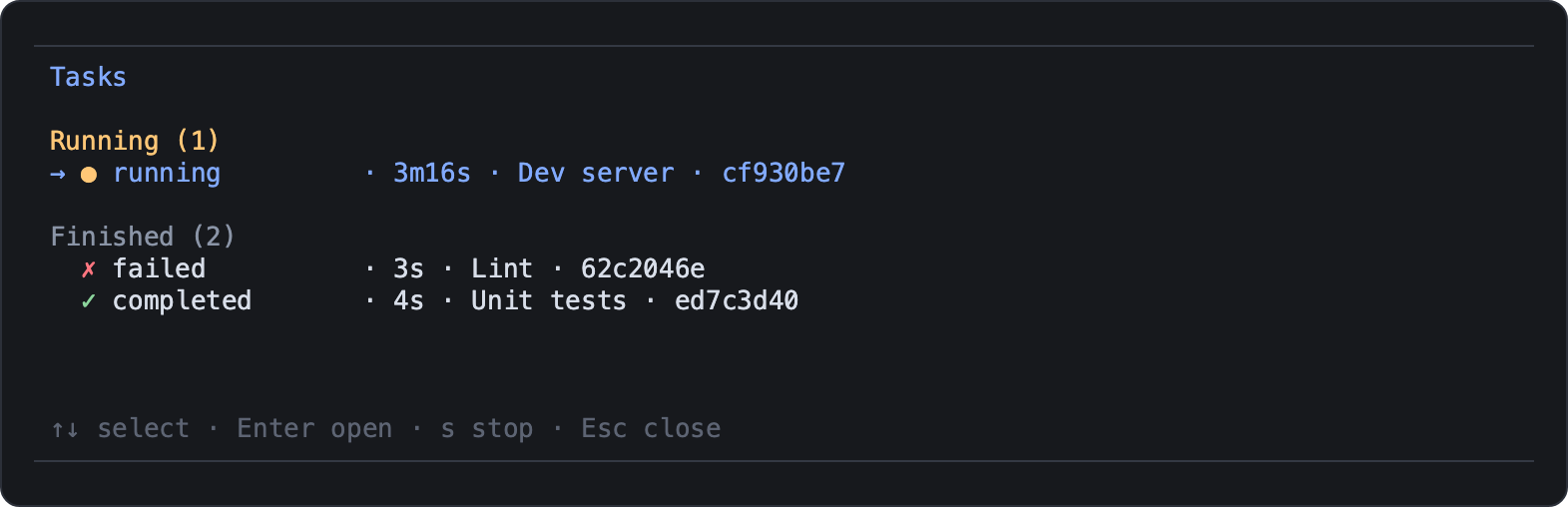
/ps opens a full-screen list of running and finished tasks; Enter opens a task's live logs.
| Key | List | Logs |
| --- | --- | --- |
| ↑/↓ | Select | Scroll |
| PgUp/PgDn, Home/End | | Scroll by page, go to start or live end |
| Enter | Open logs | |
| t or Tab | | Switch between stdout and stderr |
| s | Stop the task | Stop the task |
| Esc | Close | Back to the list |
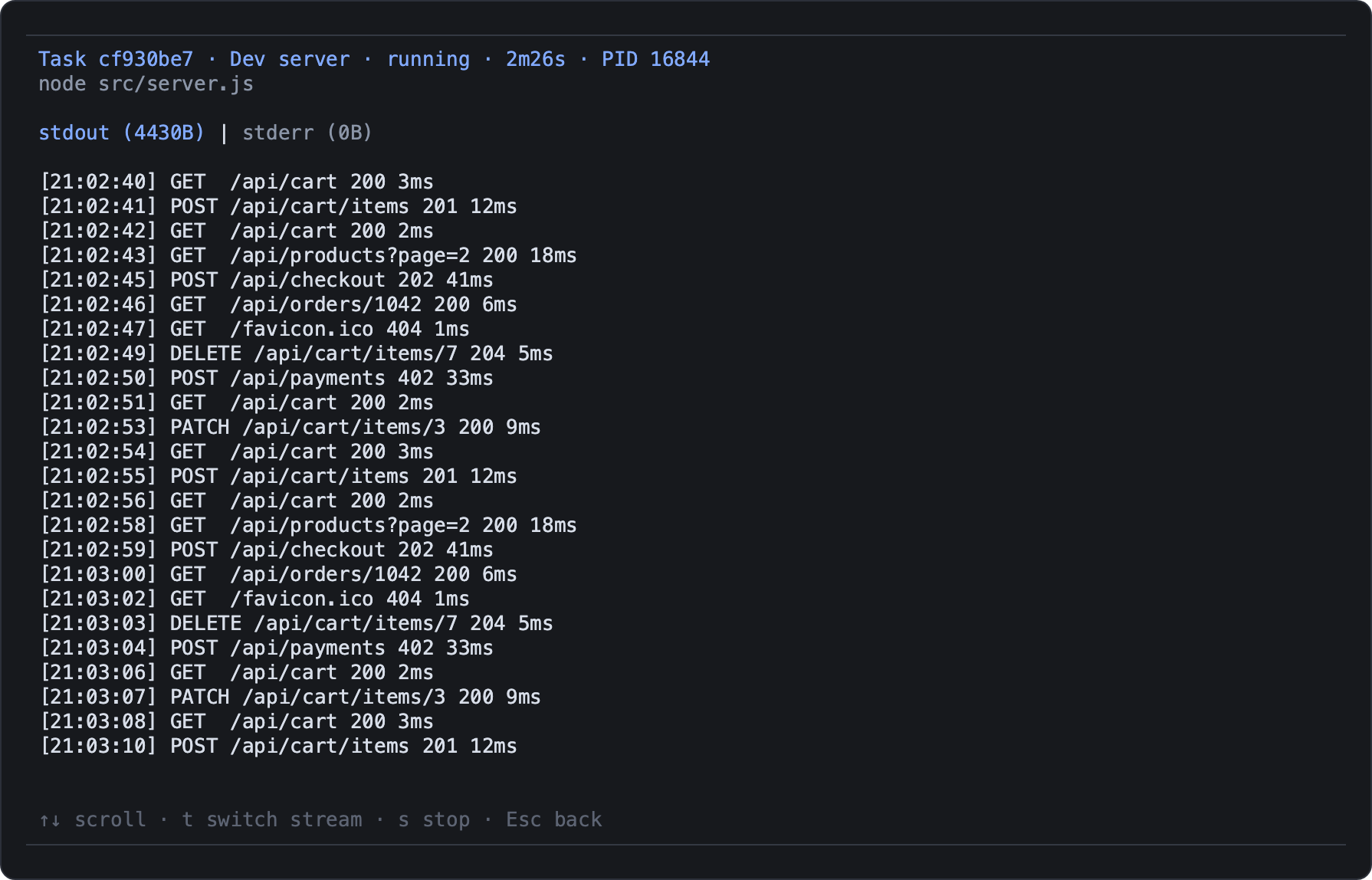
Scrolling up pauses live following; End resumes it. In Pi's fullscreen mode
(pi --tui-mode fullscreen), the mouse wheel scrolls too. With
activity-indicator,
the number of running tasks appears above the editor.
What the agent gets
| Tool | Purpose |
| --- | --- |
| task_start | Start a command with a short title; optional timeoutMs, and resume to wake the agent when it ends |
| task_status | State, exit code, PID and output size of one task, or the paginated list |
| task_wait | Wait for a task for up to 5 minutes; an expired wait never stops the command |
| task_output | Read stdout, stderr or both, from the tail or page by page |
| task_stop | Stop the task and its child processes, then check they exited |
A task is running, completed, failed, stopped or timed_out. Commands get no interactive
input. At most four tasks run or stop at once; there is no queue. When a task ends, Pi notifies
you; with resume: true, the agent also gets a message with the task's state (not its logs),
without interrupting its current turn.
Logs and cleanup
- Logs are private temporary files. The latest 10 MiB of each stream are kept, and deleted when the session ends.
- Switching session,
/reloadand quitting Pi stop the tasks. A crash or SIGKILL of Pi can leave them running. - Stopping covers the task's process group and the descendants observed in other groups. A process that detaches very quickly, such as a double-forking daemon, can escape: do not start daemons with these tools.
- When cleanup cannot be verified, the task reports
cleanupUncertainorstopError, and Pi shows a notification.