
@cmdop/bot
v2026.3.1800
Published
CMDOP multi-channel bot integrations — Telegram, Discord, Slack, Teams, and more

Maintainers
 markolofsen
Readme
@cmdop/bot
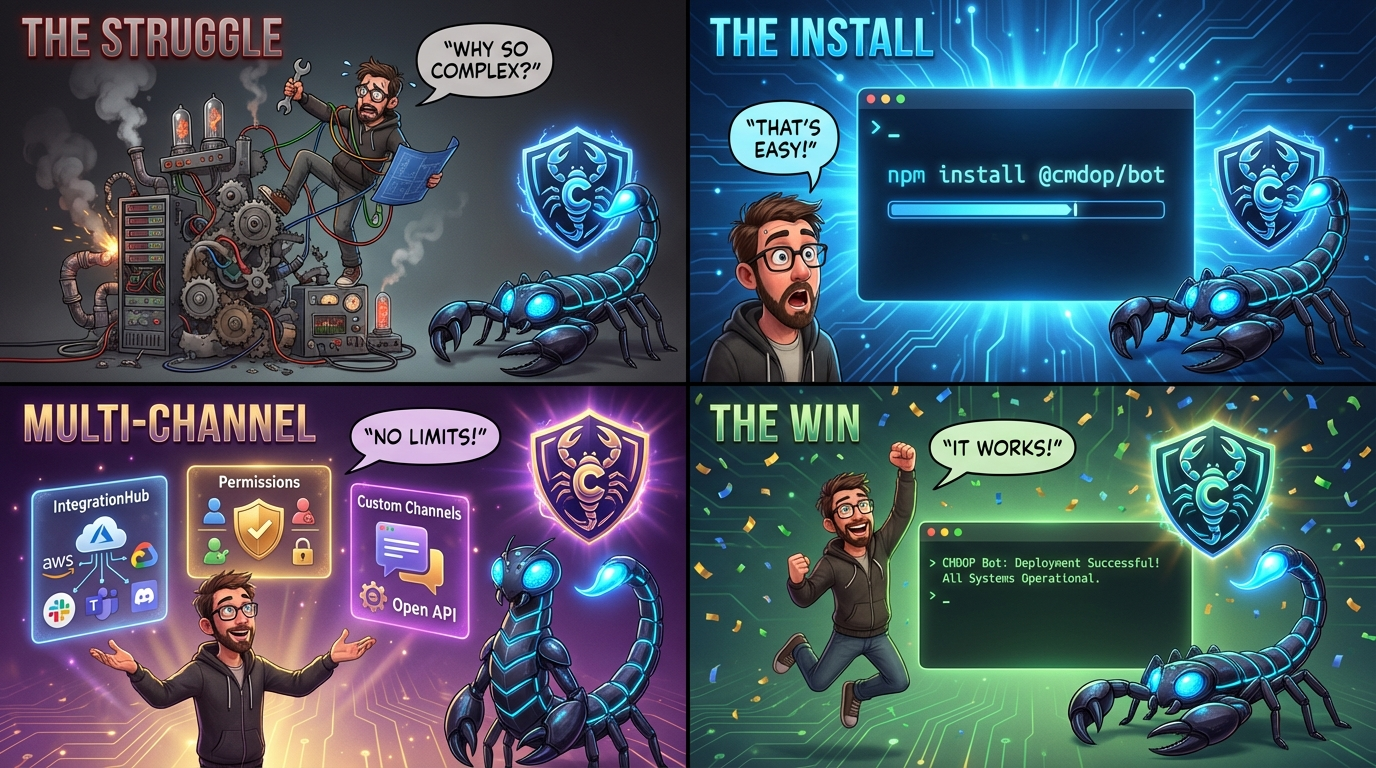
Multi-channel bot framework for CMDOP — run /exec, /agent, /skills, and /files commands from Telegram, Discord, and Slack.
pnpm add @cmdop/botQuick start
import { IntegrationHub } from '@cmdop/bot';

const hub = await IntegrationHub.create({
  apiKey: process.env.CMDOP_API_KEY,
});

await hub.addTelegram({ token: process.env.TELEGRAM_TOKEN });
await hub.start();
That's it. Your bot now responds to /exec, /agent, /skills, /files, and /help.
Platform setup
Telegram
pnpm add grammy @grammyjs/transformer-throttlerawait hub.addTelegram({ token: 'YOUR_BOT_TOKEN' });Get a token from @BotFather.
Discord
pnpm add discord.js @discordjs/rest @discordjs/buildersawait hub.addDiscord({
token: 'YOUR_BOT_TOKEN',
clientId: 'YOUR_APPLICATION_ID',
guildId: 'OPTIONAL_GUILD_ID', // omit for global slash commands
});Get tokens from the Discord Developer Portal.
Slack
pnpm add @slack/bolt @slack/web-apiawait hub.addSlack({
token: 'xoxb-YOUR-BOT-TOKEN',
appToken: 'xapp-YOUR-APP-TOKEN',
});Requires Socket Mode enabled in your Slack app settings. See examples/slack.ts for full setup.
Commands
| Command | Usage | Required permission |
|---------|-------|-------------------|
| /exec | /exec <shell command> | EXECUTE |
| /agent | /agent <prompt> | EXECUTE |
| /skills | /skills list \| show <name> \| run <name> <prompt> | EXECUTE |
| /files | /files [read] <path> | READ |
| /help | /help | none |
Commands use a / or ! prefix. Example: /exec ls -la, !agent list running processes.
Permissions
Users default to NONE (no access). Grant levels programmatically:
const hub = await IntegrationHub.create({
  adminUsers: ['telegram:123456789'], // always ADMIN
});

// Grant a specific user READ access
await hub.permissions.setLevel('telegram:987654321', 'READ');
Permission levels (ordered, each includes all levels below):
| Level | Access |
|-------|--------|
| NONE | No commands (only /help) |
| READ | /files |
| EXECUTE | /exec, /agent, /skills |
| FILES | (reserved for future write operations) |
| ADMIN | All commands |
Cross-channel identity
Link a Telegram user to their Discord account so permissions apply on both platforms:
hub.linkIdentities('telegram', '12345', 'discord', '67890');

// Now granting EXECUTE to either ID applies to both
await hub.permissions.setLevel('telegram:12345', 'EXECUTE');
Hub options
const hub = await IntegrationHub.create({
  // CMDOP connection
  apiKey: 'cmdop_live_xxx',    // cloud; omit for local IPC
  defaultMachine: 'my-server', // pre-select a machine

  // Permissions
  adminUsers: ['telegram:123'],
  permissionStore: myRedisStore, // custom store (see PermissionStoreProtocol)

  // Startup behaviour
  channelStartMode: 'isolated', // 'isolated' (default) | 'strict'
  // 'isolated' — a failing channel is logged; others continue
  // 'strict'   — any channel failure throws and aborts hub.start()

  // Logging
  logger: myLogger, // any { info, warn, error, debug } object
});
Custom handlers
Register a handler for a new command:
import { BaseHandler, ok, err, CommandArgsError } from '@cmdop/bot';
import type { CommandContext, HandlerResult, LoggerProtocol } from '@cmdop/bot';
import type { CMDOPClient } from '@cmdop/node';

class PingHandler extends BaseHandler {
  readonly name = 'ping';
  readonly description = 'Check if the bot is alive';
  readonly usage = '/ping';
  readonly requiredPermission = 'NONE' as const;

  async handle(_ctx: CommandContext): Promise<HandlerResult> {
    return ok({ type: 'text', text: 'pong 🏓' });
  }
}

hub.registerHandler(new PingHandler(hub.cmdop, logger));
Custom channels
Implement ChannelProtocol (or extend BaseChannel) to add any messaging platform:
import { BaseChannel } from '@cmdop/bot';

class MyChannel extends BaseChannel {
  constructor(permissions, dispatcher, logger) {
    super('my-channel', 'My Platform', permissions, dispatcher, logger);
  }

  async start() {
    // connect to platform, register event listeners
    myPlatform.on('message', async (msg) => {
      await this.processMessage({
        id: msg.id,
        userId: msg.authorId,
        channelId: this.id,
        text: msg.text,
        timestamp: new Date(),
        attachments: [],
      });
    });
  }

  async stop() { await myPlatform.disconnect(); }

  async send(userId: string, message: OutgoingMessage) {
    // format and send message to platform
  }

  onMessage(handler) { /* store handler for hub use */ }
}

hub.registerChannel(new MyChannel(hub.permissions, /* dispatcher */, logger));
See examples/custom-channel.ts for a complete working example.
Multi-channel hub
const hub = await IntegrationHub.create({ apiKey: '...', channelStartMode: 'isolated' });

await hub.addTelegram({ token: process.env.TELEGRAM_TOKEN });
await hub.addDiscord({ token: process.env.DISCORD_TOKEN, clientId: process.env.DISCORD_CLIENT_ID });
await hub.addSlack({ token: process.env.SLACK_BOT_TOKEN, appToken: process.env.SLACK_APP_TOKEN });

await hub.start();

console.log(`Running: ${hub.runningChannelIds.join(', ')}`);
console.log(`Failed:  ${hub.failedChannelIds.join(', ')}`);
Graceful shutdown
async function shutdown() {
  await hub.stop(); // stops all channels, closes CMDOP client
  process.exit(0);
}

process.once('SIGINT', shutdown);
process.once('SIGTERM', shutdown);
Error handling
All errors extend BotError and expose a code string:
| Class | Code | When |
|-------|------|------|
| PermissionDeniedError | PERMISSION_DENIED | User lacks required level |
| CommandNotFoundError | COMMAND_NOT_FOUND | Unknown command |
| CommandArgsError | COMMAND_ARGS | Invalid arguments |
| CMDOPError | CMDOP_ERROR | CMDOP client failure |
| MachineNotFoundError | MACHINE_NOT_FOUND | Machine hostname unknown |
| MachineOfflineError | MACHINE_OFFLINE | No active session on machine |
| ConfigError | CONFIG_ERROR | Missing / invalid configuration |
Environment variables
| Variable | Description |
|----------|-------------|
| CMDOP_API_KEY | CMDOP cloud API key (omit for local IPC) |
| CMDOP_MACHINE | Default machine hostname |
| BOT_LOG_LEVEL | debug | info | warn | error (default: info) |
| BOT_MAX_OUTPUT | Max characters returned by /exec (default: 4000) |
| TELEGRAM_TOKEN | Telegram bot token |
| DISCORD_TOKEN | Discord bot token |
| DISCORD_CLIENT_ID | Discord application ID |
| SLACK_BOT_TOKEN | Slack bot OAuth token (xoxb-...) |
| SLACK_APP_TOKEN | Slack app-level token for Socket Mode (xapp-...) |
Requirements
- Node.js ≥ 20
@cmdop/node(peer dependency, installed automatically)- Platform libraries are optional peer dependencies — install only what you use
Links
License
MIT