
@cmdop/react
v2026.3.1800
Published
CMDOP SDK for React - Hooks and components for browser-based agent interaction

Maintainers
 markolofsen
Readme
@cmdop/react
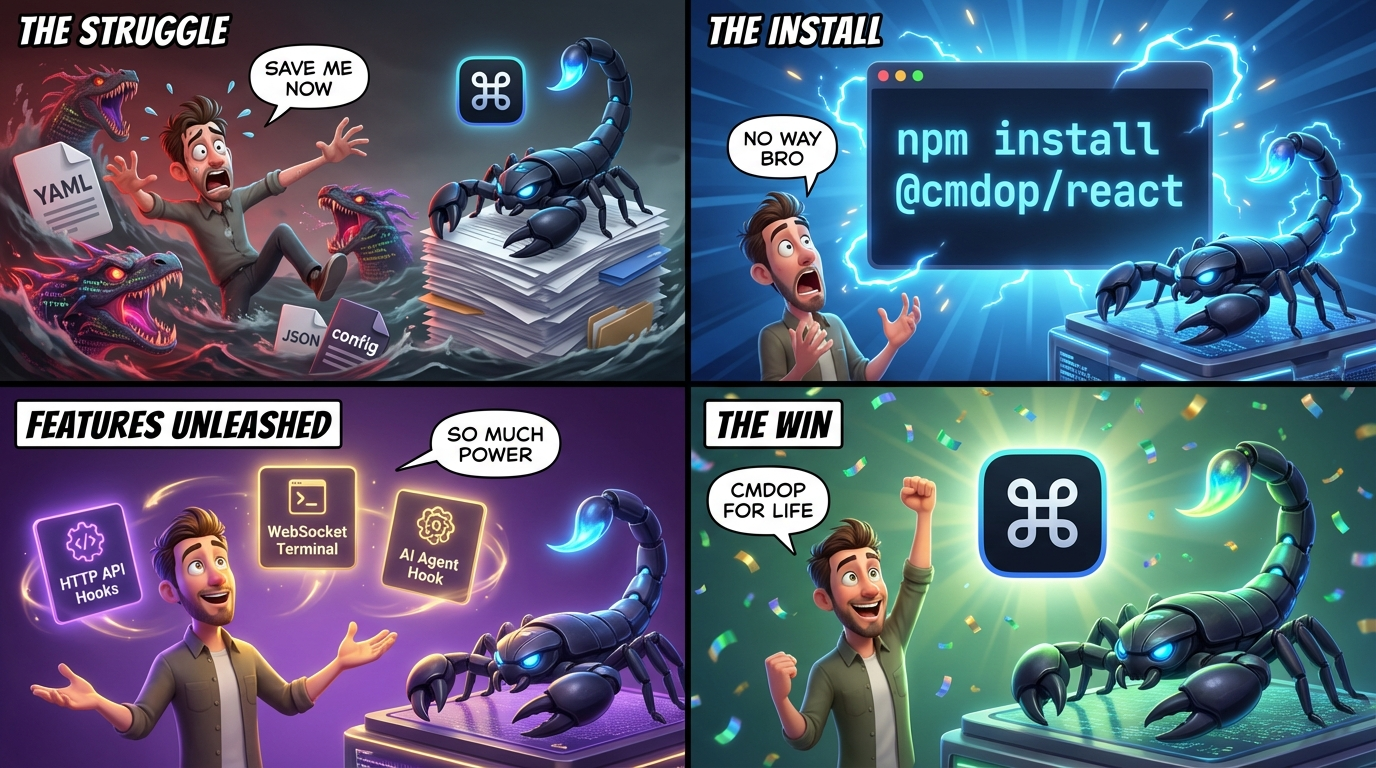
React hooks and components for browser-based CMDOP agent interaction.
Installation
npm install @cmdop/react react react-dom
# or
pnpm add @cmdop/react react react-dom
# or
yarn add @cmdop/react react react-dom
Peer Dependencies: React >= 18.0.0
Quick Start
import { CMDOPProvider, WebSocketProvider, useTerminal } from '@cmdop/react';

function App() {
  return (
    <CMDOPProvider token="your-jwt-token">
      <WebSocketProvider
        url="wss://ws.cmdop.com/connection/websocket"
        getToken={() => Promise.resolve('your-jwt-token')}
      >
        <Terminal sessionId="session-123" />
      </WebSocketProvider>
    </CMDOPProvider>
  );
}

function Terminal({ sessionId }: { sessionId: string }) {
  const { isConnected, output, sendInput } = useTerminal({ sessionId });

  return (
    <div>
      <pre>{output}</pre>
      <input
        onKeyDown={(e) => {
          if (e.key === 'Enter') {
            sendInput(e.currentTarget.value + '\n');
            e.currentTarget.value = '';
          }
        }}
        placeholder={isConnected ? 'Type command...' : 'Connecting...'}
      />
    </div>
  );
}
Features
HTTP API Hooks (SWR)
Data fetching with caching and revalidation:
import { CMDOPProvider, useMachines, useMachine, useWorkspaces } from '@cmdop/react';

function MachineList() {
  const { machines, isLoading, error, refetch } = useMachines();

  if (isLoading) return <div>Loading...</div>;
  if (error) return <div>Error: {error.message}</div>;

  return (
    <ul>
      {machines?.map((machine) => (
        <li key={machine.id}>{machine.name}</li>
      ))}
    </ul>
  );
}

function MachineDetail({ id }: { id: string }) {
  const { machine, isLoading } = useMachine(id);
  return <div>{machine?.name}</div>;
}

function WorkspaceList() {
  const { workspaces, isLoading } = useWorkspaces();
  return (
    <ul>
      {workspaces?.map((ws) => (
        <li key={ws.id}>{ws.name}</li>
      ))}
    </ul>
  );
}
WebSocket Terminal Hook
Real-time terminal interaction:
import { useTerminal } from '@cmdop/react';

function Terminal({ sessionId }: { sessionId: string }) {
  const {
    isConnected,
    isConnecting,
    output,
    status,
    error,
    sendInput,
    resize,
    signal,
    clear,
  } = useTerminal({
    sessionId,
    onOutput: (data) => console.log('Output:', data),
    onStatus: (status) => console.log('Status:', status),
    onError: (err) => console.error('Error:', err),
  });

  // Send input
  const handleSubmit = (command: string) => {
    sendInput(command + '\n');
  };

  // Resize terminal
  const handleResize = () => {
    resize(120, 40);
  };

  // Send Ctrl+C
  const handleInterrupt = () => {
    signal('SIGINT');
  };

  return (
    <div>
      <pre>{output}</pre>
      <button onClick={() => signal('SIGINT')}>Ctrl+C</button>
      <button onClick={clear}>Clear</button>
    </div>
  );
}
AI Agent Hook
Streaming AI agent with tool calls:
import { useAgent } from '@cmdop/react';

function AgentChat({ sessionId }: { sessionId: string }) {
  const {
    run,
    isRunning,
    streamingText,
    result,
    toolCalls,
    error,
    reset,
    cancel,
  } = useAgent({
    sessionId,
    onToken: (text) => console.log('Token:', text),
    onToolCall: (tool) => console.log('Tool:', tool.name),
    onDone: (result) => console.log('Done:', result),
    onError: (err) => console.error('Error:', err),
  });

  const handleSubmit = async (prompt: string) => {
    const response = await run(prompt, {
      mode: 'chat',
      timeoutSeconds: 60,
    });
    console.log('Final response:', response);
  };

  return (
    <div>
      {/* Streaming output */}
      <pre>{streamingText || result}</pre>

      {/* Active tool calls */}
      {toolCalls.map((tool) => (
        <div key={tool.id}>Running: {tool.name}</div>
      ))}

      {/* Controls */}
      <button onClick={() => handleSubmit('List files')}>
        {isRunning ? 'Running...' : 'Send'}
      </button>
      {isRunning && <button onClick={cancel}>Cancel</button>}
      <button onClick={reset}>Reset</button>
    </div>
  );
}
WebSocket Infrastructure
Low-level WebSocket hooks for custom implementations:
import { useSubscription, useRPC, useWebSocket } from '@cmdop/react';

// Access WebSocket client
function CustomComponent() {
  const { client, isConnected } = useWebSocket();
  // ...
}

// Subscribe to channel
function Subscriber() {
  const { data, isSubscribed, error } = useSubscription<MyData>({
    channel: 'my-channel',
    onData: (data) => console.log('Received:', data),
  });
  // ...
}

// Make RPC calls
function RPCCaller() {
  const { call, isLoading, error } = useRPC();

  const handleCall = async () => {
    const result = await call<Request, Response>('method.name', { param: 'value' });
  };
  // ...
}
Providers
CMDOPProvider
Provides JWT token for HTTP API calls:
<CMDOPProvider token="jwt-token" baseUrl="https://api.cmdop.com">
  <App />
</CMDOPProvider>
WebSocketProvider
Manages WebSocket connection:
<WebSocketProvider
  url="wss://ws.cmdop.com/connection/websocket"
  getToken={() => fetchToken()}
  autoConnect={true}
  debug={false}
>
  <App />
</WebSocketProvider>
Related Packages
- @cmdop/core - Shared types and configuration
- @cmdop/node - Node.js SDK with gRPC
Links
License
MIT