
@contensu/directus-extension-image-carousel-interface
v1.0.1
Published
A Directus interface that presents the image files linked to an item as a browsable carousel, with thumbnails, autoplay, and keyboard navigation.

Maintainers
 contensu-dev
Readme
@contensu/directus-extension-image-carousel-interface
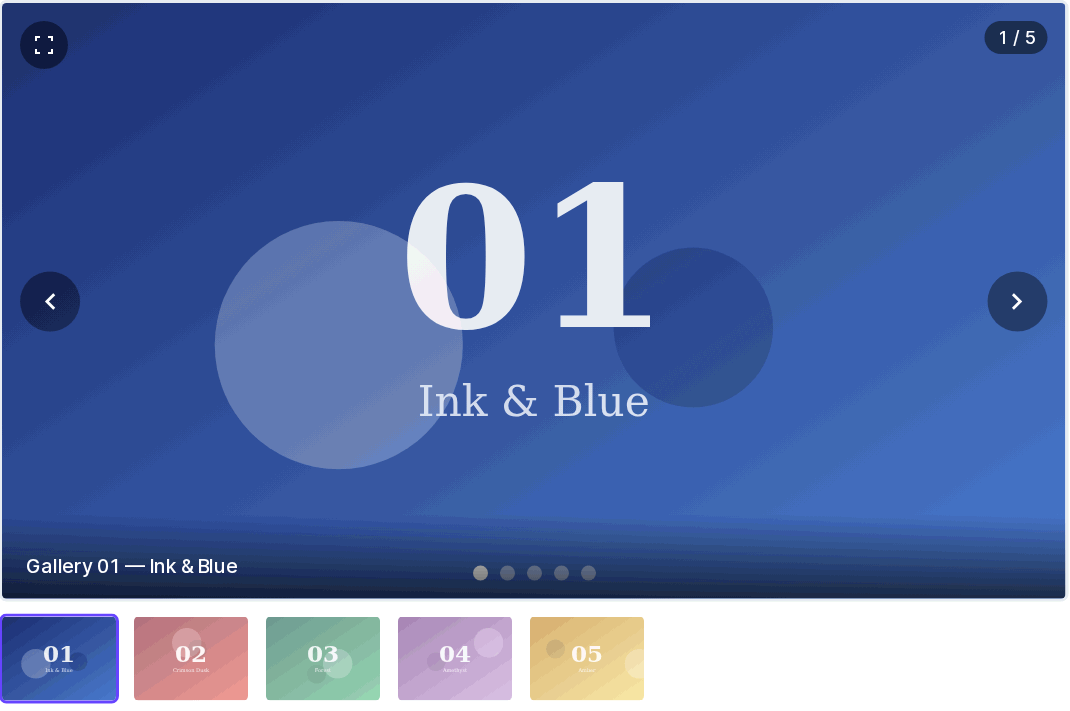
A Directus interface for Files (M2M) fields that presents the linked image files as a browsable carousel with a full-screen lightbox.
Install
Open Settings → Marketplace in Directus, search for @contensu/directus-extension-image-carousel-interface, and press Install. Directus unpacks the extension and reloads on its own — no restart required.
If a self-hosted instance refuses the install, it is running the default MARKETPLACE_TRUST=sandbox; set MARKETPLACE_TRUST=all to allow it.
Then create or edit a field and pick Image Carousel under Interface.
Features
- Main stage with previous/next navigation, counter, optional dot indicators and caption
- Full screen: expand button, double-click, or the
Fkey opens a lightbox that fills the screen (native Fullscreen API, with an overlay fallback when the browser blocks it) - Zoom and pan in full screen: scroll to zoom toward the cursor, drag to pan, double-click to toggle,
+/−/0on the keyboard - Swipe left/right on touch and pen
- Thumbnail strip that scrolls the active image into view
- Fade, slide, or no transition between images
- Optional looping — off, navigation stops at the first and last image
- Optional autoplay, paused on hover and while the lightbox is open
- Keyboard:
←/→to move,Ffor full screen,Escto close - Neighbouring images are preloaded, so navigation does not flash
- Respects the junction table's sort field
- Shows staged (not-yet-saved) file selections alongside saved ones
- Non-image files linked to the same field are silently skipped
- Honours
prefers-reduced-motion
Full screen
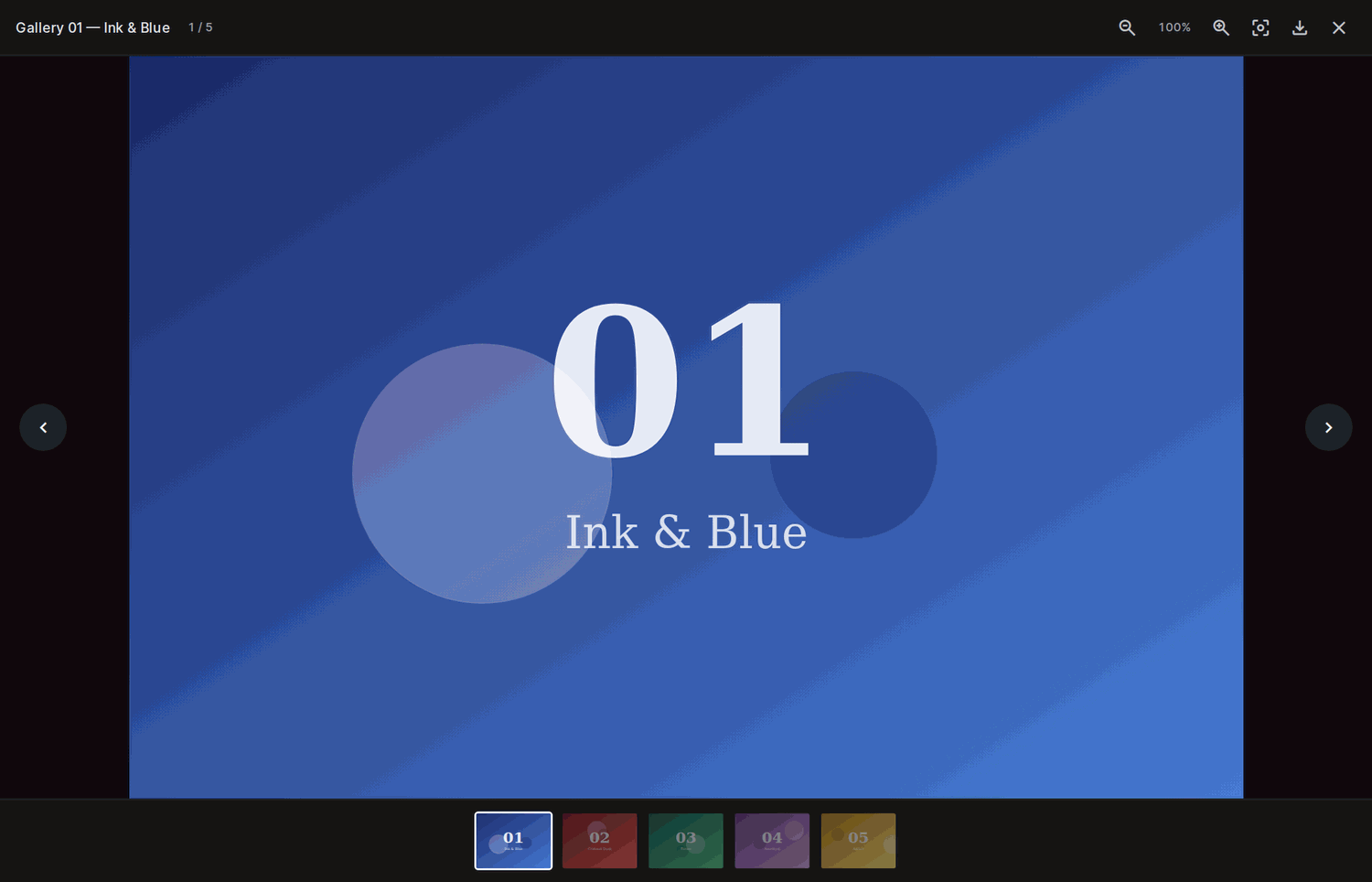
Press F, double-click the stage, or use the expand button. The lightbox fills the screen with the title, counter, zoom controls, download, and a thumbnail rail. Esc returns to the form in one press.
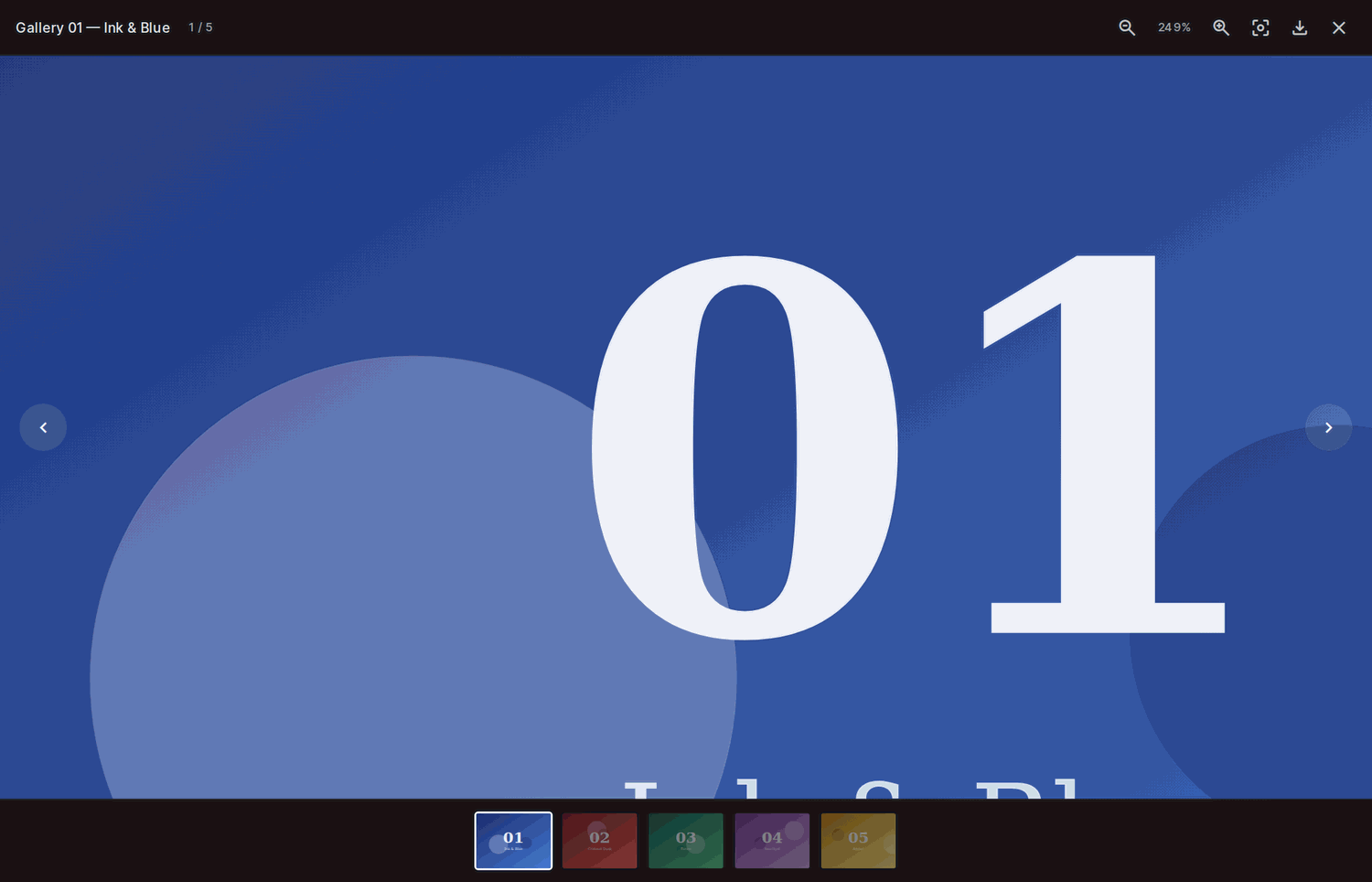
Scroll to zoom toward the cursor and drag to pan; the current magnification is shown in the toolbar.
Options
| Option | Default | Description |
| --- | --- | --- |
| Aspect Ratio | 16 / 9 | Shape of the main stage (16:9, 4:3, 1:1, 3:4, 21:9) |
| Image Fit | contain | contain letterboxes, cover fills the frame. Full screen always uses contain |
| Transition | fade | fade, slide, or none |
| Loop | true | Wrap around at the ends |
| Show Thumbnails | true | Thumbnail strip below the stage |
| Show Dot Indicators | false | Dots overlaid on the stage |
| Show Counter | true | "3 / 5" badge |
| Show Caption | false | Overlays the file title |
| Enable Full Screen | true | Expand button, double-click, and F |
| Enable Zoom | true | Scroll-to-zoom and drag-to-pan in full screen |
| Autoplay | false | Advance automatically |
| Autoplay Interval | 5000 ms | Time between slides (min 1000 ms) |
Notes
- This interface is presentational: it displays the linked images but does not add or remove them. Manage the files themselves with the standard Files interface (for example in a different tab or detail group), or via the API.
- Use it on a field with local type files — the M2M relation to
directus_filesthat the field wizard creates.
Versions
Every dependency is pinned to an exact version — no ^ ranges. Two of them are
load-bearing:
vuemust match the copy@directus/extensions-sdkresolves internally (3.5.24 for SDK 18.0.2). A caret lets a newer vue in alongside it, andvue-tscthen compares component types across the two instances and crashes mid-elaboration instead of reporting an error.pnpm why vuemust say Found 1 version.typescriptstays on 5.x —vue-tsc3.x cannot drive TS 6 (internal tsc crash) or TS 7 (no./lib/tscexport). The extension build itself uses esbuild and does not care; onlypnpm typecheckdoes.
The directus:extension.host field is deliberately still a range: it declares
which Directus versions this extension supports, not a dependency to install.
Development
A Docker Compose stack runs the extension inside a real Directus while you build it:
pnpm install
pnpm dev            # rebuilds dist/ on every save
docker compose up   # http://localhost:8055 — [email protected] / d1r3ctu5
dist/ and package.json are mounted into the container's extensions folder and
EXTENSIONS_AUTO_RELOAD is on, so saving a file rebuilds the bundle and Directus
reloads it — refresh the browser to see the change.
Then create a field using the Image Carousel interface to try it out.
pnpm typecheck      # vue-tsc
pnpm validate       # directus-extension validate
CI & Releases
Every push runs typecheck, build, and extension validation via GitHub Actions. Releases are published to npm manually:
pnpm build
npm publish --access public
Contributing
Pull requests are welcome. Please open an issue first to discuss what you would like to change.
License
MIT © Contensu