
@danielbiegler/vendure-plugin-channel-notifications
v0.1.0
Published
Foundation for building notification inboxes and or changelogs for your users. Features channel aware, translatable and customizable notifications with read-receipts per user.

Maintainers
 danielbiegler
Readme
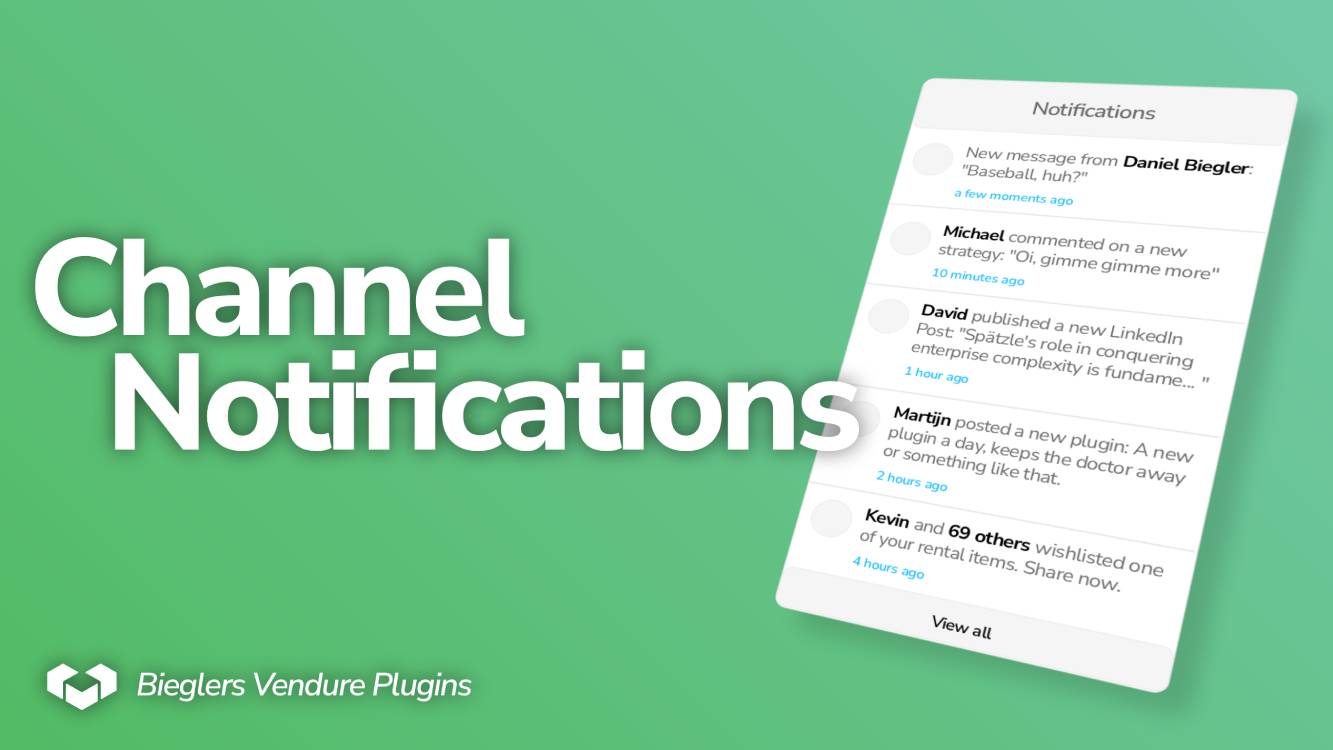
Vendure Plugin: Channel Notifications
Foundation for building notification inboxes and or changelogs for your users. Features channel aware, translatable and customizable notifications with read-receipts per user.
Features
- Notification entity with read-receipts
- Title and content are translatable
- Notification-/ and Read-Receipt-Entities are extendable by you via Custom Fields to fit your specific business needs
- Each Channel can have their own inbox, because notifications implement
ChannelAware - Publishes events on the EventBus
- Granular CRUD permissions
- Suite of end-to-end tests ensuring correctness
End-To-End Tests
 ✓ channel-notifications/e2e/plugin.e2e-spec.ts (12 tests)

 Test Files  1 passed (1)
      Tests  12 passed (12)
How To: Usage
[!TIP] This initial How-To Guide shows just the general usage to give you an overview of the plugin, for more details on how to customize notifications to fit your needs, check "Practical Guides" below.
The plugin extends the admin API with queries and mutations:
extend type Query {
  "Get a single notification"
  channelNotification(id: ID!): ChannelNotification
  "List all notifications for the active user, by default orders by dateTime descending"
  channelNotificationList(options: ChannelNotificationListOptions): ChannelNotificationList!
}

extend type Mutation {
  CreateChannelNotification(input: CreateChannelNotificationInput!): ChannelNotification!
  UpdateChannelNotification(input: UpdateChannelNotificationInput!): ChannelNotification!
  DeleteChannelNotification(input: DeleteChannelNotificationInput!): DeletionResponse!
  MarkChannelNotificationAsRead(input: MarkChannelNotificationAsReadInput!): Success!
}
See api-extensions.ts for a complete overview of the graphql extensions and types.
1. Add the plugin to your Vendure Config
You can find the package over on npm and install it via:
npm i @danielbiegler/vendure-plugin-channel-notificationsAdd it to your Vendure Config:
import { ChannelNotificationsPlugin } from "@danielbiegler/vendure-plugin-channel-notifications";
export const config: VendureConfig = {
  // ...
  plugins: [
    ChannelNotificationsPlugin.init({}),
  ],
}
Please refer to the specific docs for how and what you can customize.
2. Generate a database migration
This plugin adds new entities, namely:
ChannelNotificationChannelNotificationTranslationChannelNotificationReadReceipt
which requires you to generate a database migration. See Vendure's migration documentation for further guidance.
3. Create Roles
You'll probably want to enable some users to create notifications while others are only given read permissions. This plugin adds custom permissions which you can assign in Vendures settings.
4. Include Channel-Token
Notifications are Channel-Aware, meaning each channel has their own separate notifications. Given a multi-vendor setup where each vendor is their own Channel, each Vendor can be notified separately, simply by supplying the Channel-Token in the request header.
A short example using ApolloClient in React:
const { loading, error, data } = useQuery(GET_NOTIFICATION_LIST, {
    context: {
        headers: {
            'vendure-token': 'my-example-channel-token',
        },
    },
});
For more details on how Channels work, see Vendures Channel Documentation.
5. Create a notification
mutation {
  CreateChannelNotification(input: {
    dateTime: "2025-09-04T12:00:00Z"
    translations: [
      {
        languageCode: en,
        title: "My first notification",
        content: "Hello world!"
      },
      {
        languageCode: de,
        title: "Meine erste Benachrichtigung",
        content: "Hallo Welt!"
      }
    ]
  }) {
    id
  }
}
6. Consume notifications
- List paginated notifications
query {
  channelNotificationList(options: { take: 5 }) {
    totalItems
    items {
      id
      dateTime
      title
      content
      readAt
    }
  }
}- Mark them as read
mutation {
  MarkChannelNotificationAsRead(input: { id: "1" }) {
    success
  }
}
Practical Guides and Resources
Guides
It's important to note that this plugin aims to be a foundation for you to build upon. The default notification entity only holds the bare minimum of information and you are supposed to extend it via custom fields to fit your specific business need. Here are some examples:
Example #1: Adding an Avatar and click action
Think about how notifications on social media sites work: They often feature an image and you can click on them to get to the relevant event. You can extend the notification with an asset and text input like so:
const vendureConfig = {
  // ...
  plugins: [
    ChannelNotificationsPlugin.init({}),
  ],
  customFields: {
    ChannelNotification: [
      { name: "asset", type: "relation", entity: Asset, },
      { name: "urlAction", type: "string", },
    ],
  },
};
Now let's say someone reviewed your product and you'd like to notify the admins working that channel. Everytime a new review-event gets published we can create notifications:
async onApplicationBootstrap() {
  this.eventBus.ofType(NewReviewEvent).subscribe(async event => {
    // This is just an example, you should handle errors in prod
    await this.channelNotificationService.create(event.ctx, {
      dateTime: event.input.date,
      customFields: {
        assetId: event.input.product.featuredAssetId,
        urlAction: `https://YOURBACKEND/dashboard/review/${event.input.review.id}`,
      },
      translations: [
        {
          languageCode: LanguageCode.en,
          title: `A new review has been submitted for **"${event.input.product.name}"**`,
          content: `${event.input.user.firstName}: "${event.input.review.content.slice(0, 32)}..."`,
        },
        // ...
      ]
    })
  });
}
Example #2: Adding a Notification Category
Depending on your platform, a single inbox without the ability to filter notifications could overwhelm users, so you might want to add a notification-"category" to be able to group them:
const vendureConfig = {
  // ...
  plugins: [
    ChannelNotificationsPlugin.init({}),
  ],
  customFields: {
    ChannelNotification: [
      {
        name: "category",
        type: "string",
        defaultValue: "general",
        nullable: false,
        validate: value => {
          // This is just a simple example,
          // in a real scenario you'd hopefully do this properly
          if (["general", "review", "order", /* ... */].includes(value)) return;

          return [
            { languageCode: LanguageCode.en, value: 'Invalid category' },
            // ...
          ];
        }
      },
    ],
  },
};
See about validation and other common props at Custom Fields
Example #3: Customizing Read-Receipts
Let's say you'd like your users to snooze a notification so that it pops up later again.
const vendureConfig = {
  // ...
  plugins: [
    ChannelNotificationsPlugin.init({}),
  ],
  customFields: {
    ChannelNotificationReadReceipt: [
      { name: "renotifyAt", type: "datetime", },
    ],
  },
};
Then in your notification inbox add a button for snoozing and query like so:
const dateAfter15Minutes = new Date(Date.now() + (1000 * 60 * 15));
const responseMark = await adminClient.query(MarkAsReadDocument, {
  input: {
    id: notification.id,
    readReceiptCustomFields: { renotifyAt: dateAfter15Minutes }
  }
});
Now the notification will be marked as read and contain info for your backend to re-notify the user. In this example scenario, imagine having a scheduled task that regularly checks and updates read-receipts once enough time has passed.
[!IMPORTANT] Users with read permissions can see their read-receipt, so keep that in mind when attaching data that's only intended for Superadmins for example! Vendures custom fields do allow restricting permissions on them via
requiresPermission.
Resources
- Free Notification Inbox UI Component using TailwindCSS
Credits
- Banner Photos created and edited by Daniel Biegler