
@devskeo/ward-agent
v1.1.0
Published
Ward 서버 모니터링 에이전트


Readme
@devskeo/ward-agent
Ward 서버 모니터링 시스템의 에이전트 패키지입니다.
모니터링 대상 서버에 설치하면 CPU, 메모리, 디스크, 네트워크 등 시스템 메트릭을 수집하고, 애플리케이션 로그를 Ward 서버로 실시간 전송합니다.
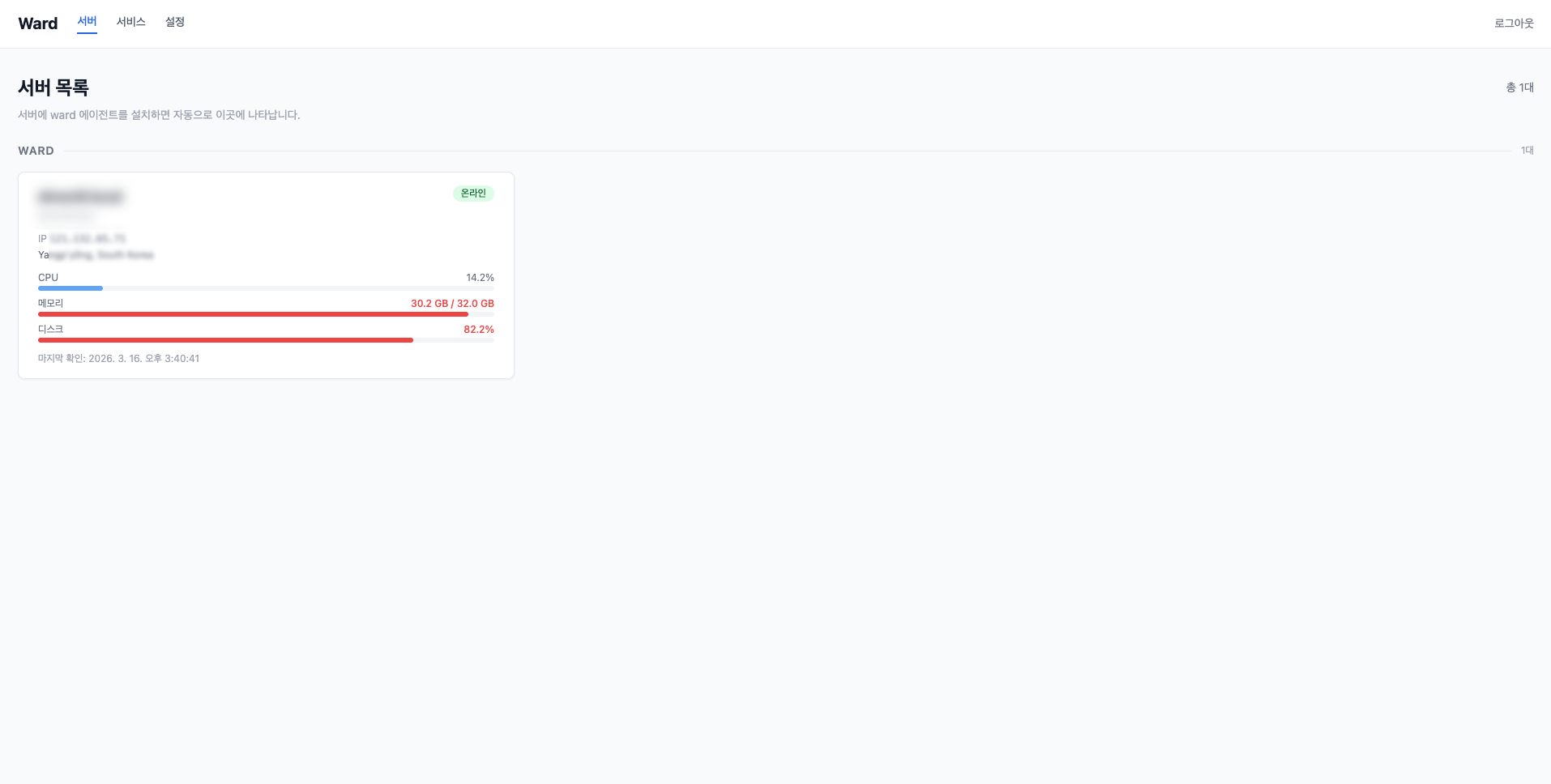
아키텍처
[ward-agent]  ──메트릭/로그──▶  [Ward 서버]  ◀──WebSocket──▶  [웹 대시보드]
 (이 패키지)                     (중앙 서버)                    (브라우저)
에이전트는 각 모니터링 대상 서버에 설치하고, Ward 서버는 별도 서버에서 Docker로 운영합니다.
설치
npm install -g @devskeo/ward-agent빠른 시작
# Ward 서버에 연결하고 에이전트 시작
ward start http://your-ward-server:4000

# 상태 확인
ward status

# 중지
ward stop
에이전트를 시작하면 Ward 대시보드 서버 목록에 자동으로 등록됩니다.
명령어
ward start <서버URL>
에이전트를 백그라운드 데몬으로 시작합니다.
ward start http://192.168.1.100:4000

# 서버 그룹명 지정
ward start http://192.168.1.100:4000 --name production
| 옵션 | 설명 |
|------|------|
| --name <그룹명> | 서버 그룹명 (대시보드에서 서버를 그룹으로 묶어 표시) |
Linux 환경에서는 시작 시 systemd user 서비스로 자동 등록되어 서버 재부팅 후에도 자동 실행됩니다.
주의: SSH 세션이 끊어진 후에도 서비스가 계속 실행되려면 아래 명령을 한 번 실행해야 합니다:
sudo loginctl enable-linger $USER이 설정 없이는 로그아웃 시 user systemd 인스턴스가 함께 종료됩니다.
ward stop
실행 중인 에이전트를 중지합니다.
ward stopward status
에이전트 실행 상태를 확인합니다.
ward status에이전트 상태: 실행 중
PID: 12345
서버: http://192.168.1.100:4000
메트릭 수집 주기: 30초ward config show
현재 에이전트 설정을 출력합니다.
ward config showward service add <이름>
로그를 수집할 서비스를 등록합니다.
# 프로세스 실행 및 stdout/stderr 수집
ward service add my-api --exec "node /app/index.js"

# 로그 파일 감시
ward service add nginx --log /var/log/nginx/access.log

# 여러 로그 파일 감시
ward service add nginx --log /var/log/nginx/access.log --log /var/log/nginx/error.log

# systemd 유닛 로그 수집
ward service add nginx --journal nginx.service

# Docker 컨테이너 로그 수집
ward service add my-container --docker my-container-name
| 옵션 | 설명 |
|------|------|
| --exec <명령어> | 명령어를 실행하고 stdout/stderr 수집 (자동 재시작) |
| --log <경로> | 로그 파일 tail 감시 |
| --journal <유닛> | systemd journalctl 로그 수집 |
| --docker <컨테이너> | Docker 컨테이너 로그 수집 |
ward service remove <이름>
등록된 서비스를 제거합니다.
ward service remove my-apiward service list
등록된 서비스 목록을 출력합니다.
ward service list등록된 서비스 목록:
────────────────────────────────────────────────────────────
my-api [exec] node /app/index.js
nginx [file] /var/log/nginx/access.log
────────────────────────────────────────────────────────────로그 수집 방식
| 방식 | 옵션 | 설명 |
|------|------|------|
| exec | --exec | 명령어 실행 후 stdout/stderr 수집. 프로세스 종료 시 자동 재시작 |
| file | --log | 로그 파일 tail. 로테이션 자동 감지 |
| journal | --journal | systemd journalctl 스트리밍 |
| docker | --docker | Docker 컨테이너 로그 스트리밍 |
Ward 서버 설치
Ward 서버는 Docker Compose로 간단하게 설치할 수 있습니다.
git clone https://github.com/addios4u/ward.git
cd ward
cp .env.sample .env
# .env 파일에서 비밀번호와 설정을 변경하세요
pnpm docker:start
pnpm start
→ Ward GitHub | 상세 설치 가이드