
@devzen/remembug-cli
v0.1.10
Published
Remembug CLI — a Stack-Overflow-style knowledge base for Claude Code debugging sessions

Maintainers
 devzen
Readme
Remembug — give Claude Code a memory
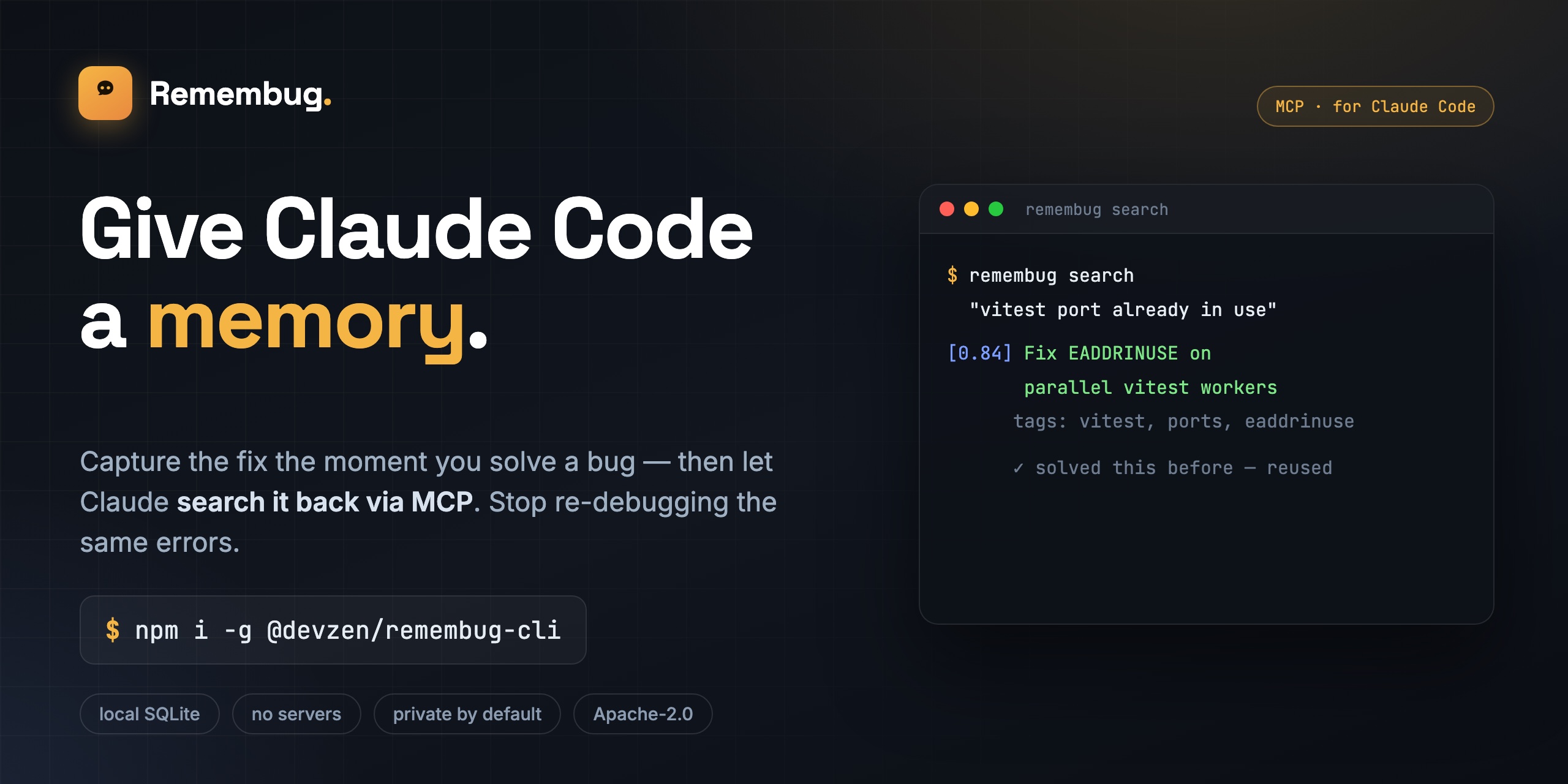



Capture the fix the moment you solve a bug, then let Claude search it back via MCP — so you stop re-debugging the same errors. A local, MCP-native memory and knowledge base for Claude Code.
When you debug something hard with Claude Code, you usually solve it once and then forget the details. Next month, when the same problem hits again, Claude reasons from scratch and you watch the same dance for the third time. Remembug captures the moment you fix something — the failure, what you tried, what worked — stores it locally as a searchable Q&A entry, and exposes it back to Claude Code via MCP so the next time Claude sees a similar error it can pull the answer instead of guessing.
No accounts. No servers. No telemetry. All your data lives in ~/.remembug/remembug.db.
Install
npm install -g @devzen/remembug-cli
remembug init
remembug config set anthropic-key sk-ant-...
remembug daemon start
No API key? Run a free local model via Ollama instead:
ollama pull qwen2.5-coder:3b
remembug config set llm.provider ollama
remembug config set llm.model qwen2.5-coder:3b
Drafting then runs entirely on your machine — no key, no cost, nothing leaves localhost.
That's it. Use Claude Code normally — Remembug watches for failures and resolutions via hooks, drafts entries on the side, and queues them for your review.
Nothing showing up? Run remembug doctor — it checks every link in the chain (config, API key, daemon, Claude Code hooks, MCP wiring, the store) and prints exactly what to fix.
How it works
 Claude Code                          Remembug daemon (127.0.0.1)
 tool use → failure   ─PostToolUse─▶  span detector → secret scrubber
 tool use → success   ─Stop───────▶   → LLM drafter → SQLite store
                                                │
                              remembug review (approve drafts)
                                                │
 Claude Code (next session) ◀─MCP stdio─ remembug.search / .get / .feedback
Commands
| Command | What it does |
| -------------------- | ---------------------------------------------------------------------- |
| remembug init | Create ~/.remembug and wire hooks + the MCP server into Claude Code |
| remembug daemon | start / stop / status the background capture daemon |
| remembug review | Step through drafted entries and accept / edit / reject them |
| remembug search | Keyword (BM25) search with a lightweight local vector re-rank |
| remembug doctor | Diagnose the install end to end with a fix hint per failure |
| remembug uninstall | Reverse init (stop daemon, remove hooks + MCP entry, --purge-data) |
| remembug config | Get/set configuration and your LLM API key |
Why it's trustworthy
- Privacy by default — every captured transcript goes through a three-layer secret scrubber before it ever reaches the LLM or disk.
- Human-in-the-loop — drafts are queued and only become searchable once you accept them.
- No false positives — an unrelated query returns nothing rather than the closest-but-wrong entry, so Claude learns "not in the KB" instead of being handed noise.
- Local-first — SQLite +
sqlite-vec, zero infra, Apache-2.0.
Alternatives
Claude Code now ships native auto-memory, and projects like claude-mem / claude-mem-lite auto-capture session history. Remembug's bet is different: review over automatic, debugging over everything — nothing is stored until you approve it, and the scope is a small, vetted set of real fixes rather than an auto-captured firehose.
Documentation
Full docs, architecture, and the privacy model live in the repo: github.com/zaitanabil/remembug-cli