
@diegopetrucci/pi-oracle
v0.1.7
Published
An Amp-style oracle extension for pi that consults the strongest reasoning model on your current provider.

Maintainers
 diegopetrucci
Readme
oracle
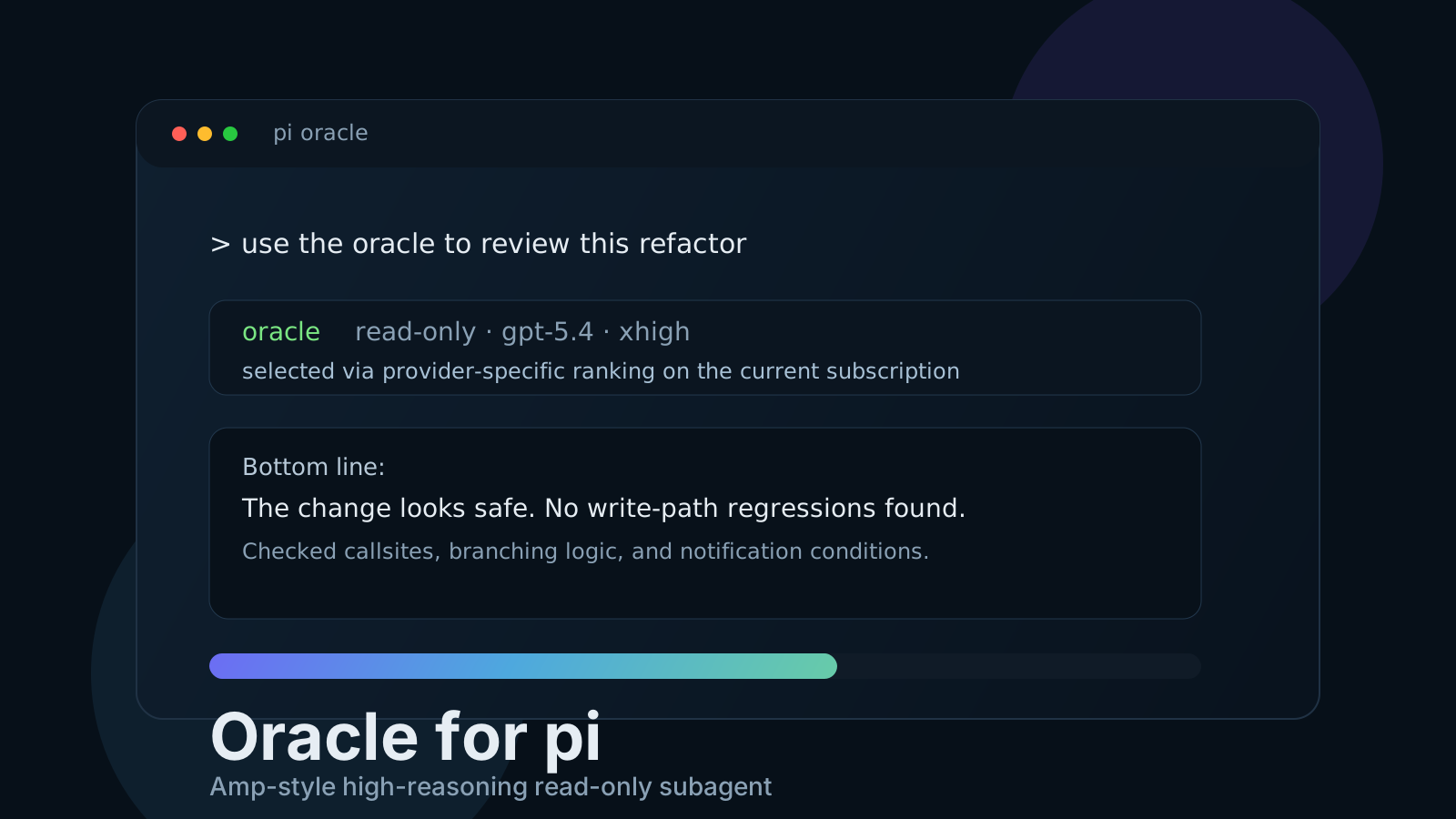
An Amp-style oracle for pi.
It adds an oracle tool that spins up a separate read-only pi subprocess and sends it to the strongest reasoning model available on the same provider/subscription the user is currently using.
What it does
- creates an isolated read-only subprocess
- auto-picks the strongest reasoning model on the current provider
- uses provider-specific hardcoded rankings first, then a heuristic fallback
- sets reasoning/thinking to
xhighby default for reasoning models - defaults to
read,grep,find,ls - can optionally allow non-mutating
bashinspection - shows a live oracle status line and widget while the subprocess is running
- renders the oracle response with model, thinking level, timing, and usage info
Model selection
By default, the extension:
- looks at the current model's provider
- lists authenticated models on that provider
- prefers reasoning-capable models
- tries a provider-specific hardcoded priority list first
- falls back to a heuristic that favors stronger tiers like
opus,pro, newer versions, and penalizesmini,flash,haiku,spark, etc.
The hardcoded rankings now cover pi's built-in provider set, including OpenAI/Codex, Anthropic, Google variants, GitHub Copilot, Bedrock, Azure OpenAI Responses, Cloudflare, DeepSeek, Fireworks, Groq, Hugging Face, Kimi/Moonshot, MiniMax, Mistral, OpenCode, OpenRouter, Vercel AI Gateway, xAI, ZAI, and Cerebras.
If no reasoning model exists on the current provider, it falls back to the best available model on that provider.
Reasoning level
Yes — the extension explicitly sets the oracle reasoning level.
- reasoning models default to
xhigh - non-reasoning models default to
off - you can override it with the tool's optional
thinkingLevelparameter
Use /oracle-model inside pi to see what it would pick right now.
See also:
Install
Standalone npm package
pi install npm:@diegopetrucci/pi-oracleCollection package
pi install npm:@diegopetrucci/pi-extensionsGitHub package
pi install git:github.com/diegopetrucci/pi-extensionsThen reload pi:
/reloadUsage
Ask pi normally, for example:
Use the oracle to review the last commit for regressions.Use the oracle for a second opinion on this refactor plan.Debug this issue and lean on the oracle heavily.
The main agent can call the tool directly.
Tool parameters
task- required prompt for the oracleincludeBash- optional, addsbashfor non-mutating inspectionmodel- optional explicit model overridethinkingLevel- optional reasoning/thinking overridecwd- optional working directory override
Notes
- The oracle is intentionally read-only by default.
- It is best for review, analysis, planning, debugging, and second opinions.
- It is slower than using the main model directly, so it should be used selectively.
- While it runs in interactive mode, it adds a footer status line and a widget below the editor.