
@directus-labs/pdf-viewer-interface
v1.0.0
Published
View PDF files from within the item editor


Readme
PDF Viewer Interface
View PDF files from within the item editor.
Installation
Refer to the Official Guide for details on installing the extension from the Marketplace or manually.
Make sure to update your environment variables to include CSP directives as follows:
CONTENT_SECURITY_POLICY_DIRECTIVES__SCRIPT_SRC=array:'self' data:In a docker-compose.yml file, add the following the the environment section:
CONTENT_SECURITY_POLICY_DIRECTIVES__SCRIPT_SRC: "array:'self' data:"Usage
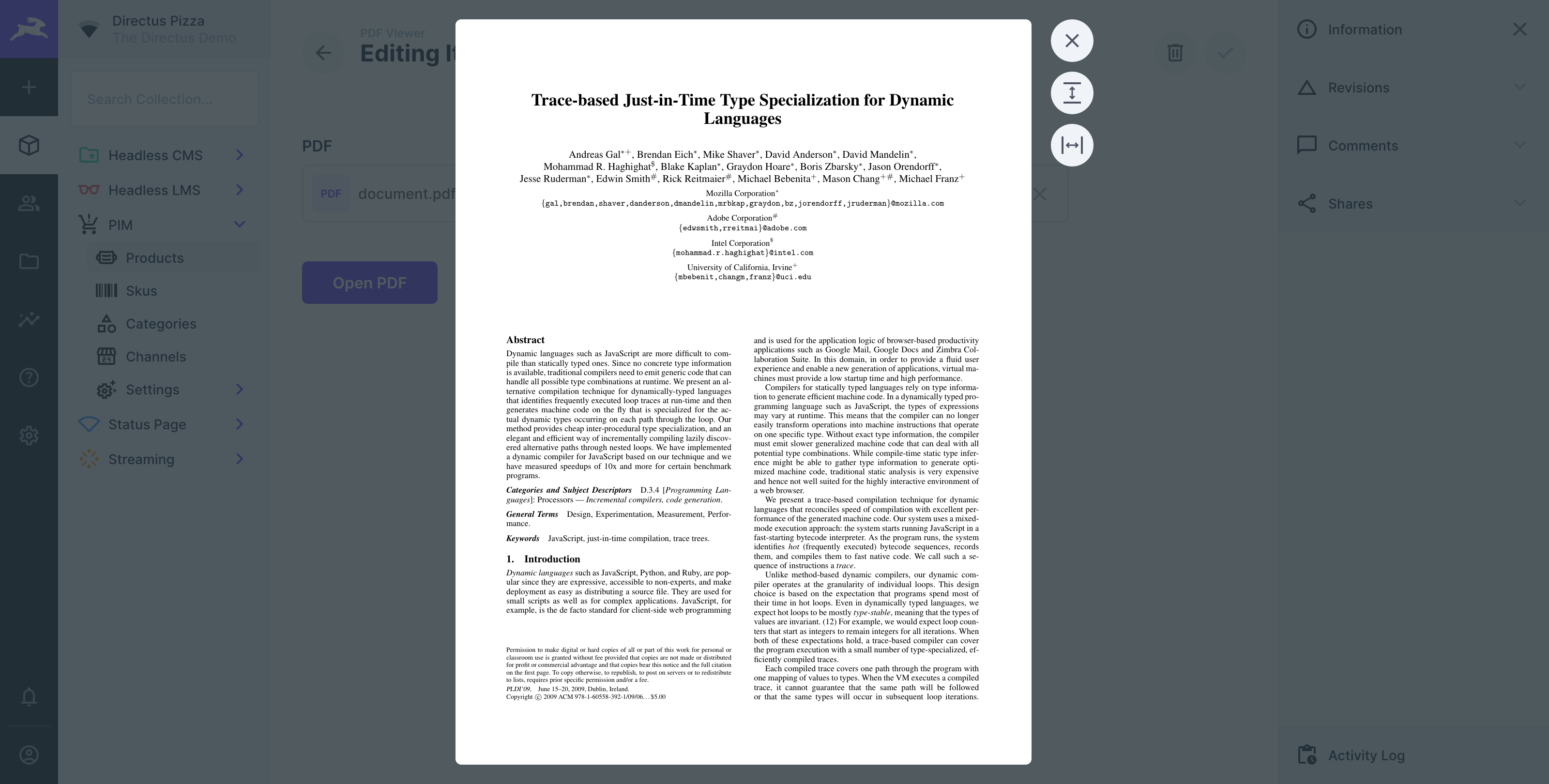
Add the PDF Viewer via the interface selector, select the PDF Field you want to display the PDF from in the interface settings. On your item page, select a PDF from the above mentioned PDF Field and click the Open PDF button – you can also change the button label in the interface settings.