
@djangocfg/centrifugo
v2.1.471
Published
Production-ready Centrifugo WebSocket client for React with real-time subscriptions, RPC patterns, and connection state management

Maintainers
 markolofsen
Readme
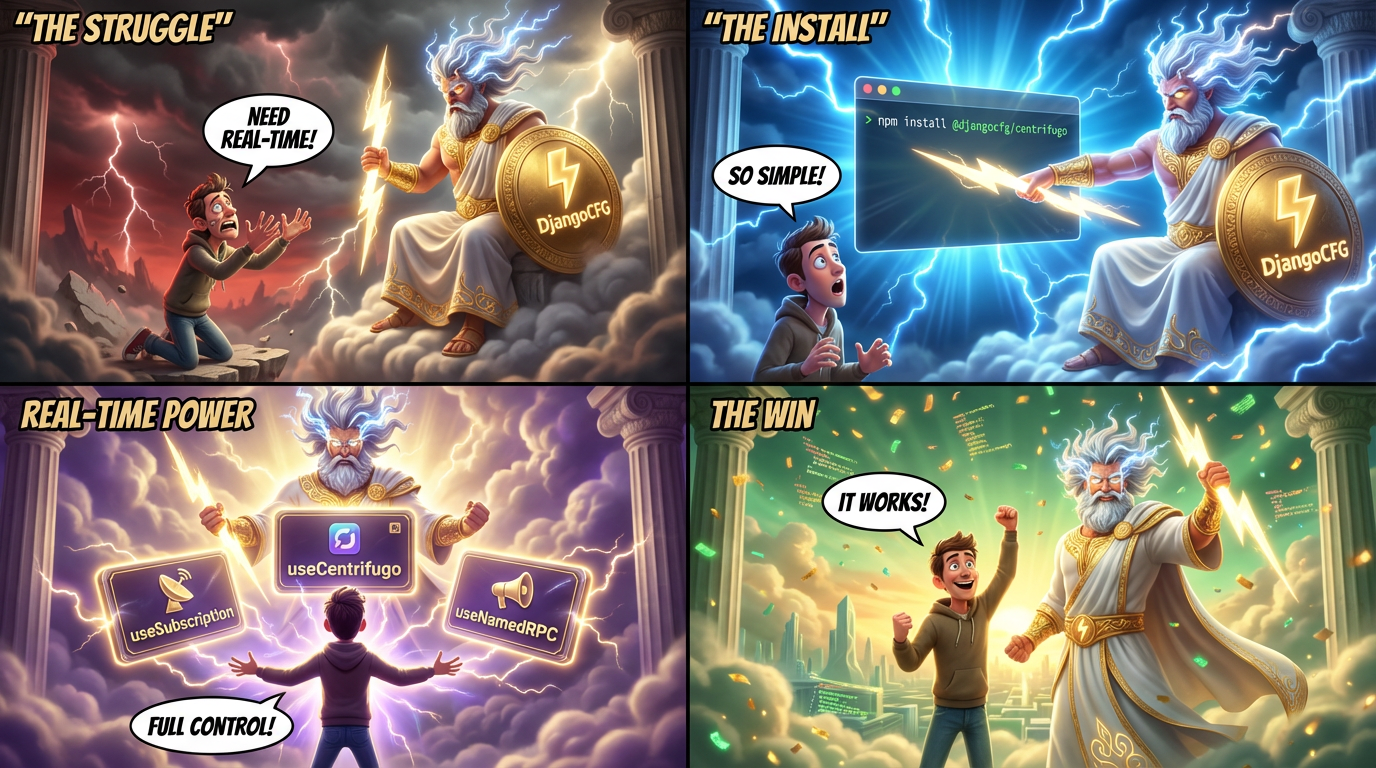
@djangocfg/centrifugo
Production-ready Centrifugo WebSocket client for React with real-time subscriptions, RPC patterns, and connection state management


Part of DjangoCFG — a modern Django framework for building production-ready SaaS applications.
Install
pnpm add @djangocfg/centrifugo momentQuick Start
1. Wrap your app with CentrifugoProvider
import { CentrifugoProvider } from '@djangocfg/centrifugo';

function App() {
  return (
    <CentrifugoProvider enabled={true} autoConnect={true}>
      <YourApp />
    </CentrifugoProvider>
  );
}
2. Use the connection
import { useCentrifugo } from '@djangocfg/centrifugo';

function YourComponent() {
  const { isConnected, connectionState, uptime } = useCentrifugo();

  return <p>Status: {isConnected ? 'Connected' : 'Disconnected'}</p>;
}
3. Subscribe to channels
import { useSubscription } from '@djangocfg/centrifugo';

function Notifications() {
  const { data, isSubscribed } = useSubscription({
    channel: 'notifications',
    enabled: true,
    onPublication: (data) => console.log('New:', data),
  });

  return <p>Subscribed: {isSubscribed ? 'Yes' : 'No'}</p>;
}
4. Make RPC calls
import { useNamedRPC } from '@djangocfg/centrifugo';

function Terminal() {
  const { call, isLoading } = useNamedRPC();

  const send = async (input: string) => {
    const result = await call('terminal.input', {
      session_id: 'abc-123',
      data: btoa(input),
    });
  };
}
5. Add monitoring (optional)
import { CentrifugoMonitorFAB } from '@djangocfg/centrifugo';

// Show only for admins or in dev
{shouldShowMonitor && <CentrifugoMonitorFAB variant="full" />}
Documentation
| Document | Description | |----------|-------------| | @docs/overview.md | Features, architecture, how it connects | | @docs/api-reference.md | Providers, hooks, core client, TypeScript types | | @docs/rpc.md | useNamedRPC, useRPC, namedRPCNoWait, RPCError, retry | | @docs/components.md | ConnectionStatus, MessagesFeed, Monitor, dashboard examples | | @docs/codegen.md | Auto-generated type-safe clients from @websocket_rpc | | @docs/events.md | Unified event system, ErrorsTracker integration | | @docs/logging.md | Logger, LogsProvider, in-memory store | | @docs/migration.md | Migration from DebugPanel, date-fns to moment |
Requirements
- React 18+
@djangocfg/ui-core— UI components (shadcn/ui)@djangocfg/layouts— layout componentscentrifuge— WebSocket client librarymoment— date manipulationconsola— console logging
Development
pnpm install    # Install dependencies
pnpm build      # Build
pnpm check      # Type check
pnpm dev        # Watch mode
License
MIT