
@djangocfg/debuger
v2.1.457
Published
Floating debug panel for DjangoCFG — logs, store inspection, monitor bridge, Cmd+D shortcut

Maintainers
 markolofsen
Readme
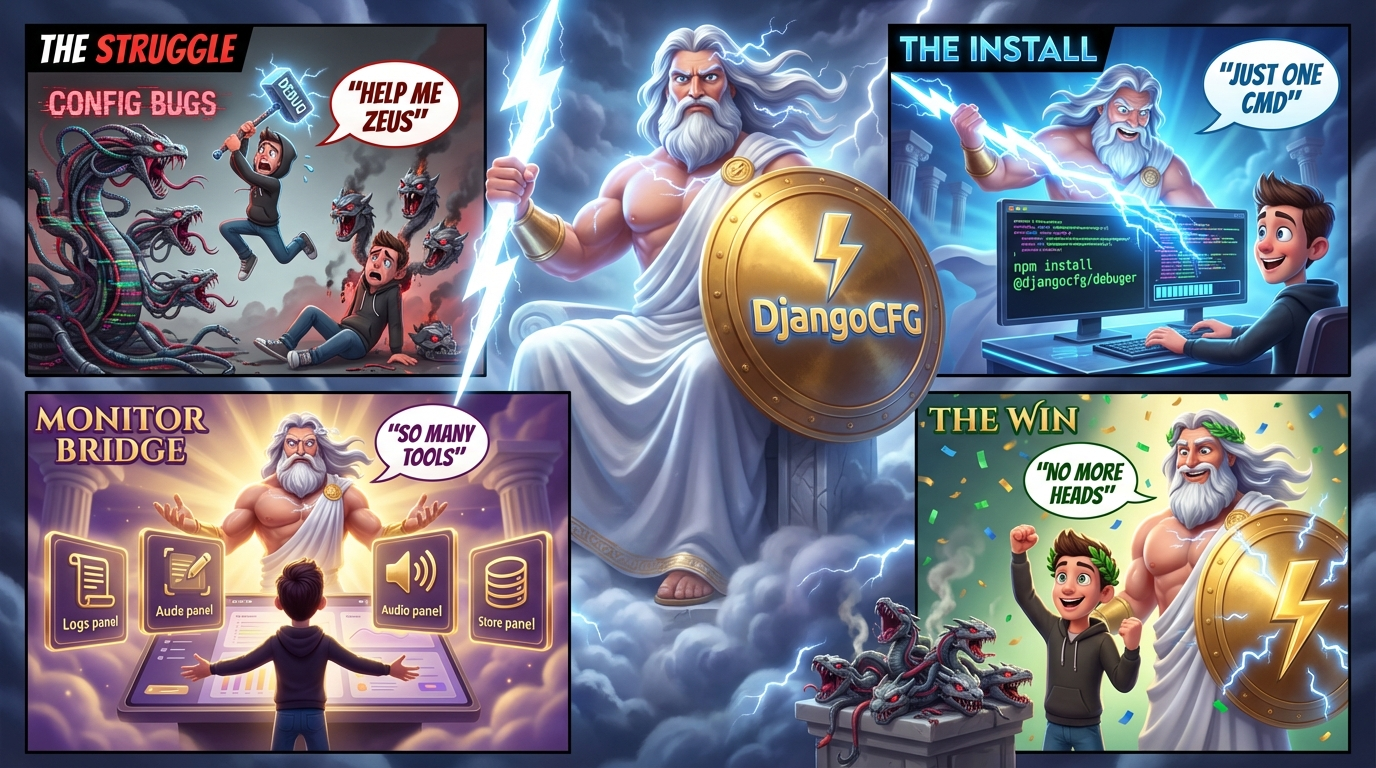
@djangocfg/debuger
A universal floating debug panel for Next.js App Router projects. Drop-in overlay with structured logs, audio/media engine tracing, generic store inspection, and custom event channels.
Works in dev unconditionally. In production the panel is hidden behind a keyless unlock (URL param ?debug=1 or 5-click easter egg).
Features
- Monitor bridge — auto-subscribes to
@djangocfg/monitorstore and forwards all captured events (JS errors, console, network, validation) into the Logs panel. Zero config — install both packages. - Logs panel — virtualized log list from the built-in
useDebugLogStore. Filter by level, component, free text. Export JSON. No@djangocfg/ui-coredependency. - Audio panel — real-time audio/media engine event log. RAF-batched at 60 fps. Metrics: sync interval, seek rate, per-kind counters.
DEBUG_AUDIOlocalStorage toggles. Events buffered (200) so late-opening panel replays history. - Store panel — generic polling-based Zustand store viewer. Pass any
getStatefn; renders a collapsible JSON tree. - Custom tabs — extend the panel with your own
CustomDebugTab[]components. - Keyboard shortcut —
Cmd+Dtoggles the panel. - Production unlock —
?debug=1in URL (any value) or 5-click easter egg in bottom-left corner. - Zero-cost emitters —
emit()is a no-op when no listeners are registered. Safe to call in hot paths. - SSR-safe — no browser APIs at import time.
Installation
pnpm add @djangocfg/debugerPeer dependencies:
pnpm add react react-dom zustand lucide-react @djangocfg/ui-core @djangocfg/ui-tools @tanstack/react-virtualOptional — for monitor bridge:
pnpm add @djangocfg/monitorTailwind v4
Add the styles import to your app's globals.css alongside other package styles:
@import "@djangocfg/ui-core/styles/full";
@import "@djangocfg/layouts/styles";
@import "@djangocfg/ui-tools/styles";
@import "@djangocfg/debuger/styles";   /* ← add this */
@import "tailwindcss";
Quick start
// app/layout.tsx (or any client boundary)
import { DebugButton } from '@djangocfg/debuger';

export default function RootLayout({ children }) {
  return (
    <html>
      <body>
        {children}
        <DebugButton />
      </body>
    </html>
  );
}
DebugButton mounts the panel, registers Cmd+D, and handles URL/easter-egg unlock.
Production unlock
No secret key required. Three ways to unlock in production:
- URL param —
?debug=1(any non-empty value): panel opens and param is removed from URL. - Easter egg — click the bottom-left corner 5 times within 2 seconds.
- Keyboard —
Cmd+Dworks once unlocked via either method above.
Logger
The package ships its own logger — no @djangocfg/ui-core dependency required. Logs appear in the Logs panel automatically.
import { createDebugLogger, debugLog } from '@djangocfg/debuger/logger';

// Reusable logger for a module
const log = createDebugLogger('MyComponent');
log.info('Mounted');
log.warn('Something looks off', { value: 42 });
log.error('Failed', { err: 'timeout' });

// One-shot helper (no instance needed)
debugLog('AudioEngine', 'debug', 'engine created');LogLevel: 'debug' | 'info' | 'warn' | 'error' | 'success'
Access the store directly if needed:
import { useDebugLogStore } from '@djangocfg/debuger/logger';

useDebugLogStore.getState().clearLogs();
Custom tabs
import { DebugButton, StorePanel } from '@djangocfg/debuger';
import { Database } from 'lucide-react';
import { useMyStore } from '@/stores/myStore';

const myTabs = [
  {
    id: 'my-store',
    label: 'My Store',
    icon: Database,
    panel: ({ isActive }) => (
      <StorePanel
        label="My Store"
        getState={() => useMyStore.getState()}
        isActive={isActive}
      />
    ),
  },
];

<DebugButton panel={{ tabs: myTabs }} />
DebugButton props
| Prop | Type | Default | Description |
|------|------|---------|-------------|
| panel | DebugPanelProps | — | Panel configuration (tabs, position, size) |
| defaultUnlocked | boolean | false | Start unlocked without URL param or easter egg. Useful in dev playgrounds. |
Panel props
| Prop | Type | Default | Description |
|------|------|---------|-------------|
| tabs | CustomDebugTab[] | [] | Extra tabs appended after built-ins |
| position | 'bottom-left' \| 'bottom-right' \| 'top-left' \| 'top-right' | 'bottom-left' | Panel anchor |
| defaultHeight | number | 480 | Panel height in px |
| defaultWidth | number | 560 | Panel width in px |
Monitor Bridge
When @djangocfg/monitor is installed, the debug panel automatically bridges its event store into the Logs panel. No configuration needed — DebugPanel installs the subscription on mount.
Events appear with component names like monitor:JS_ERROR, monitor:NETWORK_ERROR, monitor:WARNING, etc.
You can also install the bridge manually if you don't use DebugPanel directly:
import { installMonitorBridge } from '@djangocfg/debuger';

// Call once at app startup
installMonitorBridge();
@djangocfg/monitor is an optional peer — if it's not installed, the bridge silently skips.
Emitters
Import from the tree-shakeable sub-entry (no React dependency):
import { emitAudioEvent, emitDebugEvent } from '@djangocfg/debuger/emitters';Audio emitter
Wire into your audio/media engine:
import { emitAudioEvent, hasAudioListeners } from '@djangocfg/debuger/emitters';

// Hot-path guard: zero-cost when panel is closed
if (hasAudioListeners()) {
  emitAudioEvent({ kind: 'sync', ts: Date.now(), trackId: 'abc', msg: `pos=${pos.toFixed(3)}` });
}

// Lifecycle events — always emit (buffered for late subscribers)
emitAudioEvent({ kind: 'engine', ts: Date.now(), msg: 'engine created' });
Events are ring-buffered (200) — opening the Audio panel replays recent history even if the engine started before the panel was opened.
AudioEventKind: play | pause | seek | ended | sync | load | error | engine | custom
AudioDebugEvent shape:
interface AudioDebugEvent {
  kind: AudioEventKind;
  ts: number;           // Date.now()
  trackId?: string;
  msg: string;
  data?: Record<string, unknown>;
}
Custom channel emitter
import { emitDebugEvent } from '@djangocfg/debuger/emitters';

emitDebugEvent({
  channel: 'pipeline',  // matches your custom tab id
  kind: 'slot:updated',
  ts: Date.now(),
  msg: 'Scene 3 slot updated',
  data: { sceneId: '...', slot: 'image' },
});
Use useCustomEventLog(isActive, 'pipeline') inside your custom tab to receive these events.
Hooks
useAudioEventLog(active)
Subscribes to audio events. RAF-batched — no render storms at 60 fps. Replays buffered history on subscribe.
const { events, clear, seekRate, syncIntervalMs, kindCounts } = useAudioEventLog(isActive);useCustomEventLog(active, channel?)
Ring-buffer (300 events) for custom channel events.
const { events, clear } = useCustomEventLog(isActive, 'pipeline');useStoreSnapshot(getState, intervalMs?, active?)
Polling-based Zustand snapshot. Avoids reactive subscription issues with Zustand v5.
const snap = useStoreSnapshot(() => useMyStore.getState(), 200, isActive);useDebugShortcut(options?)
Registers a keyboard shortcut to toggle the panel. Called automatically inside DebugButton.
useDebugShortcut(); // default: Cmd+D (meta+d)Generic Emitter<TEvents> class
import { Emitter } from '@djangocfg/debuger/emitters';

type MyEvents = {
  'user:login': { id: string };
  'page:view':  { path: string };
};

export const myEmitter = new Emitter<MyEvents>();

const unsub = myEmitter.on('user:login', ({ id }) => console.log(id));
myEmitter.emit('user:login', { id: '123' });
unsub();
Development playground
make playground
# or
cd playground && pnpm dev
The webpack config aliases @djangocfg/debuger → src/ so no build step is needed during development.
Build
pnpm build   # tsup — ESM + CJS + .d.ts
pnpm dev     # tsup --watch
pnpm check   # tsc --noEmit
Three entries produced:
| Entry | Output | Notes |
|-------|--------|-------|
| src/index.ts | dist/index.{mjs,cjs,d.ts} | React components, 'use client' |
| src/emitters/index.ts | dist/emitters/index.{mjs,cjs,d.ts} | Pure TS, no React, tree-shakeable |
| src/logger/index.ts | dist/logger/index.{mjs,cjs,d.ts} | Logger + store, no ui-core dep |
Package structure
src/
├── DebugButton.tsx          # Floating trigger button + unlock logic
├── DebugPanel.tsx           # Tab shell (Logs, Audio + custom tabs)
├── index.ts                 # Main entry — all exports
├── bridges/
│   ├── monitorBridge.ts     # @djangocfg/monitor → logStore bridge (optional)
│   └── index.ts
├── emitters/
│   ├── Emitter.ts           # Generic typed emitter class
│   ├── audioEmitter.ts      # Audio/media event singleton + ring-buffer
│   ├── customEmitter.ts     # Custom channel event singleton
│   └── index.ts             # Emitters sub-entry
├── hooks/
│   ├── useAudioEventLog.ts  # RAF-batched audio event log
│   ├── useCustomEventLog.ts # Custom channel event log
│   ├── useDebugShortcut.ts  # Keyboard shortcut registration
│   └── useStoreSnapshot.ts  # Polling Zustand snapshot
├── logger/
│   ├── types.ts             # LogEntry, LogLevel, Logger types
│   ├── logStore.ts          # useDebugLogStore (Zustand, no ui-core)
│   ├── logger.ts            # createDebugLogger, debugLog
│   └── index.ts             # Logger sub-entry
├── panels/
│   ├── AudioDebugPanel.tsx  # Audio tab content
│   ├── LogsPanel.tsx        # Logs tab (virtualized, uses own store)
│   └── StorePanel.tsx       # Generic store viewer
└── store/
    └── debugStore.ts        # Zustand store: isOpen, tab, isUnlocked