
@djangocfg/monitor
v2.1.457
Published
Browser error and event monitoring SDK for django-cfg backends. Captures JS errors, network failures, console logs, and performance metrics.

Maintainers
 markolofsen
Readme
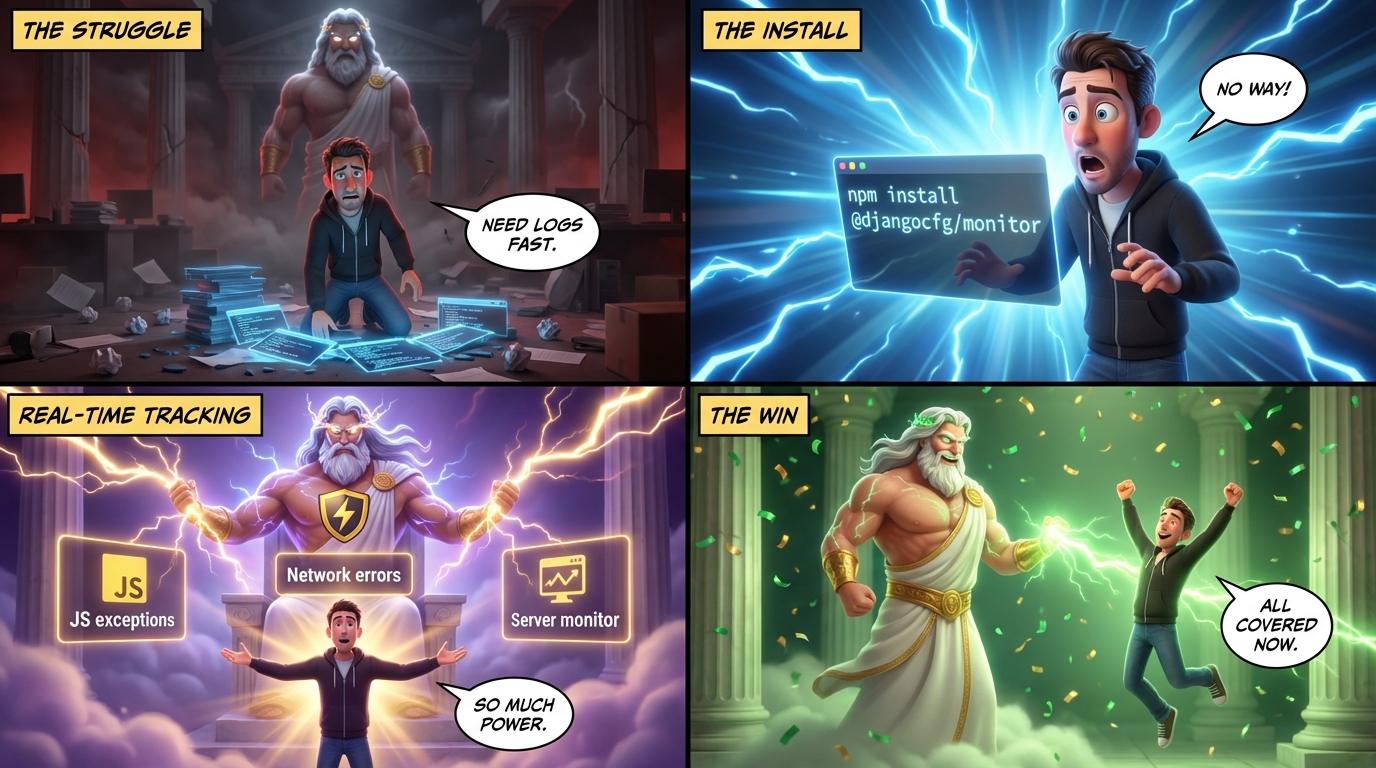
@djangocfg/monitor
Browser + server error monitoring SDK for DjangoCFG backends.
Install
pnpm add @djangocfg/monitorEntry Points
| Entry | Use |
|-------|-----|
| @djangocfg/monitor | Types only — server-safe |
| @djangocfg/monitor/client | Browser SDK ('use client') |
| @djangocfg/monitor/server | Node.js / Edge Runtime |
Client (React / Next.js)
Drop MonitorProvider into your root layout — that's all:
// app/layout.tsx
import { MonitorProvider } from '@djangocfg/monitor/client'

export default function RootLayout({ children }) {
  return (
    <html>
      <body>
        <MonitorProvider project="my-app" environment={process.env.NODE_ENV} />
        {children}
      </body>
    </html>
  )
}
MonitorProvider initialises FrontendMonitor on mount and tears it down on unmount.
What gets captured automatically (no extra setup):
| Source | Mechanism |
|--------|-----------|
| JS exceptions | window.onerror + unhandledrejection |
| Console warnings/errors | consola reporter or console.* patch |
| @djangocfg/api Zod failures | zod-validation-error CustomEvent |
| Network errors | monitoredFetch wrapper |
Manual capture
import { FrontendMonitor } from '@djangocfg/monitor/client'
import { EventType, EventLevel } from '@djangocfg/monitor'

FrontendMonitor.capture({
  event_type: EventType.JS_ERROR,
  level: EventLevel.ERROR,
  message: 'Payment failed',
  url: window.location.href,
  extra: { orderId: '123' },
})
Network wrapper
import { monitoredFetch } from '@djangocfg/monitor/client'

const res = await monitoredFetch('/api/orders', { method: 'POST', body: JSON.stringify(order) })
Config options
| Option | Type | Default | Description |
|--------|------|---------|-------------|
| project | string | '' | Project name sent with every event |
| environment | string | '' | production / staging / development |
| buildId | string | sdk:<version> | Build identifier (e.g. Next.js BUILD_ID or git SHA). Stamped on every event as build_id. Auto-filled with SDK version if not set |
| baseUrl | string | same origin | Base URL of the django-cfg backend |
| flushInterval | number | 5000 | Buffer flush interval (ms) |
| maxBufferSize | number | 20 | Max events before immediate flush |
| captureJsErrors | boolean | true | Capture window.onerror + unhandled rejections |
| captureConsole | boolean | true | Intercept console.warn / console.error |
| debug | boolean | false | Log init info to console |
Server (Next.js Route Handlers)
// lib/monitor.ts
import { serverMonitor } from '@djangocfg/monitor/server'
serverMonitor.configure({ project: 'my-app', environment: process.env.NODE_ENV })
export { serverMonitor }

// app/api/orders/route.ts
import { serverMonitor } from '@/lib/monitor'

export async function POST(req: Request) {
  try {
    // ...
  } catch (err) {
    await serverMonitor.captureError(err, { url: req.url })
    return new Response('Internal Server Error', { status: 500 })
  }
}
Or use the withMonitor HOC from @djangocfg/nextjs/monitor:
import { withMonitor } from '@djangocfg/nextjs/monitor'

export const POST = withMonitor(async (req) => {
  // errors are captured automatically
})
Django Backend
The monitor module is included automatically with django-cfg — no extra installed_apps entry needed.
Ingest endpoint: POST /cfg/monitor/ingest/ — no auth required, always mounted.
Browser Console Testing
After MonitorProvider mounts, window.monitor is available in DevTools for manual testing:
// Fire events from DevTools console
window.monitor.error('Payment failed', { orderId: '123' })
window.monitor.warn('Slow response', { ms: 2400 })
window.monitor.info('User action', { action: 'checkout' })
window.monitor.network(404, 'GET', '/api/users/')
window.monitor.network(502, 'POST', '/api/orders/', { retries: 3 })

// Force-send buffered events immediately
window.monitor.flush()

// Inspect current state
window.monitor.status()
// → logs sdk version, build_id, config, buffer size, session_id
Debug Mode
useDebugMode hook controls whether the debug panel is unlocked:
- development — always
true, no localStorage needed - production —
?debug=1in URL → persists tolocalStorage.__debug_mode__, panel unlocks - production —
?debug=0in URL → clearslocalStorage.__debug_mode__, panel locks
import { useDebugMode } from '@djangocfg/monitor/client'

const isDebug = useDebugMode()
Debug Panel Integration
Install @djangocfg/debuger alongside this package — it auto-bridges the monitor event store into the debug panel's Logs tab. No extra setup needed.
pnpm add @djangocfg/debugerEvents captured by monitor (JS errors, console, network) appear in the panel as monitor:JS_ERROR, monitor:NETWORK_ERROR, etc.
Relationship to console log level
@djangocfg/* packages share a runtime console verbosity controlled by
applyRoleLogPolicy / setLogLevel from @djangocfg/api — quiet for regular
users in production, verbose for admins/devs. Monitor capture is independent of
that level: errors (and configured console events) are still captured and sent
to the backend / debug panel even when the browser console is silenced. So
production incidents stay diagnosable without spamming end-user consoles.
Safety
Transport errors are always swallowed — monitor never crashes your app and never sends its own errors to itself. If the backend is unreachable, events are silently dropped.
License
MIT