
@dsh-ft/dsh-fft-gallery
v0.1.5
Published
FT gallery: the right-sidebar 金融组件画廊 shelf for third-party web apps and plugin components registered through a repository manifest.


Readme
@dsh-ft/dsh-fft-gallery
右侧栏的「金融组件画廊」:以瀑布流浏览第三方为金融工作台做的网页应用与插件组件,收藏进「收藏」; 网页一键在侧栏打开;插件条目只给出安装命令,画廊本身不安装、也不审核任何代码。
界面
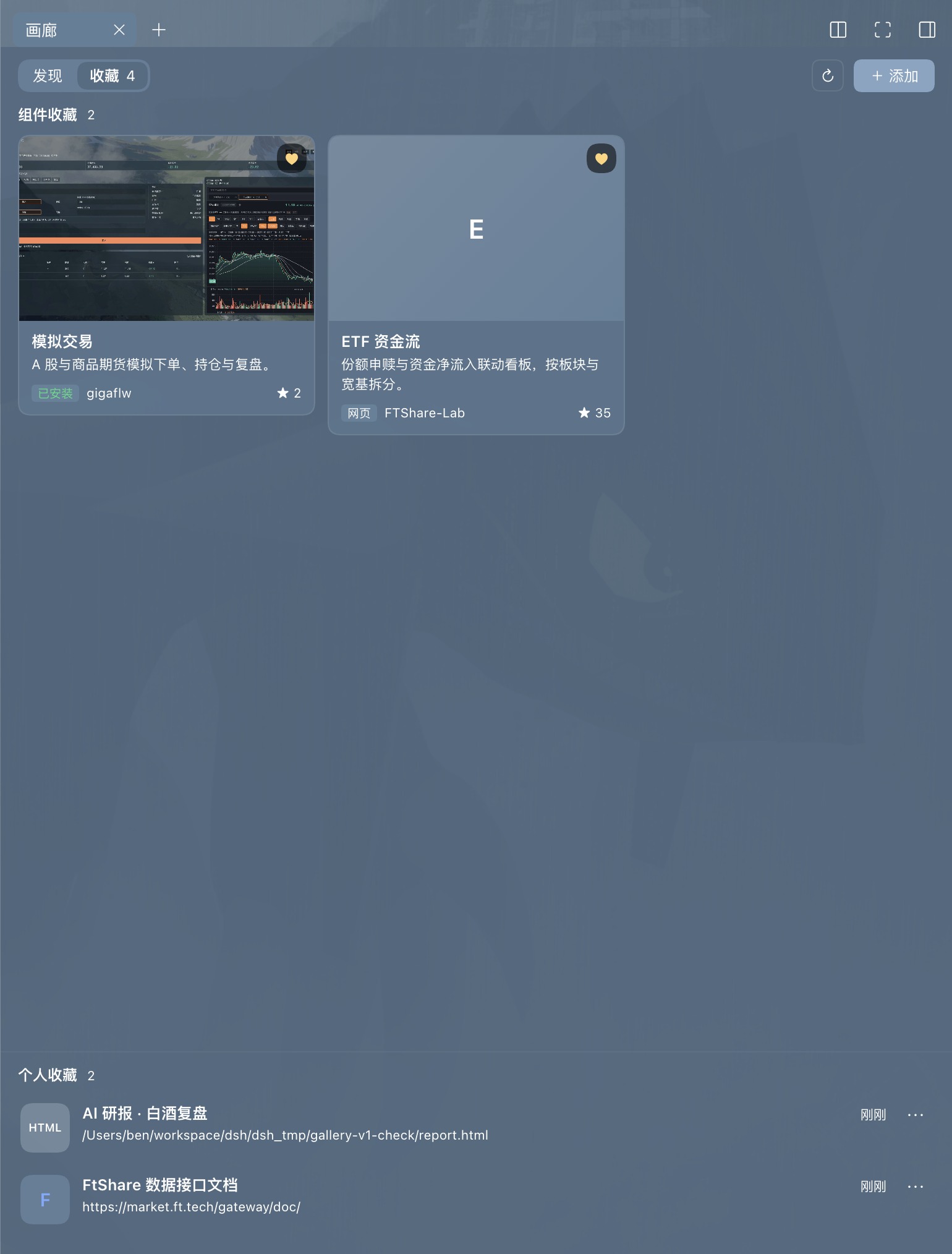
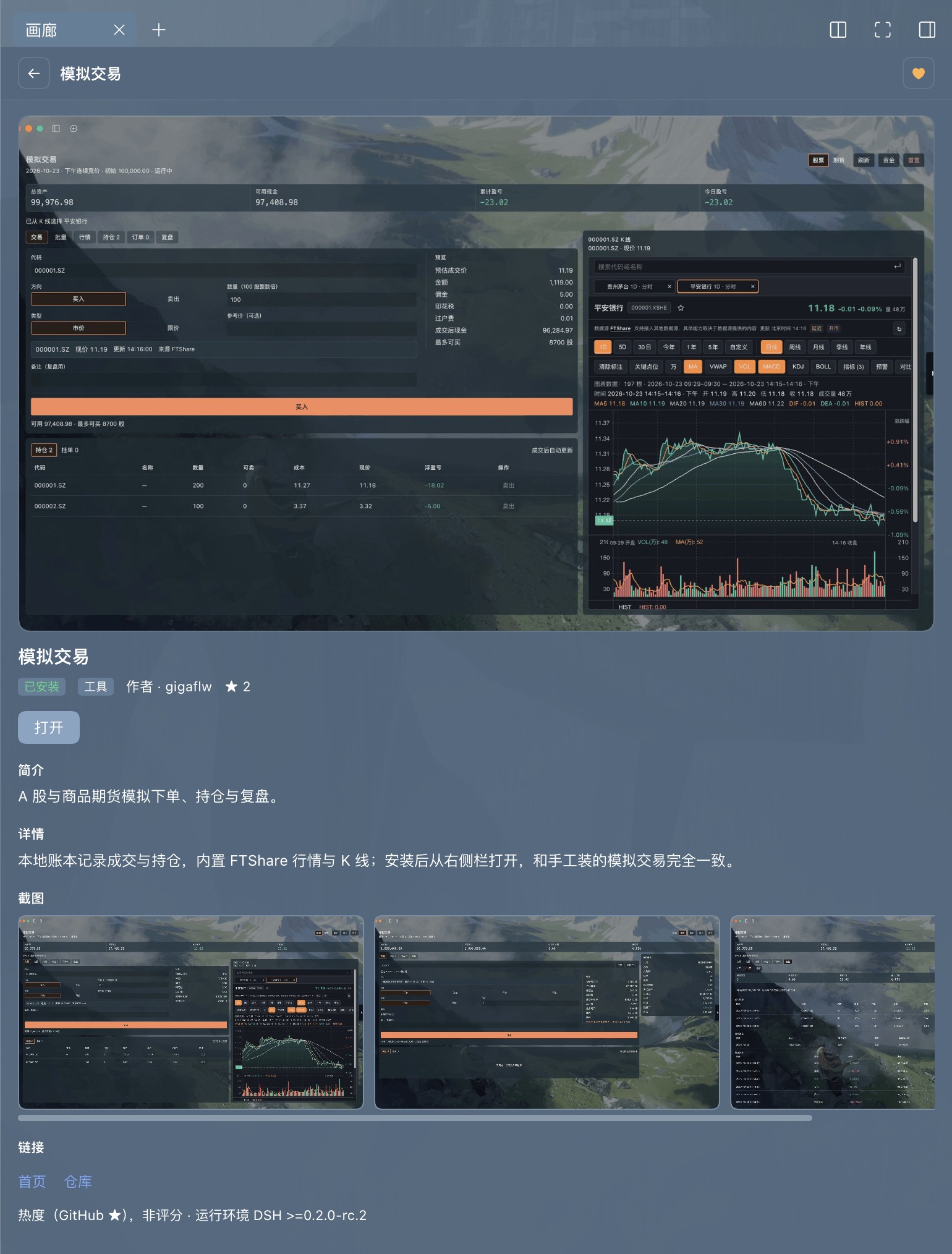
右侧栏 tab 标题为「画廊」,引导页入口为「金融组件画廊」。收藏页分两段:组件收藏用卡片,个人收藏合并网址与本机 HTML 页面。
安装
dsh plugin --profile desktop add @dsh-ft/dsh-fft-gallery装完重启 DSH。右侧栏引导页会出现「金融组件画廊」入口(tab 标题显示为「画廊」),发现 是目录,收藏 分两段:组件收藏(卡片)与个人收藏(自行添加的网址与本机 HTML 页面,只存在本机,不经过目录)。
作者接入(两个东西,零 PR)
- 在仓库根放
dsh-ft-gallery.json:
{
  "entries": [
    {
      "id": "example.panel",
      "kind": "web",
      "title": { "zh": "示例面板", "en": "Example panel" },
      "summary": { "zh": "一句话说明", "en": "One line" },
      "cover": "./assets/cover.png",
      "screenshots": [{ "src": "./assets/shot.png", "alt": { "zh": "截图", "en": "Screenshot" } }],
      "url": "https://example.com/",
      "author": "example"
    }
  ]
}- 给仓库打 topic
dsh-ft-gallery。
字段:id / kind(web 或 plugin)/ title / summary 必填;details、cover、screenshots
(≤4 张,png/jpeg/webp)、url(web 必填)、spec(plugin 必填,npm 或 git)、open
(plugin 可选:{ "kind": "侧栏 tab kind" } 或 { "panel": "主栏面板 id" })、category
(可选:market / research / chart / tool / panel)、homepage、author、engines.dsh 可选。
作者缺省取仓库 owner;截图只用作者自己的 HTTPS 地址,画廊不托管图片。
目录如何更新
- 随包内建的
gallery/catalog.json是离线基线; .github/workflows/gallery-sync.yml每三天扫一次 topic,把合并后的catalog.json推到catalog分支;- 客户端先读 jsDelivr 的 GitHub 端点,再回退
raw.githubusercontent.com,不需要等发版。
开发
pnpm --filter @dsh-ft/dsh-fft-gallery run build
pnpm --filter @dsh-ft/dsh-fft-gallery test
GITHUB_TOKEN=... node packages/dsh-fft-gallery/scripts/gallery-sync.mjs   # 扫 topic 并写 entries
node packages/dsh-fft-gallery/scripts/gallery-sync.mjs --check            # 只校验现有 entries
边界
- 不安装、不升级、不卸载插件:只展示、给可复制的安装命令;
- 不审核代码、不代理图片;条目内容是作者自声明,界面按纯文本渲染、图片只接受 png/jpeg/webp;
- 收藏存在宿主侧
~/.dsh/.dsh-fft-gallery/state.json。