
@dweber019/backstage-plugin-api-docs-spectral-linter
v0.5.2
Published
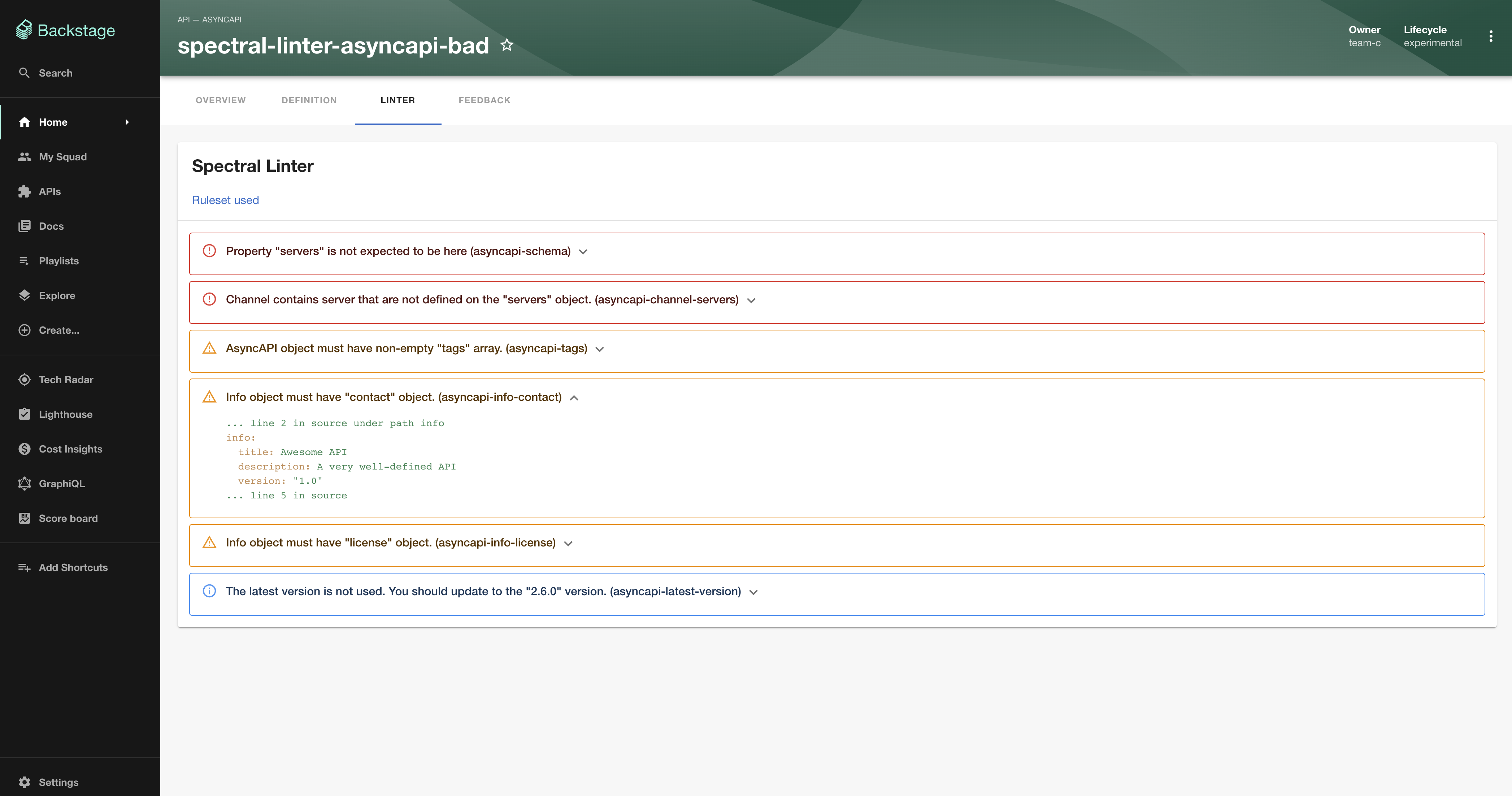
Welcome to the [Spectral](https://stoplight.io/open-source/spectral) Linter plugin!


Readme
Spectral Linter Plugin
Welcome to the Spectral Linter plugin!
This plugin allows you to lint (validate) API's with rule sets.
Setup
- Install this plugin:
# From your Backstage root directory
yarn --cwd packages/app add @dweber019/backstage-plugin-api-docs-spectral-linter
Entity Pages
- Add the plugin as a tab to your Entity pages:
// In packages/app/src/components/catalog/EntityPage.tsx
import { EntityApiDocsSpectralLinterContent, isApiDocsSpectralLinterAvailable } from '@dweber019/backstage-plugin-api-docs-spectral-linter';

...

const apiPage = (
  <EntityLayout>
    {/* other tabs... */}
    <EntityLayout.Route if={isApiDocsSpectralLinterAvailable} path="/linter" title="Linter">
      <EntityApiDocsSpectralLinterContent />
    </EntityLayout.Route>
</EntityLayout>- Add
backstage.io/spectral-ruleset-urlannotation to yourcatalog-info.yaml:
metadata:
  annotations:
    backstage.io/spectral-ruleset-url: <url-to-your-yaml-or-json-file>
Default rule sets
You can provide default rule sets in you app-config.yaml like this
spectralLinter:
  openApiRulesetUrl: <url-to-your-yaml-or-json-file>
  asyncApiRulesetUrl: <url-to-your-yaml-or-json-file>
Local development
There is a local setup at plugins/api-docs-spectral-linter/dev which can be started with yarn --cwd plugins/api-docs-spectral-linter start from the root.