
@dynamicu/chromedebug-mcp
v2.7.7
Published
ChromeDebug MCP - MCP server that provides full control over a Chrome browser instance for debugging and automation with AI assistants like Claude Code

Maintainers
 dynamicu
Readme
ChromeDebug MCP


Give your AI assistant eyes into your browser. ChromeDebug connects Claude Code directly to Chrome, letting AI see, interact with, and debug web pages alongside you.
Why ChromeDebug?
- Show, don't tell - Record bugs instead of explaining them
- AI sees what you see - Screenshots, console logs, and DOM in real-time
- Click to select - Point at elements, let AI modify them
- 100% private - All data stays on your machine
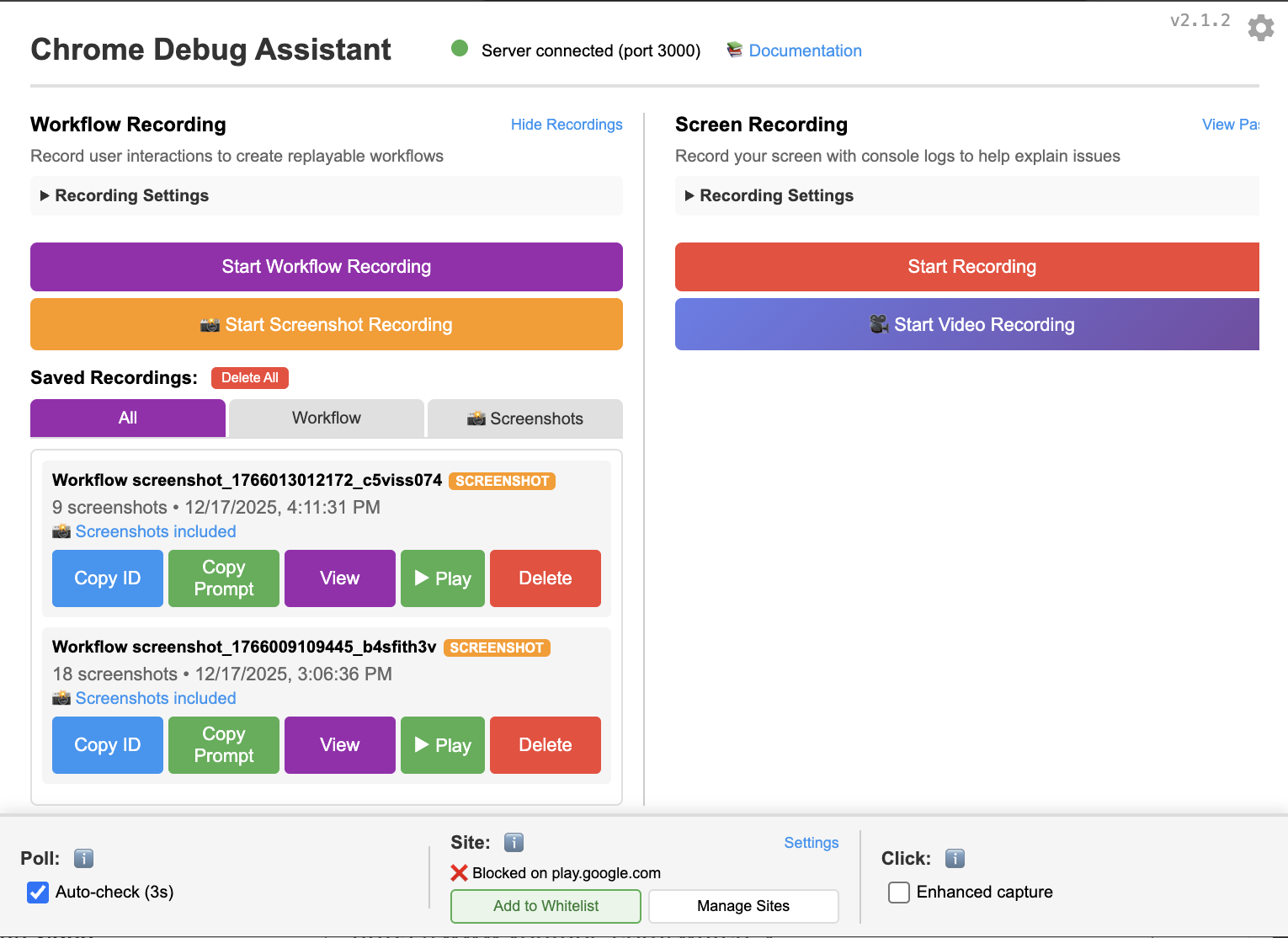
Quick Start (2 minutes)
1. Install the MCP Server
npm install -g @dynamicu/chromedebug-mcp2. Add to Claude Code
claude mcp add chromedebug -s user -- chromedebug-mcp3. Install Chrome Extension
🌐 Install from Chrome Web Store (FREE)
That's it! Ask Claude to "launch Chrome" and start debugging.
Features
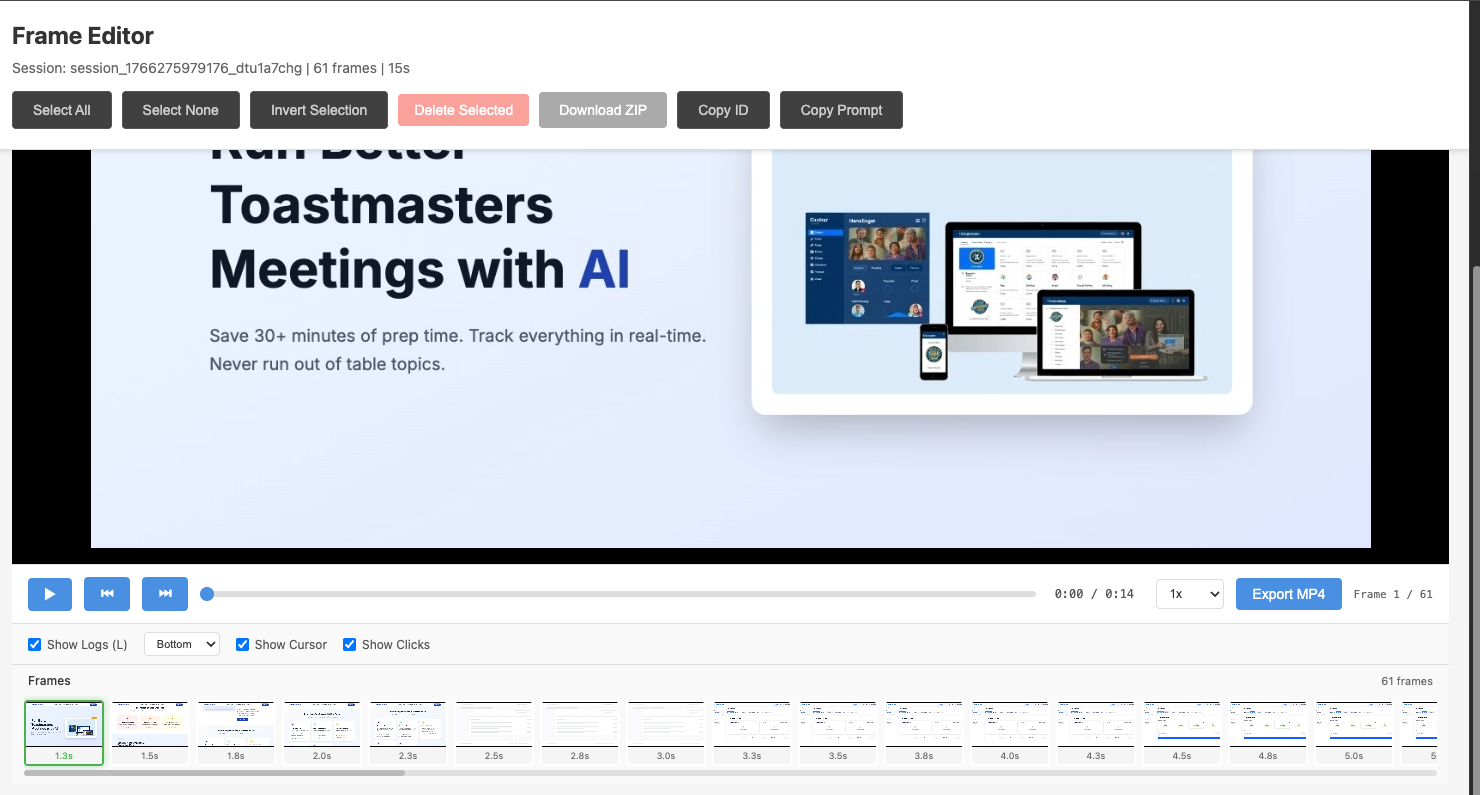
🎬 Three Recording Modes
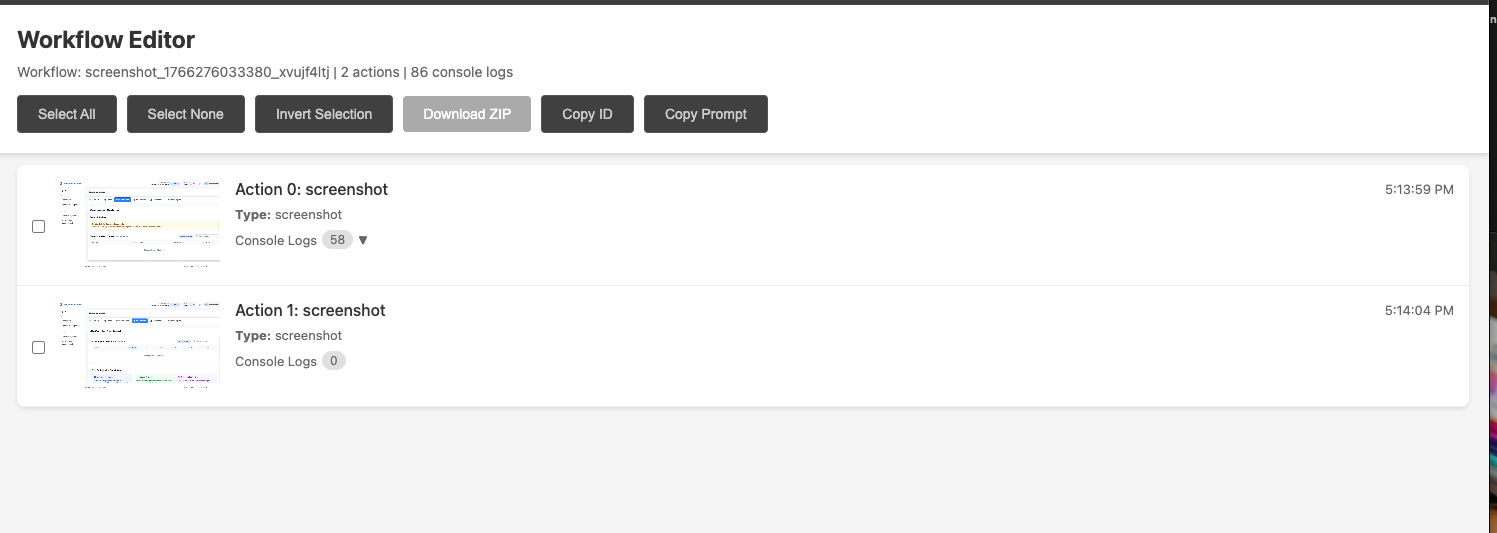
| Mode | What it does | Best for | |------|--------------|----------| | Screen Recording | Captures video + console logs | Bug reports, demos | | Workflow Recording | Records clicks, inputs, screenshots | Step-by-step debugging | | Screenshot Recording | Click-to-capture with countdown | Dropdowns, modals, dynamic content |
🎯 Visual Element Selection
Click any element → AI can inspect and modify it instantly.
You: "Make that button blue"
Claude: *applies CSS to selected element*
🔍 Console Log Sync
Every recording includes synchronized console output. AI sees exactly what happened when.
Example Prompts
Once connected, try these with Claude:
"Launch Chrome and go to my app"
"Record what happens when I click checkout"
"Show me the console errors on this page"
"Make the selected element have rounded corners"
"Replay my last workflow recording"
FREE vs PRO
| | FREE | PRO | |---|:---:|:---:| | Recordings per day | 5 | Unlimited | | Screen/Workflow/Screenshot modes | ✅ | ✅ | | Console log sync | ✅ | ✅ | | Export as ZIP/MP4 | ❌ | ✅ | | Function tracing | ❌ | ✅ | | Watermark-free exports | ❌ | ✅ |
💎 Get PRO - Unlimited recordings + video export
Installation Details
# Install WSL2
wsl --install

# Then in WSL terminal:
npm install -g @dynamicu/chromedebug-mcp
claude mcp add chromedebug -s user -- wsl chromedebug-mcp
Add to ~/.claude/config.json:
{
  "mcpServers": {
    "chromedebug": {
      "command": "chromedebug-mcp"
    }
  }
}
Running the Server Manually
If the MCP server isn't starting automatically, you can run it directly:
# Start the MCP server
chromedebug-mcp

# With verbose logging (shows connection details)
chromedebug-mcp --verbose

# View all options
chromedebug-mcp --help
Common Issues
Server not connecting?
- Ensure Chrome is closed before launching
- Run
chromedebug-mcp --verboseto see detailed logs - Check that port 3001 (or configured port) is available
Extension not communicating?
- Check the extension popup shows "Connected" status
- Reload the extension in
chrome://extensions/ - Restart Chrome with a fresh profile
Privacy
- ✅ 100% Local - Recordings never leave your machine
- ✅ No cloud - No uploads, no accounts
- ✅ No tracking - Zero analytics or telemetry
Links
License
MIT