
@echarts-x/custom-word-cloud
v1.0.1
Published
Custom wordCloud series for Apache ECharts


Readme
@echarts-x/custom-word-cloud
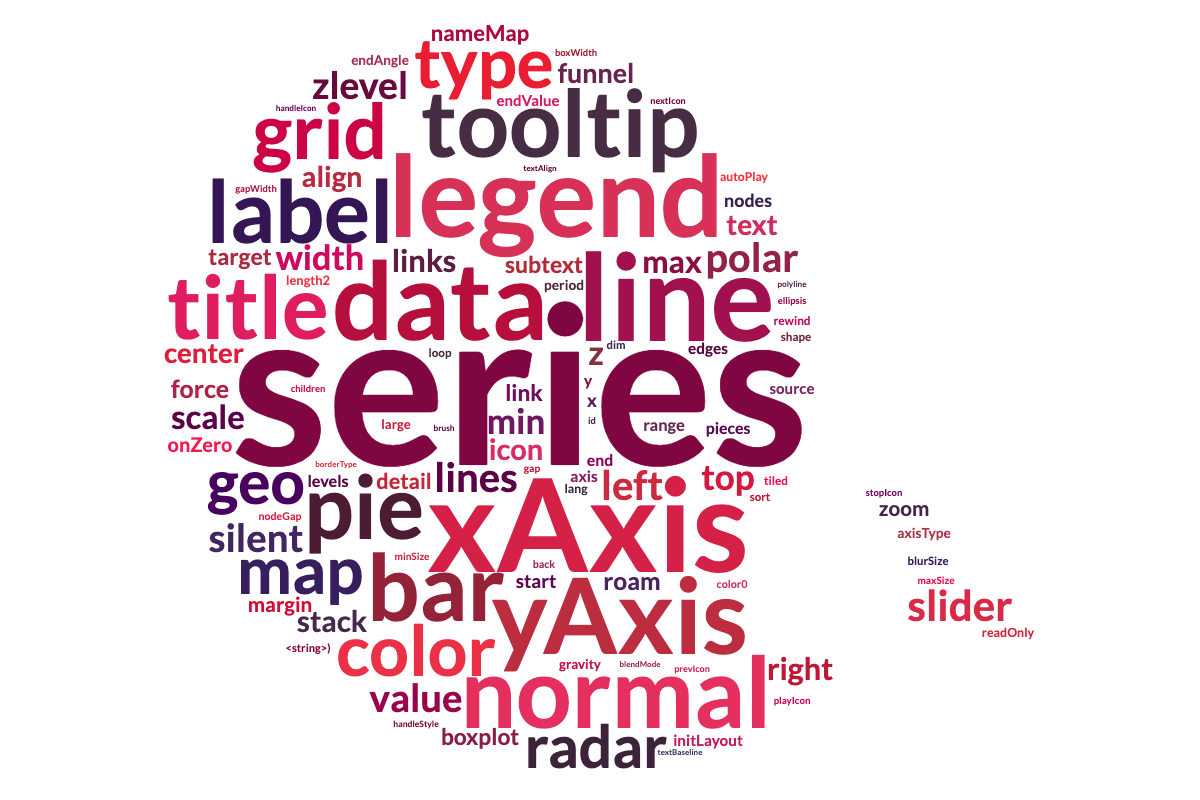
wordCloud is a custom series for Apache ECharts. It's typically used to display text data where the size of each word indicates its frequency or importance.
Usage
Browser Environment
For browser usage, use the auto-registration version that automatically installs the custom series when loaded:
<script src="./node_modules/echarts/dist/echarts.js"></script>
<script src="./node_modules/@echarts-x/custom-word-cloud/dist/word-cloud.auto.js"></script>
<script>
  // No need to call echarts.use(), automatically registered
  const chart = echarts.init(...);
  const option = {
    series: [{
      type: 'custom',
      renderItem: 'wordCloud',
      // ...
    }]
  }
  chart.setOption(option);
</script>
See examples for more details.
UMD (Universal Module Definition)
For environments that need manual registration or when using AMD/CommonJS loaders:
// CommonJS
const echarts = require('echarts');
const wordCloudInstaller = require('@echarts-x/custom-word-cloud');
echarts.use(wordCloudInstaller);
const chart = echarts.init(...);

const option = {
  series: [{
    type: 'custom',
    renderItem: 'wordCloud',
    // ...
  }]
}
chart.setOption(option);
See examples for more details.
ESM (ES Modules)
For modern module bundlers or native ES module environments:
npm install @echarts-x/custom-word-cloudimport * as echarts from 'echarts';
import wordCloudCustomSeriesInstaller from '@echarts-x/custom-word-cloud';
echarts.use(wordCloudCustomSeriesInstaller);
const chart = echarts.init(...);
const option = {
series: [{
type: 'custom',
renderItem: 'wordCloud',
// ...
}]
}
chart.setOption(option);See examples for more details.
API
series.data
The data of the series is an array of arrays. Each sub-array represents a word and its weight.
const data = [
  ['Visual Studio Code', 1000],
  ['ECharts', 800],
  ['TypeScript', 600],
  // ...
];
series.itemPayload
The itemPayload is an object that contains the following properties:
| Property | Type | Default | Description |
| -------- | ---- | ------- | ----------- |
| left | number \| string | 0 | Distance between word cloud component and the left side of the container. |
| top | number \| string | 0 | Distance between word cloud component and the top side of the container. |
| right | number \| string | 0 | Distance between word cloud component and the right side of the container. |
| bottom | number \| string | 0 | Distance between word cloud component and the bottom side of the container. |
| gridSize | number | 8 | Size of the grid in pixels for marking the availability of the canvas. The larger the grid size, the bigger the gap between words. |
| sizeRange | [number, number] | [12, 60] | Size range which the text size will be mapped to. |
| rotationRange | [number, number] | [-90, 90] | Text rotation range. |
| rotationStep | number | 45 | The degree of rotation step. |
| maskImage | HTMLImageElement \| HTMLCanvasElement | | The shape of the "cloud" to draw. White pixels will be ignored, and non-white pixels will be used as the area to draw text. |
| keepAspect | boolean | false | Whether to keep the aspect ratio of maskImage or 1:1 for other shapes. |
| shape | string | 'circle' | The shape of the "cloud" to draw. Available presents are circle (default), cardioid, diamond, triangle-forward, triangle, pentagon, and star. |
| shrinkToFit | boolean | false | Whether to shrink the text to fit the container. |
| drawOutOfBound | boolean | false | Whether to allow the text to be drawn out of the container. |