
@eeacms/volto-columns-block
v9.0.4
Published
volto-columns-block: Volto add-on
Downloads
1,275


Readme
volto-columns-block

Volto add-on
Features
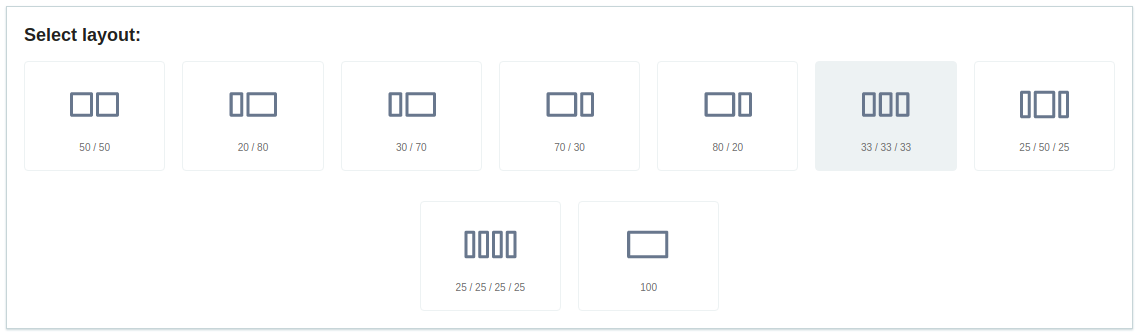
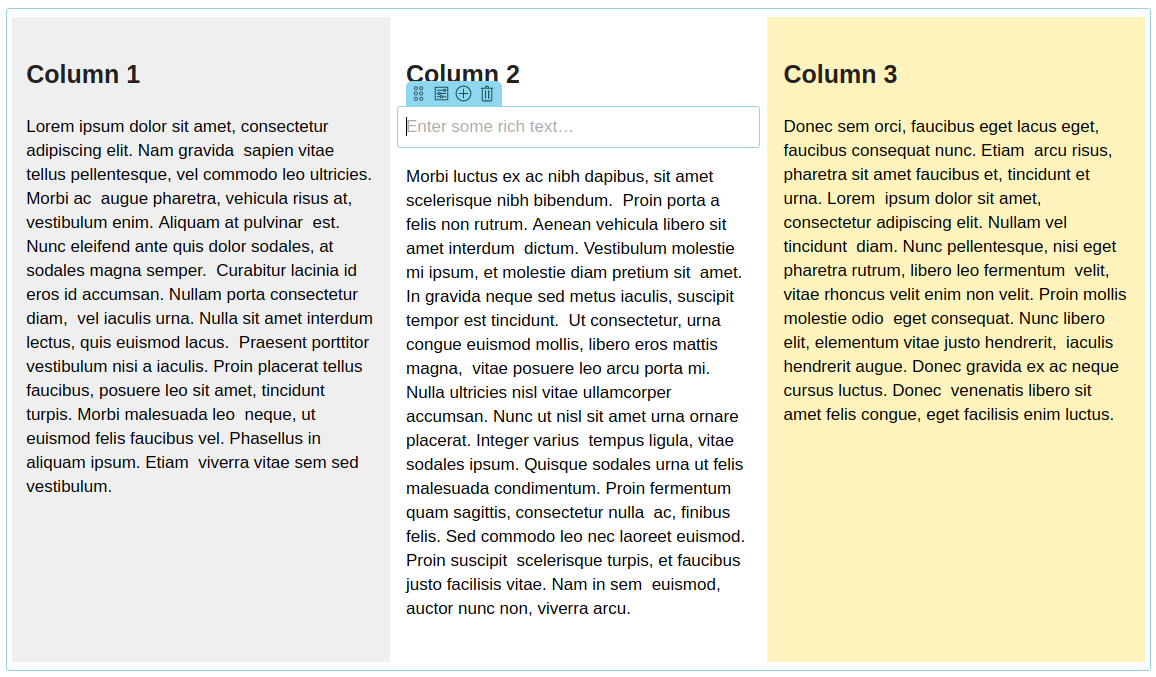
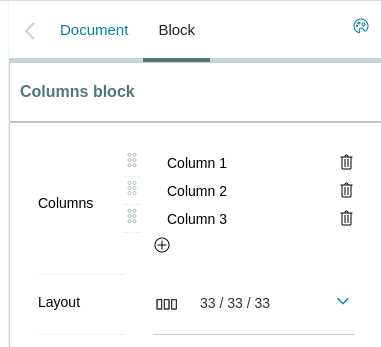
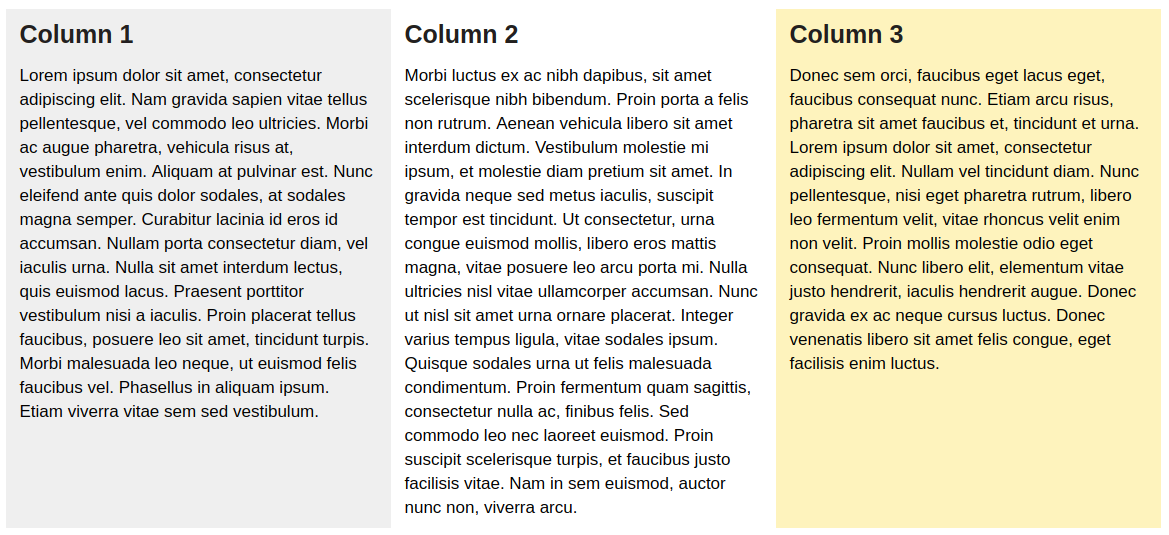
This package gives you a block with columns. Each column is its own separate blocks container.
Getting started
Try volto-columns-block with Docker
  git clone https://github.com/eea/volto-columns-block.git
  cd volto-columns-block
  make
  make start
Go to http://localhost:3000
make start now defaults to Volto 18. To run the same setup against Volto 17, use:
  VOLTO_VERSION=17 make
  VOLTO_VERSION=17 make start
Add volto-columns-block to your Volto project
For Volto 18 and newer, create projects with Cookieplone. See the official Plone documentation: Install Plone with Cookieplone and Install an add-on in Volto 18 and 19.
If you do not already have a project, create one:
uvx cookieplone project
cd project-title
make install
Install the add-on in your Volto project:
pnpm --filter <name-of-your-policy-add-on> add @eeacms/volto-columns-blockAdd the add-on to
volto.config.js:const addons = ['@eeacms/volto-columns-block'];Start Plone:
make backend-start
make frontend-start
Go to http://localhost:3000
Happy editing!
For legacy Volto 17 projects, keep using the yarn-based Volto 17 workflow.
Upgrade
Upgrading to 9.x
This version requires
Volto >= 17.18orVolto 18+. It removes the customEditBlockWrapperand uses Volto's built-in block chrome provided byBlocksForm.
Breaking changes
- Removed
EditBlockWrapper.jsx. Any code importingEditBlockWrapperfrom@eeacms/volto-columns-blockwill break. Use Volto's built-inEditBlockWrapperfrom@plone/volto/components/manage/Blocks/Block/EditBlockWrapperif you need a custom wrapper. - Moved the column-settings button into the block sidebar. The floating
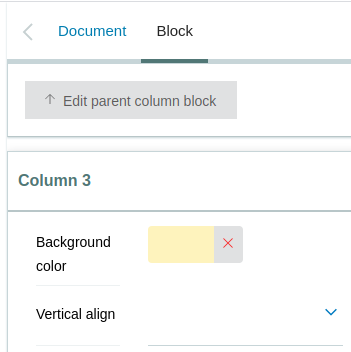
column.svgicon button that appeared over each column in edit mode has been removed. Column settings are now accessible directly from the block sidebar via theColumnsWidget. ColumnsBlockSchemasignature changed.ColumnsBlockSchemanow receives a single object{ intl, formData }instead of justintl. Any code callingColumnsBlockSchema(intl)must be updated toColumnsBlockSchema({ intl, formData }).
Release
See RELEASE.md.
How to contribute
See DEVELOP.md.
Copyright and license
The Initial Owner of the Original Code is European Environment Agency (EEA). All Rights Reserved.
See LICENSE.md for details.