
@espresso-lab/mantine-cognito
v2.3.3
Published
Mantine UI components with AWS Cognito


Readme
Mantine meets AWS Cognito 🚀
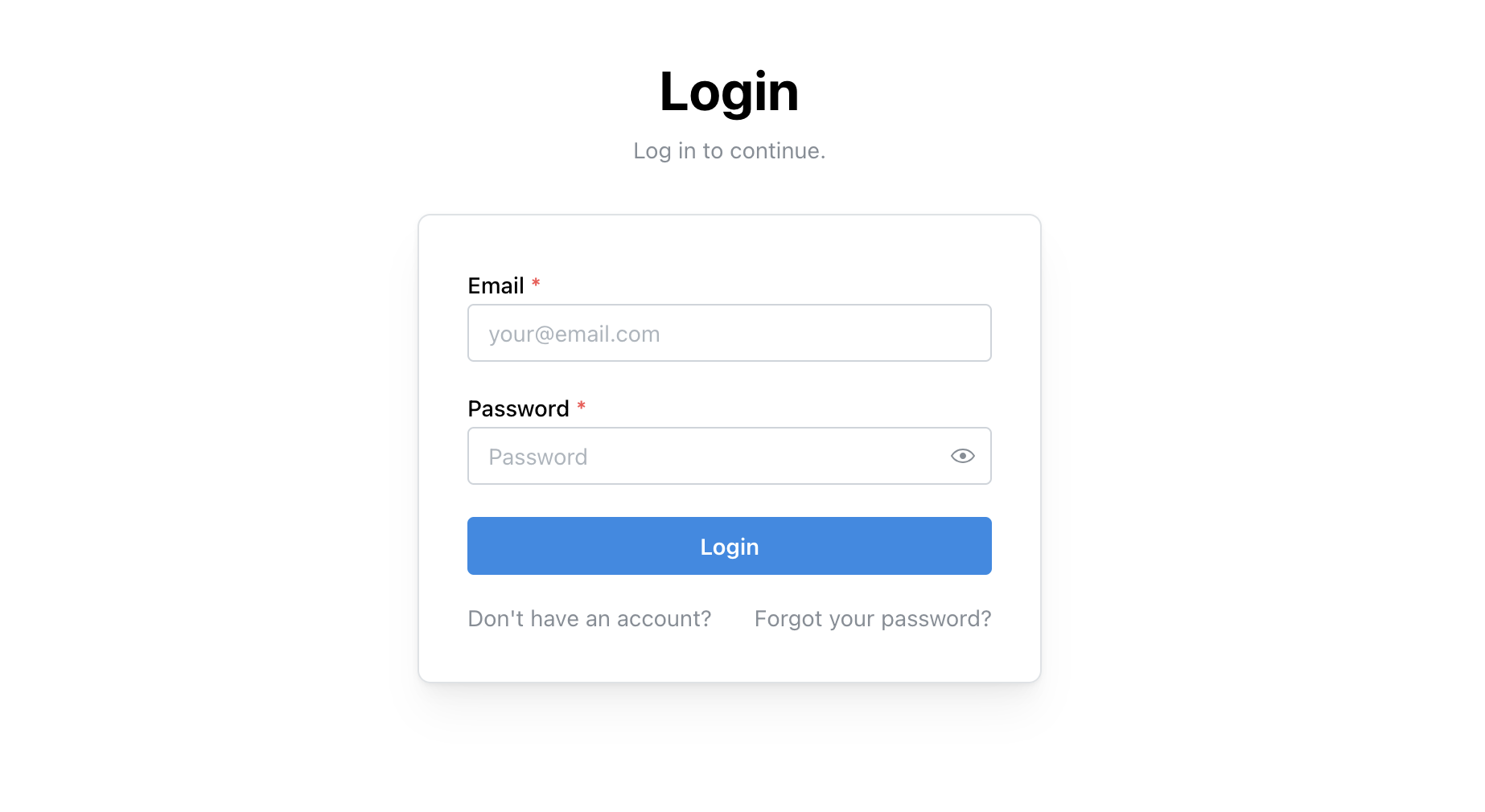
This is a simple wrapper for the Mantine UI library to work with AWS Cognito.



Installation
npm i @espresso-lab/mantine-cognitoUsage
<MantineAuth>-Provider
import { MantineAuth, MFASetup } from "@espresso-lab/mantine-cognito";

function App() {
  return (
    <MantineAuth
      cognitoUserPoolId="<cognito-user-pool-id>"
      cognitoClientId="<cognito-client-id>"
      language="en"
    >
      <p>You are logged in!</p>
      <MFASetup mfaAppName="Test" enablePasskeys />
    </MantineAuth>
  );
}

export default App;
In the example above, the MantineAuth component will handle the authentication flow with AWS Cognito. The MFASetup component will handle the MFA and Passkey setup flow.
useAuth()-Hook
import { Button, Paper, Title } from "@mantine/core";
import { useAuth } from "@espresso-lab/mantine-cognito";

export function AnyComponent() {
  const { logout, userAttributes } = useAuth();
  const { given_name } = userAttributes || {};

  return (
    <Paper>
      <Title>Hello {given_name}</Title>
      <Button onClick={logout}>Logout</Button>
    </Paper>
  );
}
In the example above, the useAuth hook is used to get the user attributes and the logout function.
The useAuth hook works only inside the MantineAuth-Provider.
Custom header and footer
Additionally, you can customize the header and footer of the MantineAuth component.
import { MantineAuth, MFASetup } from "@espresso-lab/mantine-cognito";

function App() {
  return (
    <MantineAuth
      cognitoUserPoolId="<cognito-user-pool-id>"
      cognitoClientId="<cognito-client-id>"
      language="en"
      headerSection={<Center>Example Company (or Logo)</Center>}
      footerSection={<Text size={"xs"} p="md">Link to homepage</Text>}
    >
      <p>You are logged in!</p>
      <MFASetup mfaAppName="Test" enablePasskeys />
    </MantineAuth>
  );
}

export default App;
Backend authorization
import { getIdToken, getAccessToken } from "@espresso-lab/mantine-cognito";

export async function myApiCall() {
  fetch("https://example.com/api", {
      method: "GET",
      headers: {
          "Authorization": await getIdToken() ?? ""
      }
  });
}