
@fastlabai/design-editor
v1.0.0-beta.11
Published
Open-source image design editor for React and Next.js

Maintainers
 fastlabai
Readme
@fastlabai/design-editor



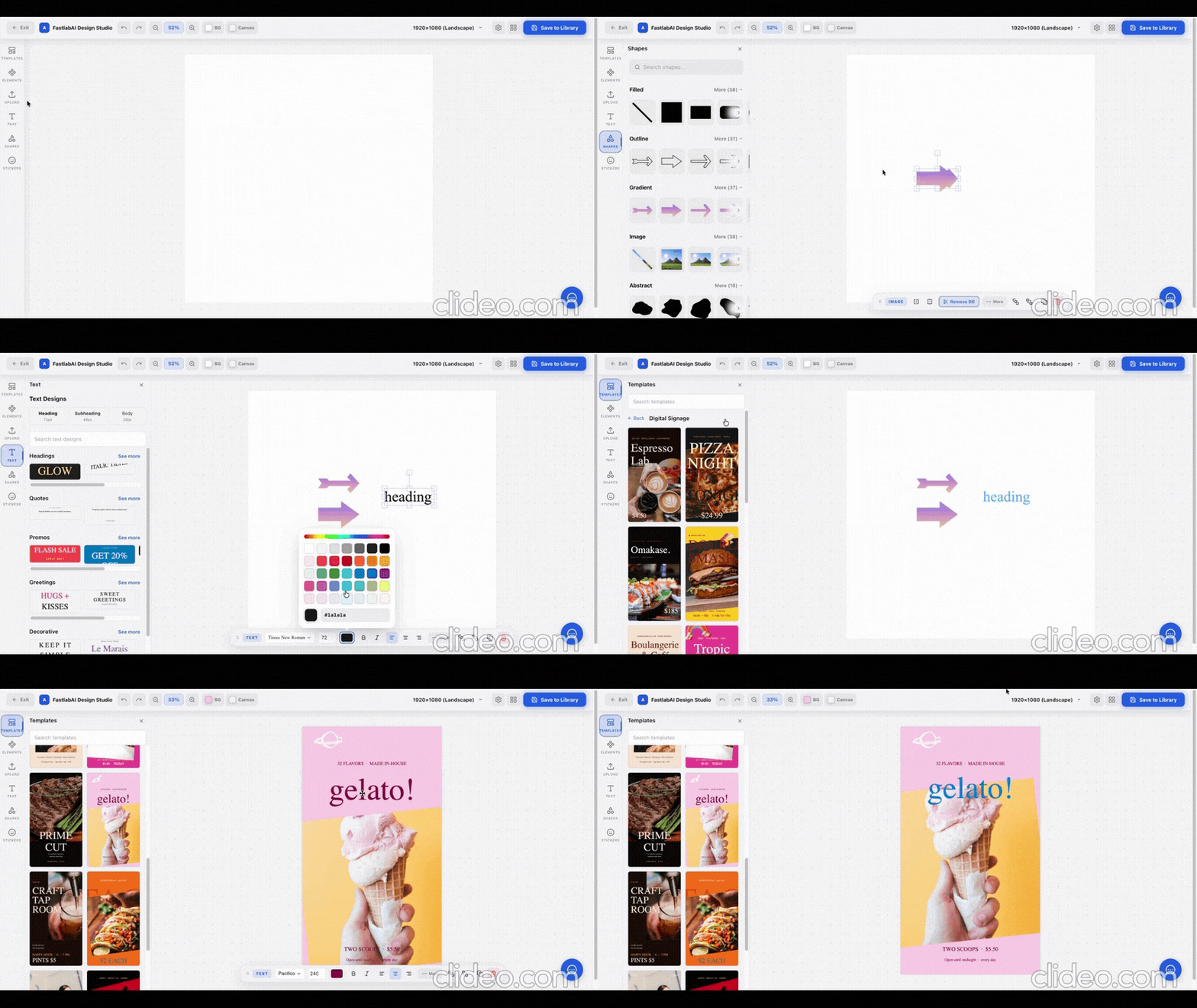
An open-source image design editor for React and Next.js, brought to you by FastlabAI. Plug in your own media library, fonts, and storage backend via simple provider interfaces.
Features
- Canvas-based image design editor — layers, shapes, text, stickers
- Background removal (via optional
@imgly/background-removalpeer dep) - Undo / redo, zoom / pan, autosave
- Themable via CSS variables — bring your own colors
- Zero-conflict CSS — styles are securely scoped to
[data-de-root], guaranteeing no interference with your host app's Bootstrap or Tailwind classes. - Fully flexible UI — optional
onBackprop (hides the back button automatically if omitted). - TypeScript-first, strict types
- Next.js App Router compatible (components ship with
'use client') - ~150 KB gzipped (excluding React and Fabric.js)
Install
npm install @fastlabai/design-editor
# optional — enables in-browser background removal
npm install @imgly/background-removal
Use
import { DesignEditor } from '@fastlabai/design-editor'
import '@fastlabai/design-editor/theme.css'

export default function App() {
  return <DesignEditor />
}
Customize
<DesignEditor
  title="My Custom Studio Title"
  initialScene={{ name: "New Design", layers: [], frame: { width: 1080, height: 1080 } }}
  sceneKey="my-unique-design-id"
  templateProvider={myTemplateProvider}
  templatesPanel={({ onApplyTemplate }) => <MyCustomTemplatesPanel onApply={onApplyTemplate} />}
  libraryPanel={({ onAddMedia }) => <MyCustomLibraryPanel onAddMedia={onAddMedia} />}
  fontProvider={myFontProvider}
  persistenceProvider={myPersistenceProvider}
  onExport={async (blob, format, scene) => {
    const url = await uploadToS3(blob)
    await saveToDatabase(scene) // Save raw JSON to re-edit later
  }}
  onBack={() => router.push('/dashboard')}
/>
See the documentation site for more examples.
API Reference
Full typed API documentation is auto-generated and available on the docs site:
<DesignEditor />DesignEditorPropsTemplateProviderFontProviderBackgroundRemovalProviderPersistenceProviderISceneILayer
Docs & playground
- Full documentation — https://fastlabai.github.io/design-editor
- Live playground — https://fastlabai.github.io/design-editor/playground
- Examples —
examples/(Next.js App Router, Pages Router, React/Vite, custom providers)
License
MIT © Fastlab.
Engine code is forked from layerhub-io/layerhub-ce (MIT).