
@faucetdb/faucet
v0.1.15
Published
Turn PostgreSQL, MySQL, MariaDB, SQL Server, Oracle, Snowflake or SQLite into a REST API + MCP server for AI agents. Single binary.

Maintainers
 faucet-dev
Readme
@faucetdb/faucet
Turn any SQL database into a secure REST API and MCP server. One binary. One command.
Faucet is an open-source (MIT) single Go binary that turns PostgreSQL, MySQL, MariaDB, SQL Server, Oracle, Snowflake or SQLite into a REST API and an MCP server for AI agents, with role-based access control (RBAC), OpenAPI 3.1 and a built-in admin UI. This package downloads the right prebuilt binary for your platform.
Quick Start
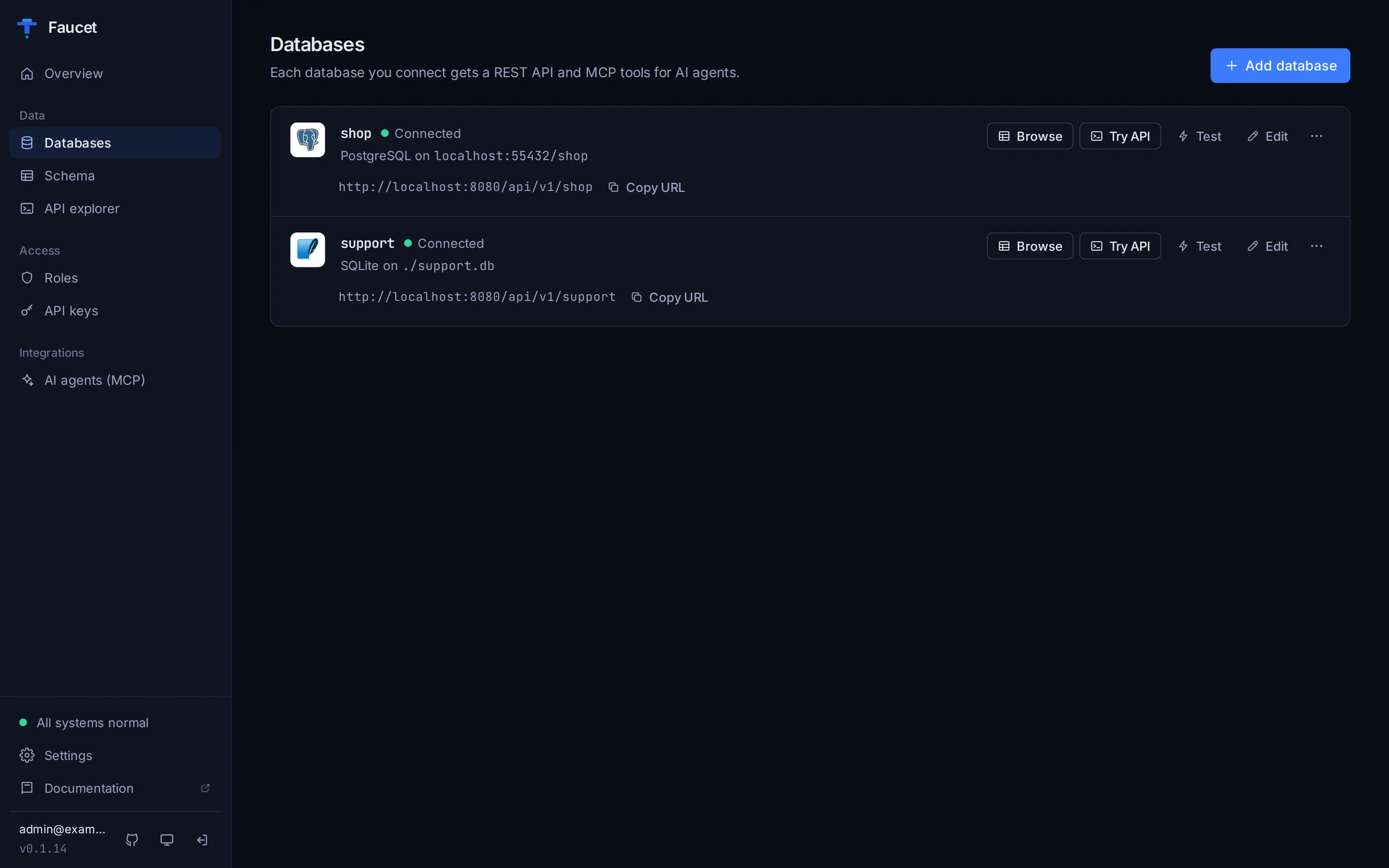
npx @faucetdb/faucet serveOpen http://localhost:8080. The setup wizard creates your admin account and connects your first database: pick the engine, enter host, port, user and password, click Test connection, and save. Then create a role and an API key in the admin UI.
Or install globally:
npm install -g @faucetdb/faucet
faucet serve
Use the CLI
# Connect a database (no connection string needed)
npx @faucetdb/faucet db add --name mydb --driver postgres \
  --host localhost --user app --password 's3cret' --database mydb

# Create a role (GET-only on every service) and an API key bound to it
npx @faucetdb/faucet role create --name default --verbs GET
npx @faucetdb/faucet key create --role default

# Start the server (it loads databases on startup) and query your data
npx @faucetdb/faucet serve
curl -H "X-API-Key: faucet_YOUR_KEY" "http://localhost:8080/api/v1/mydb/_table/users?limit=10"
--dsn still works if you already have a connection string.
Use with AI agents (MCP)
faucet serve exposes an MCP server at http://localhost:8080/mcp (Streamable HTTP). Authenticate with an API key in the X-API-Key header; the key's role decides what the agent can see and change.
Claude Code
claude mcp add --transport http faucet http://localhost:8080/mcp \
  --header "X-API-Key: faucet_YOUR_KEY"
Cursor (~/.cursor/mcp.json)
{
  "mcpServers": {
    "faucet": {
      "url": "http://localhost:8080/mcp",
      "headers": { "X-API-Key": "faucet_YOUR_KEY" }
    }
  }
}
Local stdio (your machine only): the client launches Faucet itself. It uses the databases you configured with faucet serve or faucet db add, and runs with admin rights, so roles are not applied.
{
  "mcpServers": {
    "faucet": {
      "command": "npx",
      "args": ["-y", "@faucetdb/faucet", "mcp"]
    }
  }
}
Configs for VS Code, Windsurf, Claude Desktop and ChatGPT: wiki.faucetdb.ai/mcp-server.
Other ways to install
brew install faucetdb/tap/faucet
docker run -p 8080:8080 -v faucet-data:/data faucetdb/faucet
go install github.com/faucetdb/faucet/cmd/faucet@latest
Prebuilt binaries for Linux, macOS and Windows: GitHub Releases.
Links
License
MIT