
@fluritheme/tiny-builders
v0.1.0
Published
An industrious tiny construction crew for your website: coordinated jobs, material deliveries, climbing, cranes, four build types, repairs, coffee breaks and celebrations on real page elements.

Maintainers
 fluritheme
Readme
Tiny Builders by Fluri


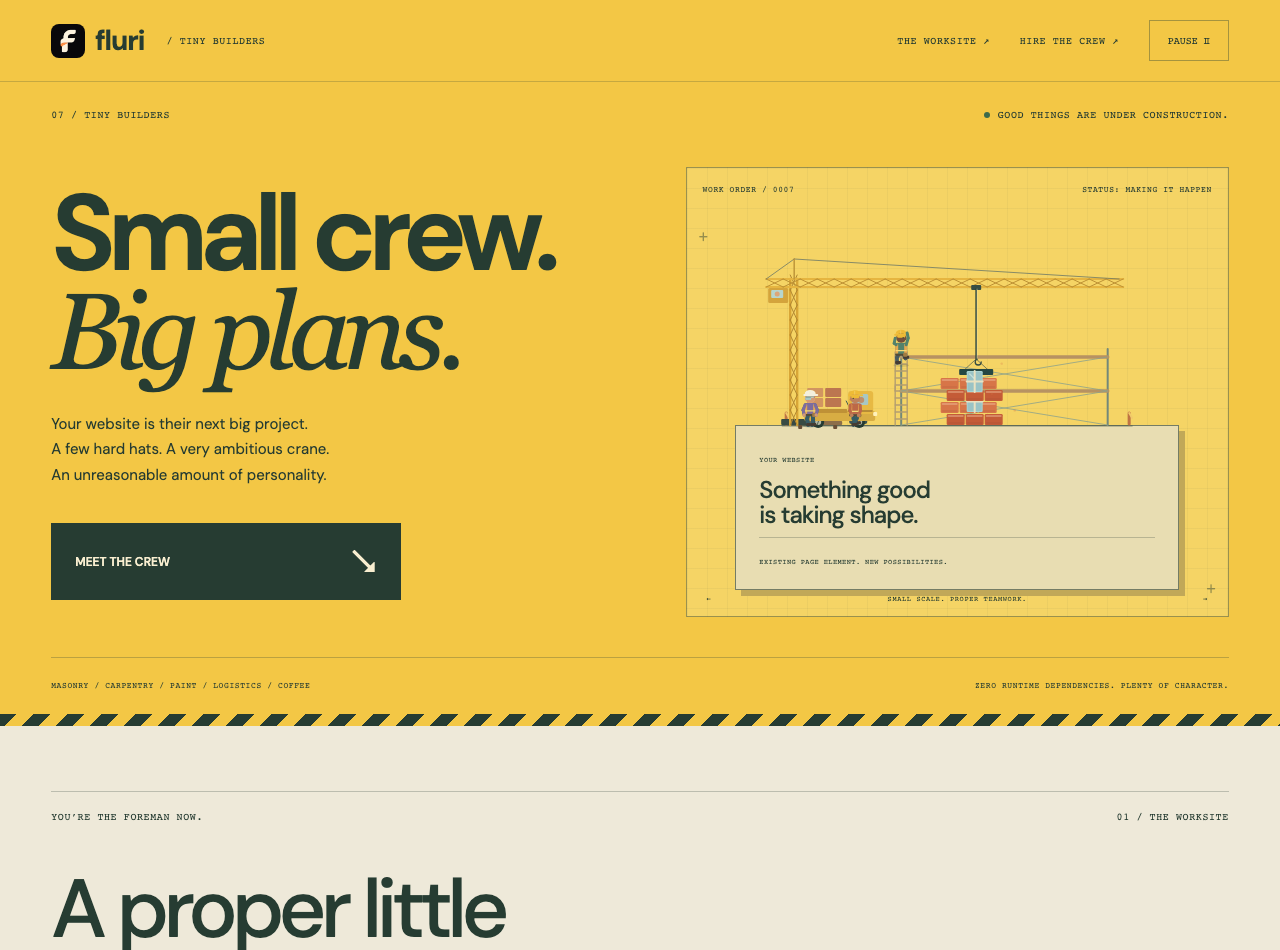
Small crew. Big plans.
Your website is their next big project. Meet a miniature crew that coordinates jobs, carries materials, climbs scaffolding and builds on the edges of your actual page elements. Foundations before walls. A roof after the walls. Coffee, whenever possible.
Try the live worksite · All Fluri themes · Commercial licence
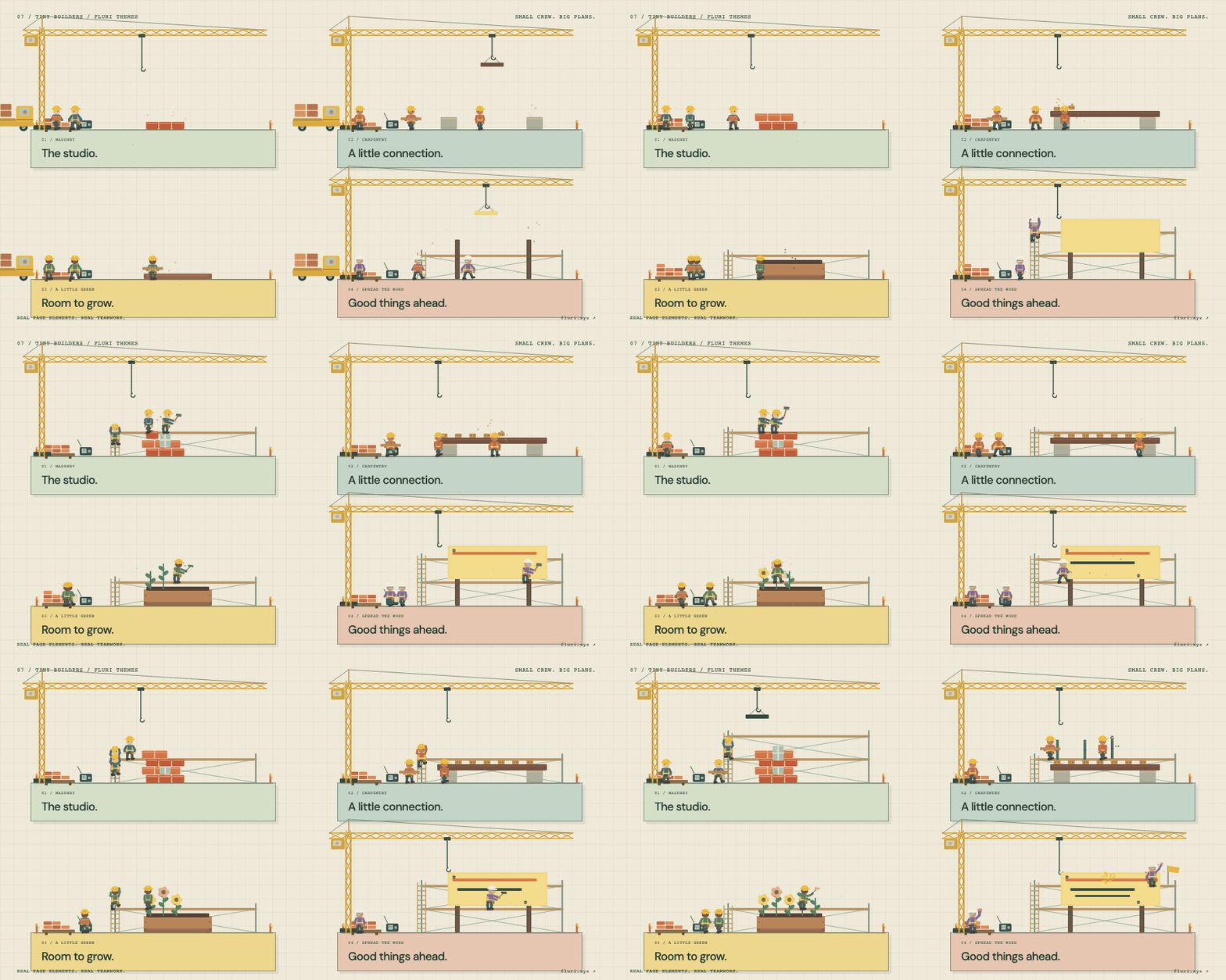
A small world that actually works
- Four different plans: a masonry tower, timber bridge, planted garden and painted signboard. Pieces appear only after a worker completes the corresponding task.
- A shared work queue: jobs have prerequisites, materials and a single worker reservation. Masons, carpenters, painters and a foreman prefer tasks suited to their roles, and help with other jobs when needed.
- A little logistics: finite stock, visible pallets, supply trucks that unload before inventory changes, and crane lifts for larger pieces.
- Articulated characters: walking, carrying, ladder climbing, hammering, roller painting, coffee drinking, waving and celebrations, with individual names, hard hats, skin tones and overalls.
- A changing site: scaffolding follows work levels. Repairs preserve foundations and reschedule damaged dependencies. Demolition produces debris, clears the site and advances to another plan.
- Life between jobs: coffee breaks finish carried jobs safely; a wave temporarily interrupts and resumes the same job. Completed projects get a flag and a little confetti. Night mode adds headlamps and truck lights.
- Your page is the worksite: DOM top edges, document coordinates, real layout changes, nested scrolling and scoped roots. The crew owns its canvas; your content stays intact.
- A proper lifecycle: SSR imports, typed events, snapshots, deterministic seeds, reduced motion, offscreen roots, hidden tabs, bounded particles, pixel and frame budgets, cleanup and zero runtime dependencies.
Install
npm i @fluritheme/tiny-buildersimport { createTinyBuilders } from '@fluritheme/tiny-builders';
const crew = createTinyBuilders({
surfaces: '[data-build-surface]',
crew: 6,
project: 'mixed',
});
// Later, when your page or component unmounts:
crew.destroy();Mark real page elements with data-build-surface. Leave about 180 CSS pixels of space above them for the crane and temporary scaffolding. The crew doesn't move your layout to make room.
<section style="padding-top: 180px">
  <article data-build-surface>
    <h2>Your content, still yours.</h2>
    <a href="/projects">Your actual link</a>
  </article>
</section>
Without an explicit selector, marked elements take priority; otherwise the crew looks for articles, cards and buttons at least 170px wide. If no usable edge exists, it creates a decorative workbench in its canvas. A surface must have a measurable rectangle and enough room inside the chosen root. Roots and host elements are never restyled.
Scope it to one section
const root = document.querySelector<HTMLElement>('#neighbourhood');
if (root) {
  const crew = createTinyBuilders({
    root,
    surfaces: '[data-build-surface]',
    maxSites: 3,
    crew: 9,
    size: 1.2,
  });
  // crew.destroy() when this section unmounts.
}
A scoped canvas clips to the root's rectangle. Place it in a section tall enough for the build, not directly on a short button. Scoped roots pause when offscreen. Workers remain attached to their surfaces as the page or a nested container scrolls. If an anchor is removed, its project is removed too. Font loading and resize observation refresh the layout; call refresh() after position changes that don't trigger a DOM or resize event, such as an unrelated CSS transform animation.
React
import { useEffect, useRef } from 'react';
import { createTinyBuilders } from '@fluritheme/tiny-builders';

export function Worksite() {
  const root = useRef<HTMLElement>(null);
  useEffect(() => {
    if (!root.current) return;
    const crew = createTinyBuilders({ root: root.current, crew: 6 });
    return () => crew.destroy();
  }, []);

  return (
    <section ref={root} style={{ paddingTop: 180, minHeight: 420 }}>
      <article data-build-surface>Your actual content.</article>
    </section>
  );
}
Safe to import on the server. Create the crew in a client lifecycle. Each instance owns its canvas, events, observers and animation frame. Double cleanup is safe.
You're the foreman
crew.build('#studio', 'tower'); // New plan on an already measured matching edge.
crew.build('#studio', 'bridge');
crew.build('#studio', 'garden');
crew.build('#studio', 'billboard');

crew.deliver(20); // Dispatch a visible truck, then unload materials.
crew.coffeeBreak(8); // Finish carried jobs, then rest for this many seconds.
crew.wave(); // Pause current actions for a short wave, then resume.
crew.repair(); // Remove upper work and rebuild it through real tasks.
crew.demolish(); // Clear, scatter debris, then move to the next plan.
crew.update({ crew: 8, pace: 1.5, night: true });
crew.pause();
crew.resume();
crew.refresh();
crew.destroy();
build() without a selector chooses an unused measured surface if a site slot is available, otherwise starts a new plan at the first site. It returns false when no matching surface or site is available. Changing plans explicitly resets that site's work; use demolish() for an animated transition. deliver, repair, demolish, wave and coffeeBreak apply to all active sites. A supply truck already en route can receive a larger delivery, capped to 60 materials. Inventory is capped to 100.
project: 'mixed' starts different project types across sites. With autoBuild: true, finished projects stand for 16 seconds, then clear for 2.5 seconds and cycle to the next plan (project: 'mixed') or repeat the selected project. Set autoBuild: false to create sites explicitly with build() and keep completed projects standing.
Options
| Option | Default | Behaviour |
| ------------- | -------------------------------------------- | -------------------------------------------------------------------- |
| root | document | Optional HTMLElement; the crew clips to its rectangle |
| surfaces | marked elements, then articles/cards/buttons | CSS selector; up to 64 candidates are measured |
| crew | 6 | 1…12 named workers, shared across sites |
| size | 1 | 0.6…1.8; scales down further to fit narrow surfaces |
| pace | 1 | 0.3…3; affects travel and work speed |
| project | 'mixed' | 'tower', 'bridge', 'garden', 'billboard', 'mixed' |
| maxSites | 2 | 1…4 simultaneous projects, limited to crew size |
| autoBuild | true | Auto-create sites and cycle finished projects |
| crane | true | Decorative crane and large-piece lifts; workers can build without it |
| interactive | true | Tap near a worker to wave; hover shows their name |
| night | false | Headlamp and truck-light drawing; doesn't change your page colours |
| seed | 73 | Reproducible simulation; creation only |
| maxFPS | 40 | 10…60 frame cap |
| maxDPR | 1.5 | 0.5…2; also capped to six million canvas pixels |
| zIndex | 30 | Canvas stacking order |
| motion | 'respect' | Respects reduced motion; 'static' always renders a still crew |
update() accepts all options except root, surfaces and seed; recreate the instance to change those. Changing the size or surface width safely releases active reservations and replans the crew's routes. No completed task disappears on a normal scroll.
Observe the work
const unsubscribe = crew.on('complete', ({ site, kind, progress }) => {
  console.log(site, kind, progress); // One real completed construction plan.
});

crew.on('delivery', ({ site }) => console.log('Truck unloaded at', site));
crew.on('progress', ({ progress }) => console.log(progress));
crew.on('break', () => console.log('Coffee has been requested.'));

const snapshot = crew.getState();
// state, reducedMotion, elapsed, completedProjects, materialsUsed,
// workers: names, roles, phases, document positions, carrying, site
// projects: kind, stage, completed/total/progress, stock, reserved,
//           deliveries and crane phase

unsubscribe();
Snapshots are detached copies. Event handler failures cannot stop the simulation. Mutating a snapshot doesn't change the crew. Site IDs are runtime identifiers; use your CSS selector with build() to address page elements.
A closer look
Respectful by construction
The package draws a decorative canvas and never rewrites host content, captures clicks, prevents scrolling, loads external assets or sends network requests. Links and forms remain clickable. Pointer-triggered waves ignore links, buttons, inputs and editable content.
Reduced motion keeps the crew still; resume() never overrides that preference. Use a nearby motion toggle for animated installations. Explicit pause remains in effect after visibility changes. Work outside the viewport does not advance; the scene continues when visible. The root and document are observed with bounded measurement and coalesced layout refreshes. Dust and confetti are capped to 240 particles.
The construction is decorative. It doesn't repair your actual DOM, edit your content, supply a page-loading indicator or perform real building work.
Licence
Commercial from 0.1.0, under the Fluri Themes Commercial License. A €19 one-time lifetime licence covers all current and future Fluri themes on unlimited personal, business and client websites. Private non-production evaluation is permitted. Reselling or redistributing the themes as a competing reusable library is prohibited. The included LICENSE controls.
Created by František Gejdoš, founder of Fluri Themes.