@fun-gauge/core
v1.0.0
Published
A Gauge chart component for javascript and friends
Downloads
25


Readme
Fun Gauge
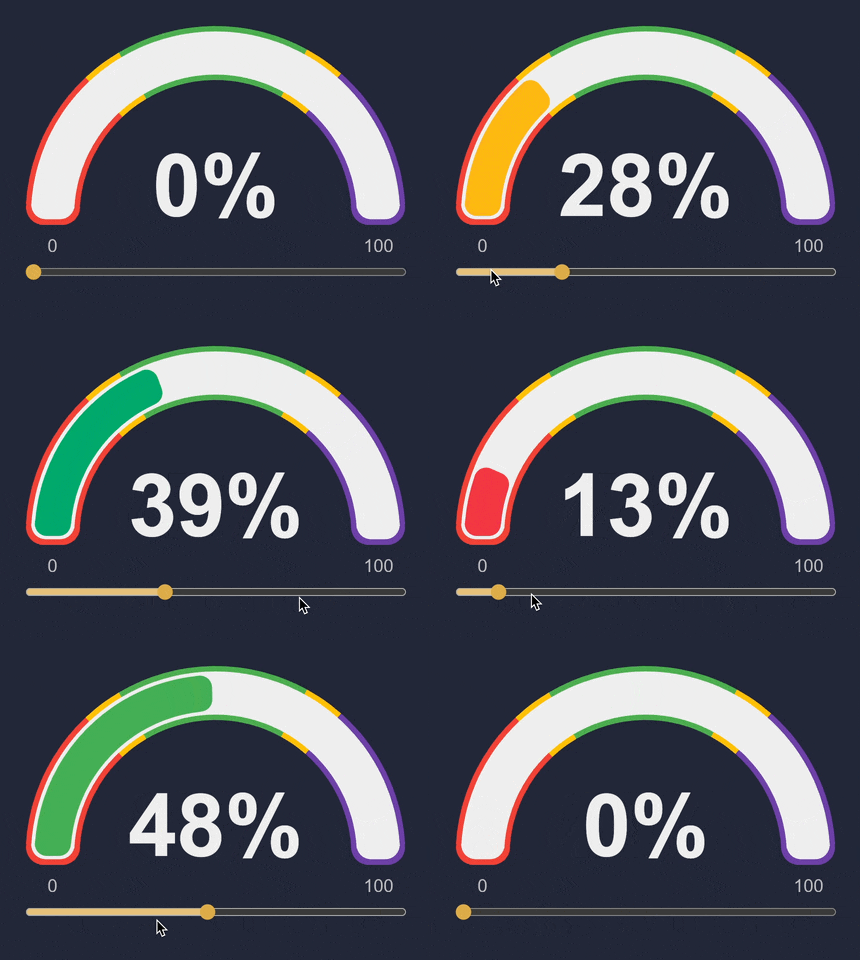
Basic usage
npm install @fun-gauge/coreimport Gauge from '@fun-gauge/core'
var gauge = Gauge({
canvasElement: document.querySelector('#canvas1'),
value: 40,
})Default options
import { backOutEase } from '@fun-gauge/core'

export const defaultProps = {
    canvasElement: document.createElement('canvas'),
    width: 0,
    value: 0,
    colorSelectors: [
        { color: '#F44336', min: 0, max: 33 },
        { color: '#FFC107', min: 33, max: 66 },
        { color: '#4CAF50', min: 66, max: 100 },
    ],
    animation: {
        duration: 750,
        animateCounter: true,
        /** function that maps time animation progress from 0 to 1, defaults to backOutEase */
        easeFunc: backOutEase,
    },
    theme: {
        backgroundArcColor: '#ECECEC',
        /** function that takes the canvas width and returns the line width for the gauge */
        lineWidthFunc: (width: number) => Math.floor(width * 0.095),
        counter: {
            color: '#2A2A2A',
            /** function that takes takes the canvas width and returns ctx.font to be used on the canvas */
            fontFunc: (width: number): string => `bold ${Math.floor(width * 0.23)}px arial`,
            /** function that takes the current value of the gauge and returns a string to display on the canvas */
            renderFunc: (val: number): string => `${Math.round(val)}%`,
        },
        labels: {
            color: '#3A3A3A',
            /** function that takes takes the canvas width and returns ctx.font to be used on the canvas */
            fontFunc: (width: number): string => `${Math.floor((width * 0.095) / 2)}px arial`,
            /** function that takes the current value of the label and returns a string to display on the canvas */
            renderFunc: (val: number): string => `${val}`,
        },
    },
    firstRenderDelay: 0,
}
API
gauge.animateTo(13)gauge.updateProps(/* new props */) // doesn't tiger re-rendergauge.forceRender()gauge.getCanvasElement()gauge.updateWidth(300)Examples