
@fun-gauge/react
v1.0.1
Published
A Gauge chart component for react.js

Maintainers
 alejandroma
Readme
Fun Gauge React
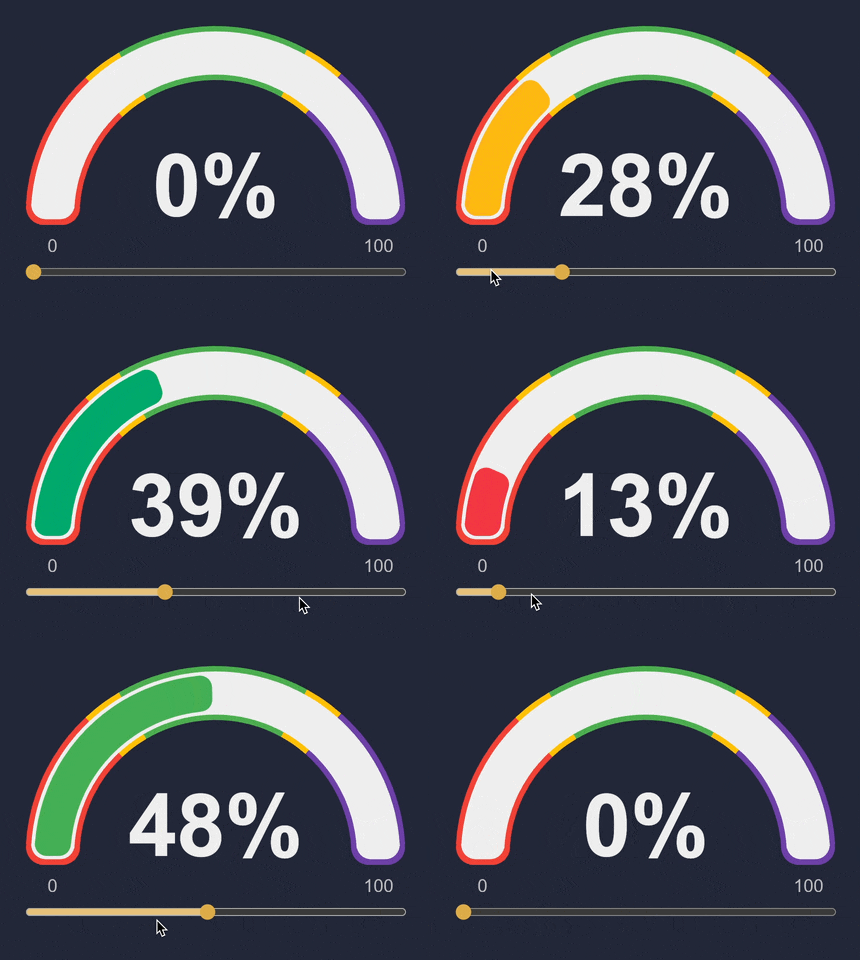
@fun-gauge/react
- 120 fps
- lightweight 7.5kB min gizp
- customization
- responsive design
- typescript
Basic usage
npm install @fun-gauge/reactimport Gauge from '@fun-gauge/react'
function MyGauge(props) {
const { title = 'Hello Gauge', value = 60 } = props
return (
<div>
<h3>{title}</h3>
<Gauge value={value} />
</div>
)
}Examples
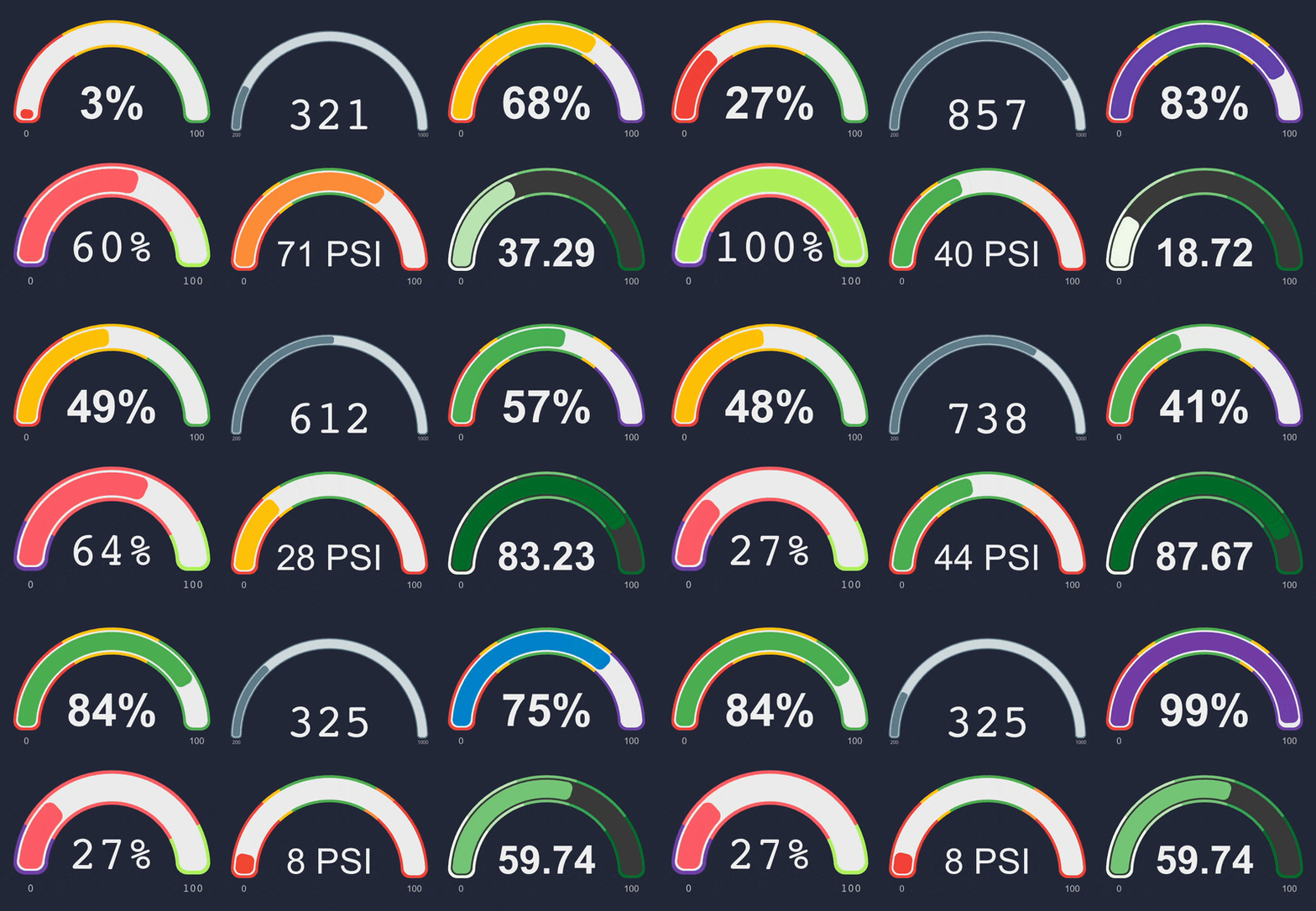
Default options
import FunGauge, { backOutEase } from '@fun-gauge/react'

function MyGauge() {
    return (
        <div>
            <FunGauge
                value={0}
                colorSelectors={[
                    { color: '#F44336', min: 0, max: 33 },
                    { color: '#FFC107', min: 33, max: 66 },
                    { color: '#4CAF50', min: 66, max: 100 },
                ]}
                animation={{
                    duration: 750,
                    animateCounter: true,
                    /** function that maps time animation progress from 0 to 1, defaults to backOutEase */
                    easeFunc: backOutEase,
                }}
                theme={{
                    backgroundArcColor: '#ECECEC',
                    /** function that takes the canvas width and returns the line width for the gauge */
                    lineWidthFunc: (width: number) => Math.floor(width * 0.095),
                    counter: {
                        color: '#2A2A2A',
                        /** function that takes takes the canvas width and returns ctx.font to be used on the canvas */
                        fontFunc: (width: number): string => `bold ${Math.floor(width * 0.23)}px arial`,
                        /** function that takes the current value of the gauge and returns a string to display on the canvas */
                        renderFunc: (val: number): string => `${Math.round(val)}%`,
                    },
                    labels: {
                        color: '#3A3A3A',
                        /** function that takes takes the canvas width and returns ctx.font to be used on the canvas */
                        fontFunc: (width: number): string => `${Math.floor((width * 0.095) / 2)}px arial`,
                        /** function that takes the current value of the label and returns a string to display on the canvas */
                        renderFunc: (val: number): string => `${val}`,
                    },
                }}
                firstRenderDelay={0}
            />
        </div>
    )
}