
@geoapify/geocoder-autocomplete
v3.1.0
Published
A JavaScript address autocomplete input, compatible with Leaflet, MapLibre, OpenLayers, and other map libraries for efficient location search and geocoding.

Maintainers
 geoapify
Readme
Geoapify Geocoder Autocomplete

A lightweight TypeScript/JavaScript library that adds address autocomplete to web apps and can be used to build address autofill workflows. It is powered by the Geoapify Address Autocomplete API and supports filters, biases, category search, and custom request functions.
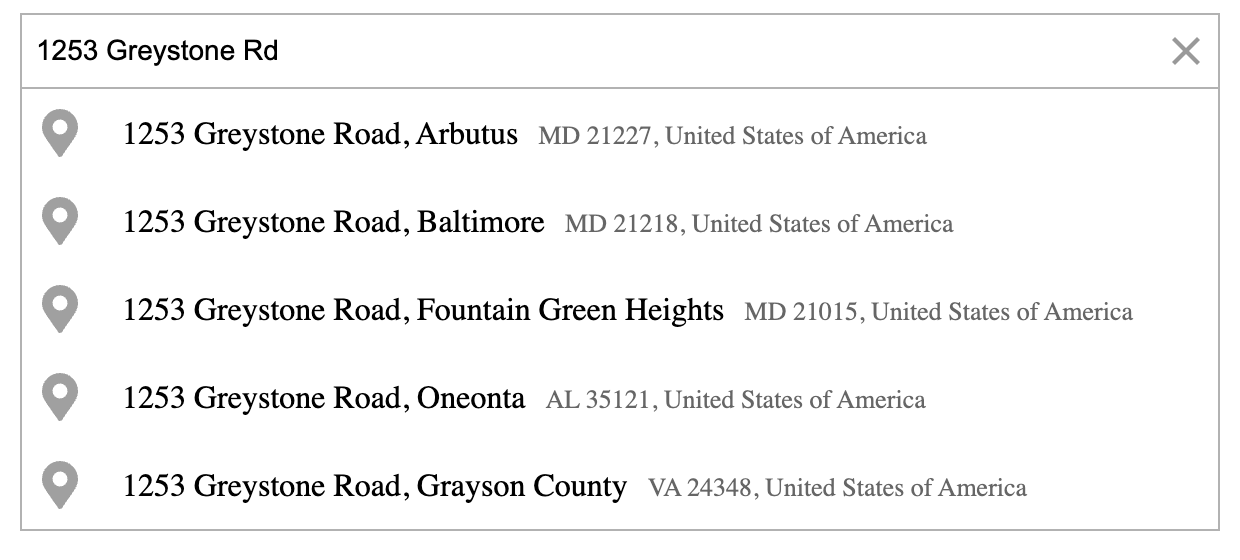
Table of Contents
Features
- Customizable Address Input — Easily embed address autocomplete fields anywhere in your web app. Attach them to any HTML container (e.g., a
DIV) and style them freely. - Powered by Geoapify APIs — Connects to the Geoapify Address Autocomplete API for real-time address suggestions. Custom request functions can connect a proxy or another compatible data source.
- Advanced Search Customization — Fine-tune autocomplete behavior with flexible filters and bias settings (country, circle, rectangle, proximity) for highly relevant and localized results.
- Structured Address Forms — Use the
typeparameter to build structured input fields (e.g., country, city, postcode, street, or amenity) for checkout or registration forms. - Category & POI Search — Enable category-based lookups such as restaurants, hotels, or gas stations. When active, category suggestions appear alongside address results for richer, context-aware searches.
- Built-in Places List — Display categorized places directly in your interface with data from the Geoapify Places API. The list includes name, address, and opening hours, plus manual or scroll-based loading for more results.
- Place Details Integration — Optionally fetch additional information and geometries from the Geoapify Place Details API — ideal for showing boundaries, polygons, or rich place context.
- Customizable Look & Feel — Choose from four built-in light/dark themes or override the documented CSS classes.
- Zero Dependencies — No external libraries required. Clean, lightweight, and framework-agnostic by design.
Quick Start
1. Get a Geoapify API Key
Visit Geoapify.com to sign up and get your free API key.
Geoapify offers a Free Plan that includes up to 3,000 address search requests per day, making it ideal for testing, prototyping, and small projects.
You can explore all available plans and usage limits on the Geoapify Pricing page.
2. Choose an installation method
Use either the package-manager setup or the CDN setup.
npm or Yarn
Install the package:
npm install @geoapify/geocoder-autocomplete
# or
yarn add @geoapify/geocoder-autocomplete
Add a container:
<div id="autocomplete"></div>Then import the constructor and one of the packaged themes:
import { GeocoderAutocomplete } from '@geoapify/geocoder-autocomplete';
import '@geoapify/geocoder-autocomplete/styles/minimal.css';

const addressAutocomplete = new GeocoderAutocomplete(
  document.getElementById('autocomplete'),
  'YOUR_API_KEY',
  {
    placeholder: 'Enter address...',
    lang: 'en',
    limit: 5
  }
);
CDN
For a page without a build step, use this complete HTML setup:
<link rel="stylesheet" href="https://unpkg.com/@geoapify/geocoder-autocomplete@3/styles/minimal.css" />
<script src="https://unpkg.com/@geoapify/geocoder-autocomplete@3/dist/index.min.js"></script>

<div id="autocomplete"></div>

<script>
  const addressAutocomplete = new autocomplete.GeocoderAutocomplete(
    document.getElementById('autocomplete'),
    'YOUR_API_KEY',
    {
      placeholder: 'Enter address...',
      lang: 'en',
      limit: 5
    }
  );
</script>
This creates an interactive input that fetches address suggestions in real time. You can customize its behavior through the constructor and available options.
3. Listen for events
Subscribe to events to react to user selections or API updates:
addressAutocomplete.on('select', (feature) => {
  console.log('Selected location:', feature);
});

addressAutocomplete.on('suggestions', (suggestions) => {
  console.log('Address suggestions:', suggestions);
});

addressAutocomplete.on('open', () => console.log('Dropdown opened'));
addressAutocomplete.on('close', () => console.log('Dropdown closed'));
See the full list of available events in the Events Reference.
4. Clean up
Call destroy() before removing the host page or framework component:
addressAutocomplete.destroy();This cancels active request lifecycles and removes the DOM listeners and markup owned by the control. Create a new instance if the view mounts again.
Documentation
Explore the guides for integrating, configuring, and maintaining the autocomplete:
- API Reference – Full list of methods, options, and events
- Styling Guide – Themes, CSS classes, and customization tips
- Lifecycle and Errors – Cancellation, failures, pagination, and cleanup
- Production Guidance – API-key restrictions and troubleshooting
Try It Now
Address Autocomplete Playground
Try the address autocomplete in the Playground. Experiment with different options, such as geocoding, biasing results, and more, to see how the autocomplete behavior adapts:
Live Demo Collection
A complete set of ready-to-run demos is available in this repository.
These examples demonstrate how to integrate Geoapify Geocoder Autocomplete into different use cases — from simple address forms to advanced map-based applications.
| Preview | Description | Demo | Source |
|---|---|---|---|
|  | One Field Address Form — Single-field autocomplete input | Open | Source |
|
| One Field Address Form — Single-field autocomplete input | Open | Source |
| 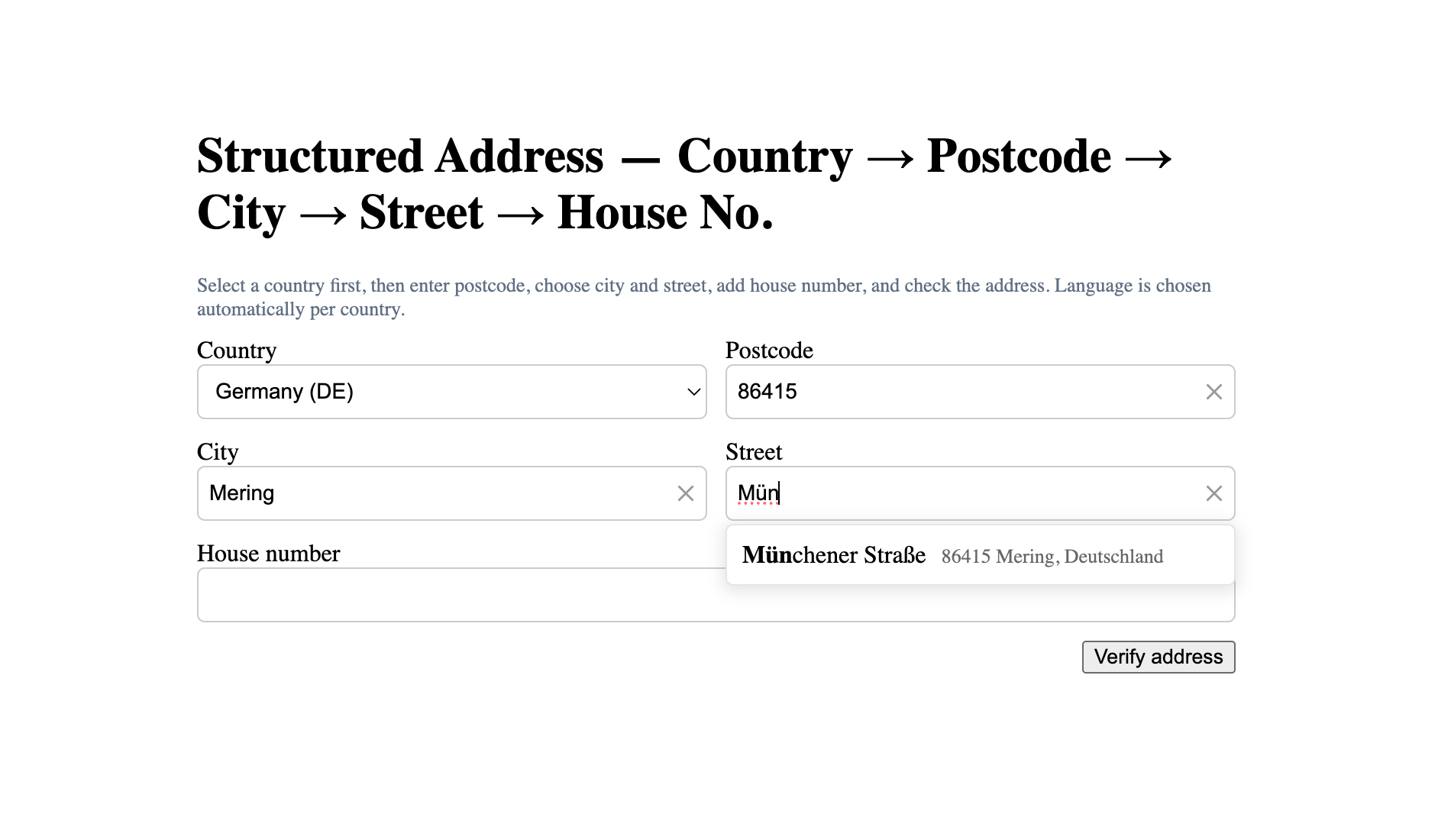 | Multi-field Address Form — Step-by-step structured address input | Open | Source |
|
| Multi-field Address Form — Step-by-step structured address input | Open | Source |
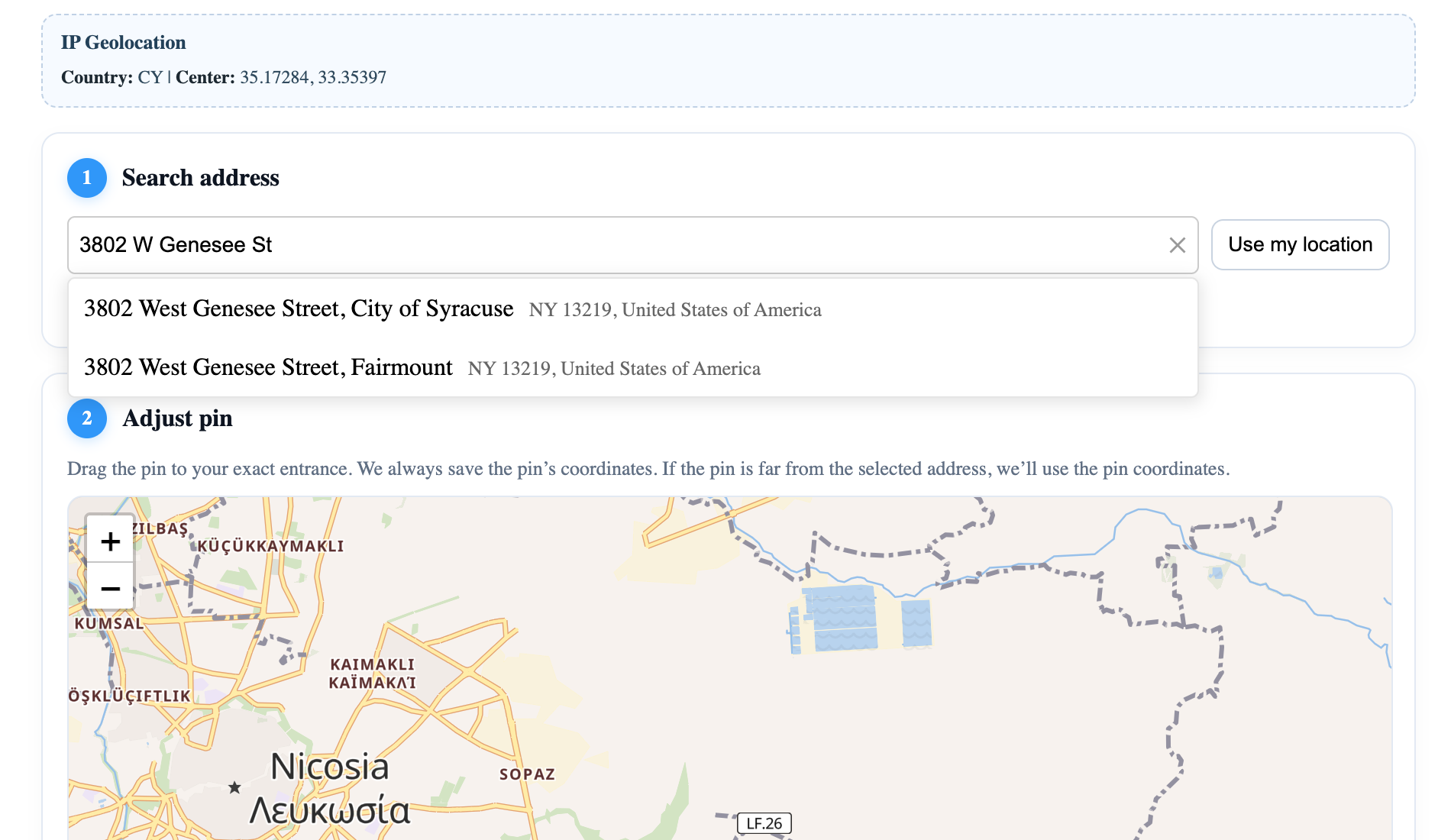
|  | Address Form + Map — Combined address search with interactive map | Open | Source |
|
| Address Form + Map — Combined address search with interactive map | Open | Source |
| 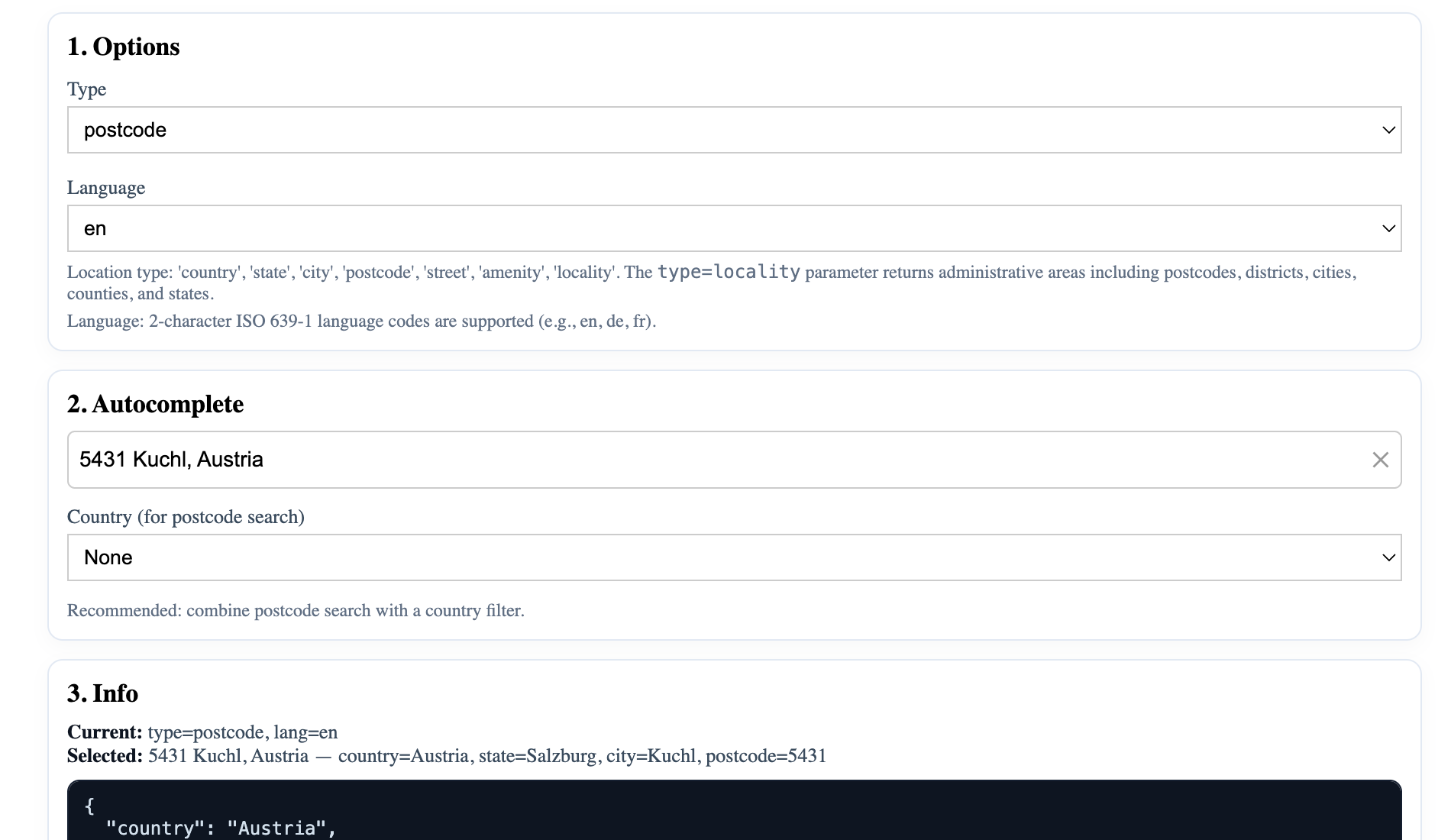 | Autocomplete Types — Filter results by location type | Open | Source |
|
| Autocomplete Types — Filter results by location type | Open | Source |
| 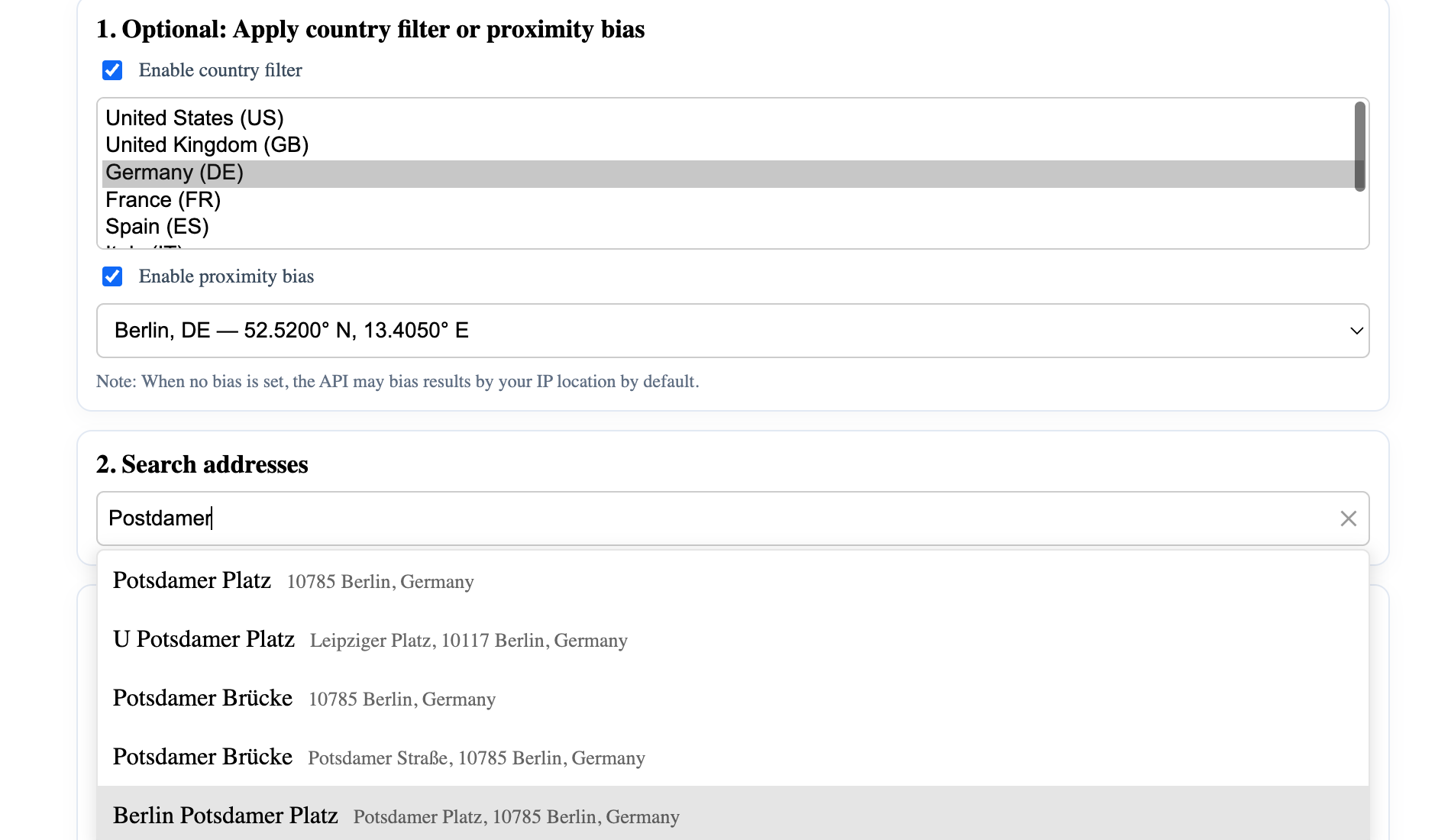 | Filters & Bias — Demonstrates filter and bias customization | Open | Source |
|
| Filters & Bias — Demonstrates filter and bias customization | Open | Source |
| 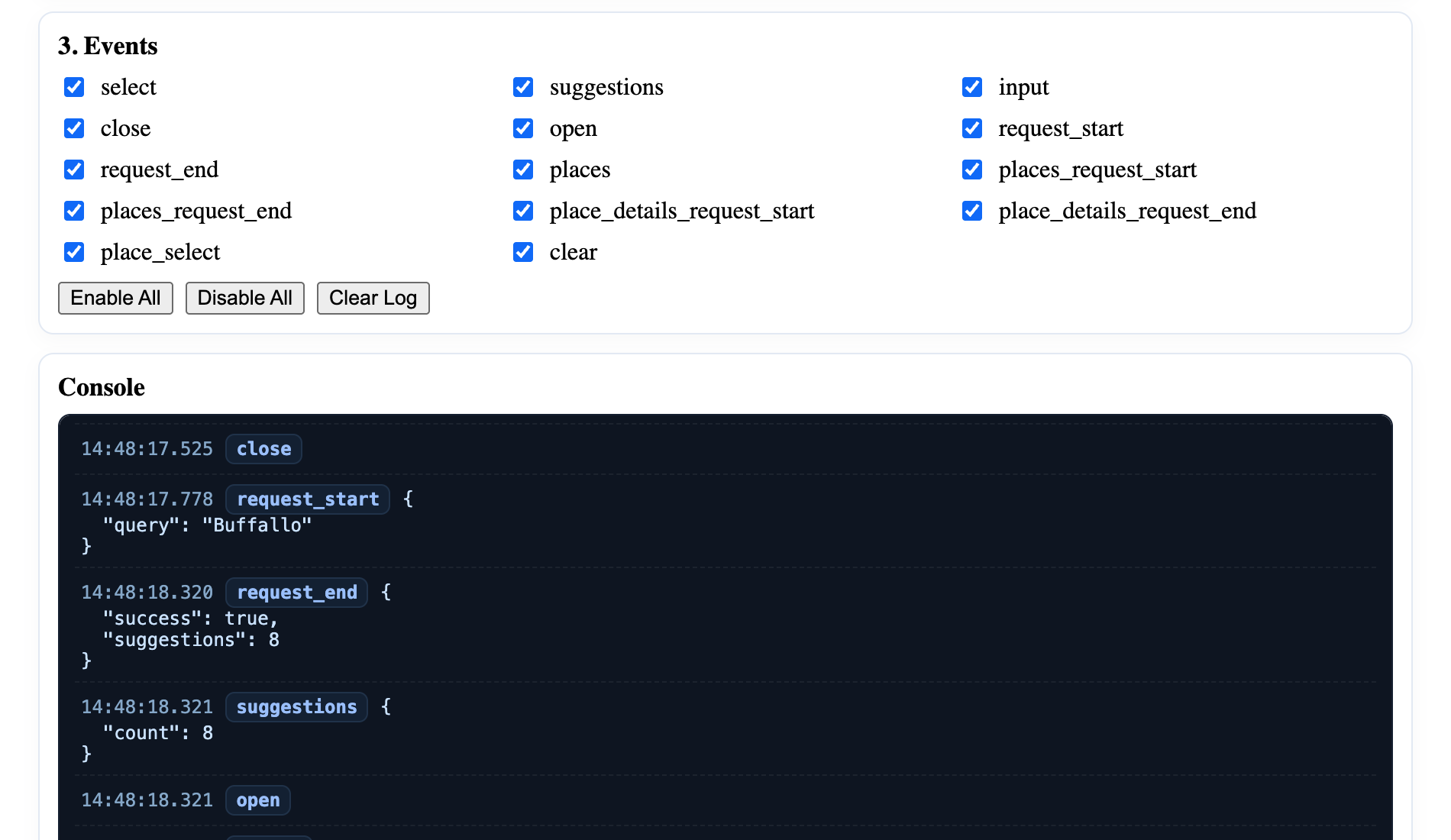 | Events Showcase — Demonstrates available events and callbacks | Open | Source |
|
| Events Showcase — Demonstrates available events and callbacks | Open | Source |
| 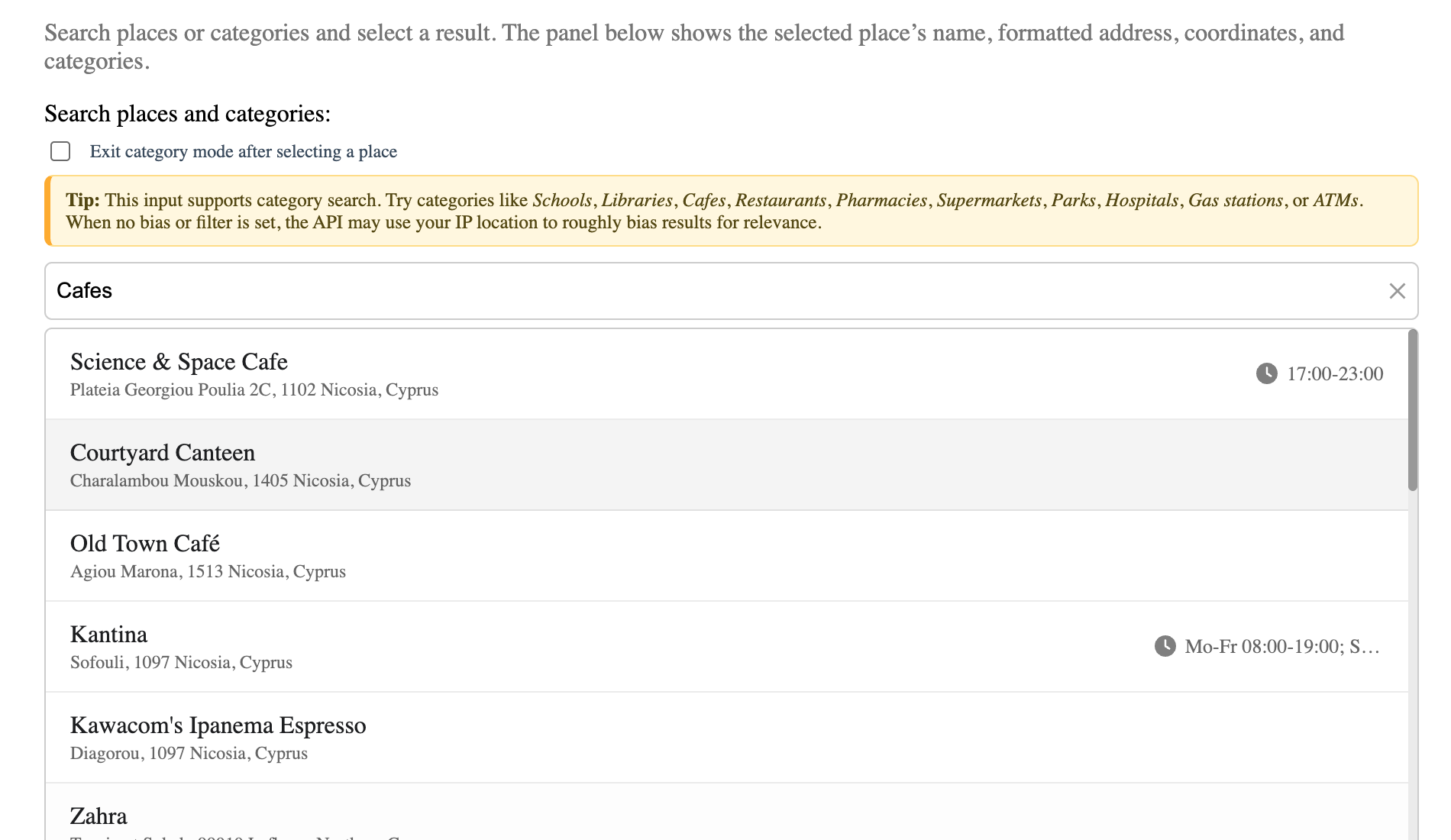 | Places Search (No Map) — Category search with built-in list | Open | Source |
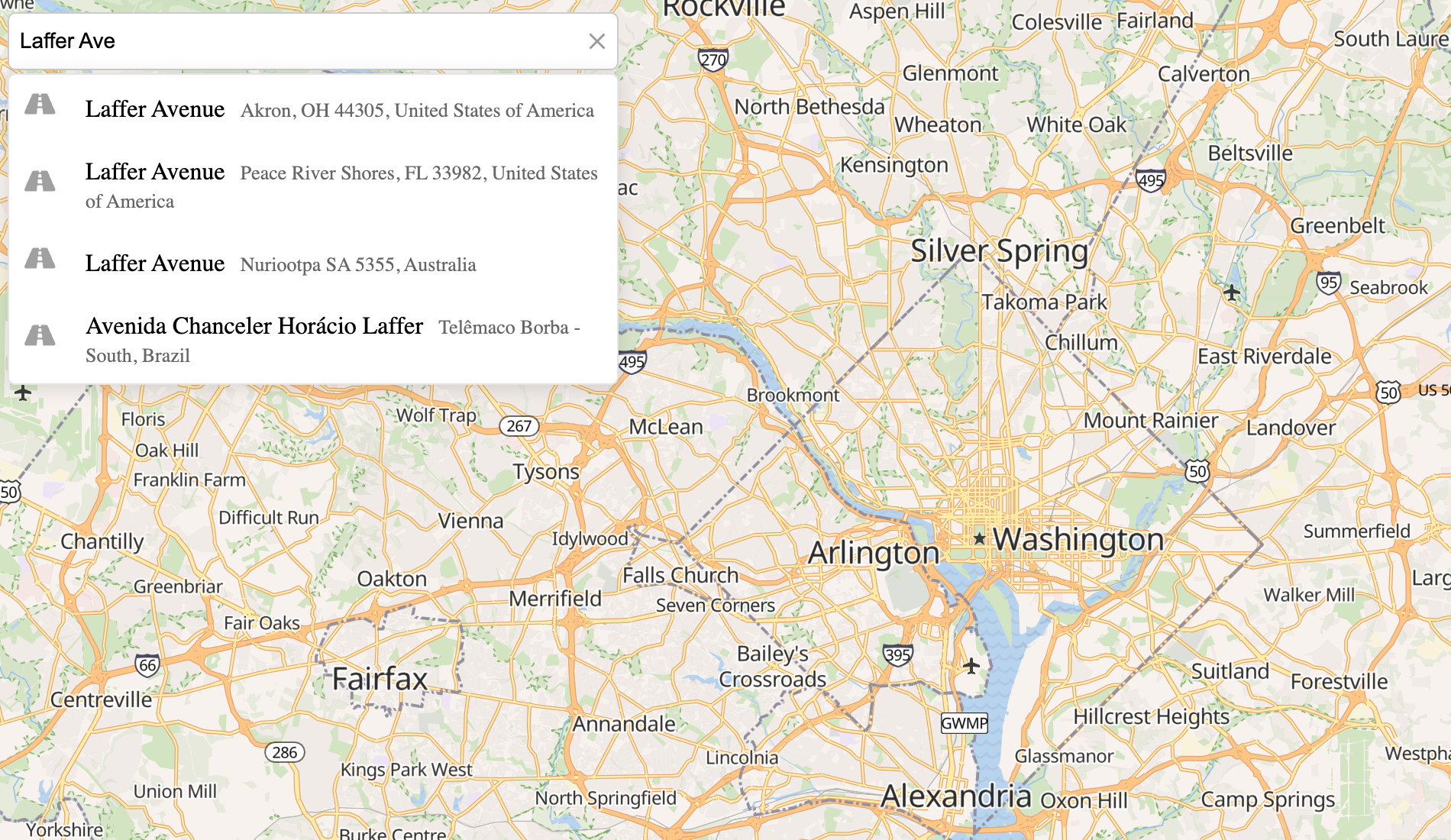
| | Leaflet Integration — Address search and markers on interactive map | Open | Source |
|
| Places Search (No Map) — Category search with built-in list | Open | Source |
| | Leaflet Integration — Address search and markers on interactive map | Open | Source |
| 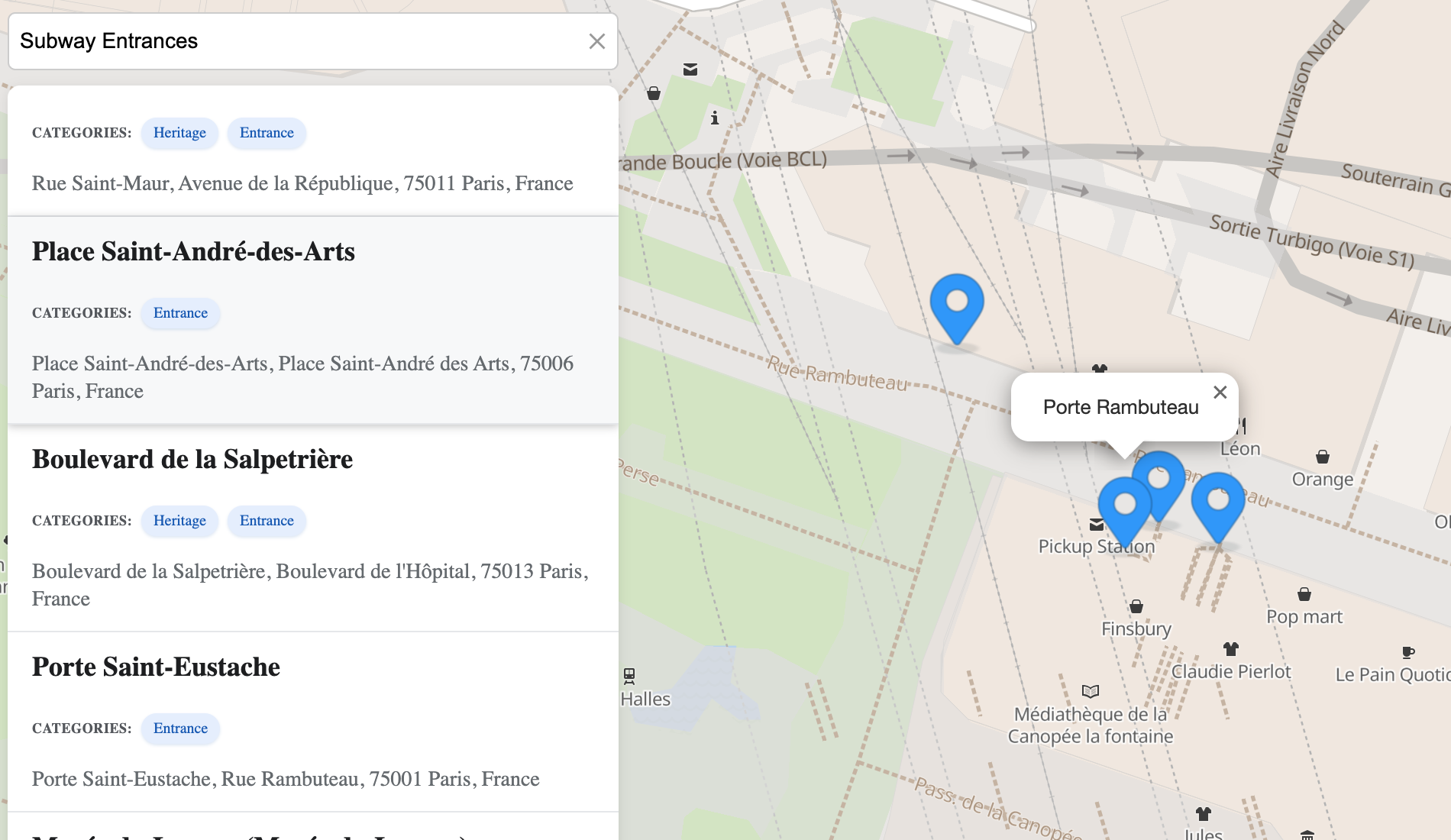 | Leaflet + Custom Places List — Custom UI for places results | Open | Source |
|
| Leaflet + Custom Places List — Custom UI for places results | Open | Source |
| 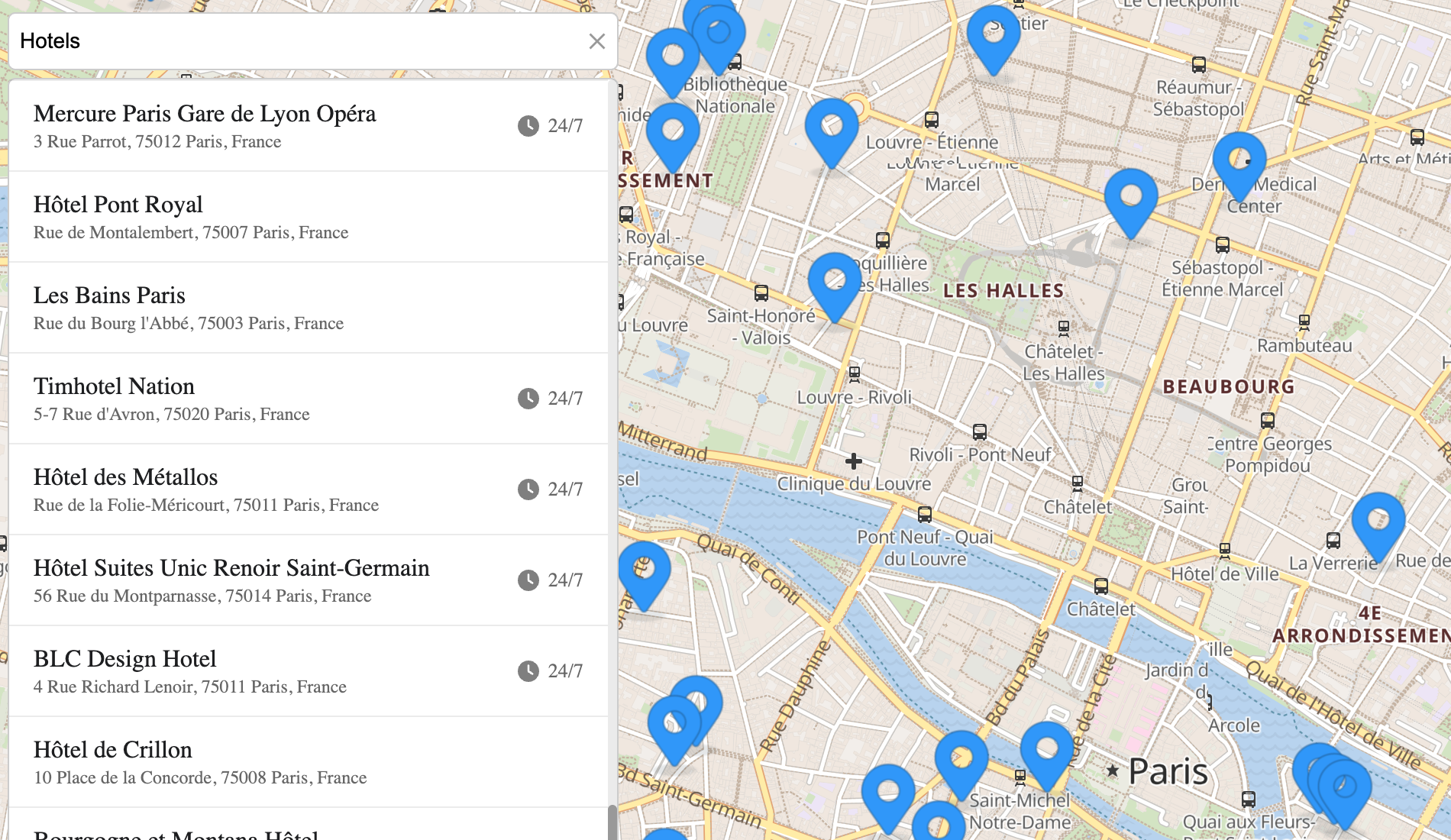 | Leaflet + Built-in Places List — Category search with default UI | Open | Source |
|
| Leaflet + Built-in Places List — Category search with default UI | Open | Source |
| 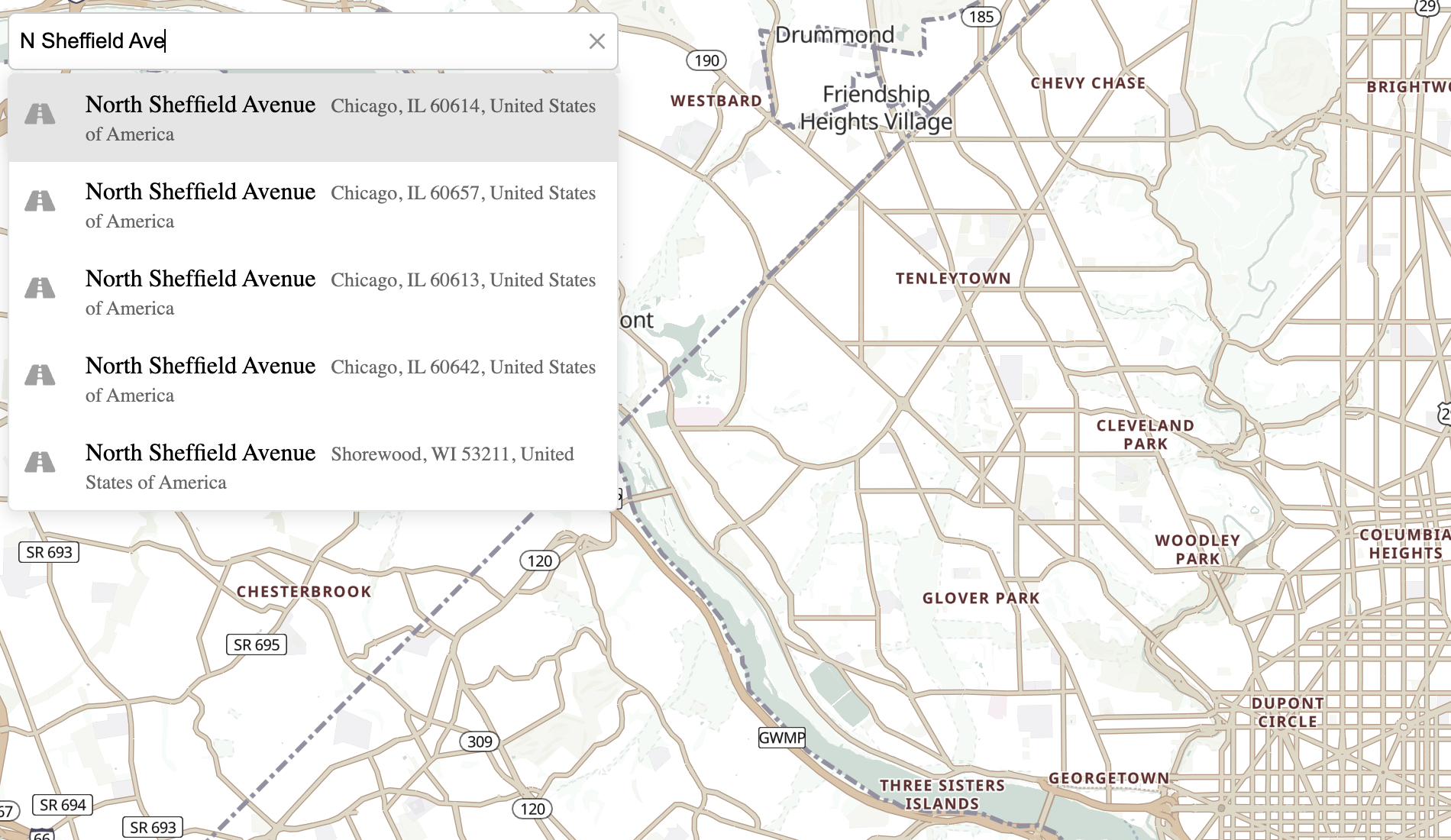 | MapLibre GL Integration — Vector maps and reverse geocoding on click | Open | Source |
JSFiddle Demos
Explore live examples demonstrating how to use Geoapify Geocoder Autocomplete with various map libraries and input scenarios.
| Demo | Description | Link | |------|--------------|------| | Address Field + Leaflet Map | Integrates the autocomplete field with a Leaflet map for interactive address search. | Open JSFiddle | | Address Field + MapLibre GL Map | Shows how to connect the autocomplete with a MapLibre GL map. | Open JSFiddle | | Address Form 1 | Simple address form demonstrating address search and autofill. | Open JSFiddle | | Address Form 2 | Another address form example with multiple fields. | Open JSFiddle | | Location Review for Shipping | Shows how to review and confirm a selected delivery location. | Open JSFiddle | | Custom Geocoding Function | Example of a custom autocomplete logic using Geoapify’s Address Autocomplete API. | Open JSFiddle |
⚠️ Note: Address autocomplete speeds up user input, but no service guarantees 100% precision or global coverage.
For critical use cases such as shipping or delivery, show the selected point on a map and ask the user to confirm it. Reverse geocoding can help compare an address with chosen coordinates, but it does not independently prove delivery or entrance accuracy.
Contributions and Support
We welcome contributions! Here's how you can help:
- Open Issues: If you encounter any bugs or have feature requests, please open an issue on GitHub Issues.
- Submit a Pull Request: Fork the repository, make your changes, and submit a pull request for review.
- Documentation Updates: Help improve this documentation by submitting corrections or enhancements.
If you need assistance or have any questions, feel free to reach out to our support team at [email protected].