
@george43g/gmail-mcp
v2.0.0
Published
Gmail MCP server with CLI, TUI, console, OAuth, and multi-account support

Maintainers
 george43g
Readme
Gmail MCP

A Gmail integration with 33 MCP tools, a scriptable gmail CLI, an interactive console, and a keyboard-driven terminal UI.
This project is a history-preserving fork of GongRzhe/Gmail-MCP-Server. It also ports useful behavior contributed through ArtyMcLabin/Gmail-MCP-Server. Original authors and contributors remain credited in the Git history and MIT license.
Install
Node.js 20.6 or newer is required. The package exposes one binary, gmail.
npm install --global @george43g/gmail-mcp
gmail --version
You can also run it without a global install:
npx @george43g/gmail-mcp --helpAuthenticate
- Create a Google Cloud project and enable the Gmail API.
- Create an OAuth client. A Desktop client is simplest; a Web client must allow
http://localhost:3000/oauth2callback. - Save the downloaded client JSON as
~/.gmail-mcp/gcp-oauth.keys.json. - Authenticate a named account:
gmail account auth personalThe command opens a browser, asks which scopes to grant, and writes tokens to ~/.gmail-mcp/accounts/personal/credentials.json. Explicit authentication uses Google's consent prompt so a refresh token is returned. Rotated access tokens are written back only when credentials were loaded from a file; env and 1Password sources remain read-only.
For a remote machine, use the headless display plus an SSH port forward:
ssh -L 3000:localhost:3000 user@server
gmail account auth personal --headless
The built-in callback listener is plain HTTP and accepts only http:// callback URLs. Put TLS on the MCP HTTP transport, not on this local OAuth callback.
MCP Hosts
Example stdio configuration:
{
  "mcpServers": {
    "gmail": {
      "command": "npx",
      "args": ["-y", "@george43g/gmail-mcp", "mcp"],
      "env": { "GMAIL_ACCOUNT": "personal" }
    }
  }
}
Run two account-specific processes with distinct MCP tool names:
{
  "mcpServers": {
    "gmail-work": {
      "command": "npx",
      "args": ["-y", "@george43g/gmail-mcp", "mcp", "--tool-prefix", "work_"],
      "env": { "GMAIL_ACCOUNT": "work" }
    },
    "gmail-personal": {
      "command": "npx",
      "args": ["-y", "@george43g/gmail-mcp", "mcp", "--tool-prefix", "personal_"],
      "env": { "GMAIL_ACCOUNT": "personal" }
    }
  }
}
--tool-prefix and GMAIL_MCP_TOOL_PREFIX affect only names advertised over MCP. CLI, console, and TUI dispatch continue to use canonical names.
CLI and TUI
gmail account                 # interactive account manager
gmail account list
gmail search "from:[email protected]" --json
gmail inbox --max 25
gmail read <messageId>
gmail threads get <threadId>
gmail send -t [email protected] -s "Status" -b @message.txt
gmail draft -t [email protected] -s "Status" -b @message.txt --json
gmail update-draft <draftId> -t [email protected] -s "Revised" -b @message.txt
gmail send-draft <draftId>
gmail report-phishing <messageId>
gmail tui
gmail console
--json emits typed structured output for scripts. Human output remains readable text.
The TUI supports inbox/search browsing, account switching, thread and attachment views, label operations, compose/reply/reply-all through $EDITOR, themes, and responsive panes. Editor content autosaves under ~/.gmail-mcp/drafts/; the local file is removed only after Gmail confirms a successful send or draft creation. First-class editing of existing Gmail Drafts remains a later enhancement.
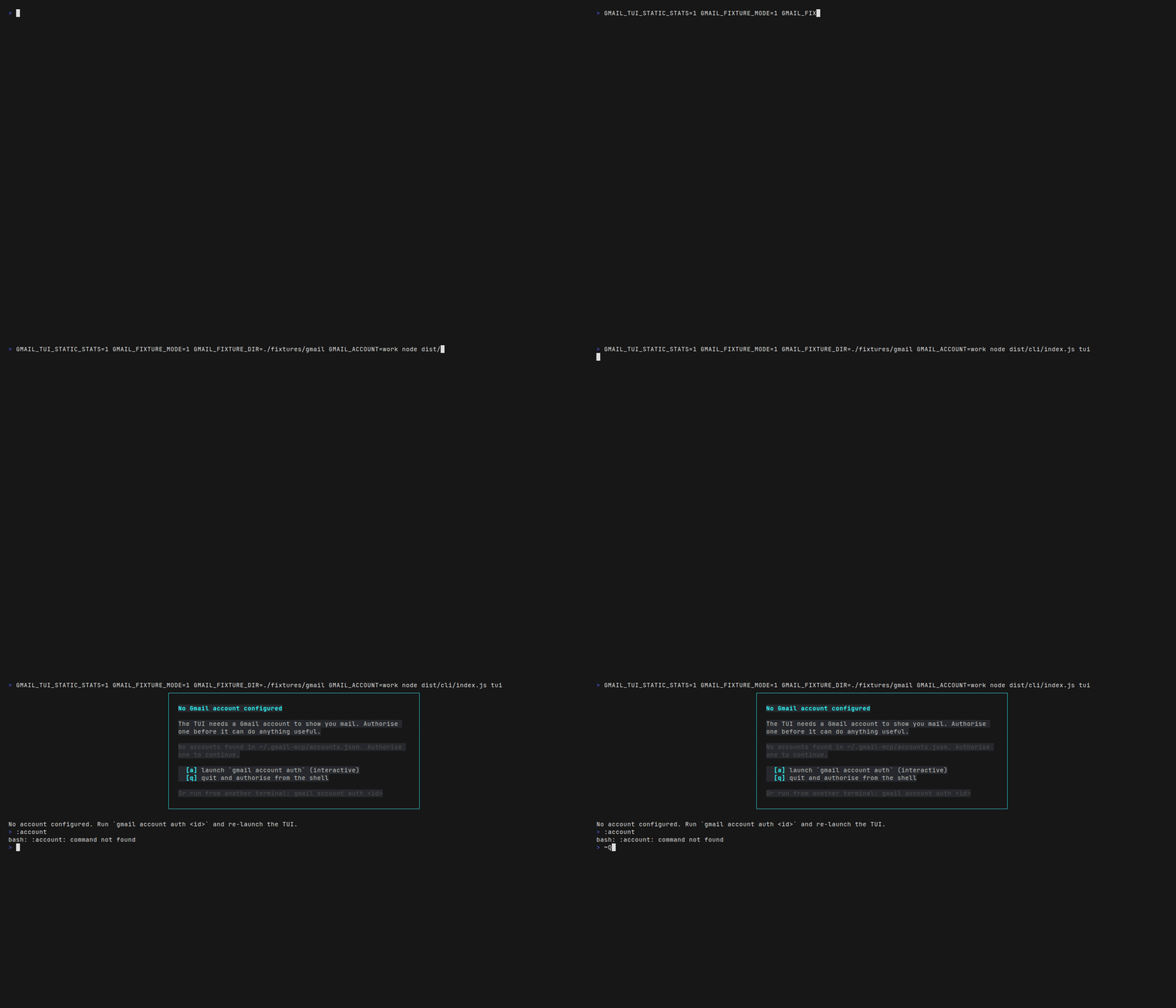
See the screenshot gallery for the current layouts and key flows.
Draft Lifecycle
draft_email returns both draftId and the backward-compatible messageId alias. Continue editing and send the same Gmail draft without creating orphan copies:
draft_email -> update_draft (zero or more times) -> send_draftsend_draft maps to users.drafts.send, update_draft to users.drafts.update, and delete_draft to users.drafts.delete.
Inline Images
send_email, draft_email, update_draft, and reply_all accept inlineImages. Reference each CID from htmlBody:
{
  "to": ["[email protected]"],
  "subject": "Report",
  "body": "The HTML version includes the chart.",
  "htmlBody": "<p>Results</p><img src=\"cid:chart\">",
  "inlineImages": [
    { "cid": "chart", "path": "/absolute/path/chart.png" }
  ]
}
Base64 input uses content plus contentType. Each image must use exactly one source, a safe raster MIME type, a valid CID, and no more than 10 MB decoded content. SVG is intentionally unsupported. The CLI accepts repeatable --inline-image cid=/path/image.png; pass a JSON object to the same option for base64 content.
Accounts
gmail account auth work
gmail account auth personal
gmail account list
gmail account use work
gmail account check --all
gmail account rename work company
gmail account rm company
A process has one active account at a time. list_accounts and switch_account let an MCP session switch that active account; they do not merge mailboxes. The console and TUI provide explicit single-account and combined browse scopes with account provenance on combined rows.
Environment-driven credentials (GMAIL_CREDENTIALS_JSON or GMAIL_CREDENTIALS_OP) are single-account by design. To expose two env-backed accounts, run two processes with different environment blocks and tool prefixes.
OAuth Scopes
| Scope | Capability |
|---|---|
| gmail.readonly | Read/search/download mail |
| gmail.modify | Read and modify labels; does not permanently delete |
| gmail.compose | Create drafts and send |
| gmail.send | Send only |
| gmail.labels | Manage labels |
| gmail.full | Full mailbox access, including permanent deletion |
| gmail.settings.basic | Manage filters/basic settings |
| gmail.settings.sharing | Manage delegation/sharing settings |
gmail.full satisfies all mail scopes, but not either settings scope. Permanent delete_email and batch_delete_emails require gmail.full. The default remains gmail.modify,gmail.settings.basic, which deliberately excludes permanent deletion.
gmail account auth reader --scopes=gmail.readonly
gmail account auth full --scopes=gmail.full,gmail.settings.basic
Tools outside the active account's granted scopes are hidden from tools/list and rejected at call time.
Tool Catalog
Read and Threads
| Tool | Purpose |
|---|---|
| read_email | Read a message, including To/CC/BCC, readable body, and attachments |
| search_emails | Search with Gmail query syntax |
| download_attachment | Save an attachment safely |
| get_thread | Read a compact chronological thread transcript |
| list_inbox_threads | List query-matching threads with pagination |
| get_inbox_with_threads | List and optionally expand threads |
| modify_thread | Add/remove labels on a whole thread |
| download_email | Export JSON, EML, TXT, or HTML |
Send, Drafts, and Message Actions
| Tool | Purpose |
|---|---|
| send_email | Send text/HTML mail, attachments, and inline images |
| draft_email | Create a Gmail draft |
| send_draft | Send an existing draft atomically |
| update_draft | Replace an existing draft's content |
| delete_draft | Delete a draft |
| reply_all | Build recipients and threading headers automatically |
| modify_email | Add/remove message labels |
| delete_email | Permanently delete one message (gmail.full) |
| batch_modify_emails | Modify labels for up to 500 messages |
| batch_delete_emails | Permanently delete up to 500 messages (gmail.full) |
| report_phishing | Apply SPAM to one message |
| batch_report_phishing | Apply SPAM to multiple messages |
The Gmail API has no public endpoint for Gmail's native Report phishing workflow. The two phishing-named tools clearly report that they apply the SPAM label as the closest public API behavior.
Labels, Filters, and Meta
| Tool | Purpose |
|---|---|
| list_email_labels | List system and user labels |
| create_label | Create a label |
| update_label | Rename/change label visibility |
| delete_label | Delete a label |
| get_or_create_label | Idempotently resolve a label |
| list_filters | List filters |
| get_filter | Get one filter |
| create_filter | Create a filter |
| delete_filter | Delete a filter |
| create_filter_from_template | Create a common filter pattern |
| health_check | Local process health without a Gmail call |
| list_accounts | List configured accounts |
| switch_account | Swap the active account for subsequent calls |
HTTP Transport
export GMAIL_HTTP_TOKEN="$(openssl rand -hex 32)"
gmail mcp --http --bind 127.0.0.1 --port 8080
Endpoints:
POST /mcp: Streamable HTTP MCP, requiresAuthorization: Bearer ...GET /health: open process-health probe
The server is single-tenant: one process, one active Gmail account. Keep the default loopback bind and terminate TLS at a trusted reverse proxy.
Docker
Build the local image and mount the config directory:
docker build -t gmail-mcp:2.0.0 .
docker run --rm -it \
  -v "$HOME/.gmail-mcp:/gmail-server" \
  gmail-mcp:2.0.0 account list

docker run --rm -i \
  -v "$HOME/.gmail-mcp:/gmail-server:ro" \
  -e GMAIL_ACCOUNT=personal \
  gmail-mcp:2.0.0 mcp
Use env-inline OAuth keys and credentials instead of a volume for CI or container platforms that provide secret injection.
Environment
The main settings are:
GMAIL_CONFIG_DIR,GMAIL_ACCOUNTGMAIL_OAUTH_KEYS_JSON,GMAIL_OAUTH_PATHGMAIL_CREDENTIALS_JSON,GMAIL_CREDENTIALS_OP,GMAIL_CREDENTIALS_PATHGMAIL_SCOPES,GMAIL_AUTH_NON_INTERACTIVEGMAIL_MCP_TOOL_PREFIX,GMAIL_HTTP_TOKENMCP_*timeout, retry, rate-limit, logging, and watchdog controls
See .env.example for the complete reference. .env and .env.local are gitignored; .env.local wins.
Development
pnpm install
pnpm verify
pnpm run stress
pnpm run screenshots:check
npm run package:check
pnpm verify runs lint, type checking, unit tests, clean build, fixture e2e, usage drift, tarball inspection, and a production dependency audit. Both pnpm-lock.yaml and package-lock.json are maintained. See CONTRIBUTING.md and SECURITY.md.
License and Attribution
MIT. See LICENSE. This fork preserves upstream history and attribution. Behavior ported from the Arty fork includes contributions from Ambros (draft lifecycle), Jonas Frost (inline images), gabbroBRP (tool prefixes), Clement Pang (CC/BCC reads), Shivam Bansal (phishing-to-spam tools), Caio Ribeiro (full-scope deletion), Brent Baccala and collaborators (OAuth token durability), and subsequent review/fix work by Arty McLabin.